

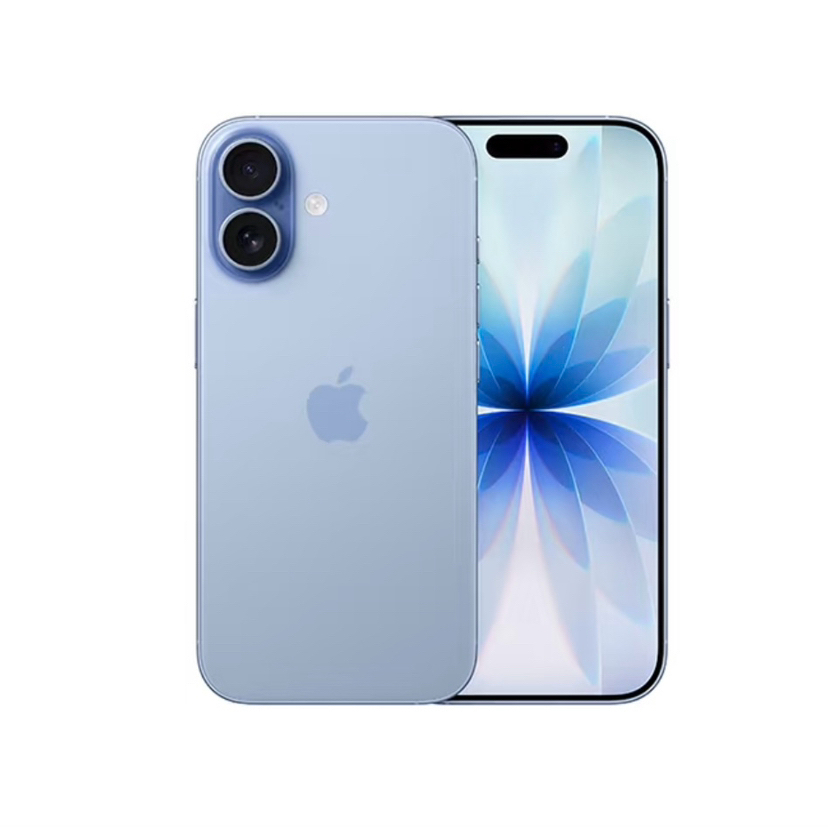
Steps to Turn an iPhone into a Cold Wallet
I bought five second-hand iPhones and store them separately. I've been doing this for over three years without any problems.
1. Buy a new iPhone, or use a second-hand one, but update it to the latest system and flash it first.
2. 🚫Do not sign in to iCloud. 🚫Do not use Safari to download apps. Be sure to sign in to an account in the App Store to download a cold-wallet app, and verify the software publisher.
3. Turn on Airplane Mode, turn off Face ID, and set a lock-screen passcode.
4. Create a new wallet and generate a new address. Write down the recovery phrase by hand on paper or a steel plate only—don't photograph it, take a screenshot, store it in cloud storage, or send it through a messaging app.
5. First, transfer a small amount as a test. Make sure you can receive and send funds before considering moving larger amounts. #applestore #apple
I bought five second-hand iPhones and store them separately. I've been doing this for over three years without any problems.
1. Buy a new iPhone, or use a second-hand one, but update it to the latest system and flash it first.
2. 🚫Do not sign in to iCloud. 🚫Do not use Safari to download apps. Be sure to sign in to an account in the App Store to download a cold-wallet app, and verify the software publisher.
3. Turn on Airplane Mode, turn off Face ID, and set a lock-screen passcode.
4. Create a new wallet and generate a new address. Write down the recovery phrase by hand on paper or a steel plate only—don't photograph it, take a screenshot, store it in cloud storage, or send it through a messaging app.
5. First, transfer a small amount as a test. Make sure you can receive and send funds before considering moving larger amounts. #applestore #apple