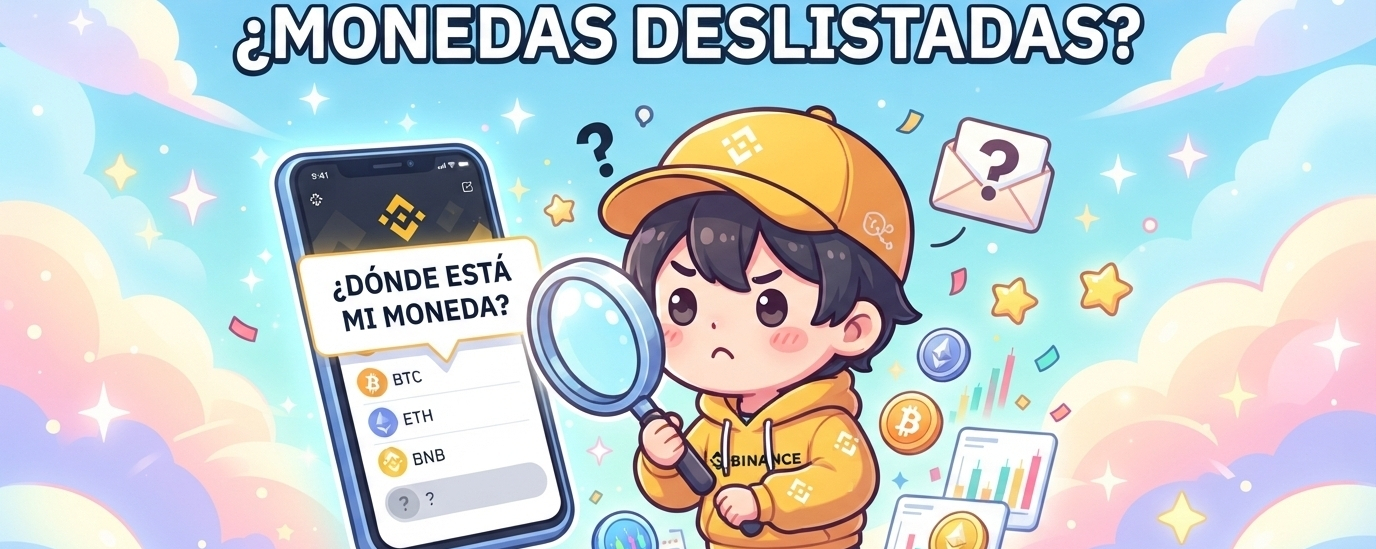

¡Hello, hello, my Frienders! ☕ Get comfy with your little cup of coffee, because today I’ve got some crypto gossip that could save our bacon.
What happens when Binance decides to remove a coin from its platform? A lot of people panic, thinking they’ve lost all their money, but don’t worry—we’re going to get to the truth without making it complicated.
First things first: removing a coin doesn’t mean it disappears or that your balance has vanished. It just means Binance stops allowing trading (buying and selling) after a deadline.
Here’s the step-by-step scoop on what you need to do:
Goodbye market, hello withdrawals: Open orders are canceled and trading pairs disappear, but withdrawals usually remain available for a while so you can withdraw your coins. Keep an eye out! Always check the deadline in the official announcement.
How to get your money out?:
If the market is still open, you can sell it or exchange it in time.
If trading has already closed but withdrawals are still available, transfer your coin to another wallet or platform that supports it (make sure you use the correct network!).
Sometimes Binance converts the remaining balance into a stablecoin, but this isn’t guaranteed, so don’t count on it!
How to find your hidden balance in the app?:
Go to Wallet ➔ Spot and search for the token by its symbol.
If it has already been delisted, it will appear with the “Delisted” label.
If you can’t see it, make sure to uncheck “Hide small balances” and also check the Margin section just in case.
Where can you read the rules?:
In the app, go to Account Center ➔ More Services ➔ Help ➔ Help Center ➔ Announcements ➔ Delisting. There you’ll find the exact withdrawal deadlines.
☕ The coffee-shop moral: Don’t leave coins sitting forgotten on an exchange without checking the announcements. If you get a delisting notification, act fast and make sure to withdraw your money in time.