




I’ve written all six types of content—breaking news, opinions, tutorials, data, interactive posts, and trading posts. Here’s when each one works best.
1. Breaking news: Be first. When major news breaks, the first person to post often gets the most traffic. I usually start with “Jieni has learned,” but be sure to add your own analysis. There are already too many accounts that simply repost news—it’s neither useful nor valuable. Sharing your own perspective can inspire readers.
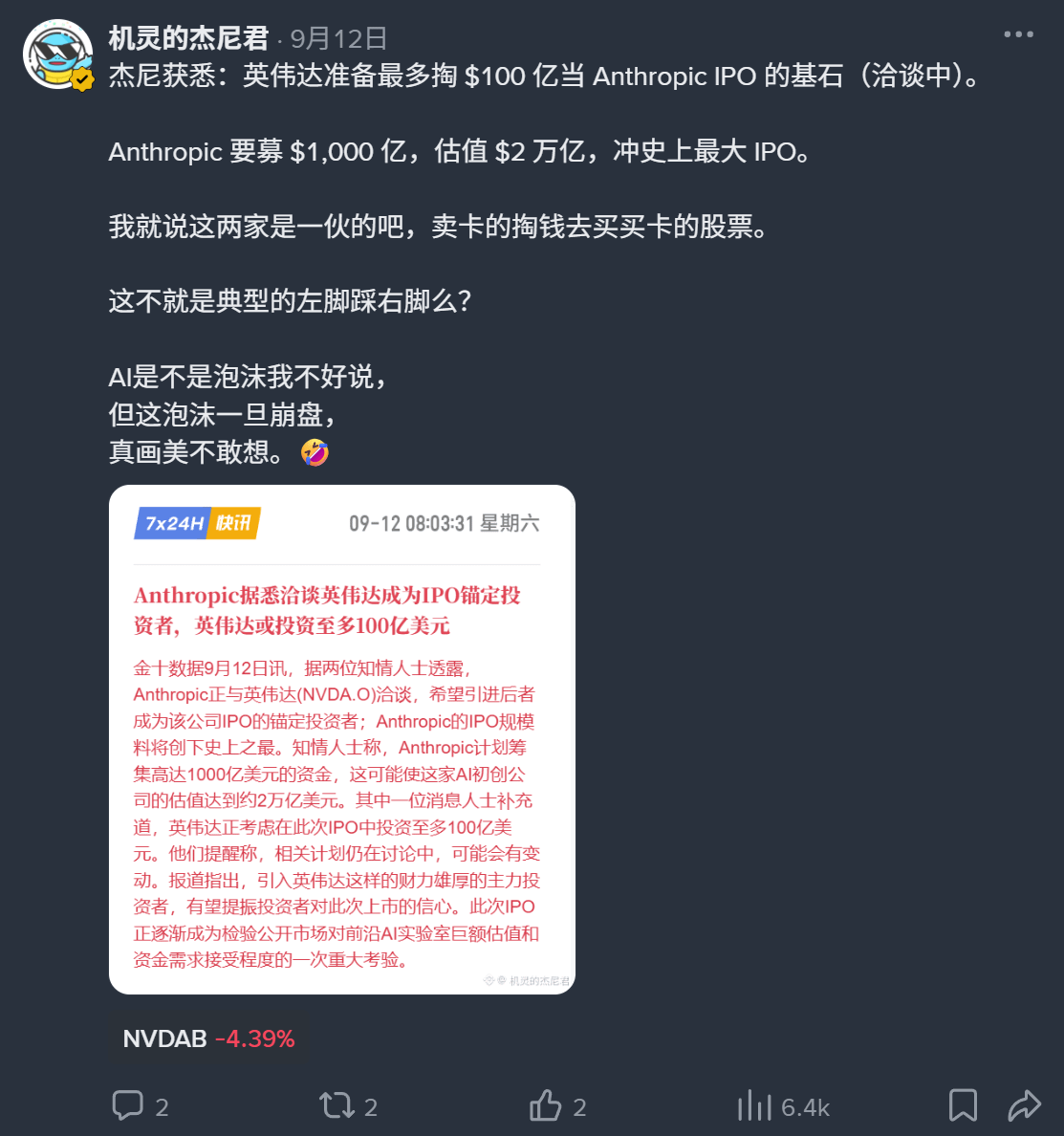
2. Opinion: Take a stance. When everyone is reporting the same news, tell readers what you think—whether it’s bullish or bearish. That’s what gives readers a reason to follow you.
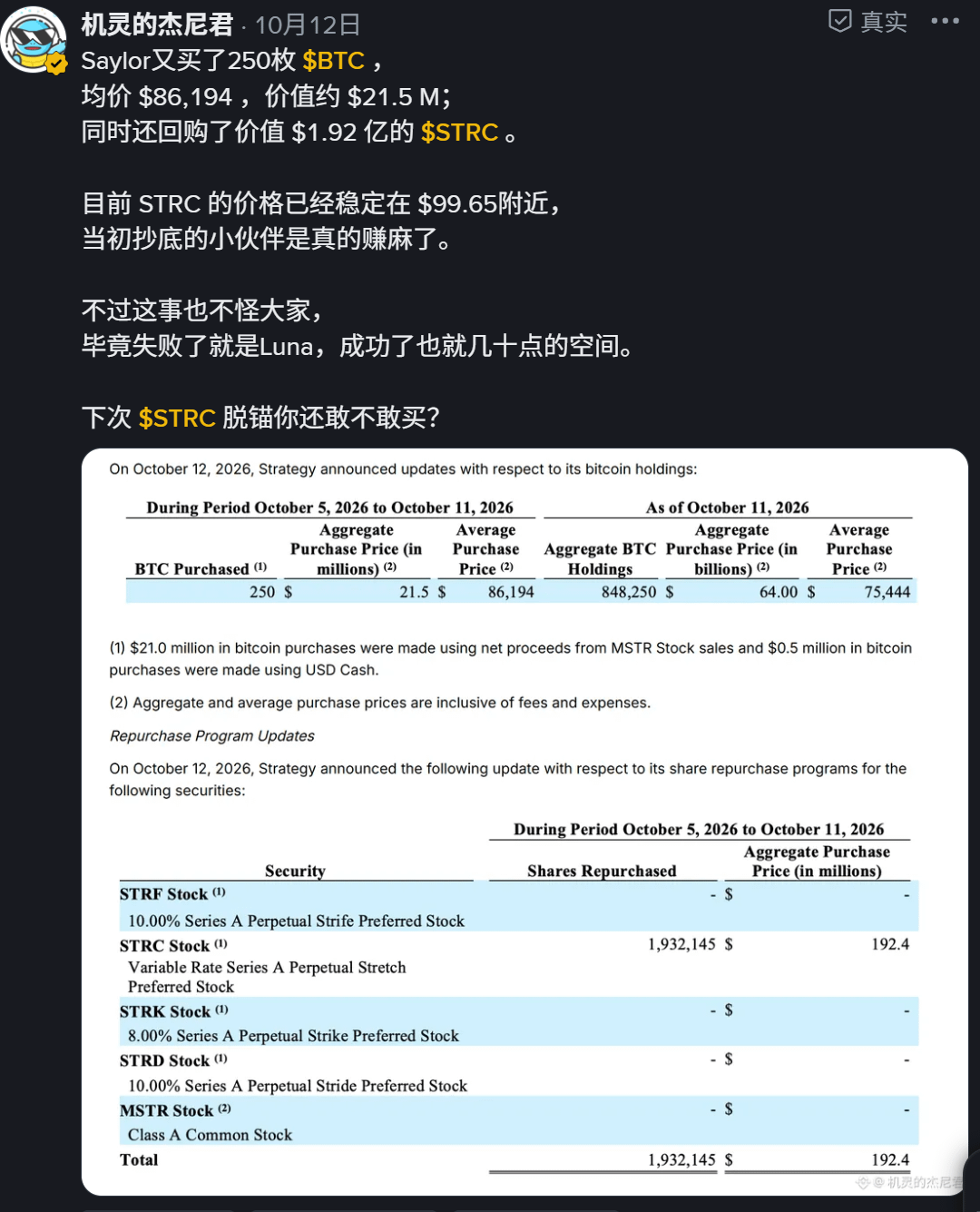
3. Tutorials: patience is the key. One post can be saved for a long time. For example, how to apply for verification, how to claim benefits—new users will keep searching for this.
4. Data: verification is the key. Jieni often looks at on-chain data, the fear & greed index, funding rates—these numbers need a conclusion; don’t just list a bunch and make readers analyze them themselves.
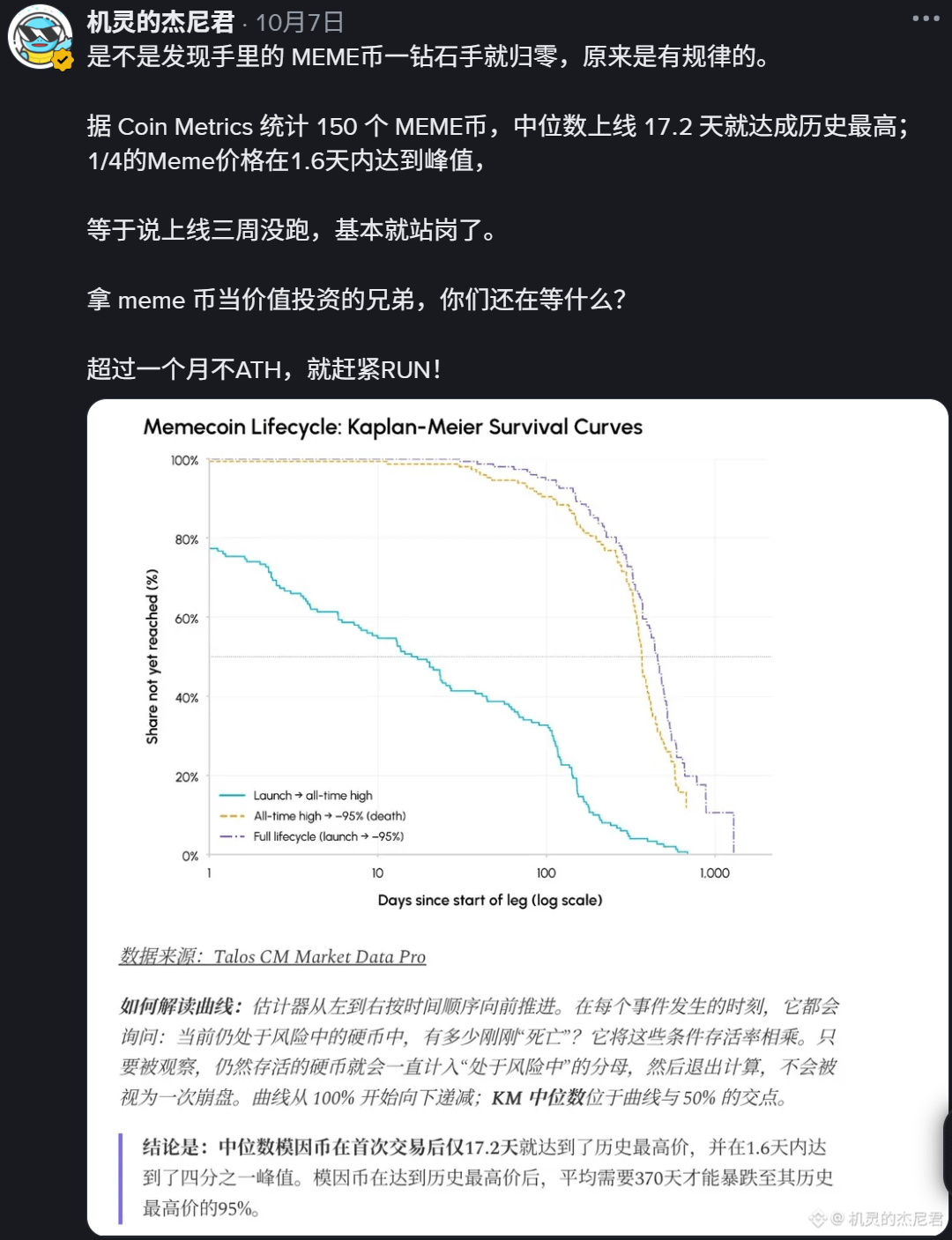
5. Engagement: topic selection is the key. For example, “If you had 1 million, would you buy Apple stock or a meme coin?” Questions like this give everyone something to talk about for three minutes. The Square debate livestreams I hosted followed this approach.

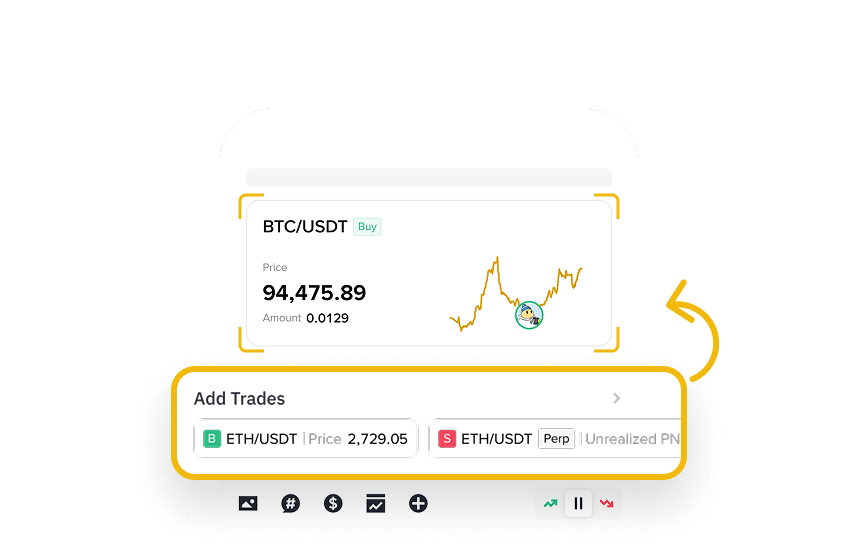
6. Trading: authenticity is the key. Show real positions and real P&L. The Square has a trade-sharing card that directly links to your real trades, which is much more trustworthy than a screenshot.
How should beginners choose? Start with opinions and tutorials—these two are best for building trust. News updates rely on speed, and beginners usually can’t beat professional teachers (like AB).
By the way, no matter which type you write, as long as you mention a specific coin, add the coin tag. When readers tap it to trade, only then does the content mining count toward you.
Besides these 6 formats, the Square editor also has several handy little tools that many people overlook:
1. Poll. Throw out a two-choice question and readers can participate with one tap; it has the lowest barrier to engagement, and you can set the poll duration yourself.
2. Long/short tag. When posting, you can label the post as bullish or bearish so readers know your stance at a glance.
3. Topic tag. Add # and choose a topic, and the post will go into the corresponding discussion.
4. Market widget. Whenever you mention a coin, insert its candlestick chart; readers tap the widget to jump straight to the trading page.
5. Scheduled post. Write it in advance, choose a time, and it will publish automatically—great for morning briefings and announcements.
6. Long-form post. Short posts are good for one point; for complex topics, write an article with images and tables, and readers are more willing to save it.
I’ve also put my commonly used templates here—just fill them in as is:
News flash: Jieni learned that + one sentence clearly stating what happened + one sentence with my judgment (who benefits, who is hurt)
Opinion: state your stance first (bullish, bearish, or think it’s a trap) + two or three reasons + what would prove me wrong
Tutorial: one sentence on what you can do after learning it + one screenshot per step + the easiest pitfalls to make
Data: one key number + how it compares with last week or last year + so what
Engagement: a two-choice question anyone can jump into + I pick a side first
Trading: attach the real trade card + why I entered + what situation would make me exit
One more small habit from Jieni: no matter which format you write, say the most important information in the very first sentence. The Square feed scrolls fast, and readers may only give you one second. If you don’t grab them in the first sentence, even great writing won’t get read.
Note: don’t write things like “like, follow, and comment and you’ll get XX” to exchange perks for engagement, and don’t do mutual boosting. Asking normally, like “what do you think?”, is fine. Forced engagement or engagement bought with benefits may be judged as violating the rules, and your content mining eligibility may also be affected.
[Quick Reference] Editor Feature Cheat Sheet
1. Coin tag: type $ to select a coin, up to 3. When readers tap it to trade, it counts toward content mining
2. Market widget: insert a candlestick chart; readers tap the widget to jump directly to the trading page
3. Trade card: attach real trades with “Add Trades”; the data comes from your account
4. Long/short tag: mark a post as bullish or bearish
5. Topic tag: type # to choose a topic, and the post will enter the corresponding discussion
6. Poll: set your own options and duration
7. Scheduled post: choose a date and time to publish automatically
8. Long-form post: suited for in-depth content with images and tables
9. Quote: directly quote someone else’s post from the Square and add your comment
10. Link: only Binance-related links are allowed
11. Ways that don’t count as mining: Q&A red packets; exchanging benefits for engagement, mutual boosting, low-quality spam
Which one do you write most often now?