
Digging out an old phone at home to run Acurast @Acurast?
You don’t need to get bogged down in all the specs. Just start with one practical question: Will you still use this phone every day—for messaging, taking photos, and installing regular apps?
Once you’ve figured that out, choosing between #Lite and #Core becomes much clearer.
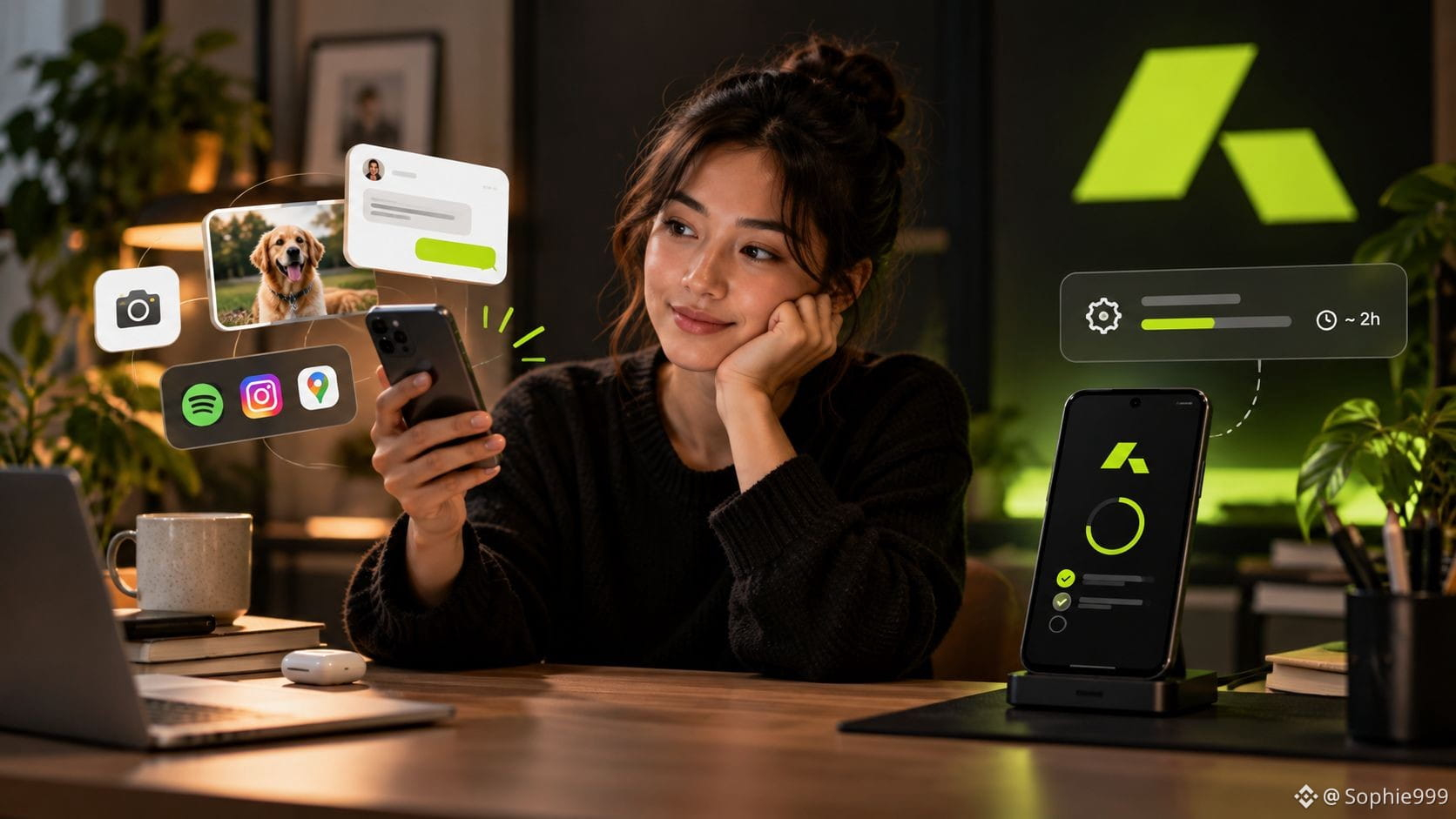
Lite is designed for phones you use every day. It supports both Android and iOS, and best of all, you don’t need to factory reset your phone. You can keep using it as usual and let it quietly provide computing resources when it’s idle—without sacrificing everyday use to run compute tasks.
But if your goal is to run Cargo, the requirements are much stricter.
The requirements are clear: you need a 64-bit aarch64 Android device running Android 12 or later, with Processor Core, and you’ll need to factory reset it. Once set up, the phone becomes a dedicated device for providing computing power. Lite and iOS devices currently don’t support Cargo.
That’s why I’ve always thought #Acurast offers two very different ways to use a phone.
Lite is for a phone that stays part of your everyday life and can still be used normally; Core is a computing device you’re willing to clear out completely and dedicate to the job.
One easy-to-miss detail: the official OpenClaw tutorial says Cargo deployments have a configured runtime. When it expires, the deployment stops, and local configuration and session data are deleted. So don’t use Processor as permanent storage.
In short, if you still use your old phone every day, Lite is probably the better place to start. If it’s completely unused and you’re willing to wipe it and dedicate it to providing computing power, check whether it meets the requirements for Core / Cargo.
👉https://hub.acurast.com/rebellion?ref=apksoh
You don’t need to get bogged down in all the specs. Just start with one practical question: Will you still use this phone every day—for messaging, taking photos, and installing regular apps?
Once you’ve figured that out, choosing between #Lite and #Core becomes much clearer.
Lite is designed for phones you use every day. It supports both Android and iOS, and best of all, you don’t need to factory reset your phone. You can keep using it as usual and let it quietly provide computing resources when it’s idle—without sacrificing everyday use to run compute tasks.
But if your goal is to run Cargo, the requirements are much stricter.
The requirements are clear: you need a 64-bit aarch64 Android device running Android 12 or later, with Processor Core, and you’ll need to factory reset it. Once set up, the phone becomes a dedicated device for providing computing power. Lite and iOS devices currently don’t support Cargo.
That’s why I’ve always thought #Acurast offers two very different ways to use a phone.
Lite is for a phone that stays part of your everyday life and can still be used normally; Core is a computing device you’re willing to clear out completely and dedicate to the job.
One easy-to-miss detail: the official OpenClaw tutorial says Cargo deployments have a configured runtime. When it expires, the deployment stops, and local configuration and session data are deleted. So don’t use Processor as permanent storage.
In short, if you still use your old phone every day, Lite is probably the better place to start. If it’s completely unused and you’re willing to wipe it and dedicate it to providing computing power, check whether it meets the requirements for Core / Cargo.
👉https://hub.acurast.com/rebellion?ref=apksoh