

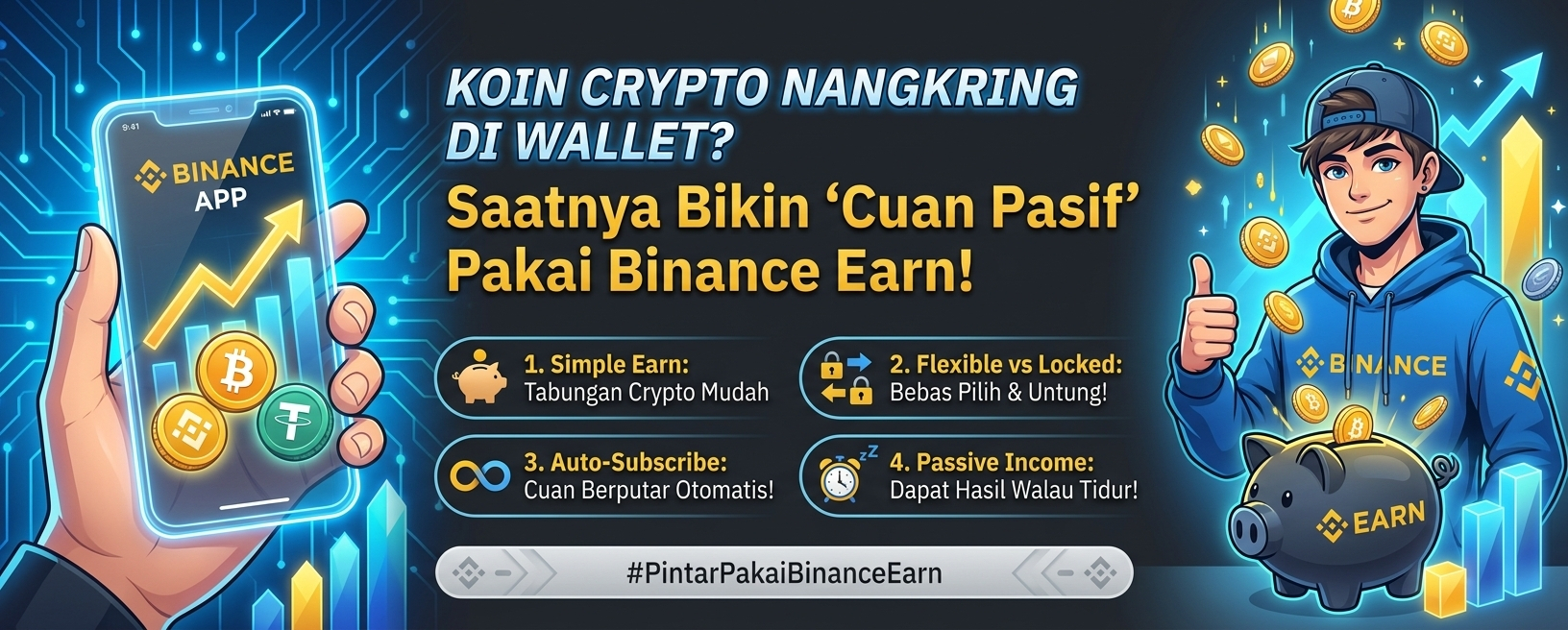

Ever been taking a break or hanging out, casually checking your crypto wallet and thinking, “These coins are just sitting here—why do they feel like cash tucked under a mattress?”
Honestly, we’ve all been there. You buy coins during a dip, then leave them sitting there while you wait for the price to go to the moon. But while you’re waiting for prices to rise, your coins are just idle and not earning you anything! In the real world, we want our money to “work” so it doesn’t get eaten away by inflation. So why let your crypto coins “sleep”?
Turns out, Binance has a great feature that beginners often overlook. Let’s check out this hidden gem called Binance Earn!
Get to Know Binance Simple Earn & Its Secret Weapon
If you’re just getting started, there’s one popular feature that’s perfect for beginners: Simple Earn. With Simple Earn, you can choose between two types of products to suit your investment style:
Flexible Products
Best for: Free spirits who don’t like being tied down.
How it works: You can keep your coins here and still earn daily interest. Best of all, you can redeem them anytime with no deductions! For example, if the market suddenly turns bullish and you want to sell, you can transfer your coins back to your Spot Wallet instantly.
Locked Products
Best for: True HODLers looking for higher returns.
How it works: You “lock” your coins for a set period, such as 30, 60, 90, or even 120 days. Since you’re committing to keeping them for longer, the return rate (APY) is usually much higher than with Flexible products!
Your Secret Weapon: Auto-Subscribe!
Now, here’s a super useful feature that’s often overlooked! Binance has an Auto-Subscribe feature. When you enable it, whenever you receive daily rewards or have idle coins in your Spot Wallet, Binance will automatically move those coins to Simple Earn. The result? Compound interest! The interest you earn will automatically generate more interest, with no need to set things up manually every day. Pretty convenient, right?
Binance Earn Mobile Tutorial: It Only Takes 1 Minute!
No need to fire up your laptop—you can enable this feature right from your phone. Check out this quick Binance Earn tutorial:
Open the Binance App
Make sure you’re logged in to the Binance app on your phone and that your account has been verified (KYC).
Go to the Binance Earn Menu
On the Home page, just type “earn” in the search bar. Or find it under “ASSETS” in the bottom-right corner.
Choose Coins & Products
Find a crypto asset you currently hold in your Spot Wallet (such as USDT, BTC, ETH, or BNB). Choose whether you want to subscribe to a Flexible or Locked product.
Set the Amount & Enable Auto-Subscribe
Enter the amount of coins you want to subscribe. Don’t forget to switch on Auto-Subscribe so your assets keep earning passive income automatically!
Confirm & You’re Done!
Check the box to agree to the terms and conditions, then click Confirm. Congratulations! Your assets are now officially working hard to generate passive income.
Start Maximizing Your Assets Now!
In the crypto world, time is truly valuable. Leaving your coins idle and earning nothing is like missing out on potential profits you could be making every day.
Even while you’re asleep, hanging out with friends, or at work, Binance Earn and Auto-Subscribe help your assets grow automatically. No more money sitting idle in your wallet!
Now it’s your turn! Which crypto asset is sitting idle in your wallet the most right now? Open your Binance app, try Simple Earn, and experience earning daily returns for yourself.
Don’t forget to share in the comments which coins you’ve put to work on Binance Earn today. Feel free to ask questions or join the discussion below!