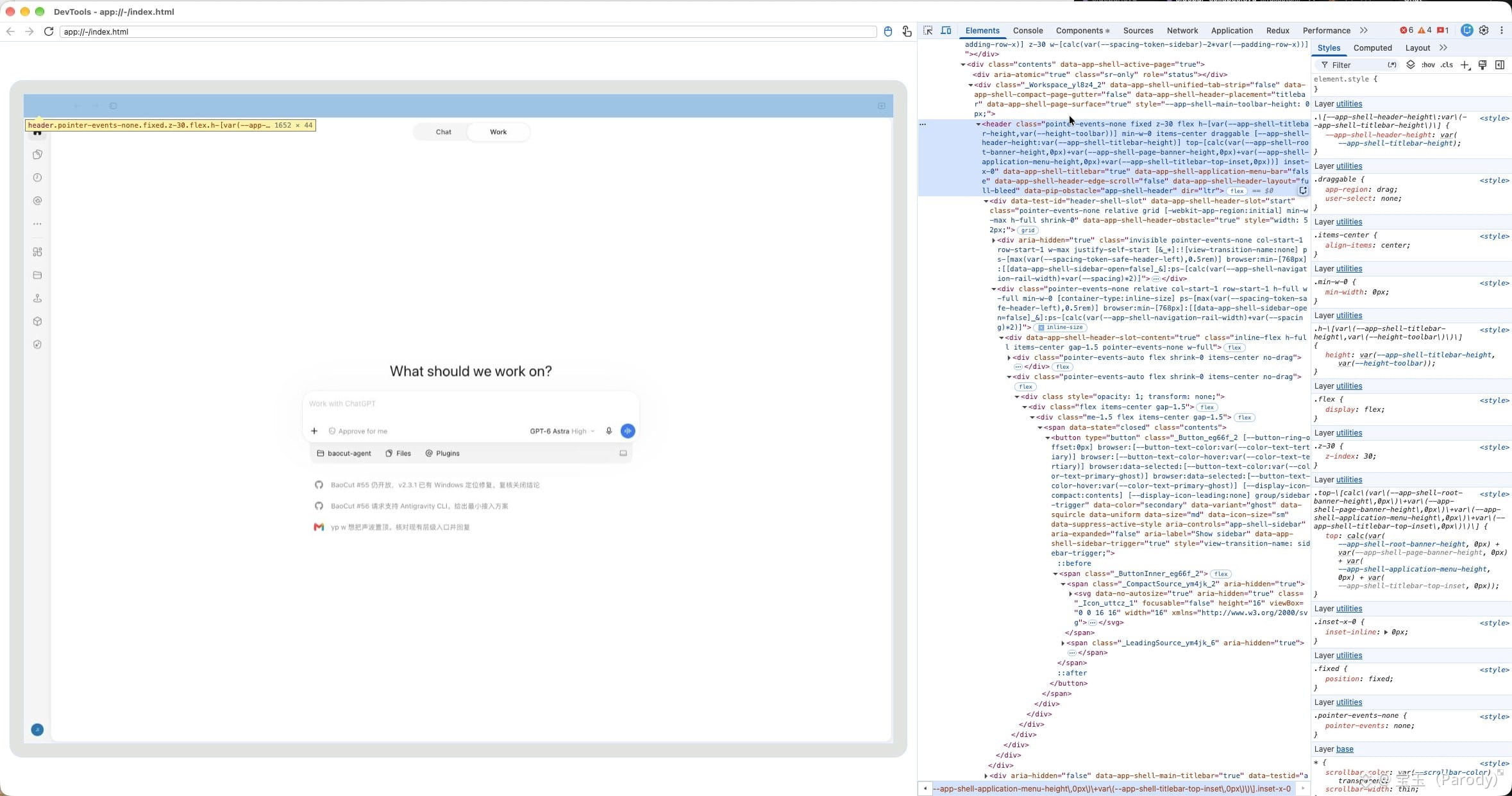
If you want to debug the UI implementation of the Codex/ChatGPT Mac app
1. Quit the running Codex app
2. Run this in a terminal window:
$ open /Applications/ChatGPT.app --args --remote-debugging-port=8315 --remote-allow-origins=http://localhost:8315
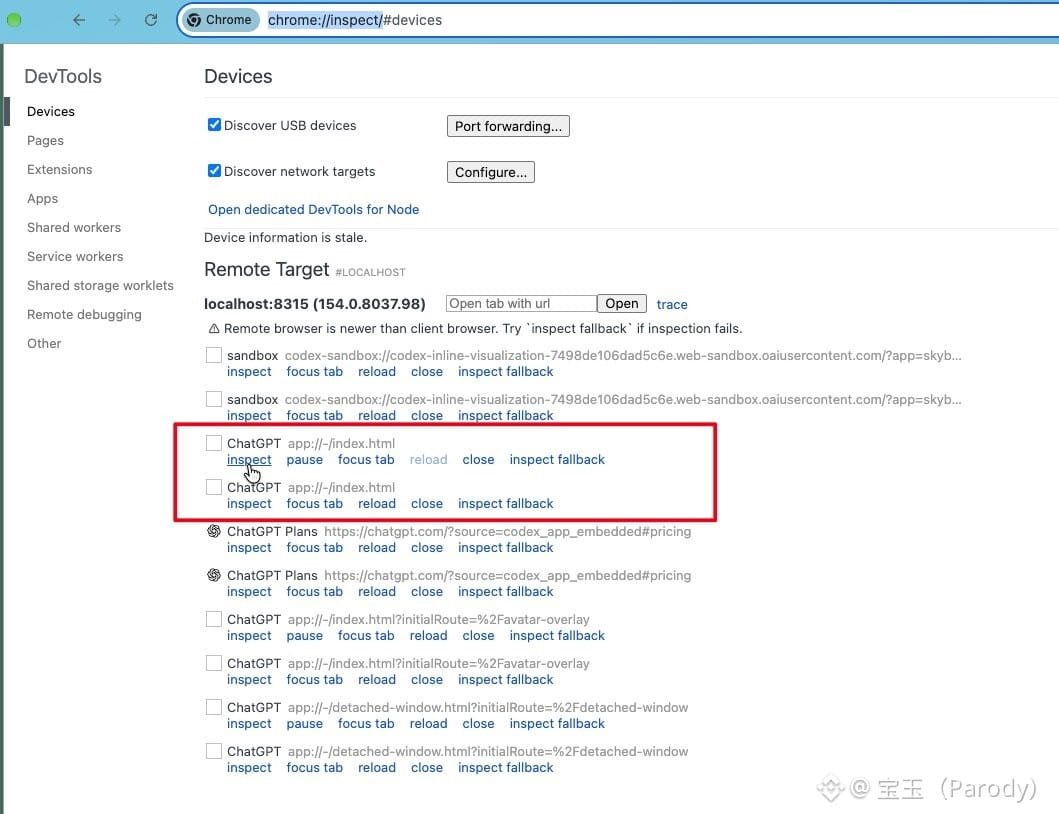
2. In Chrome, enter chrome://inspect/ to open Remote Target
3. Find ChatGPT
app://-/index.html in the list and click inspect
4. A DevTools window will pop up showing the Codex UI, and you can debug Codex just like an ordinary webpage
1. Quit the running Codex app
2. Run this in a terminal window:
$ open /Applications/ChatGPT.app --args --remote-debugging-port=8315 --remote-allow-origins=http://localhost:8315
2. In Chrome, enter chrome://inspect/ to open Remote Target
3. Find ChatGPT
app://-/index.html in the list and click inspect
4. A DevTools window will pop up showing the Codex UI, and you can debug Codex just like an ordinary webpage