

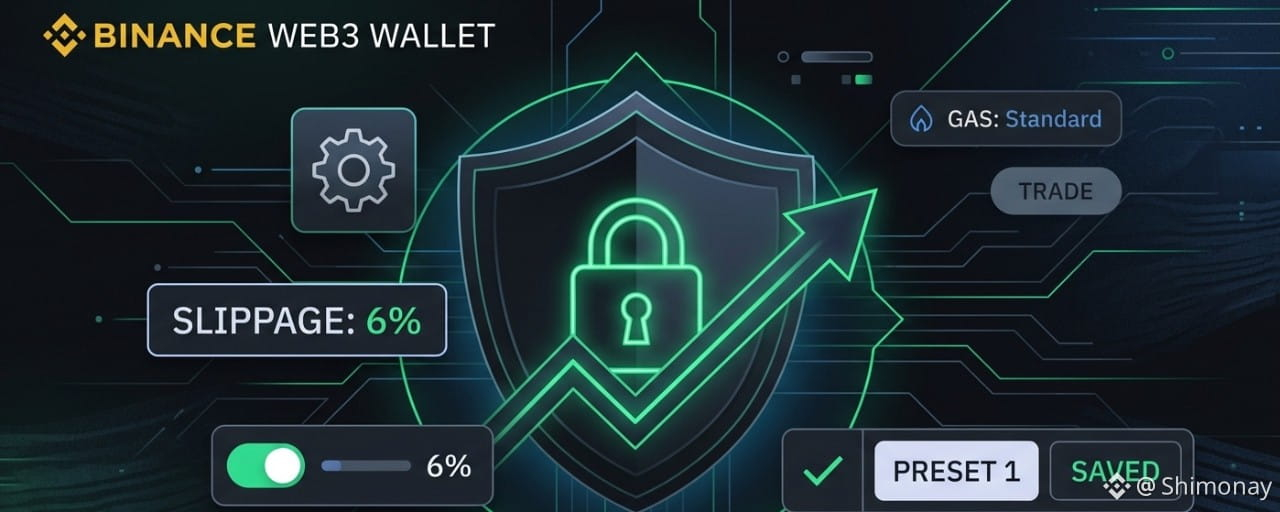

Many investors have doubts about which is the best portfolio to trade $SHIMO. My direct recommendation for usability and security is to use the Binance Web3 Wallet (the DeFi wallet inside the Binance app).
The token is still recent and doesn’t have the standard verification badge in automatic search, but anyone can negotiate normally there and directly through the chart.
To not go the wrong way and prevent your transaction from failing, follow this simple step-by-step:
1️⃣ Find the Token Chart:
Open your Binance Wallet Web3 wallet. (If you only have the normal Binance broker, create a Binance Wallet by going to More and choosing the Binance Wallet option, then create your wallet.)
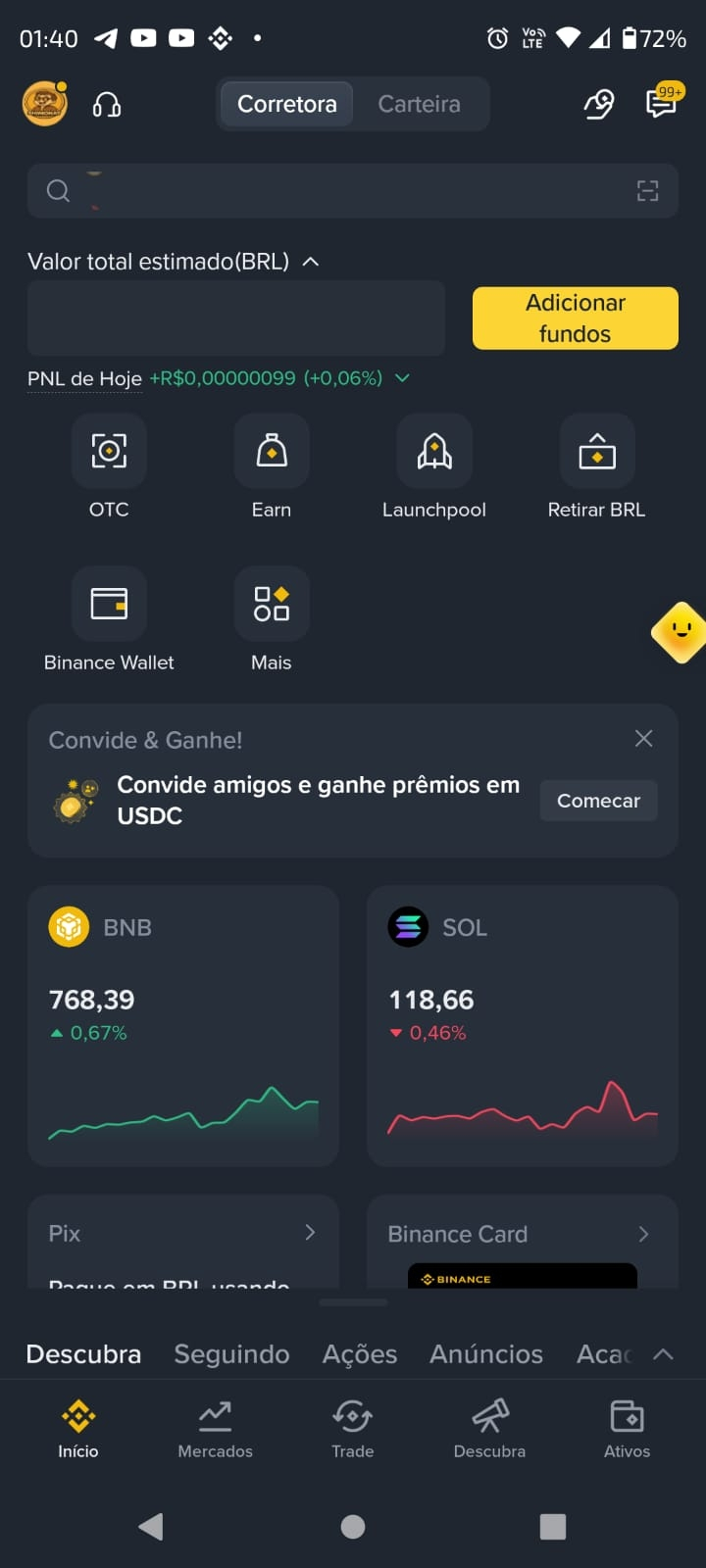
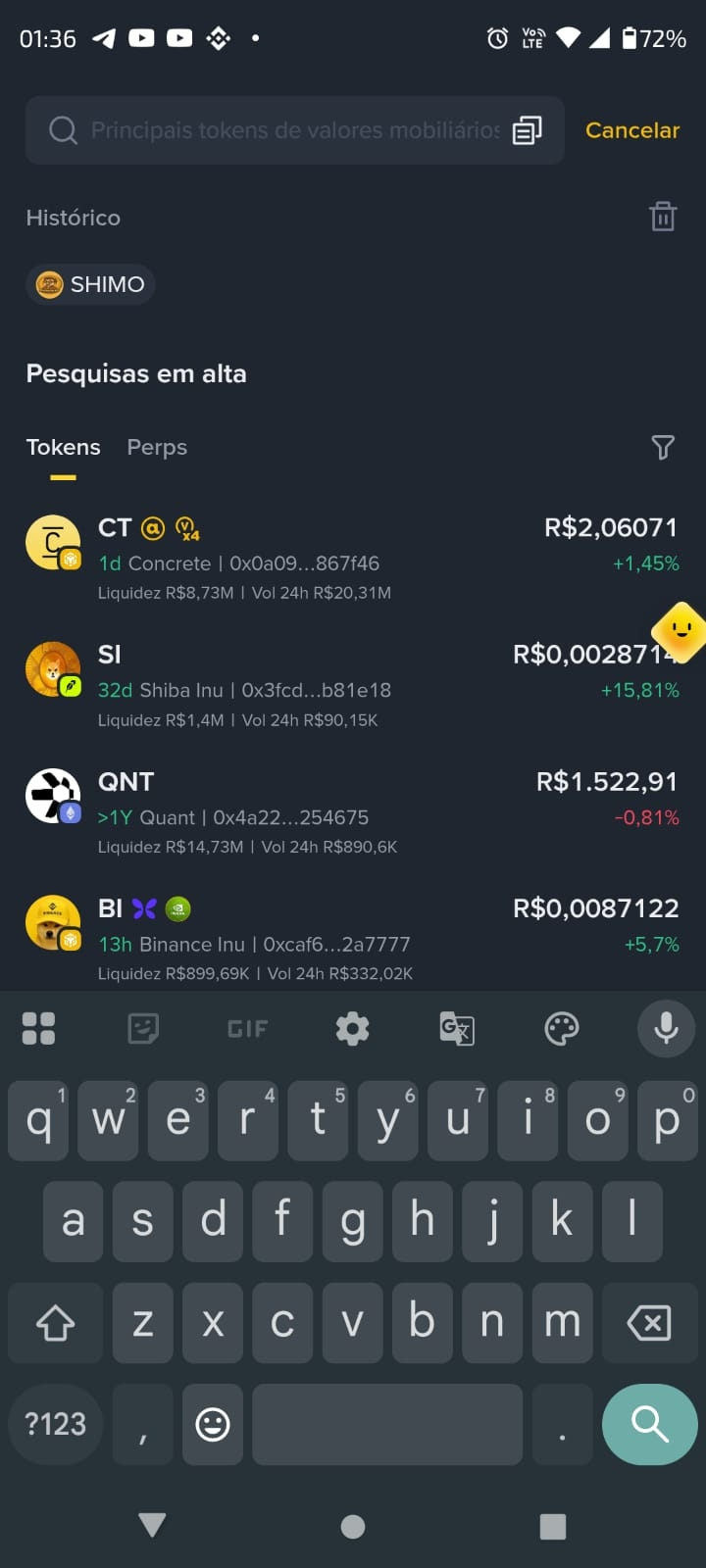
and tap the search bar (magnifying glass) at the top of the screen inside the Binance Wallet.
Type shimonay. The token will appear listed right below. Tap it to open the screen with the price chart and audit data.
2️⃣ Start the Operation:
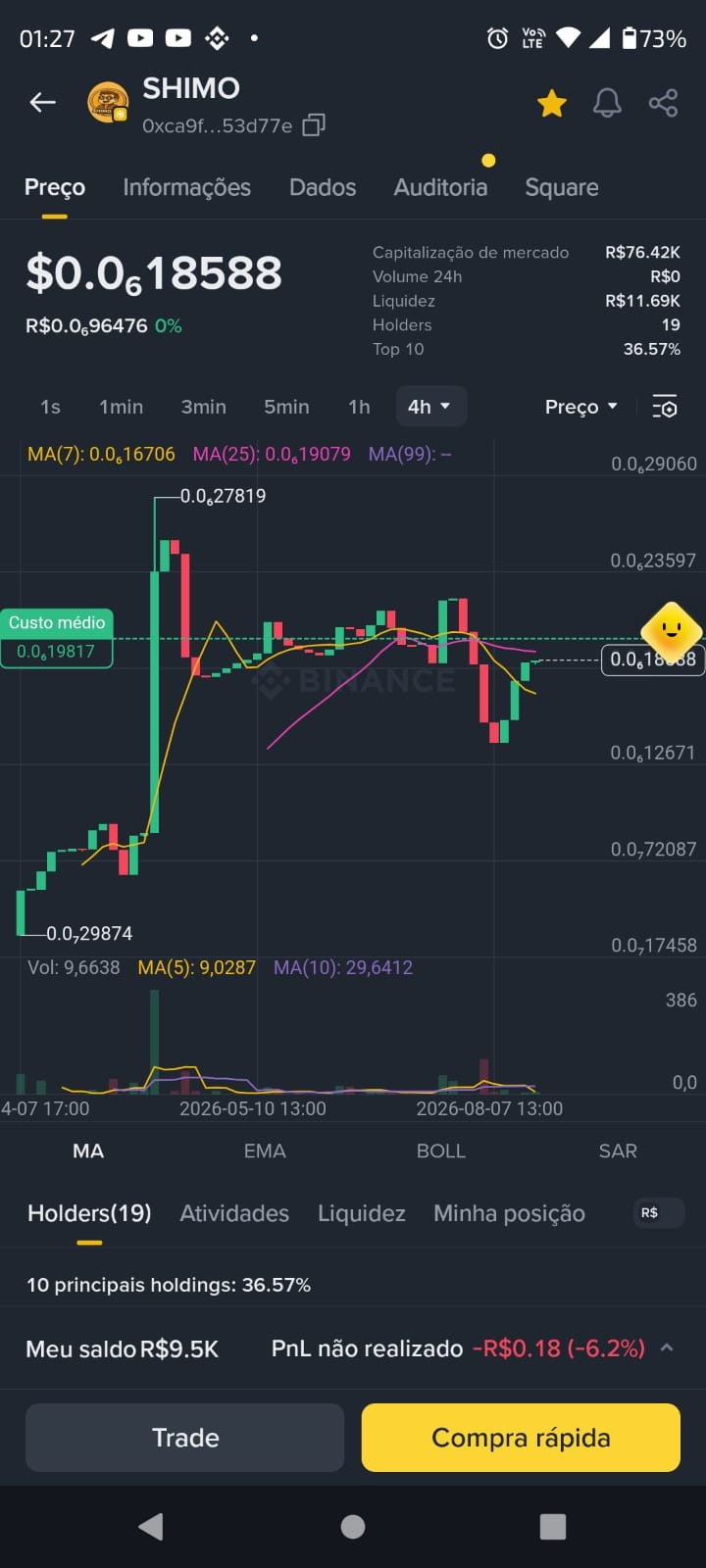
On the chart screen, tap the yellow button "Quick Buy" (or "Trade") located on the bottom bar.
3️⃣ Configure the Preset (The Trick):
On the Swap screen that opened, before confirming, tap the gear icon (Settings) in the top corner:
Slippage (Slippage): Change it manually to 6%.
(Why 6%? Because 3% goes straight to the contract’s fixed burn fee, and the other 3% serves as a margin for the pool’s fluctuation).
Network Fee (Gas Fee): Leave the Standard option selected. The BNB Chain network is already super cheap—don’t waste money on higher fees.
Hello, configure it: Tap "Save as Preset 1".
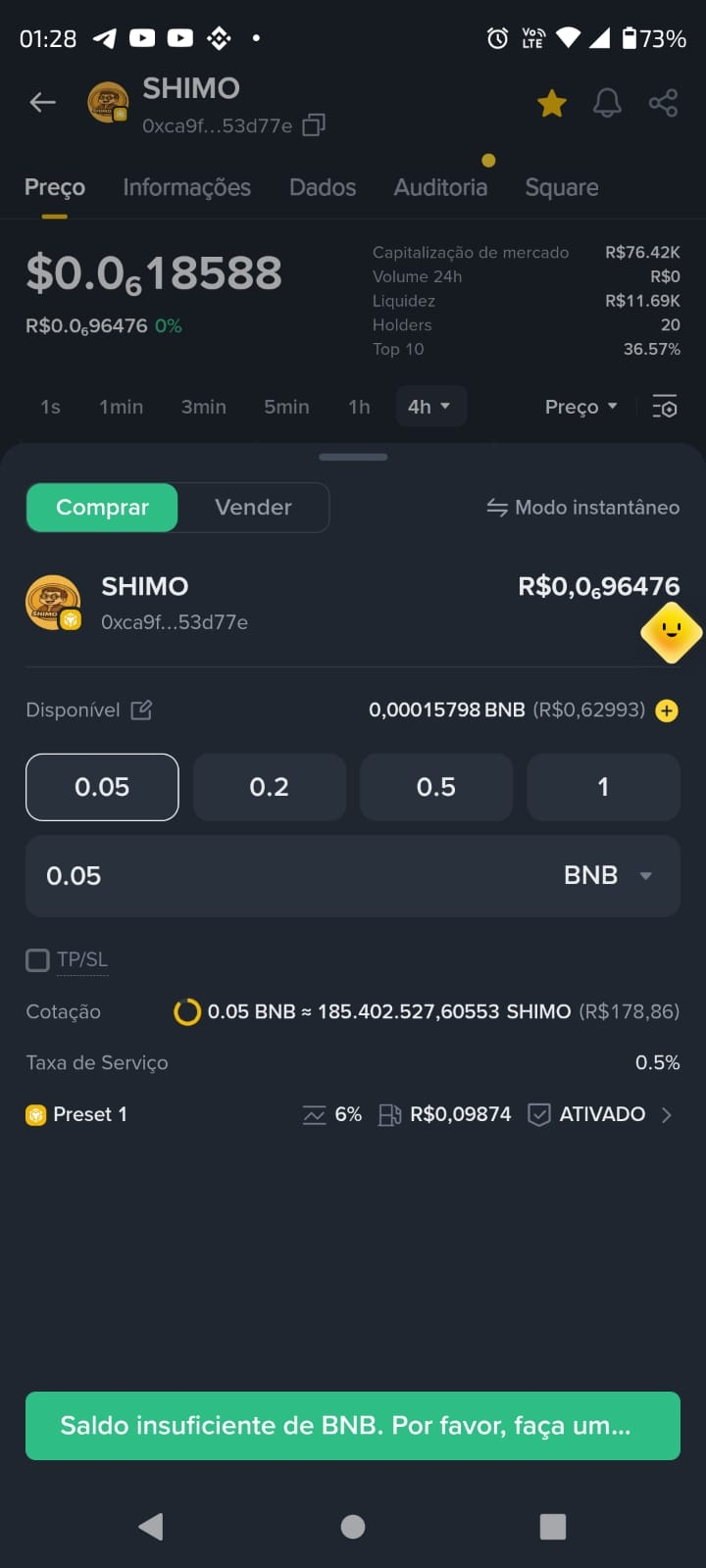
4️⃣ Do the same for the Sale:
Repeat this process exactly, switching to the Sell tab. Keeping the 6% saved in the preset ensures that, when you want to take profit, your transaction goes through on the first try without giving a low-slippage error.


Quick summary: Use global search and set slippage to 6% in Standard mode to avoid the famous failed transaction error due to automatic burn fees.
Don't trust, verify. Always test first with a small amount and see how the transaction goes through smoothly! 🛡️
⚠️ Disclaimer: This post is strictly for educational purposes, and the goal here is only to help the community understand how to use the technical features of the Binance Web3 Wallet. I’m using $SHIMO merely as a practical example for internal fee application and advanced configuration. The decision to buy, hold, or sell any digital asset is solely up to the user’s own will, risk assessment, and judgment.