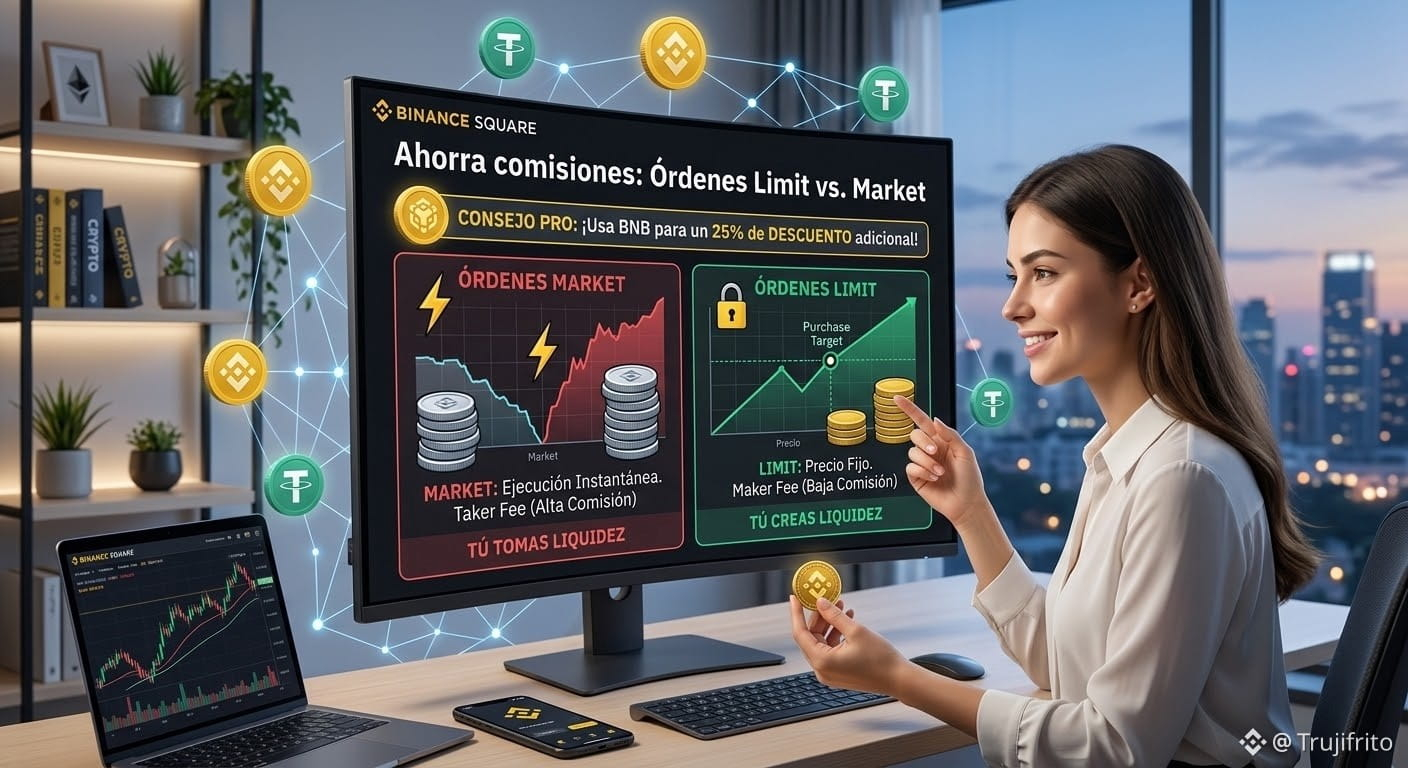
Save on fees: Limit vs. Market Orders 📉
Many new users make the mistake of always buying or selling using the Market option. Although it’s fast, it turns you into a Taker (liquidity taker) and you end up paying the platform’s highest trading fees.
Market Order: Execute your buy/sell instantly at the best available price in the order book, but you pay a higher commission.
Limit Order: You set the exact price you’re willing to buy or sell at. Your order goes into the order book and you act as a Maker (liquidity provider), paying lower fees.
PRO Tip: Go to your Profile Settings > Fees and enable the option "Use BNB to pay trading fees". By only having a small fraction of BNB in your wallet, Binance applies a direct 25% discount on the fee for each Spot operation.
#TradingTips #BinanceTrading #SaveOnFees #CryptoTips
Many new users make the mistake of always buying or selling using the Market option. Although it’s fast, it turns you into a Taker (liquidity taker) and you end up paying the platform’s highest trading fees.
Market Order: Execute your buy/sell instantly at the best available price in the order book, but you pay a higher commission.
Limit Order: You set the exact price you’re willing to buy or sell at. Your order goes into the order book and you act as a Maker (liquidity provider), paying lower fees.
PRO Tip: Go to your Profile Settings > Fees and enable the option "Use BNB to pay trading fees". By only having a small fraction of BNB in your wallet, Binance applies a direct 25% discount on the fee for each Spot operation.
#TradingTips #BinanceTrading #SaveOnFees #CryptoTips