Getting spammed with X password reset emails?
Here's how to lock down your account:
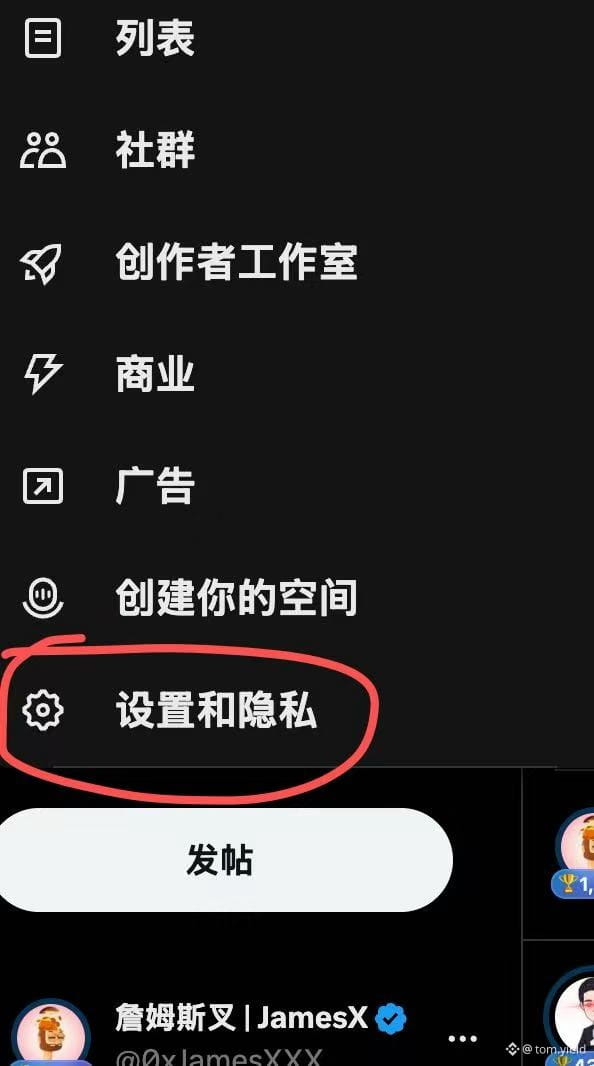
1. Go to Settings → More → Settings and Privacy
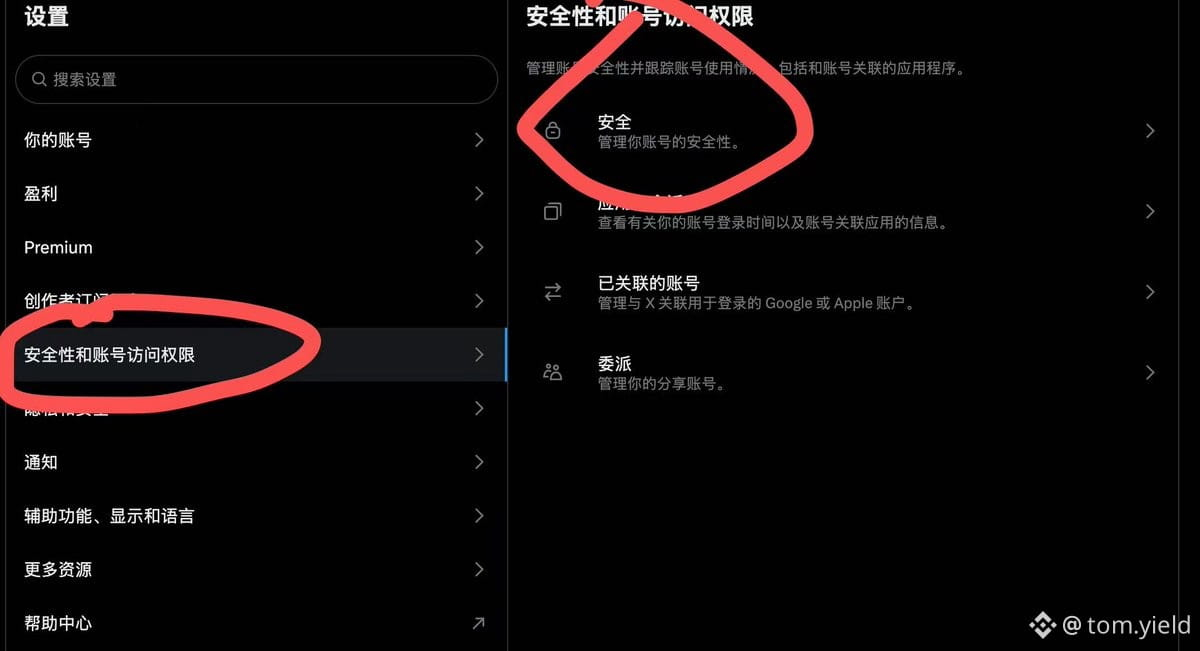
2. Click Security and Account Access → Security
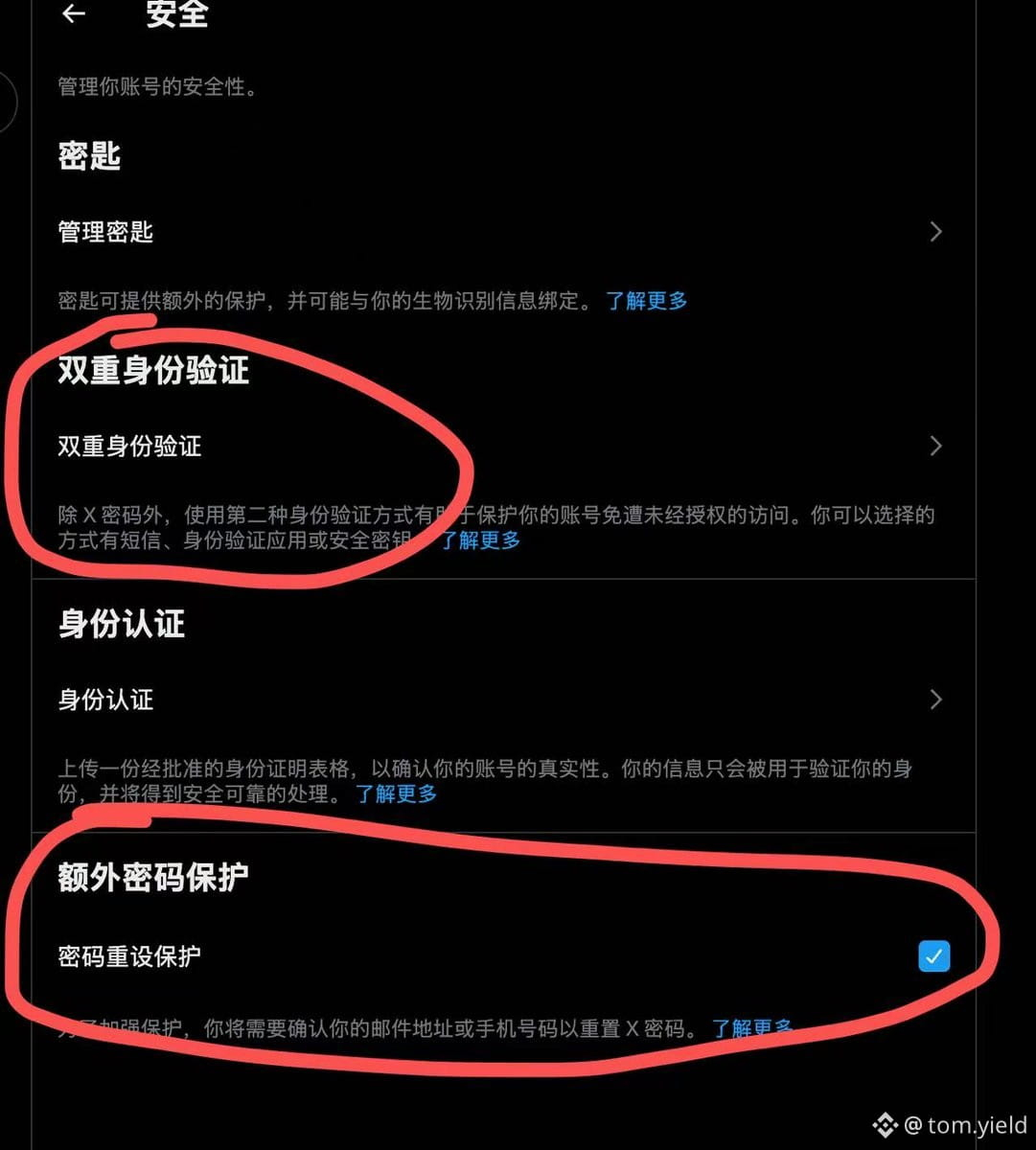
3. Enable 2FA (SMS/Authenticator App/Security Key) - pick at least one
4. Turn on Password Reset Protection
Don't get your account jacked. Takes 2 minutes.
Tag someone who needs this 👇
Here's how to lock down your account:
1. Go to Settings → More → Settings and Privacy
2. Click Security and Account Access → Security
3. Enable 2FA (SMS/Authenticator App/Security Key) - pick at least one
4. Turn on Password Reset Protection
Don't get your account jacked. Takes 2 minutes.
Tag someone who needs this 👇