
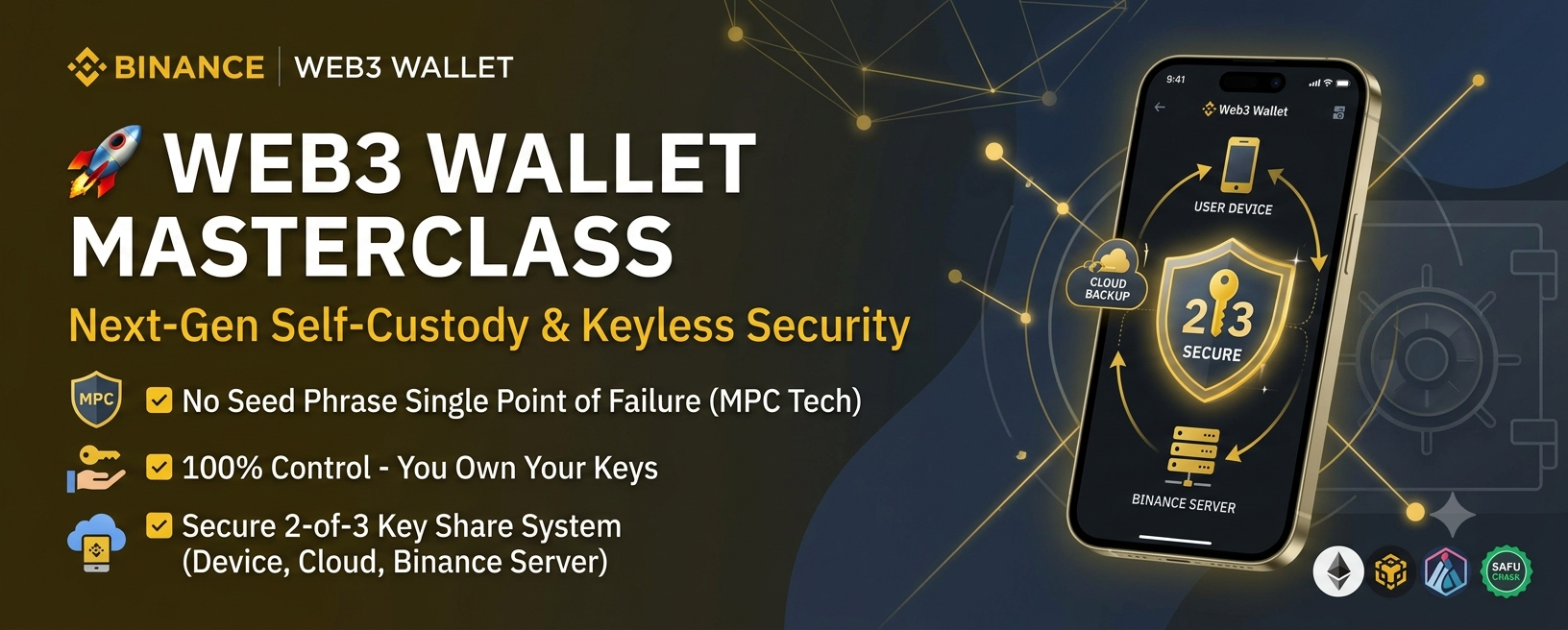

The shift from centralized exchanges (CEX) to decentralized finance (DeFi) requires total ownership of your digital assets. Traditional non-custodial wallets rely heavily on 12-to-24-word seed phrases—lose the paper, and your funds are gone forever.
The Binance Web3 Wallet eliminates seed phrase single-point-of-failure risks using advanced Multi-Party Computation (MPC) technology. Here is how to navigate decentralized finance safely without sacrificing self-custody or security.
1. What Is Binance Web3 Wallet?
Integrated directly within the Binance App, the Web3 Wallet is a self-custody gateway to on-chain trading, yield farming, cross-chain swaps, and decentralized applications (dApps).
Self-Custody Ownership: You hold the private keys and retain 100% control over your funds. Binance cannot freeze, lock, or access your wallet without your permission.
Keyless Architecture: Powered by MPC technology, the wallet removes the need to store a traditional seed phrase.
2. How MPC Security Works (The 2-of-3 Key System)
Instead of generating a single private key, Multi-Party Computation splits access into 3 independent key shares:
Share 1 (Device): Encrypted and stored locally on your mobile device.
Share 2 (Cloud): Encrypted with your custom recovery password and backed up to your personal cloud (Google Drive or iCloud).
Share 3 (Binance Server): Secured on Binance’s infrastructure.
To sign any transaction or recover access, 2 out of 3 shares are required. Since Binance only holds one share, they cannot access your wallet independently. If you lose your phone, combining Share 2 (Cloud Backup) and Share 3 (Binance) restores your wallet seamlessly.
3. Key Ecosystem Features
One-Tap Token Swaps: Execute cross-chain swaps instantly across 100+ blockchains with multi-source liquidity routing to secure minimal slippage.
CeFi-to-DeFi Bridge: Move funds between your Binance Spot/Futures wallet and your Web3 self-custody address without manual address copying or key inputs.
Direct dApp Browser: Interact with decentralized exchanges (DEXs), lending protocols, and NFT marketplaces directly within a secure, sandboxed app browser.
4. Security Checklist to Stay SAFU
Backup Immediately: Set up your Cloud Backup (Share 2) and record your recovery password during initial setup. Never lose this password—it cannot be reset.
Verify Smart Contract Approvals: Regularly revoke unused token approvals to prevent malicious dApp drains.
Emergency Export Function: Binance allows you to convert your MPC setup into traditional private keys if you ever want to migrate off the platform completely.