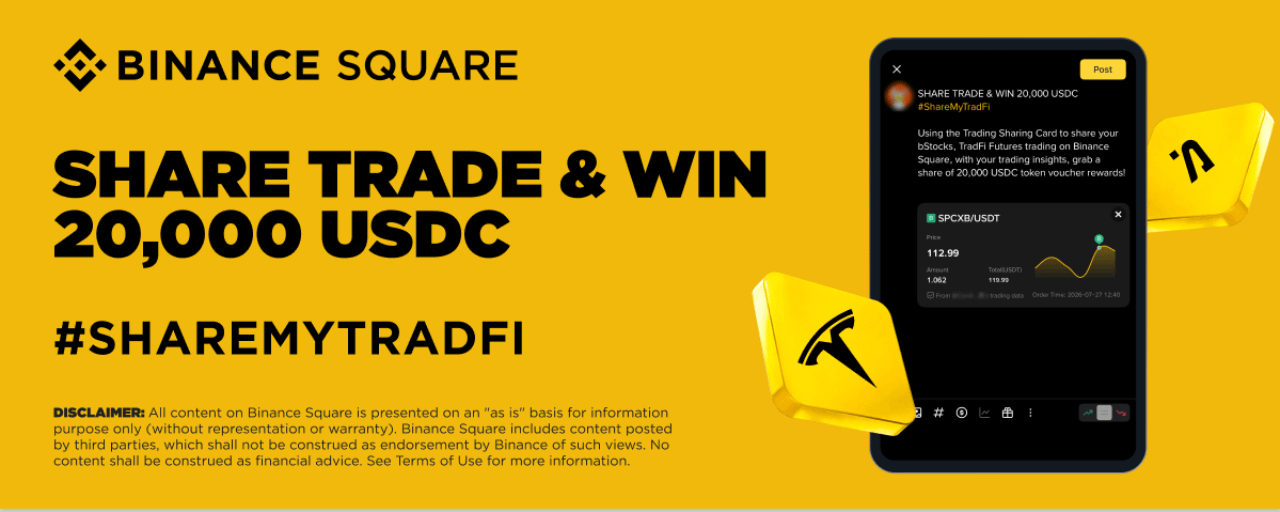
#sharemytrade How to participate:
Follow the steps below and share your trades with bStocks and/or TradFi Futures on Binance Square using your trading knowledge.
Step 1: Open the Post Editor and tap [Add Trades].
Step 2: Filter by Spot or Futures, select the bStocks trade and/or the TradFi Futures trade, and tap [Confirm] to insert the trade into your post.
To share bStocks buy/sell trades, select [Trade History] in [Spot].
To share open/closed TradFi Futures positions, select current positions or history in [Futures].
Step 3: Add your trading insights with #ShareMyTradFi (≥ 50 characters) and tap [Publish].
Notes:
For the content to be an eligible entry, the post and the trade must meet the following requirements:
Include all 3 elements (i.e., the bStocks or TradFi Futures trade exchange card, the #ShareMyTradFi hashtag, and insights of ≥ 50 characters) in the content.
The minimum qualified trading volume for bStocks per trade-sharing post is equivalent to 100 USD.
The minimum qualified TradFi Futures trade volume per shared trade-sharing post is equivalent to 200 USD.
bStocks buy/sell transactions must be made between 2026-07-28 12:00 (UTC) and 2026-08-05 23:59 (UTC).
TradFi Futures positions must be opened between 2026-07-28 12:00 (UTC) and 2026-08-05 23:59 (UTC). Only new TradFi positions that are opened/closed during the Activity Period are eligible.
When sharing bStocks trades, make sure to enable the [Show Amount] button on the Trade Exchange Card.
Trades shared with hidden P&L will not be counted as eligible entries.
Recognition of new orders in the Exchange widget may take up to 5–10 minutes. Wait a moment after placing your trade before sharing it.
Follow the steps below and share your trades with bStocks and/or TradFi Futures on Binance Square using your trading knowledge.
Step 1: Open the Post Editor and tap [Add Trades].
Step 2: Filter by Spot or Futures, select the bStocks trade and/or the TradFi Futures trade, and tap [Confirm] to insert the trade into your post.
To share bStocks buy/sell trades, select [Trade History] in [Spot].
To share open/closed TradFi Futures positions, select current positions or history in [Futures].
Step 3: Add your trading insights with #ShareMyTradFi (≥ 50 characters) and tap [Publish].
Notes:
For the content to be an eligible entry, the post and the trade must meet the following requirements:
Include all 3 elements (i.e., the bStocks or TradFi Futures trade exchange card, the #ShareMyTradFi hashtag, and insights of ≥ 50 characters) in the content.
The minimum qualified trading volume for bStocks per trade-sharing post is equivalent to 100 USD.
The minimum qualified TradFi Futures trade volume per shared trade-sharing post is equivalent to 200 USD.
bStocks buy/sell transactions must be made between 2026-07-28 12:00 (UTC) and 2026-08-05 23:59 (UTC).
TradFi Futures positions must be opened between 2026-07-28 12:00 (UTC) and 2026-08-05 23:59 (UTC). Only new TradFi positions that are opened/closed during the Activity Period are eligible.
When sharing bStocks trades, make sure to enable the [Show Amount] button on the Trade Exchange Card.
Trades shared with hidden P&L will not be counted as eligible entries.
Recognition of new orders in the Exchange widget may take up to 5–10 minutes. Wait a moment after placing your trade before sharing it.