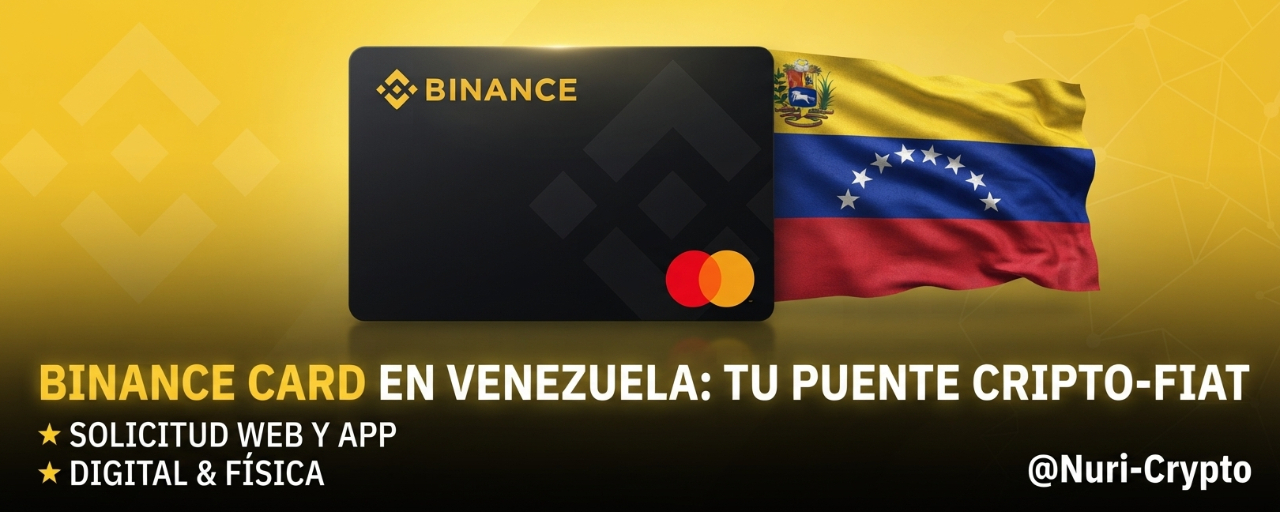

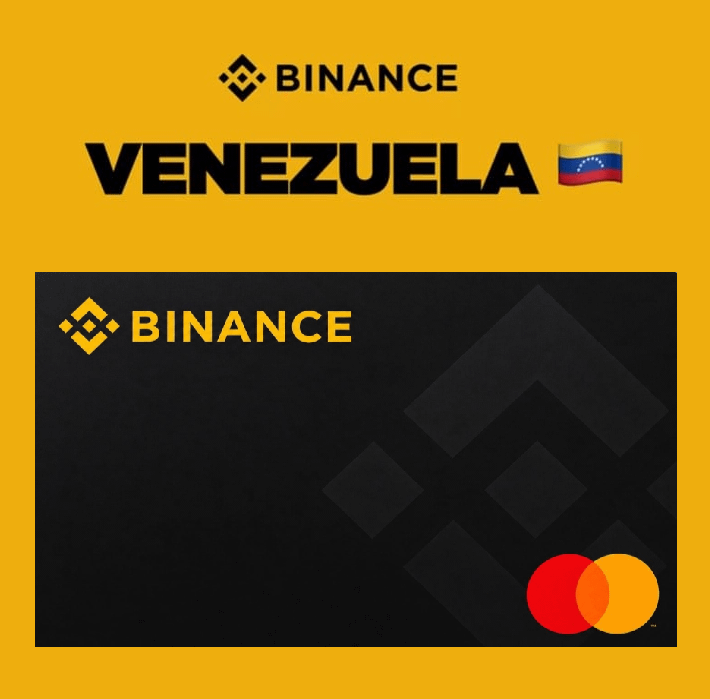
#Binance confirmed the arrival of its card in the country and started a limited launch phase for 3,000 users. These people have already completed the initial application to obtain the financial instrument. At present, card activation and delivery are being carried out progressively and in phases, while the platform expands availability for the rest of the Venezuelan market.
👉 Main Benefits
Lets you use your crypto balances (such as USDT, BTC, or BNB) to pay directly in physical and digital stores.
The card automatically converts your cryptoassets to bolívares at the exact moment of payment.
Offers a rewards or cashback program that lets you recover up to 3% of the value of purchases made.
Does not generate additional costs for issuance and does not require paying an annual maintenance fee.
Gives Venezuelans the ability to access global commerce and pay for services abroad without needing to have an international bank account.
🤔 How to Request It on the Platform
Requesting your Binance Card is a straightforward process, but it requires that your account be in excellent security and verification condition. I’ll guide you step by step, but before we begin, make sure you meet these essential prerequisites:
Verified Account (KYC): Your Binance account must have completed identity verification (intermediate level or higher).
Regional Availability: Since we are in a progressive rollout phase in Venezuela, if after following these steps you don’t see the "Card" option, it’s likely that your account is not yet enabled for the pilot test.
Updated App: If you use the mobile app, make sure you have the latest version downloaded from the Play Store or App Store.
Option 1: Through the Website
Log in: Access your Binance account from your trusted browser.
Finance Menu (PAY): On the top navigation bar, click the "Finances" (Finance) menu.
Card Access: Look for the option that says "Binance Card" and click on it.
Application: An information page about the card will open. Click the "Get Started" or "Request Card" button.
Data verification: The system will display your registered personal data (name, email, address). Review that they are correct, as that is where the physical plastic will be sent.
Terms Acceptance: Read and accept the terms and conditions of use.
Confirmation: Finish the process. You will receive a confirmation email once your application has been processed.
Option 2: Through the Binance App
Open the App: Make sure you’re in "Binance Pro" mode (you can switch it in the profile menu if you’re in Lite mode).
"More" Menu: On the home screen, below the main icons, look for the "More" icon—it’s usually shown as a square with 4 small dots or a '+' symbol.
Finance Section (PAY): Scroll down until you find the section called "Finances".
Select "Card": Tap the "Card" or "Binance Card" icon.
Request: A welcome screen will appear. Tap the "Apply now" button.
Review: The system will ask you to confirm your contact information. Make sure the delivery address is correct if the system asks you to confirm shipping of the physical plastic.
Finish: Tap "Continue" to confirm the application.
✨ Usability: Domestic and International Market
This financial instrument is backed by the Mastercard network. Technically, it is part of the Global Binance Card Program promoted by entities such as Immersve, operating under Mastercard Global Reach Partner licenses. Thanks to this, the card is accepted worldwide and can be used both at national points of sale and for international web purchases. In its initial rollout in Venezuela, users first get access to a virtual version for digital transactions, followed later by the issuance of the physical plastic.
💥 Impact on the Venezuelan P2P Market
Implementing this card changes the traditional operations of the P2P market. Its biggest competitive advantage is that it removes the previous step of having to sell cryptoassets for bolívares on the P2P platform before being able to pay at a store. This automation could significantly reduce the volume of retail transactions and small amounts within P2P.
However, mass success will depend on exchange rates. The card settles transactions at the official rate of the Central Bank of #venezuela (BCV) or at an internal rate set by Binance. If local merchants set product prices using the parallel dollar as a reference, using the card could end up costing the consumer more compared to changing funds in advance on P2P to pay in bolívares. Additionally, Binance maintains strict risk controls on cards to avoid currency arbitrage—an approach where certain users buy foreign currency at the official rate and then sell it as USDT at a higher price in the P2P market.
🤝 Legal Bases and Authorities: SUNACRIP and SUDEBAN
The use of cryptoassets in the country is regulated, but the platform operates in an adapted way. For a natural person who uses Binance as a payment or savings method, it is not a mandatory legal requirement to be registered with the National Superintendency of Cryptoassets (SUNACRIP). Completing the identity verification (KYC) required by Binance is enough for an individual to operate regularly.
In the context of payment processing, the situation directly involves the traditional banking system. For the Binance Card to work smoothly at Venezuelan points of sale, the exchange requires establishing partnerships with payment processors that are expressly authorized by the Superintendency of the Banking Sector Institutions (SUDEBAN). This integration ensures that transactions and conversion to bolívares comply with the country’s current financial regulations.
🚀 Tips for Successful Management
The "Card Wallet": Once requested and activated, remember that the card does not automatically deduct from your Spot wallet. You must transfer your funds (USDT, BTC, etc.) to the "Card Wallet" within the card interface. It’s like reloading a prepaid balance.
Managing the virtual version: As soon as your application is approved, you’ll have access to your virtual card details (card number, CVV, and expiration date) directly in the "Card" interface within the App. Use them for immediate web purchases while you wait for the physical card. (Never share these details with third parties).
If the option doesn’t appear: If you complete all the steps and don’t see the "Request" button, don’t panic. Since the implementation in Venezuela is gradual and in batches, you may need to wait until Binance enables the option for your specific user ID. Keep an eye on official notifications inside your message center in the App.
So far, Binance has not announced an exact date or a fixed calendar for opening the following massive waves of applications in Venezuela.
The process remains under a strict gradual and phased rollout strategy. So keep an eye on Binance’s official announcements.
🔥I invite you to our public group:
¡The Fantastic Ones of Trading! 🔥🚀💵
May the power of the trend be with you! 🔥💚🔥
#Write2Earn #losfantasticosdeltrading #nuricrypto
$BTC Operate here 👇🚀💵