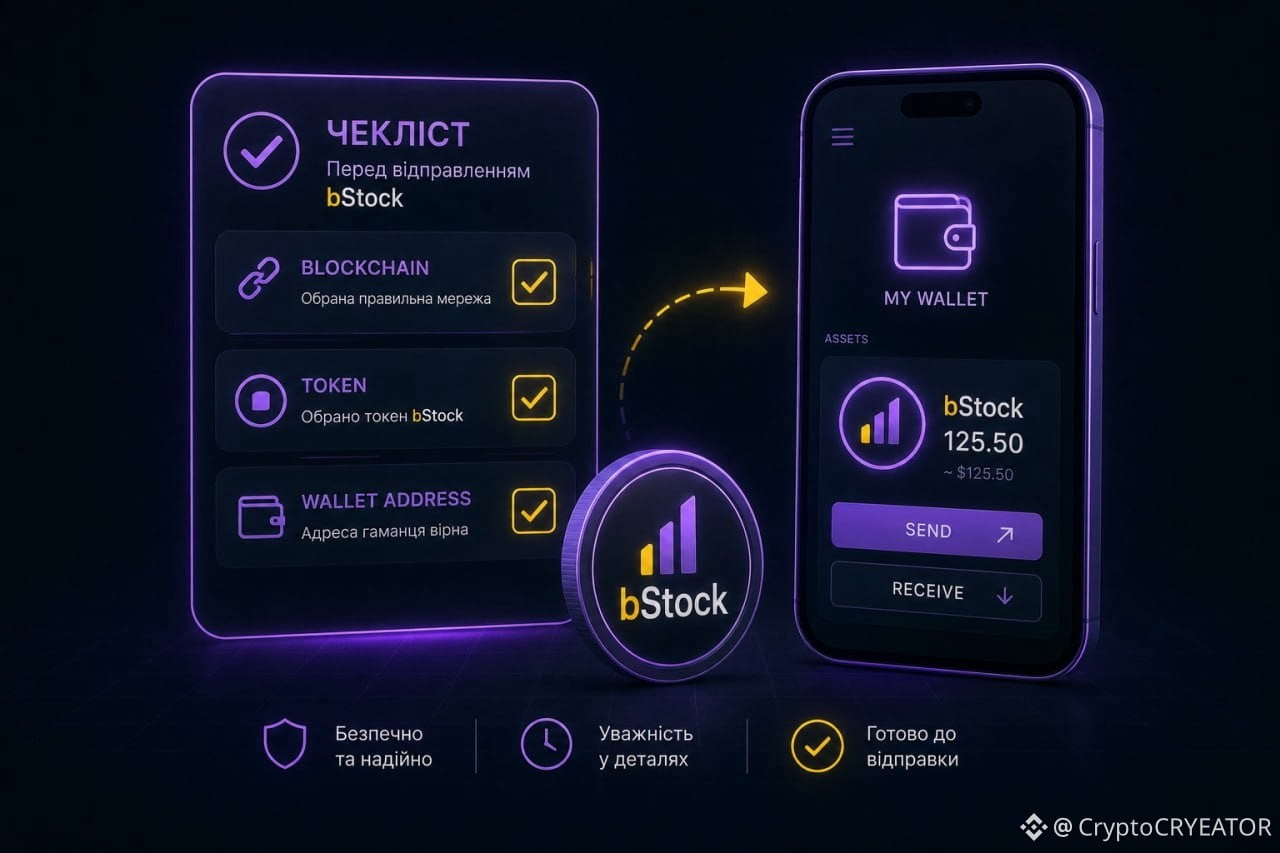
⚠️ Before withdrawing with bStock, I would check 4 things. Because an error here isn’t just “you pressed the wrong button.”
Let’s imagine I want to withdraw $TSLAB into my own wallet. My checklist:
1️⃣ Network — only BNB Smart Chain (BSC). Binance clearly states that for bStocks, this is the currently supported network.
2️⃣ Token — make sure you’ve selected the exact required bStock, not a similar asset.
3️⃣ Address — confirm that the wallet supports BSC tokens and that this particular asset is supported.
4️⃣ Before sending — check the minimum amount, the fee, and whether withdrawals are available.
And one more important point: bStock is not a regular crypto coin. Additional transfer restrictions and other rules may apply to it.
So my principle is simple: first check the network → token → address → withdrawal conditions. And only then confirm the transaction.
@BinanceCIS #bStocksCIS $TSLAB
Let’s imagine I want to withdraw $TSLAB into my own wallet. My checklist:
1️⃣ Network — only BNB Smart Chain (BSC). Binance clearly states that for bStocks, this is the currently supported network.
2️⃣ Token — make sure you’ve selected the exact required bStock, not a similar asset.
3️⃣ Address — confirm that the wallet supports BSC tokens and that this particular asset is supported.
4️⃣ Before sending — check the minimum amount, the fee, and whether withdrawals are available.
And one more important point: bStock is not a regular crypto coin. Additional transfer restrictions and other rules may apply to it.
So my principle is simple: first check the network → token → address → withdrawal conditions. And only then confirm the transaction.
@BinanceCIS #bStocksCIS $TSLAB