$B2
Market / Trading Pair (Left Column)
This is where you choose the coin to trade
Example: BTC/USDT
BTC = coin you buy or sell
USDT = money you use to trade
👉 Click a pair to load its chart and prices
2️⃣ Price Chart (Middle Top)
Shows price movement
Green candles = price going up
Red candles = price going down
Beginners can just watch direction (no need to use indicators at first)
3️⃣ Order Book (Middle Right Column)
Red numbers (Sell orders) → people selling
Green numbers (Buy orders) → people buying
Shows market demand & supply
👉 You don’t need to trade from here as a beginner—just observe
4️⃣ Buy / Sell Column (Bottom)
This is the most important column for beginners
🔹 Market Order (Easy for beginners)
Buys or sells instantly at current price
Enter amount → Click Buy or Sell
🔹 Limit Order (For more control)
You set the price you want
Order fills only if price reaches your level
5️⃣ Open Orders & Trade History (Bottom)
Open Orders → trades waiting to be filled
Order History → completed trades
Trade History → market activity
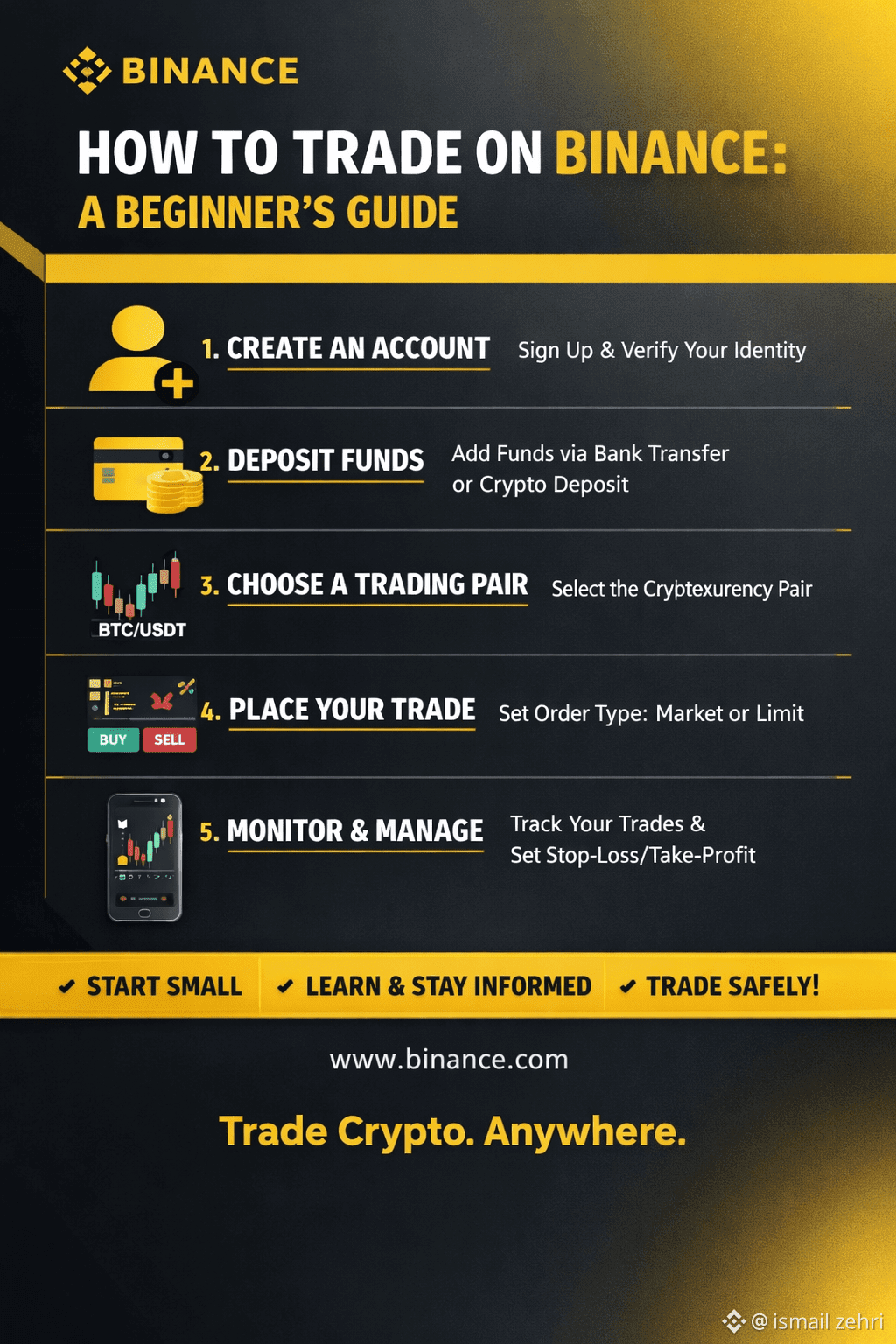
🔰 Beginner Trading Steps (Simple)
Deposit USDT
Choose trading pair (example: BTC/USDT)
Go to Buy column
Select Market order
Enter amount
Click Buy
Sell later when price increases
#ZTCBinanceTGE #BinanceHODLerBREV #TrumpNewTariffs #BinanceHODLerBREV #WriteToEarnUpgrade
Market / Trading Pair (Left Column)
This is where you choose the coin to trade
Example: BTC/USDT
BTC = coin you buy or sell
USDT = money you use to trade
👉 Click a pair to load its chart and prices
2️⃣ Price Chart (Middle Top)
Shows price movement
Green candles = price going up
Red candles = price going down
Beginners can just watch direction (no need to use indicators at first)
3️⃣ Order Book (Middle Right Column)
Red numbers (Sell orders) → people selling
Green numbers (Buy orders) → people buying
Shows market demand & supply
👉 You don’t need to trade from here as a beginner—just observe
4️⃣ Buy / Sell Column (Bottom)
This is the most important column for beginners
🔹 Market Order (Easy for beginners)
Buys or sells instantly at current price
Enter amount → Click Buy or Sell
🔹 Limit Order (For more control)
You set the price you want
Order fills only if price reaches your level
5️⃣ Open Orders & Trade History (Bottom)
Open Orders → trades waiting to be filled
Order History → completed trades
Trade History → market activity
🔰 Beginner Trading Steps (Simple)
Deposit USDT
Choose trading pair (example: BTC/USDT)
Go to Buy column
Select Market order
Enter amount
Click Buy
Sell later when price increases
#ZTCBinanceTGE #BinanceHODLerBREV #TrumpNewTariffs #BinanceHODLerBREV #WriteToEarnUpgrade