

Looking for an up-to-date walkthrough on creating a Binance account in 2026? You've landed in the right place. Binance remains the world's largest crypto exchange by trading volume — outpacing every other exchange on the leaderboard combined — making it the natural starting point for anyone stepping into crypto for the first time.
This guide covers the three essential steps to get set up safely:
Creating your Binance account
Completing identity verification (KYC)
Enabling two-factor authentication (2FA)
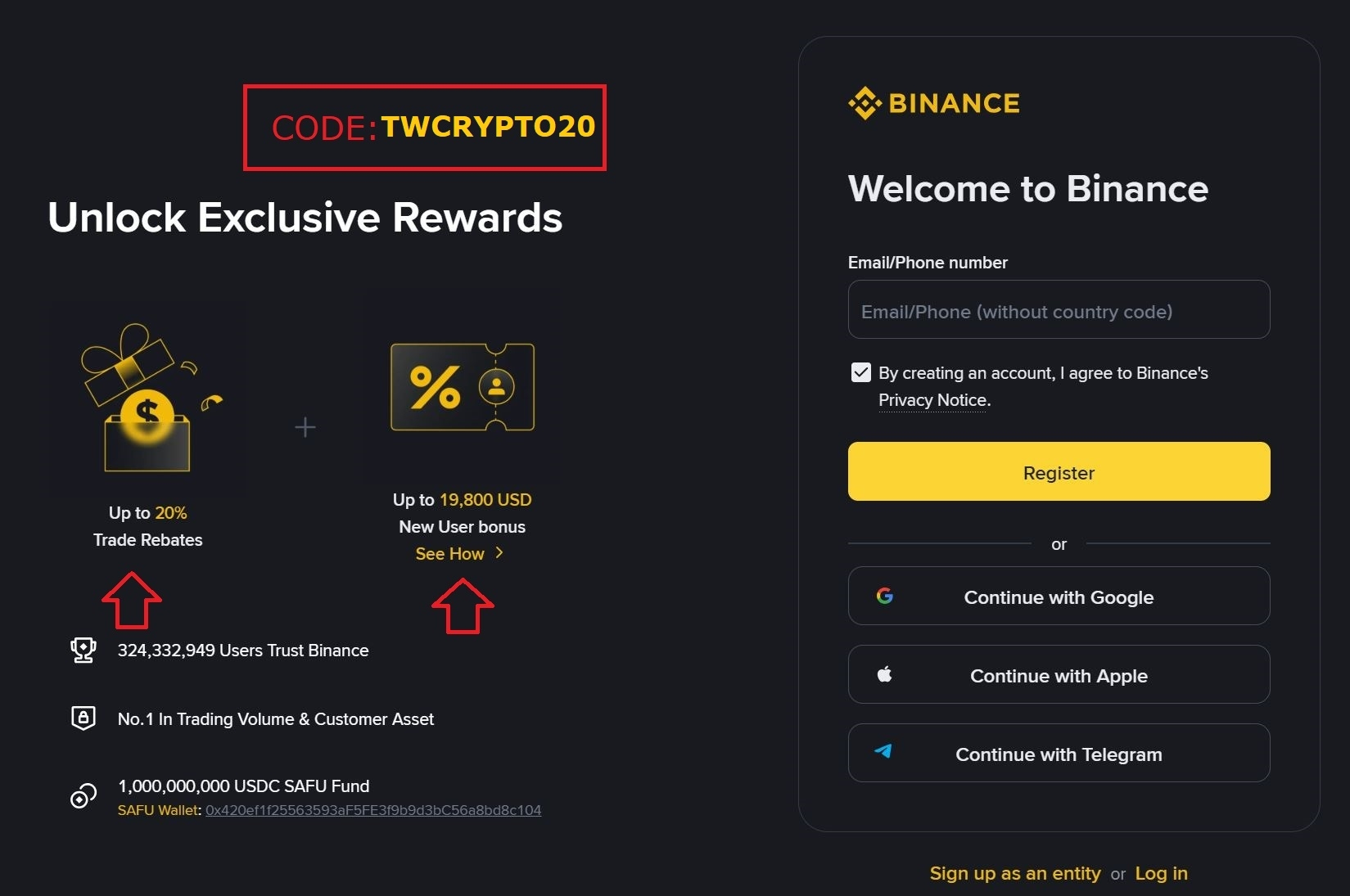
🎁 New user bonus: Sign up through the link below to unlock the best available trading fee benefits and 19.800 usd bonus: 👉 Sign up for Binance here
What Is Binance, and Why Sign Up?
Binance is the most established name in crypto, serving hundreds of millions of users globally. The platform supports hundreds of coins, offers deep liquidity, keeps trading fees low, and packs in a wide range of tools — Spot trading, Futures, Staking, P2P, Launchpad, and more.
If you're just starting out in crypto, Binance is essentially the default choice.
Step-by-Step: Creating Your Binance Account in 2026
Step 1: Create Your Account
1.1 Head to the sign-up page
Open your browser and go to:
👉 https://www.binance.com/join?ref=TWCRYPTO20
You'll be given two sign-up paths:
Register with an email or phone number
Continue with Google or Apple
Either works fine — this guide walks through the email method.
1.2 Select your country
After choosing "Register with phone or email," Binance will ask where you're located. Select Vietnam, then hit Confirm.
1.3 Choose your account type
Next, you'll see two options:
Create a personal account — for individual users
Create an entity account — for businesses
Most people should go with personal account.
1.4 Fill in your registration details
Enter the following:
Email: a valid address (Gmail or a business email works well)
Password: at least 8 characters, mixing uppercase, lowercase, and special characters
Hit Next once done.
⚠️ Save your password somewhere secure and never share it with anyone.
1.5 Verify your email
Binance sends an activation code to the email address you just registered. Check your inbox, copy the code, paste it into the email verification field on the Binance page, and submit.
1.6 Verify your phone number
Enter your phone number and hit Next. Binance texts you an OTP — enter it and submit to finish this step.
✅ At this point, your Binance account is created. Next up: identity verification (KYC).
Step 2: Complete Identity Verification (KYC)
Verifying your identity raises your trading and withdrawal limits up to the maximum (100 BTC/day) and is required if you want full access to deposits, withdrawals, and trading.
2.1 Start verification
Once your account is created, click the Verify Now prompt on your screen. Select Vietnam as your country and hit Start.
2.2 Fill in your personal details
Enter your full name, date of birth, and other required basic information, then hit Submit & Continue.
2.3 Upload your ID documents
Click Start to begin the document upload. You'll be asked to select:
Country: Vietnam
Document type: National ID Card, Passport, or Driver's License
Using your national ID card is generally the fastest route.
Upload, in order:
Front of your ID → confirm
Back of your ID → confirm
A selfie photo → confirm
Hit Complete to finish this step.
2.4 Complete facial verification via the Binance app
The final KYC step must be done through the Binance mobile app. If you don't have it yet, download it from Google Play (Android) or the App Store (iOS).
Inside the app:
Tap the profile icon in the top corner
Select Identity Verification
Choose Facial Verification
Tap Start Verification
Follow the on-screen prompts to position your face for the camera to capture
✅ Once complete, your account is fully verified, and your withdrawal limit is raised to 100 BTC/day.
Step 3: Set Up Two-Factor Authentication (2FA)
Two-factor authentication is a critical layer of protection — it keeps your account secure even if someone else gets hold of your password. This step is essential if you want to keep your crypto holdings safe.
3.1 Install an authenticator app
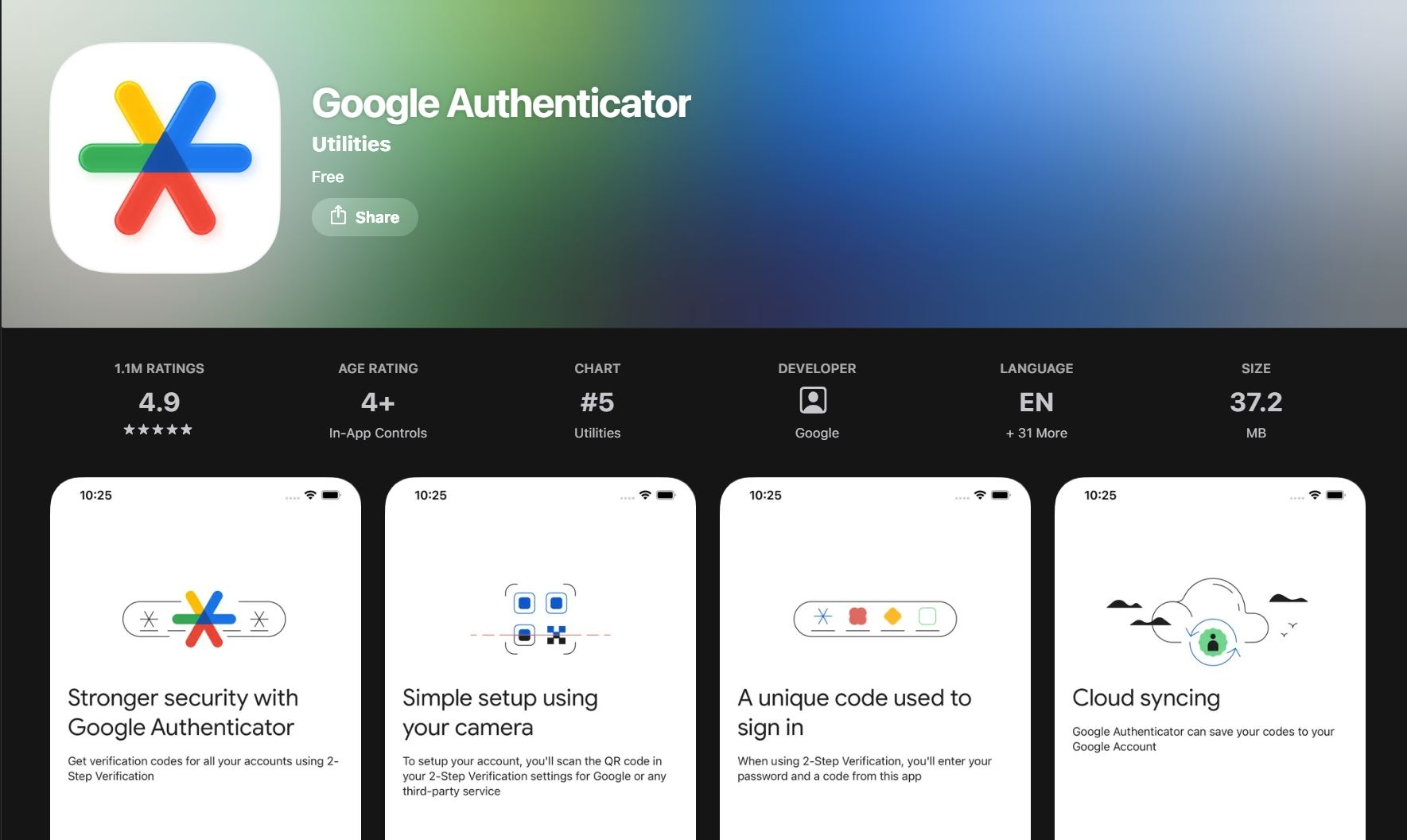
Download Authy (recommended) or Google Authenticator on your phone:
Google Play (Android): search "Authy"
App Store (iOS): search "Authy"
Open the app and register it with your phone number.
3.2 Turn on 2FA in Binance
Log into your Binance account from a browser, click the profile icon in the top right, and select Security. Find Binance/Google Authenticator (Recommended) and hit Enable.
3.3 Link your authenticator app to Binance
Follow these four steps:
Confirm the app is installed — verify Authy/Google Authenticator is set up, then hit Next
Scan the QR code — open Authy, use its QR scan feature, and point your camera at the QR code shown on the Binance screen. Save the account in the app, then hit Next
Save your backup key — write down the backup recovery string somewhere safe. This is what you'll use to recover access if you lose your phone. Hit Next
Confirm — enter your Binance account password plus the 6-digit code from Authy, then submit
✅ Done! Your Binance account now has 2FA enabled. From now on, every login will require a code from your authenticator app.
Quick Summary: 3 Steps to Sign Up for Binance in 2026
Step What You're Doing Time Needed 1 Create account (email + phone) ~3 minutes 2 Complete KYC verification ~5–10 minutes 3 Enable 2FA ~5 minutes
Frequently Asked Questions
Is signing up for Binance free? Completely free — Binance charges nothing to create an account.
Does Binance support users in Vietnam? Yes. Binance offers a Vietnamese-language interface and supports buying/selling crypto with VND through Binance P2P, working with a wide range of local banks.
Can I sign up with a phone number instead of email? Yes, Binance supports registration through either method.
How long does KYC verification take? Usually anywhere from a few minutes to a few hours, though in some cases it can take 1–2 business days.
What if I never received the verification email? Check your Spam/Junk folder first. If it's still not there, try resending the code or double-check that you entered the correct email address.
Final Thoughts
That covers the complete, up-to-date process for signing up on Binance in 2026. In roughly 10–15 minutes, you can have a fully verified, fully secured account ready to start your crypto journey.
Don't forget to sign up through the link below to lock in the best trading fee benefits:
If you run into any issues during sign-up, drop a comment below and I'll help you out.
⚠️ Disclaimer: This article is for informational purposes only and does not constitute financial advice. The crypto market carries significant risk — always do your own research (DYOR) and take full responsibility for your own investment decisions.