


Key points
Binance has launched the Closed Account Service, a new self-service tool allowing former users to quickly and securely download their transaction reports.
Previously, this data was only provided by submitting a formal request to our Data Protection Office (DPO).
Driven by the DPO Team, this initiative is part of Binance's effort to make user privacy more accessible and transparent.
Closing an account should not mean losing control over your information – especially when you need to file taxes or manage personal finances. That’s why we designed a new secure portal for former users who still need access to their transaction records.
Previously, users who closed their accounts needed to email the Data Protection Office to request their transaction history. Our DPO team has always been supportive, however, there is now a faster self-service option available.
With the Binance Closed Account Service Tool, individuals who have closed their accounts can easily download their transaction reports directly – no need to submit a support request, no waiting, no cumbersome procedures. In this article, we will guide you through the specific steps.
How to download Binance transaction reports after closing an account?
Here is a step-by-step guide to download transaction data using Binance's new self-service portal if you have closed your account:
Access our Closed Account Transaction Reporting Service by clicking here or at the footer of the Binance website.
Note: You can only register once every 7 days.
Verify your identity by entering the email address or phone number previously linked to the closed account.
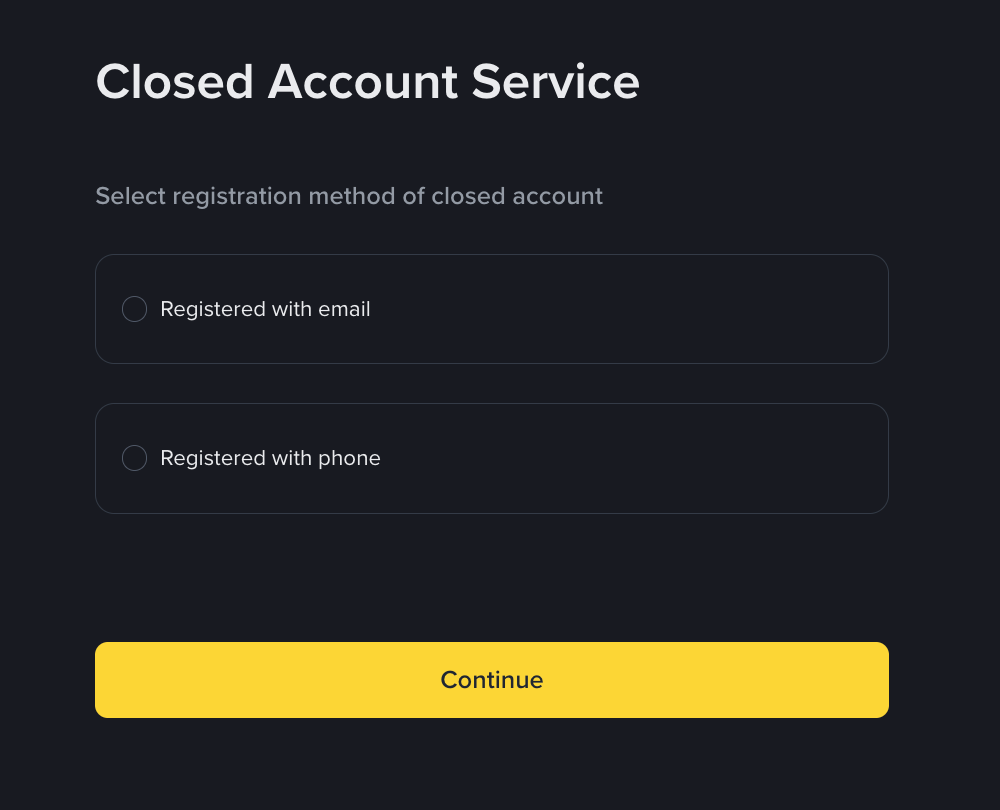
Next, click [Send Code] to receive a verification code for identity verification.
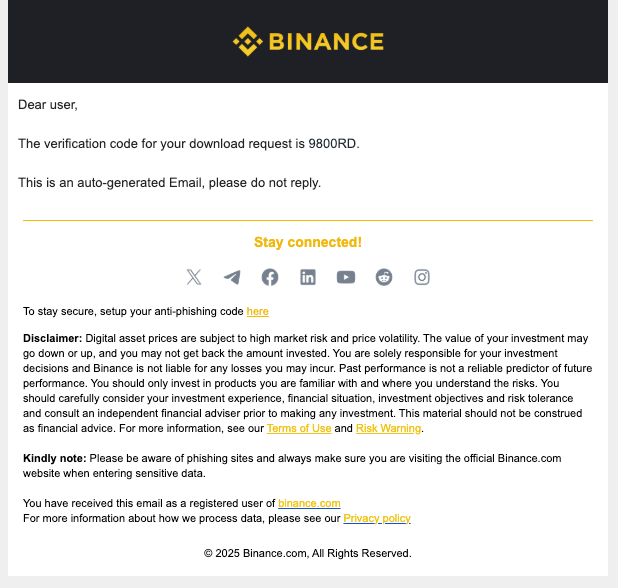
Receive a confirmation email containing a one-time verification code, then enter the code in the Closed Account Service portal.
5. Create an 8-digit password to encrypt the data file. Once the report is ready, you will receive a final email containing a secure download link and this password is needed to open the file.
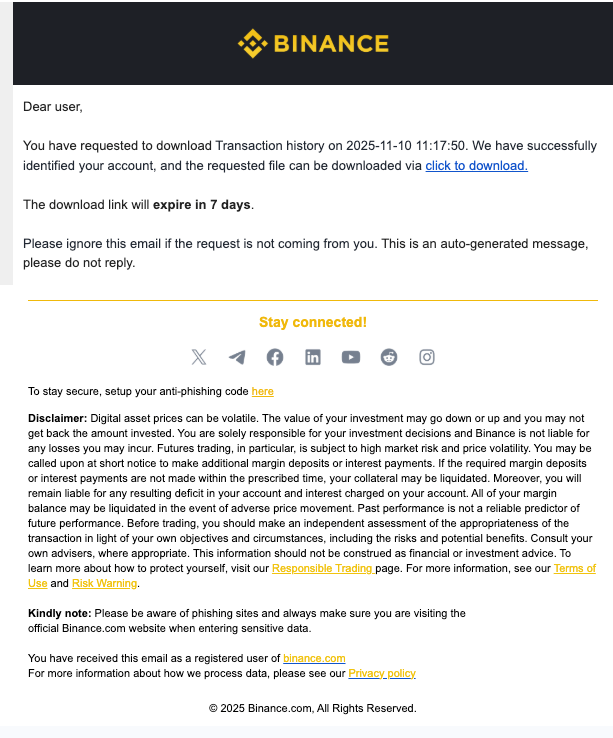
Note, you can only submit a request for this service again after 7 days.
6. After entering the password, you can open the file to review your transaction history.
For more information on privacy policies and your rights at Binance, please visit the Binance Privacy Portal. If you need assistance or have special requests, please contact the Binance Data Protection Office (DPO) team via email.
Conclusion
This new tool, developed by the Data Protection Office to meet the widespread needs of users, has simplified the process of retrieving closed account data. Thanks to the automation of the process, we provide faster and more convenient access to information, allowing the team to focus on more complex security issues and continuously improve services. Most importantly, this tool reinforces the principle: your data is always under your control – even when you have left.
Additional reference documents
Binance Privacy Portal: Celebrate Data Privacy Day with us
Binance launches a new Privacy Center, supporting easy data downloads to enhance user privacy
Binance joins the Global Travel Rule Alliance to promote compliance capabilities and enhance security
Please note: There may be differences between the original English content and any translated versions (these versions may be generated by AI). Please refer to the original English version for the most accurate information in case of discrepancies.