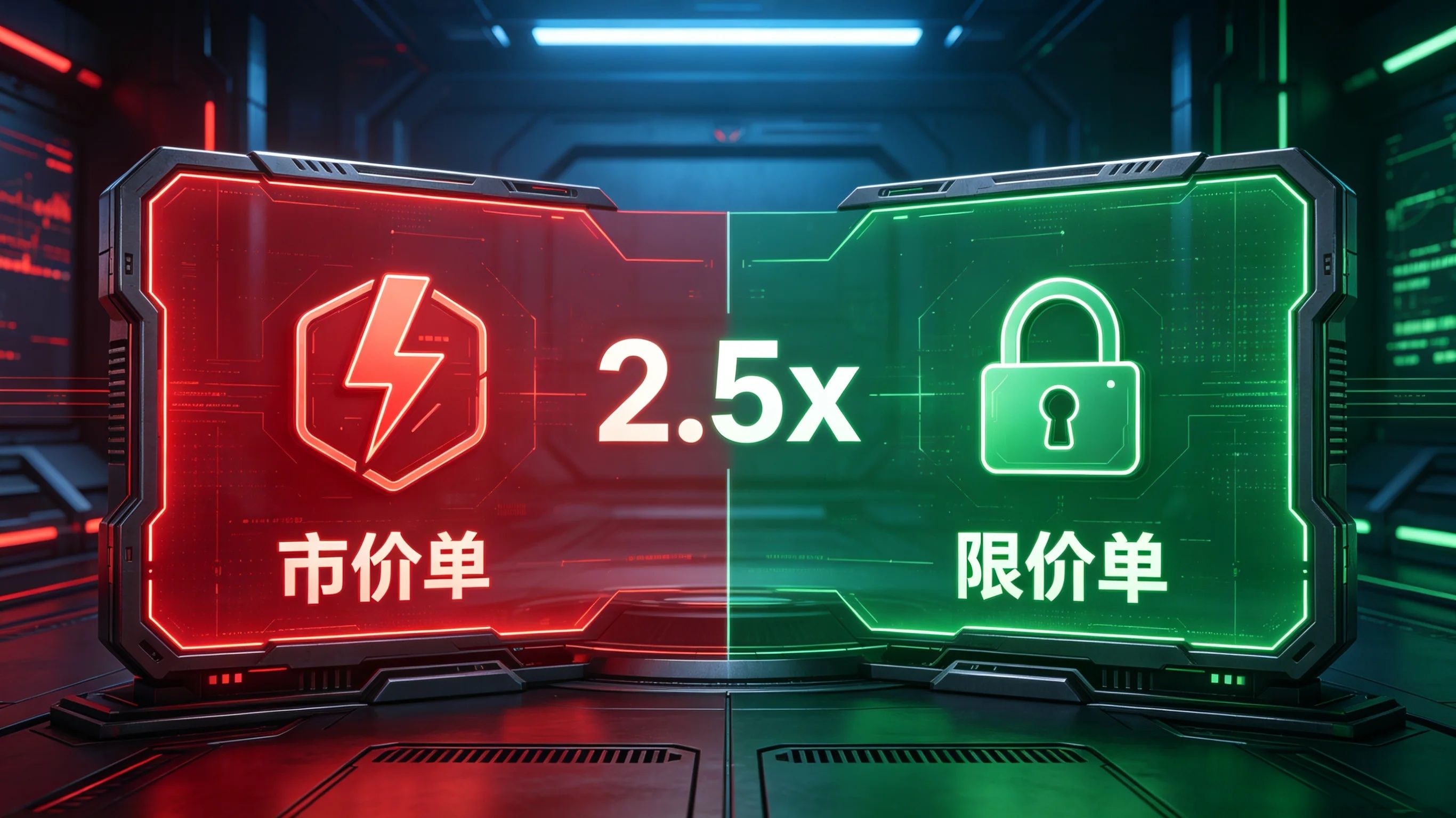

Trading on Binance spot/contracts, 90% of newbies end up in the red; the first issue is slippage, and the second is that market orders have fees 2.5 times higher than limit orders (contracts). High-frequency trading can lead to significant losses over time! This article breaks down the core differences between market orders and limit orders, fee multipliers, pros and cons, and suitable scenarios—perfect for beginners to understand and avoid mistakes when placing orders✅
1. A core sentence to distinguish + upfront fee multipliers.
✅Market Order (Taker): No price considerations, just looking for instant execution; the U-based contract fees are 2.5 times higher than limit orders, while for regular retail traders on the spot market, there’s no price difference. For high VIPs, market orders ≈ limit orders at 2 times the fee.
✅ Limit Order (Maker): Lock in a price; will not execute unless the price is reached; lower fee rate, can save over 60% in fees for long-term contract trading.
2. Detailed Dimension Comparison
1. Trading Rules
🔹 Market Order
No need to manually enter prices, just input quantity/amount, and the system immediately consumes market buy/sell orders, executing instantly with 100% fill rate, no waiting time for orders.
In volatile markets with poor liquidity, slippage can occur: buy execution prices may be higher than the visible market price, and sell execution prices may be lower than the visible market price.
🔹 Limit Order
Must manually customize buy/sell prices; transactions occur only if prices meet the criteria.
Limit buy: Set a price below the current market price and wait for a dip to pick up.
Limit sell: Set a price above the current market price and wait to exit as prices rise.
If the price hasn't reached, the order remains open and can be canceled at any time, but there's no guarantee of execution.
2. Fee Differences (Highlighting key multipliers)
💡 Core multiplier for saving money:
1. Spot (VIP0 regular retail investors, not holding BNB)
Maker limit: 0.1%, Taker market: 0.1%, no multiplier difference in rates.
Upgrading to high VIP levels for large traders: market fees ≈ limit fees 1.2~2 times; VIP9 market is 2 times limit.
2. USDT perpetual contracts (universal for all users, with the largest differences)
VIP0 basic rate: Maker limit 0.02% / Taker market 0.05%
Market order fees = 2.5 times limit order fees.
Example: 100,000 USDT trade, limit order fee 20 USDT, market order fee 50 USDT, overspending 30 USDT on one trade.
VIP level increases but multipliers remain unchanged; top-tier large traders can have negative maker fees (platform rebates), price differences can far exceed 2.5 times.
3. Explanation of BNB 25% discount
Paying fees with BNB gets a uniform 25% discount, reducing total costs while market/limit order ratios remain unchanged.
3. Detailed pros and cons
Market Order
👍 Pros: Instant execution, easy operation, no need to monitor prices, quick entry and exit during extreme market conditions.
👎 Cons: Prices are uncontrollable, high risk of slippage, fees are 2.5 times that of limit orders (contracts), and large orders have extremely high costs.
Limit Order
👍 Pros: Fully controllable prices, no slippage, low fees, precise cost control, suitable for trading plans.
👎 Cons: Cannot execute instantly, quick market movements can lead to missed opportunities, cannot execute if prices aren't met.
3. Practical Examples (BTC current price 70000 USDT, contract position 100000 USDT)
1. Market buy BTC
Directly input amount to place an order, the system immediately consumes the sell price, buying instantly; if the market pumps, the final transaction price may become 70150, resulting in an additional 150 USDT difference; plus a fee of 50 USDT, making the cost 2.5 times that of a limit order.
2. Limit buy BTC
Manually set a buy order at 69800; only executes if the price falls to 69800 or lower; if not, the order stays open, no funds deducted, no execution, fee is only 20 USDT.
4. Suitable Scenarios (Directly copy for orders)
👉 When to use a market order?
1. Sudden positive or negative news, must enter/stop-loss immediately.
2. Small trades of high-liquidity mainstream coins like BTC/ETH.
3. If there's no time to place an order, prioritize execution priority.
👉 When to use a limit order?
1. Regular trading, dollar-cost averaging, and phased accumulation.
2. Altcoins and low-cap coins have poor liquidity; avoid placing large market orders (risk of slippage losses + 2.5 times the fees).
3. Precisely set support levels for buying, resistance levels for taking profit.
4. Short-term high-frequency and long-term contract trading save 2.5 times in fees.
5. Newbie pitfalls ⚠️
1. Small-cap altcoins and coins with poor depth strictly prohibit large market orders; slippage can lead to losses of dozens of points in a second, plus 1.5 times the fee.
2. In panic sell-offs or aggressive buying scenarios, limit orders can lead to missed opportunities; in urgent situations, switch to market orders.
3. For contract stop losses, try to use limit stop losses to avoid slippage and high fees from market stop losses.
4. Daily trading, dollar-cost averaging, and taking profit with limit orders can save substantial trading costs over a year.
6. Simplified Summary
Want speed, don't mind the price difference + pay 2.5 times the fees → choose market orders.
Want stability, price control, and to save on high fees → choose limit orders.
The fundamental trading logic: controllable prices + lower fees is the first step to stable profits✨