$BTC $USDC
How does the Convert feature work on Binance? A quick rundown for newbies
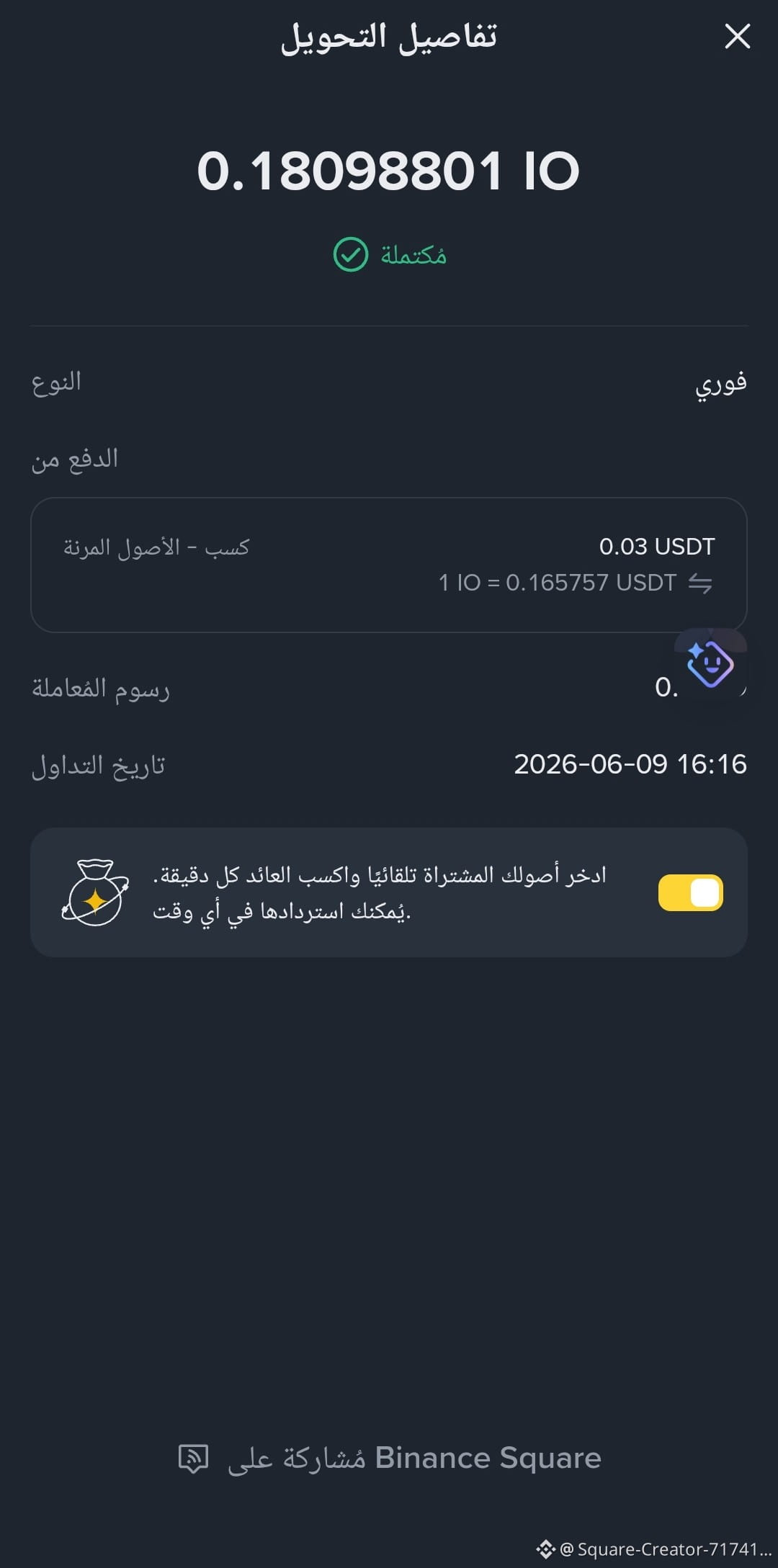
The Binance Convert feature allows you to swap one crypto for another easily, without the hassle of buy/sell orders like traditional trading.
Why is converting better for beginners?
Easy and fast: you select the 'from' currency and the 'to' currency, then confirm.
No order book: you don’t need to understand Limit/Market orders.
Clear price before confirmation: you see the price and the amount you'll receive before executing the swap.
Great for small amounts: especially for those looking to trade USDT for BTC or vice versa.
Steps to convert on Binance
Open the Binance app
Go to Convert / Swap
Select the currency you want to convert from (e.g., USDT)
Select the currency you want to convert to (e.g., BTC)
Enter the amount
Hit Preview to review the price
Click Confirm to complete the swap
Quick example
If you have 100 USDT and want to convert it to BTC:
You choose From: USDT → To: BTC → type 100 → Preview → Confirm.
Important tip
Before confirming, check:
The displayed price
The amount you'll receive
Price validity (usually just a few seconds)
How does the Convert feature work on Binance? A quick rundown for newbies
The Binance Convert feature allows you to swap one crypto for another easily, without the hassle of buy/sell orders like traditional trading.
Why is converting better for beginners?
Easy and fast: you select the 'from' currency and the 'to' currency, then confirm.
No order book: you don’t need to understand Limit/Market orders.
Clear price before confirmation: you see the price and the amount you'll receive before executing the swap.
Great for small amounts: especially for those looking to trade USDT for BTC or vice versa.
Steps to convert on Binance
Open the Binance app
Go to Convert / Swap
Select the currency you want to convert from (e.g., USDT)
Select the currency you want to convert to (e.g., BTC)
Enter the amount
Hit Preview to review the price
Click Confirm to complete the swap
Quick example
If you have 100 USDT and want to convert it to BTC:
You choose From: USDT → To: BTC → type 100 → Preview → Confirm.
Important tip
Before confirming, check:
The displayed price
The amount you'll receive
Price validity (usually just a few seconds)