
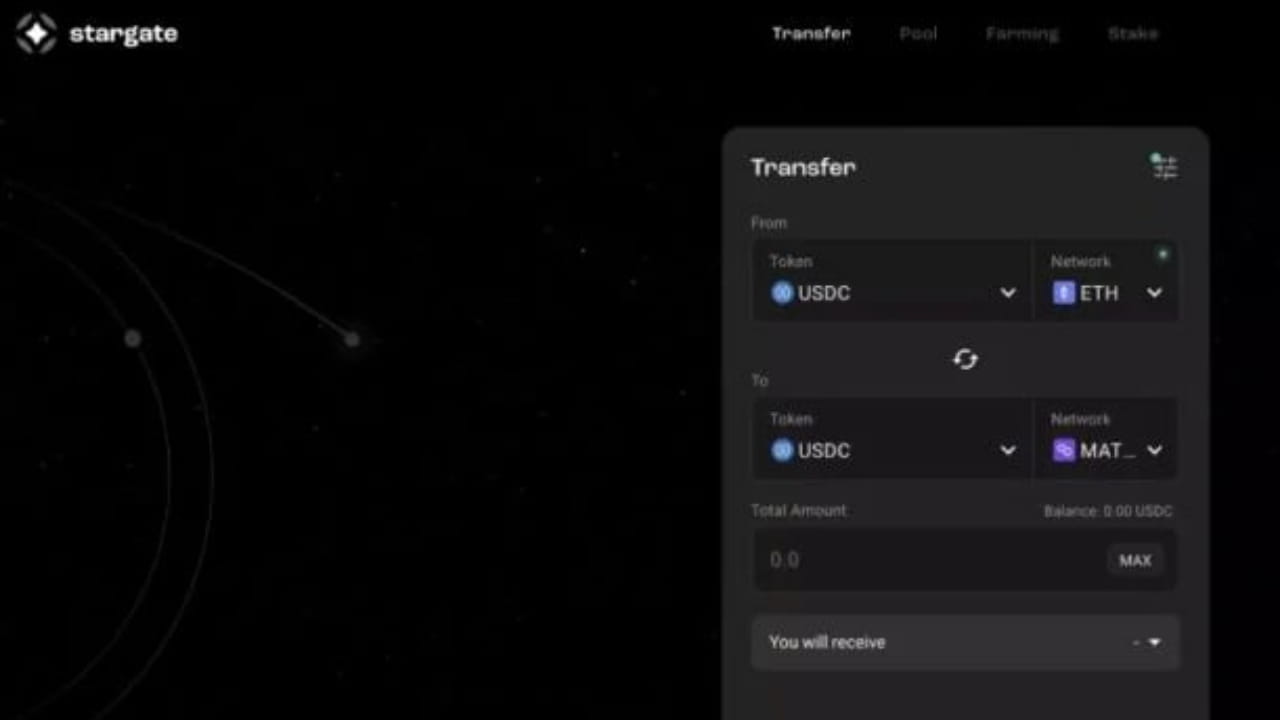

To bridge tokens from Ethereum to Polygon, you can follow these steps:
Go to the Polygon PoS Bridge website and click on "Transfer tokens from Ethereum to Polygon".
Connect your Ethereum wallet to the website.
Select the token that you want to transfer from Ethereum to Polygon.
Enter the amount of the token that you want to transfer.
Confirm the transaction and pay the gas fee on the Ethereum network.
Wait for the transaction to be confirmed on the Ethereum network.
Once the transaction is confirmed, the tokens will be transferred to the Polygon network, and you will receive them in your Polygon wallet.
Note that you will need to have enough gas on your Ethereum wallet to pay for the transaction fee, and you will also need to have enough balance of the token that you want to transfer in your Ethereum wallet. Additionally, you may need to wait for a certain amount of time for the transaction to be confirmed on both the Ethereum and Polygon networks, depending on the network traffic and the gas fee that you paid.
As an example;
Go to the Starkgate Finance website and connect with your MetaMask or any Web3 wallet.
Select the networks that you want to bridge assets from in the "Network" section, and select the tokens that you want to bridge in the "Token" section. In this article, we will bridge USDC from Ethereum to Polygon.
Determine the amount of tokens you want to bridge in the "Total Amount" section.
Confirm the transaction. Your tokens will be sent to your wallet within 2 minutes.