


Key Points
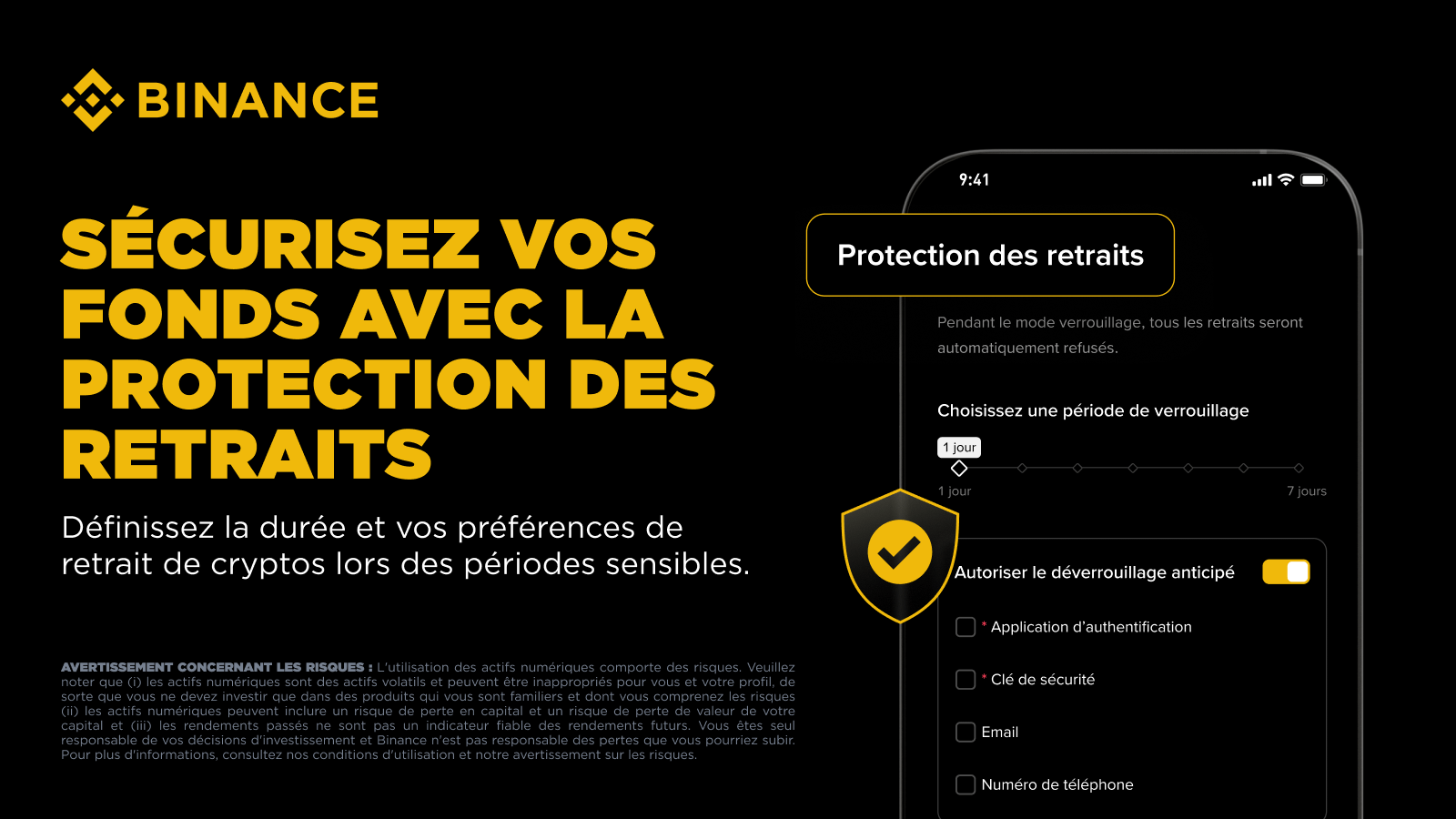
Withdraw Protection is a new security feature from Binance that locks all withdrawals during a lock window you set, ranging from 1 to 7 days.
It’s designed for situations where digital safeguards like 2FA and passwords can’t help — especially when you’re facing pressure in person to move your funds.
By default, a lock cannot be lifted early by anyone, including yourself. An optional "Early Withdrawal Authorization" setting is available for users who want more flexibility.
Most of the security advice you will read about crypto assumes that the threat is digital. Major threats include malicious phishing links, identity theft scams, SIM swapping, and compromised secret phrases – and the industry has established solid defenses against these.
But there is a category of risk that these defenses do not cover: physical coercion. This involves situations where a person is pressured, in person, to move their own funds. These cases are rare, but when they occur, losses can be severe and irreversible.
When activated, Withdraw Protection blocks all on-chain withdrawals from your Binance account during a predefined lock window. During this period, no one, including yourself, can move your crypto off the platform.
How Withdraw Protection works
You can activate Withdraw Protection from your account settings. Once activated, on-chain withdrawal requests are blocked for the entire duration of the lock window you choose. You can set it from 1 to 7 days; the default window is 48 hours.
When activating Withdraw Protection, the default setting is a full lock that cannot be circumvented by anyone, including yourself. It is designed for users who want certainty that their assets are safe from any form of pressure or coercion.
If you want more flexibility, enabling [Early Withdrawal Authorization] allows you to end the lock before the window closes, using your security key and authentication app. You can optionally add a confirmation sent to a separate phone number or email address as an additional security step.
The rest of your Binance account continues to function normally during a lock. You can still trade, hold positions, and access your account. Only withdrawals are restricted.
As a best practice, you should continue to use multi-factor authentication, withdrawal whitelists, phishing codes, and access keys when possible. Withdraw Protection is specifically designed to address physical security concerns that other layers cannot cover.
How to enable Withdraw Protection on Binance
You can activate Withdraw Protection from the Binance app or on the web.
On the app
Open the Binance app and tap on your profile icon at the top left of the home screen.
Tap on your profile picture to open [Account Info].
Tap on [Security] → [Withdraw Protection].
Choose your lock period (from 1 to 7 days, 2 by default), decide if you want to allow early unlocking, then tap [Confirm].
iOS users must be on iOS 16 or later and on version 3.14.0 or later of the app to use this feature.
On the web
Log in and navigate to [Profile] → [Account].
Open [Security] → [Advanced Security] → [Withdraw Protection].
Set your lock period, choose your unlocking settings, and confirm.
Setting up your parameters
Set your lock period to a duration between 1 and 7 days. The default window is 2 days.
The [Allow Early Unlocking] setting is turned off by default. Leaving it off means the lock will run its course. Turning it on requires you to set up a security key and an authentication app as verification methods, with phone and email as optional extra steps.
Once confirmed, you will see when your lock ends. If you have enabled early unlocking, an [Unlock Early] button will appear on the same screen.
Security checklist: tips to protect your Binance account
No single feature covers all scenarios. Below is a list of ways to protect your account from both hackers and physical threats.
Do not publicly disclose your assets or trading activity: Screenshots of balances, posts about gains and losses, and detailed public comments on positions are the most common ways to identify traders as holders of significant funds.
Use withdrawal whitelists: Restricting outgoing transfers to a short list of pre-approved addresses reduces a lot of options for an attacker, even if your account is compromised.
Enable biometric login: Face or fingerprint verification ties account access to your physical device, which is much harder to compromise than a password or one-time code.
Use access keys when available: This passwordless login method relies on cryptographic verification stored on your device. Access keys eliminate the primary attack surface of phishing and SIM swap attacks, and speed up login on compatible devices.
Set a phishing code: Once activated, this unique 8-character code appears in every official Binance email sent to you. If a message claims to be from Binance and the code is missing or incorrect, it did not come from Binance.
Final thoughts
Binance is committed to building the safest platform for storing your funds. With withdraw protection, you now have the option to safeguard against physical threats.
This is not a feature we expect most users will need often, but it exists for those moments when it is necessary. You can activate it in your account security settings in under a minute.
To go further
How to set up Withdraw Protection on Binance?
What is smishing? How to protect your Binance account with a phishing code
Binance Wallet Security Center – designed to identify, assess, and manage potential threats across DeFi