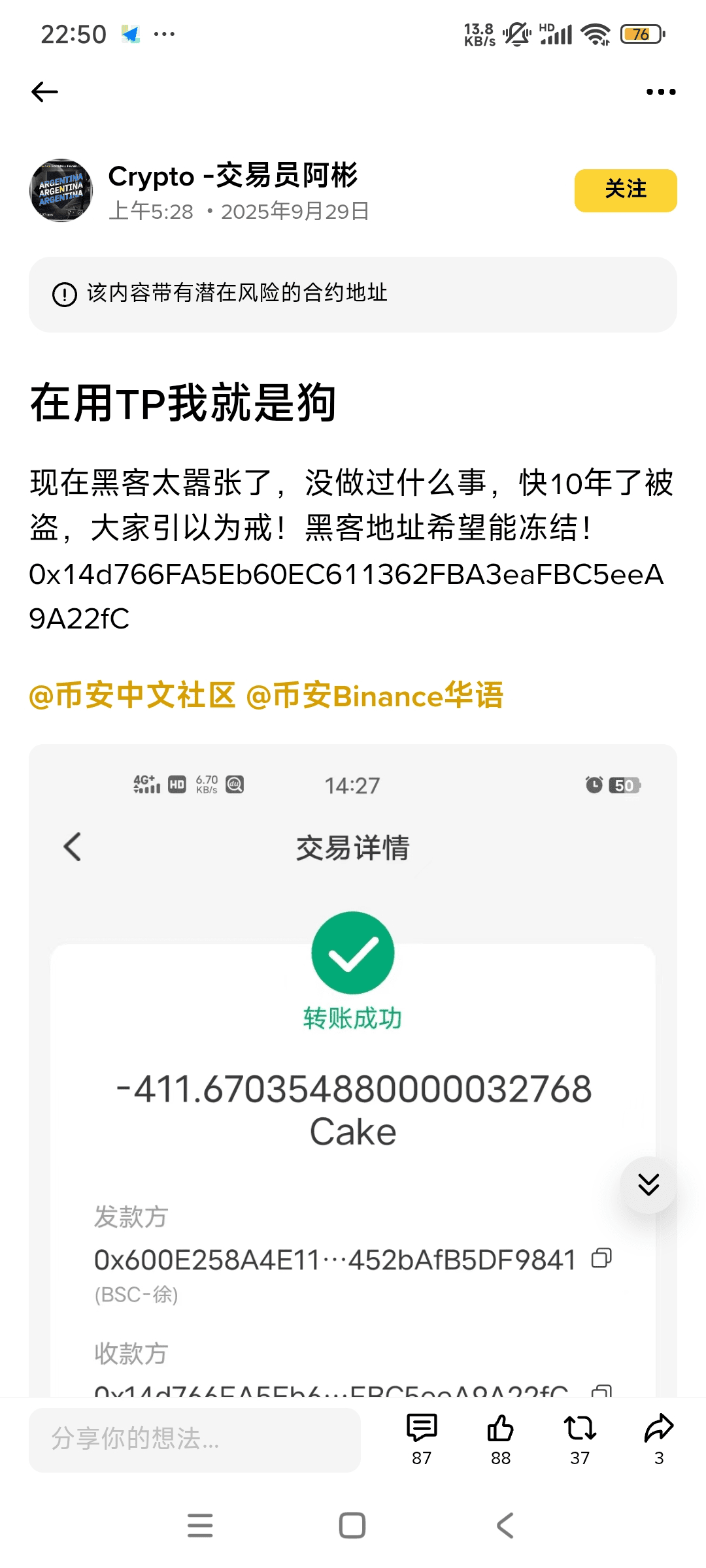
Coin theft upgrade Urgent prevention! Hackers steal your digital assets through these methods, see if you have fallen victim?
Yesterday I wrote an article about the small fox wallet's token issuance, and I didn't expect so many reports of stolen coins to pop up in the comments.
Just as I saw a big beauty KOL in our crypto circle also encounter such an unpleasant incident, I thought it was necessary to create a prevention guide for everyone, so the purpose of writing this article is very simple: to clarify common scams, to list the protective measures that can be taken clearly, and to minimize risks for everyone. Many people get scammed not because of poor technology, but because they are unfamiliar with the environment, processes are not set, or they trust 'acquaintances' and 'officials' too much.
Understanding the tactics scammers commonly use can turn you from “passively waiting for something to happen” into someone who proactively prevents losses. Everyone should understand one thing: if your assets are stolen, it means you didn’t manage your wallet properly. It has nothing to do with which wallet or device you use. Common scams and their telltale signs
1. Phishing (fake websites, emails, and direct messages). How it works: Scammers impersonate exchanges, wallets, customer support, or project teams and trick you into entering your recovery phrase or password on an unofficial page. Telltale signs: Emails with links claiming “Urgent notice,” “Claim your airdrop,” or “Account issue”; incorrect domain names, spelling, or certificates; requests for your recovery phrase or to paste it into a webpage.
2. Malicious contracts and scam smart contracts. How it works: Users are tricked into interacting with an untrusted contract, which then abuses wallet permissions or locks up their funds. Telltale signs: An unfamiliar contract address requests “unlimited approval”; there is no audit or the team information is vague.
3. Private key or recovery phrase exposure (locally or in the cloud). How it works: Your keys are photographed, stored in cloud storage or on your phone, handwritten and not kept securely, obtained from you while you’re drunk, or restored on an unsafe device—in short, anything that could allow someone else to learn them can result in your assets being stolen. Telltale signs: Your private key has been saved as a photo or electronic text, multiple people know where the backup is stored, or your device has been infected or lost.
4. SIM swapping and account takeover. How it works: Your phone number is hijacked, allowing someone to reset your email or exchange login via SMS and withdraw your assets. Telltale signs: You suddenly stop receiving texts or lose mobile signal, or your carrier notifies you of an unusual SIM transfer request.
5. Malware and clipboard hijacking. How it works: A keylogger or clipboard hijacker is installed on your system, replacing copied addresses so that the address you paste is the attacker’s. Telltale signs: Your device suddenly runs slowly, unfamiliar pop-ups appear, or the transfer address doesn’t match the one you copied.
6. Impersonation and social engineering (fake support staff or acquaintances). How it works: Scammers impersonate someone you know or an official representative in social media direct messages, phone calls, or group messages, asking you to transfer funds or grant permissions. Telltale signs: Someone you know suddenly messages you to borrow money or asks you to “sign first,” or an official support representative contacts you out of the blue and asks for sensitive information.
7. Exchange hack or platform collapse. How it works: A centralized platform’s security or compliance failures make withdrawals difficult or leave assets inaccessible. Telltale signs: The exchange announces suspended withdrawals, extensive media reports emerge, or platform executives go missing.
8. Rug pull (malicious project exit). How it works: After raising funds or launching, the project team drains the liquidity or shuts down the contract. Telltale signs: Liquidity rapidly disappears, the project team suddenly becomes unreachable, or contract permissions are changed.
9. Fake “airdrop” or token giveaway campaigns (airdrop scams). How it works: Scammers use “airdrops,” “airdrop claim pages,” or “airdrop eligibility checks” to trick users into signing, entering wallet information, or approving token permissions. Their actual goal is to obtain signing permissions or trick you into interacting with a malicious contract. Telltale signs: “Click here to claim your airdrop” links sent in direct messages from unfamiliar group members; requests to sign first or paste your recovery phrase; no official project announcement or vague team information.
10. Fake “official customer support” or “platform staff” directing you to take action (customer support scams). How it works: Scammers impersonate an exchange’s or wallet’s support staff, contacting you by direct message or phone and claiming that “there’s a problem with your account” or that they “need your help with verification,” then tricking you into revealing sensitive information or taking risky actions. Telltale signs: Support staff contact you first and ask you to take sensitive actions; the contact details they provide don’t match the official website; they ask you to enter your recovery phrase or a one-time password.
11. Fake wallets or malicious mobile apps (app impersonation). How it works: Fake apps disguised as popular wallets are published in unofficial stores or through third-party channels. After users install them, their imported wallet keys or signatures are stolen. Telltale signs: The app name or icon is subtly different, it has very few downloads, reviews look suspicious, or it requests excessive permissions.
12. Romance scams. How it works: Attackers build a trusting relationship over time, then use reasons such as “needing a loan,” “an investment opportunity,” or “urgent help” to trick the other person into transferring funds or granting permissions. Telltale signs: The other person brings up money very quickly, suggests you hand your assets over to a “trusted partner’s project,” or repeatedly puts off meeting in person.
13. Fake NFTs, fake art, or fake rare-item sales (social media scams). How it works: Scammers post “limited-edition NFTs,” “presale links,” or collectibles with fake celebrity endorsements on social media, tricking people into paying in advance or granting permissions. Telltale signs: The link leads to a newly created contract, there is no verification by a third-party marketplace, or you’re asked to sign or transfer funds before the transaction.
14. Browser extension and plugin scams. How it works: Malicious extensions pose as trading assistants or airdrop tools and, once installed, steal keys or automatically sign transactions without your knowledge. Telltale signs: An unverified extension requests signing permissions, its source is unknown, or its ratings and reviews look suspicious.
15. Fake domains and homograph typosquatting. How it works: Attackers register domains that look almost identical to official ones (for example, by replacing characters with similar-looking letters) and trick you into logging in or signing without noticing. Telltale signs: Slight changes in the spelling of the domain, SSL certificate details that differ from the official website, or errors in the page’s details. For example, the beautiful female KOL mentioned at the beginning of the article. 16. Physical access attacks (for example, tampering with a device after briefly gaining access to it). How it works: Attackers briefly access your device or hardware wallet without your knowledge (for example, at a conference or airport) to install malware or replace the device. Telltale signs: The device behaves unusually when starting up, unknown system changes appear, or there are marks on the hardware casing. How can you protect yourself? Never store your recovery phrase or private key digitally: don’t photograph it, upload it to cloud storage, or keep it in your phone’s notes. Keep long-term assets in a hardware wallet and make offline backups in separate locations (on paper or metal). Use an app or hardware key for 2FA, not SMS (especially important): Google Authenticator, Authy, or YubiKey. Use bookmarks or the official app to log in: don’t use links from emails or social groups to access important accounts. Use withdrawal allowlists and strong passwords: enable address allowlisting on exchanges and turn on login notifications. Regularly revoke unnecessary permissions: check token allowances and revoke any you no longer use.
Be skeptical of new projects: Check whether they’ve been audited, whether contracts are upgradeable, and whether the team is transparent. Start with a small amount. Device security: Keep your system patched; install software only from official sources; use antivirus software and run scans regularly.
Manage permissions for family members and teams: Keep a record of who can access each pool of funds and which device can be used to restore the recovery phrase. Diversify holdings and use multisig: Multisig wallets or custodial services can reduce the risk of a single point of failure. Stay alert if you receive an urgent message from someone claiming to be “official” and asking you to act immediately or enter your recovery phrase → highly suspicious. If your phone suddenly can’t receive SMS messages or you get an unusual alert from your carrier → contact your carrier immediately to investigate. If on-chain assets show an unknown approval or a large allowance → revoke the permission immediately and transfer your funds to an offline wallet. If your device has unfamiliar programs or is using an unusual amount of resources → disconnect it from the network and switch to a clean device. If your social account posts unusual content (especially messages asking for money) → verify the person’s identity by phone or video first. Recommendations for individual users: Keep most of your assets in a hardware wallet; keep only funds for short-term trading on exchanges; don’t enable SMS verification. Active traders and DeFi users: Use a dedicated device for trading, separate from everyday browsing; test with a small amount before each contract interaction; regularly revoke permissions.
Funds, teams, and project operators: Use multisig wallets, minimize on-chain permissions, and audit upgradeable contracts. Establish clear responsibilities and emergency procedures within the team. Security is a process, not a one-time action. Scams will keep evolving, but most successful scams rely on victims letting their guard down—for example, failing to back up a private key, clicking a phishing link, or using SMS as the only second factor. Make the checklist above part of your daily routine: separate devices, use a hardware wallet, use Authy/Authenticator, regularly revoke permissions, and keep evidence and know how to report incidents. This will greatly reduce the chances of becoming a victim of a scam.