


Yesterday I saw many people didn't know about tv, so today I will write a simple tutorial.
First of all, you need to register first. Just search for trainingview to enter the official website to register. You can check my X homepage for a simpler registration process (X: kapibala616).
After registration is completed, you will receive an email to activate your account. You can only log in with the registered account after activation. Be sure to use a VPN to activate, otherwise you will not be able to access the activation webpage.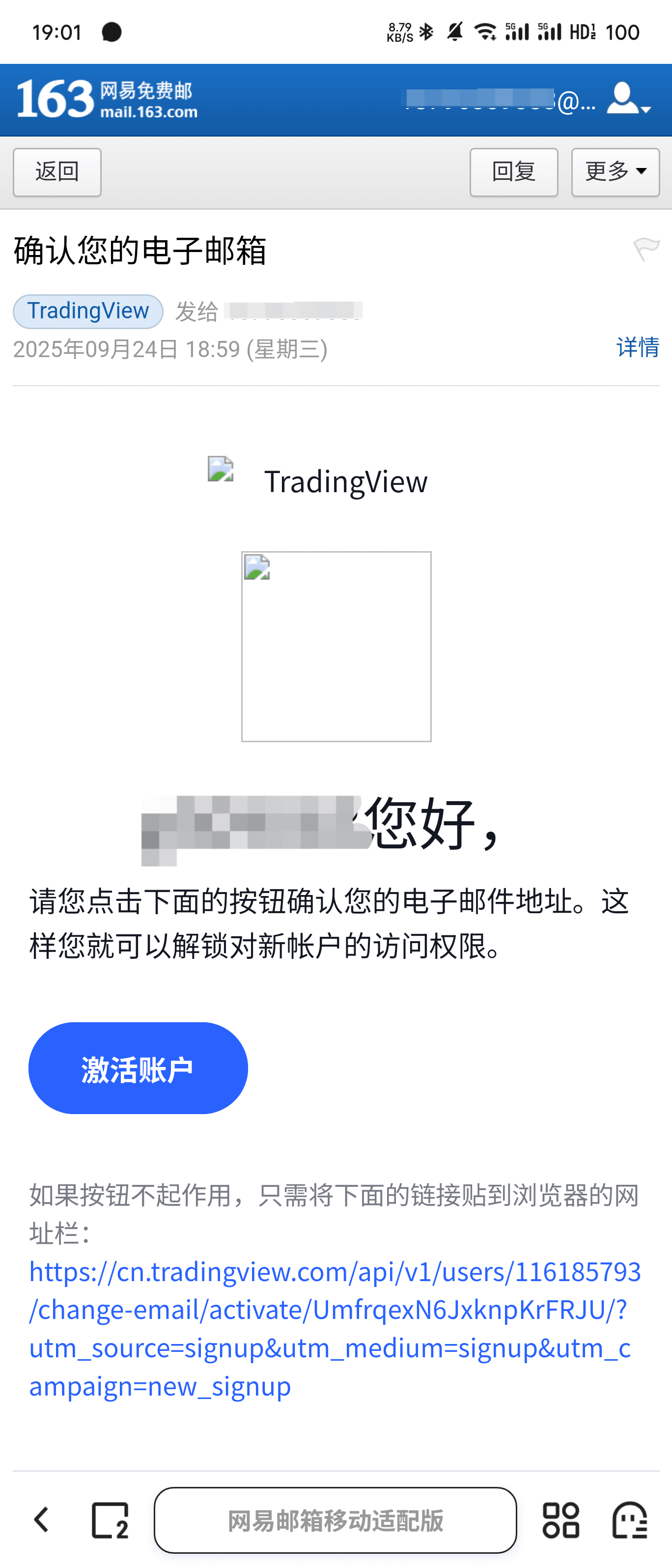
After activation is completed, the following interface will appear, click the top right corner to obtain and it will redirect to download and install.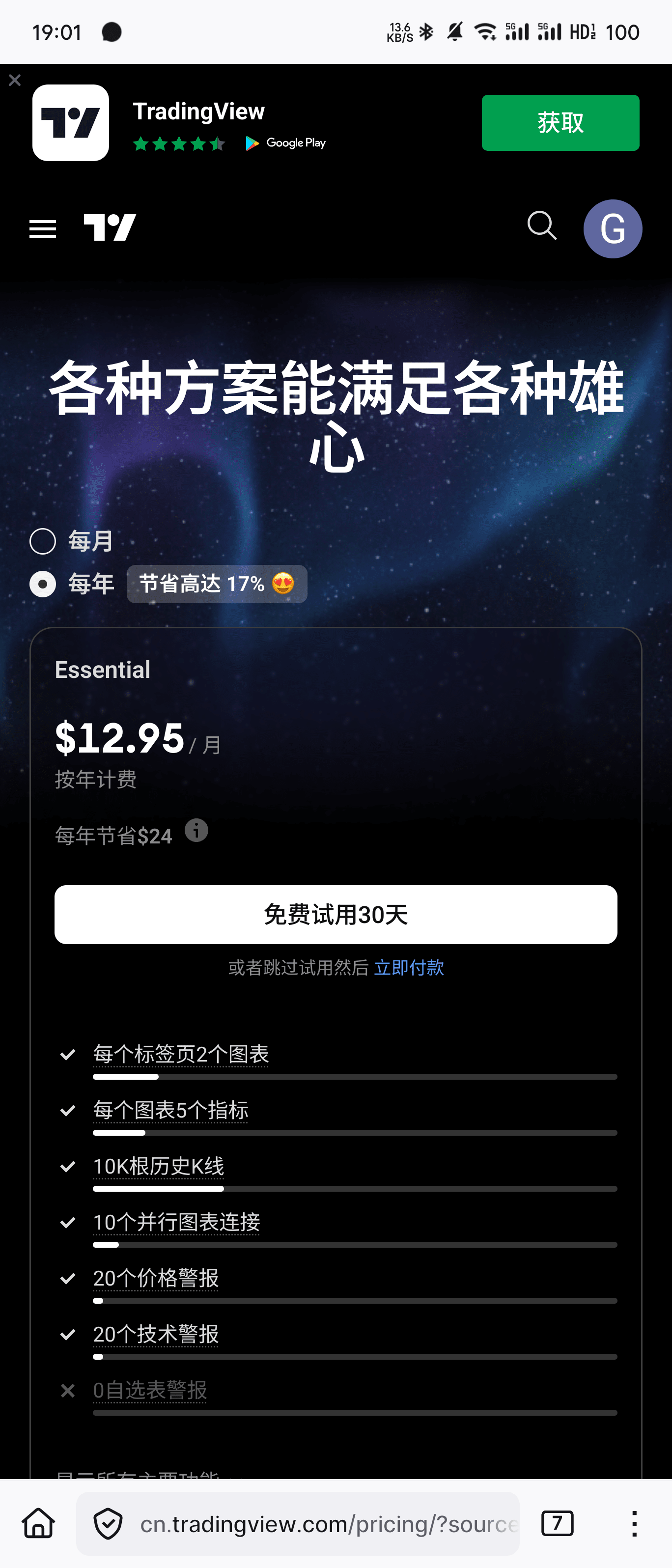
After installation and login, click the plus sign in the top right corner of the homepage, select BTC according to the steps in the picture, and pay attention to the exchange behind, be sure to choose Binance.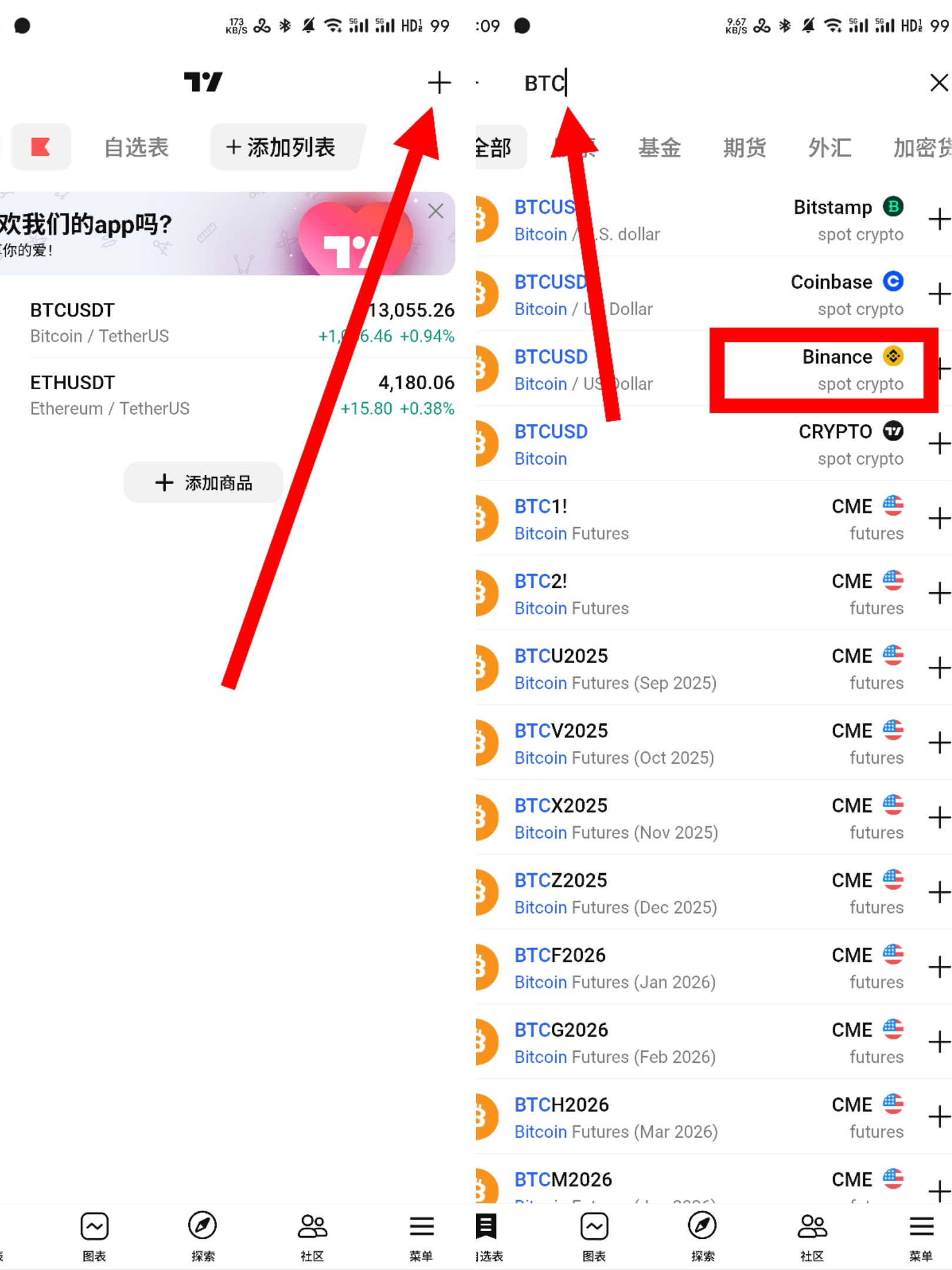
Next, you can start viewing the market. You can click here in the bottom left corner to switch currencies and time frames. Note that some time frames require a paid subscription to view, but the free ones are completely sufficient. Of course, the features of TV are powerful, and there are many practical and convenient functions and tools that I will slowly recommend to everyone later.
The desktop version is much simpler to use than the mobile version, and it will be released later.
I will recommend some practical indicators to everyone later. Follow Capybara to get more practical and powerful tools, and fill your bag with money!