Doing this


Post
--

大漠哥
·
--
How I Deployed OpenClaw on Mac Mini M4? (Including Environment and Back-end Configuration Process)
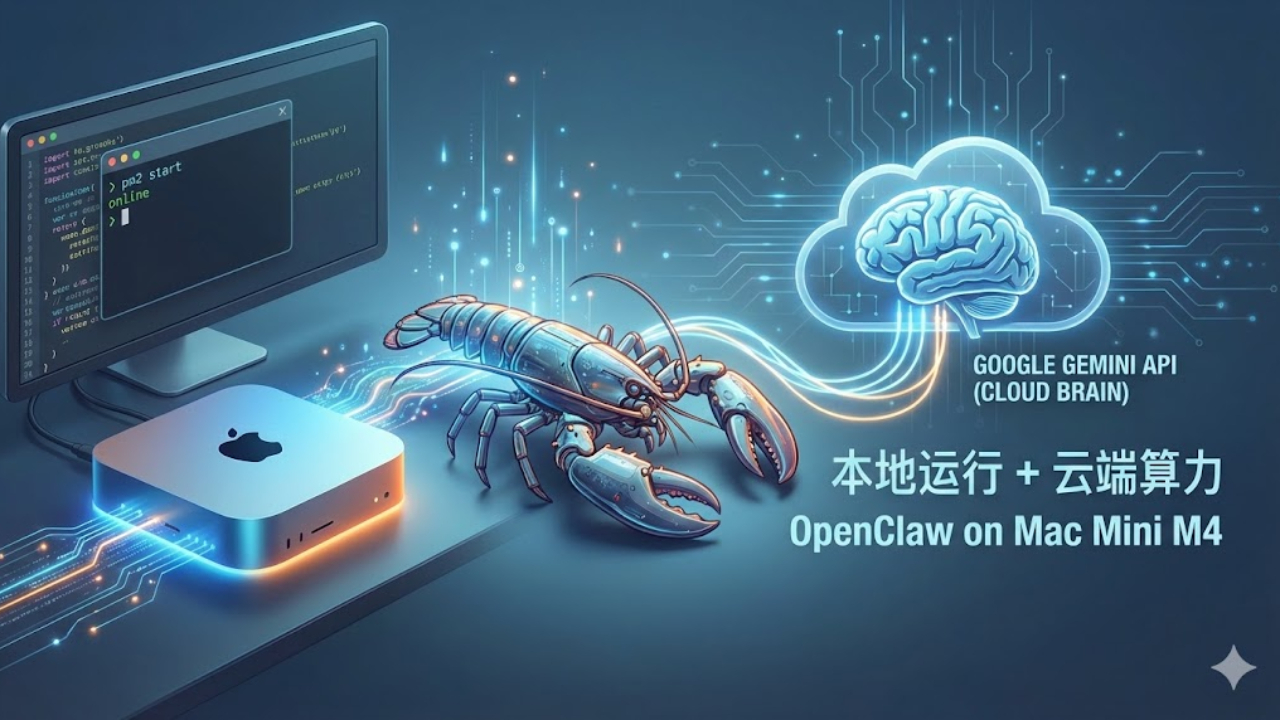
Today I got 'Lobster' (OpenClaw AI Agent) running on Mac Mini M4. In practical tests, it's not recommended to use M4 to directly run local small models (logical reasoning can easily go wrong), such as some 7B and 8B models; the most practical architecture is: local Mac running the Agent framework (acting as hands and feet) + calling the cloud-based Gemini 3 Flash API (acting as the brain).
Record the specific deployment process and troubleshooting points for reference:
1. Complete the basic environment.
Git and Docker are already in place, just missing Node.
Mac comes with Git, but lacks a Node.js environment. I directly downloaded the .pkg installer for v24.13.1 (LTS) from the official website and installed it with default settings, automatically setting up the Node and npm environment.
Record the specific deployment process and troubleshooting points for reference:
1. Complete the basic environment.
Git and Docker are already in place, just missing Node.
Mac comes with Git, but lacks a Node.js environment. I directly downloaded the .pkg installer for v24.13.1 (LTS) from the official website and installed it with default settings, automatically setting up the Node and npm environment.
Disclaimer: Includes third-party opinions. No advice. Binance AI may be used without guarantee. See T&Cs.