

This is a general announcement. The products and services mentioned here may not be available in your region.
Hello Binancian,
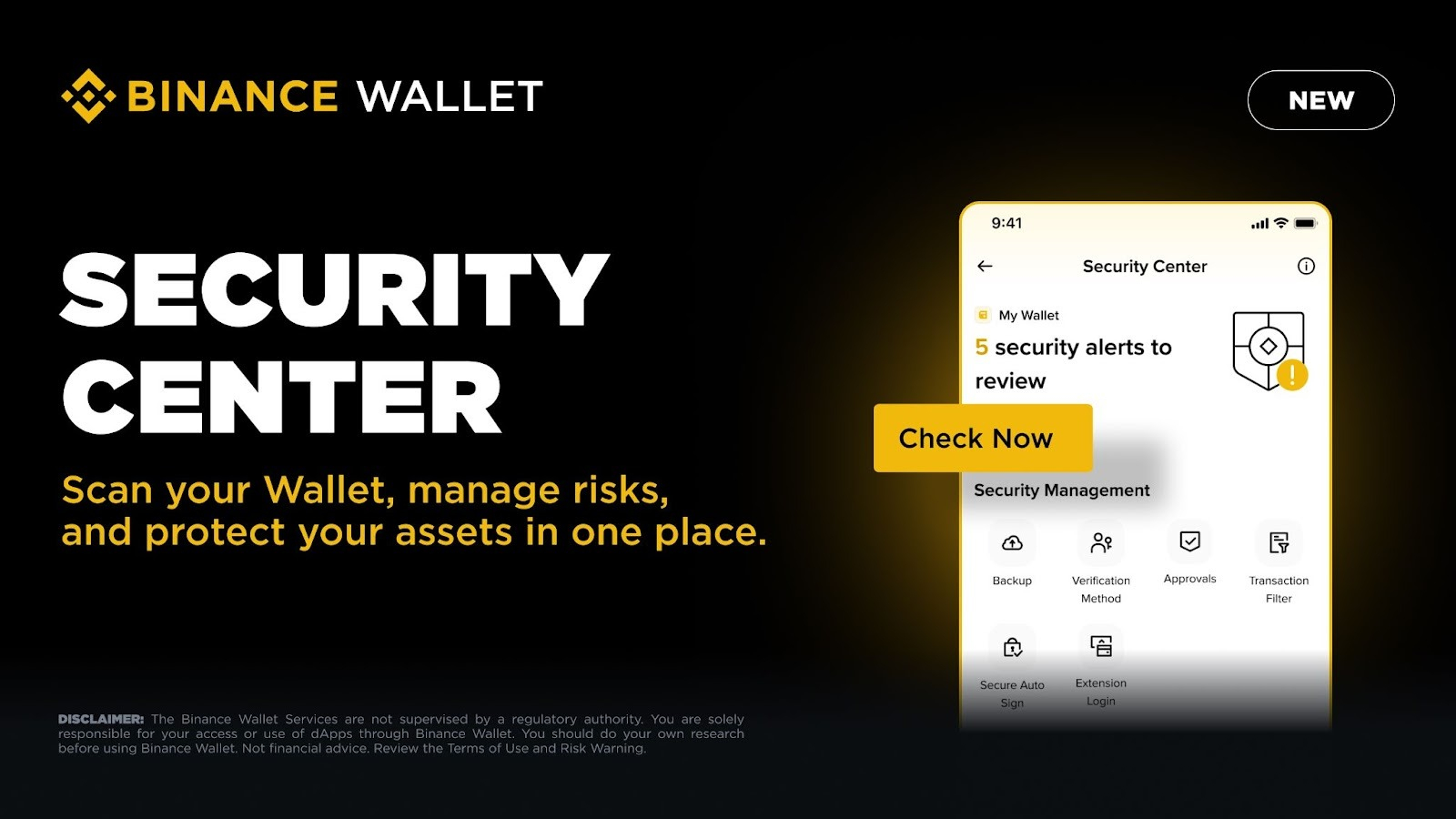
The Binance wallet is excited to introduce the Security Center, a new security hub designed to help users identify and manage potential risks to better protect their assets. At the core of the Security Center is the Security Scan, the latest feature that automatically scans your wallet for potential security issues and provides actionable recommendations to protect your account.
The Security Center also integrates various existing security tools, including backups, verification methods, approvals, Secure Auto Sign, and others into one integrated experience. This makes it easier for users to monitor risks and enhance wallet security in one place.
About the Security Scan Feature
The Security Scan automatically scans users' wallets to detect potential security risks in wallet settings, assets, approvals, and transactions. This feature supports Binance Keyless Wallets as well as wallets resulting from importing secret phrases and private keys, allowing users to easily review and secure various wallets on one platform.
Detected issues are categorized by risk level. Users can quickly understand whether their wallet is problem-free, has medium risk, or high risk, and prioritize actions as needed.
The Security Scan checks for the following types of risks:
Wallet Security: Monitoring the status of backups and the operational environment of your wallet so you can strengthen backup practices and reduce risks such as unauthorized access, abnormal permissions, or potential wallet compromises.
Asset Security: Analyzing tokens and other assets in your wallet or watchlist to flag assets that may be at high risk.
Approval Security: Reviewing active wallet approvals to identify dangerous, excessive, or unnecessary permissions, and allowing you to revoke them easily.
Transaction Security: Checking transaction history and on-chain interactions to detect potential threats, helping you avoid sending assets to risky or suspected fraudulent addresses.
Receive Alerts and Take Action
Whenever the Security Scan identifies potential risks, users will immediately receive alerts on the main page along with clear recommendations and actions that can be taken.
For example, if your wallet's approval list contains unrecognized tokens or risky permissions, the Security Center will detect and highlight them directly on the main page. You will receive clear risk alerts and guidance on the next steps, such as revoking approvals with just one tap.
Additionally, automatic scanning continuously monitors your wallet to proactively identify potential threats, ensuring your security without requiring manual effort.
How to Get Started
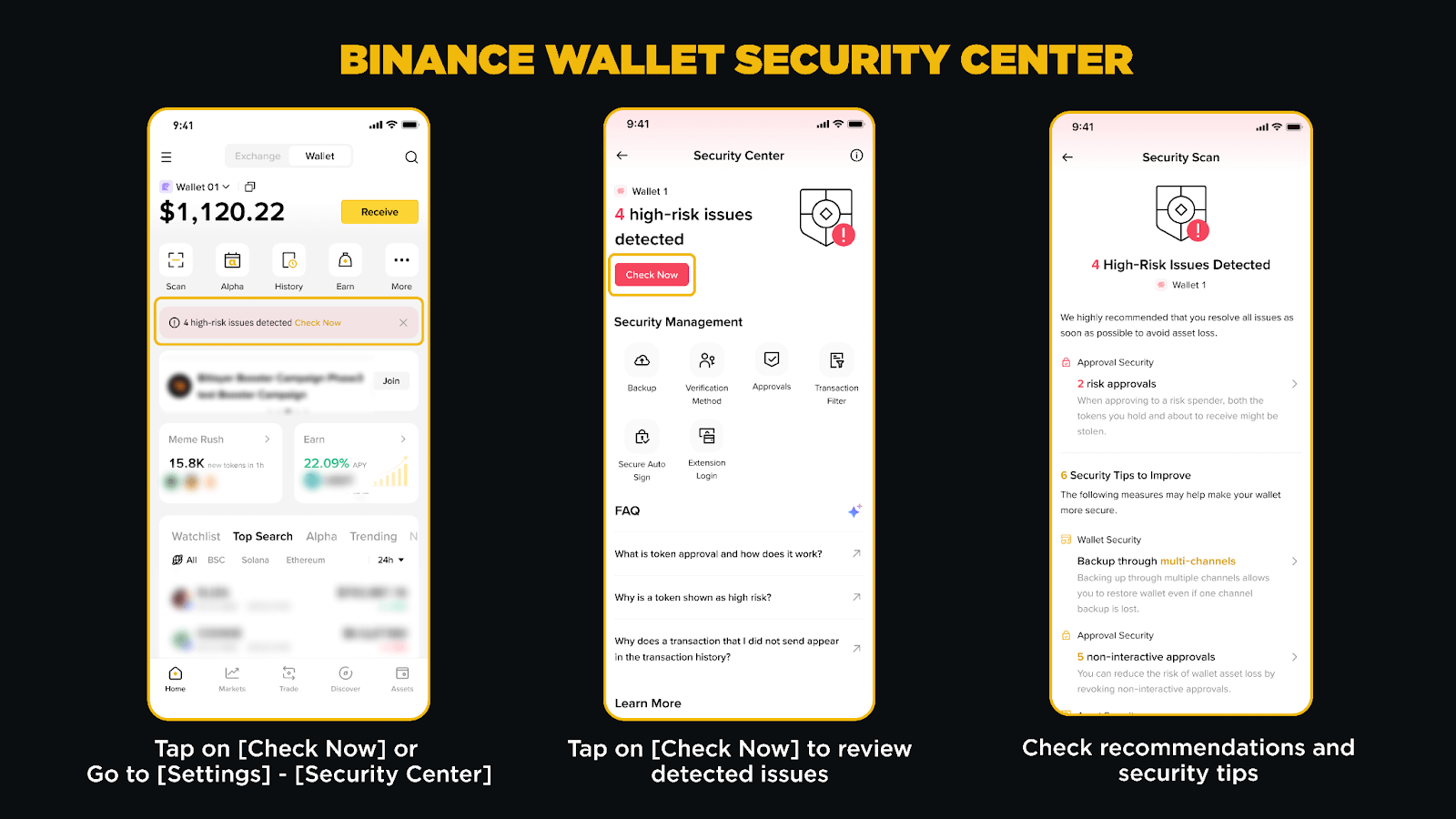
Open Binance Wallet on the Binance App.
Log in to [Settings] > [Security Center].
Tap [Check Now] to see detected security issues along with recommendations.
Review the detected issues based on risk level, then take action directly from the Security Center.
If risks are found, you can also tap the risk notification on the main page to access the Security Center.
Note:
The Security Scan results are for informational purposes only and do not constitute financial or investment advice.
Risk assessments are based on automated evaluations and may not capture all potential threats. Always conduct your own research.
There may be differences between the original content in English and the translated version. Please refer to the original English version for the most accurate information.
Guide & Related Materials:
Thank you for your support!
Binance Team
03-02-2026
Crypto transactions anywhere with the Binance crypto trading app (iOS/Android)
Find us on:
Binance reserves the right, at its sole discretion, to change or cancel this announcement at any time and for any reason without prior notice.
Disclaimer: The Binance Wallet services are provided by Binance Barbados Limited and involve the provision of unregulated third-party services that are not overseen by the Financial Services Regulatory Authority in Abu Dhabi Global Market, or any other regulatory authority. The Binance Wallet is not responsible for your access or use of third-party applications (including functionalities contained within the Binance Wallet) and has no liability regarding your use of such third-party applications, including without limitation, any transactions you dispute. You should only invest in products that you understand and are familiar with the risks. Carefully consider your investment experience, financial situation, investment objectives, and risk tolerance and consult with an independent financial advisor before investing. This material should not be considered financial advice. Please carefully review the Terms of Use and Risk Warning and always conduct your own research.
Please note: There may be differences between the original content in English and its translated version (the latter may be generated by AI). Please refer to the original English version for the most accurate information if discrepancies occur.