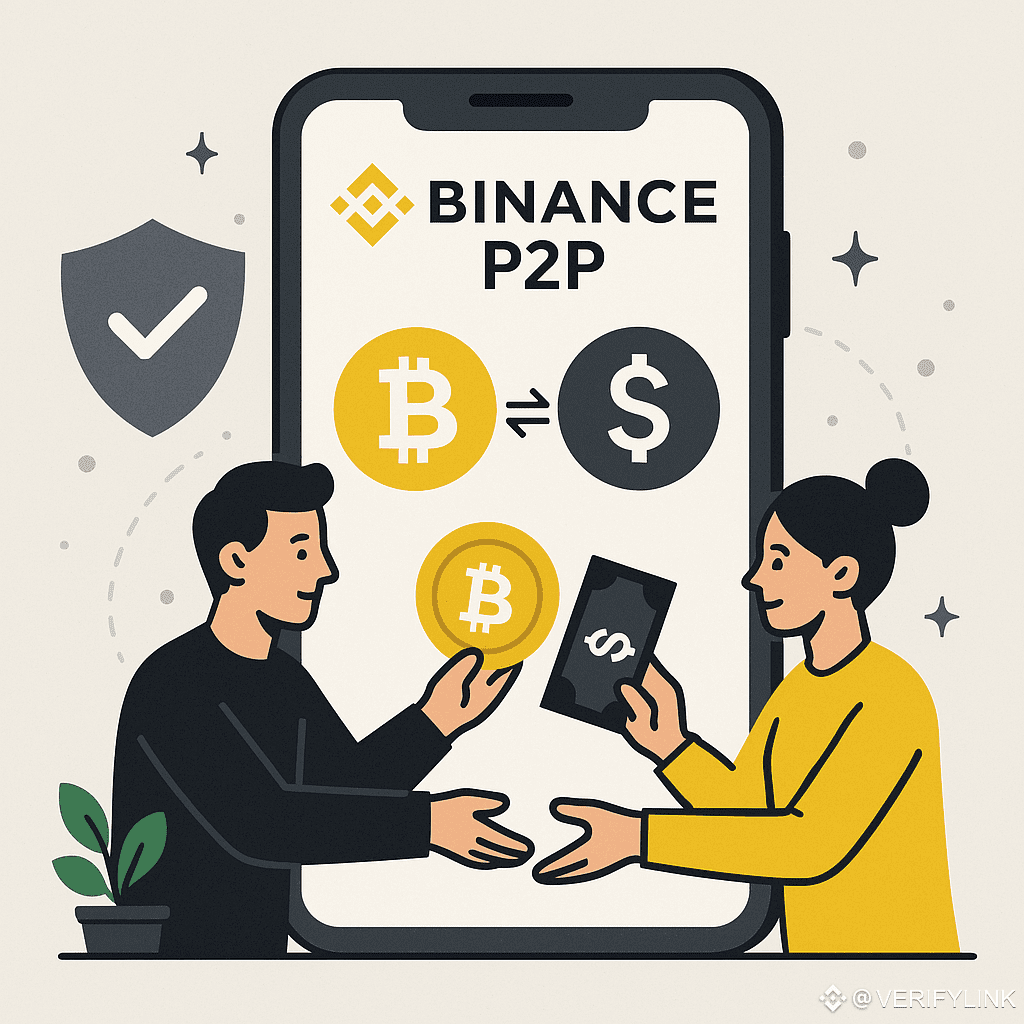
# Step-by-Step Guide to Using Binance P2P
Binance P2P is a platform that allows users to buy and sell cryptocurrencies directly with each other, without intermediaries. It's a secure and flexible option for those looking for personalized payment methods and better prices. Here's how to use it.
## 1. Access Binance P2P
1. Log in to your Binance account.
2. Go to the **"Trading"** section and select **"P2P"**.
3. Make sure you've completed identity verification (KYC), as it's a requirement for trading.
## 2. Set Up Payment Methods
1. Go to **"Payment Methods"** in your account settings.
2. Add your preferred payment methods (bank transfer, digital wallets, etc.).
3. Save your changes so buyers and sellers can see your options.
## 3. Buy Cryptocurrency on P2P
1. In the P2P section, choose the cryptocurrency you want to buy.
2. Filter by local currency and payment method.
3. Select a highly rated seller and click "Buy."
4. Enter the amount and confirm the order.
5. Make the payment according to the seller's instructions and mark the transaction as complete.
6. Wait for the seller to release the cryptocurrency to your wallet.
## 4. Sell Cryptocurrency on P2P
1. Go to the P2P section and select "Sell."
2. Choose your preferred cryptocurrency and payment method.
3. Filter by reputable buyers.
4. Enter the amount and confirm the sale.
5. Wait for payment and verify that the funds have arrived.
6. Release the cryptocurrency to the buyer.
## 5. Post P2P ads
1. Go to the "Post Ad" section.
2. Define whether you want to buy or sell.
3. Set the price, payment method, and transaction limits.
4. Post the ad and wait for users to contact you.
@viji PrinceBv @Square-Creator-5a1350521 @ALØNDRACRYPTØ1 @Elex Rocks Team Matrix @keanuleafes
Binance P2P is a platform that allows users to buy and sell cryptocurrencies directly with each other, without intermediaries. It's a secure and flexible option for those looking for personalized payment methods and better prices. Here's how to use it.
## 1. Access Binance P2P
1. Log in to your Binance account.
2. Go to the **"Trading"** section and select **"P2P"**.
3. Make sure you've completed identity verification (KYC), as it's a requirement for trading.
## 2. Set Up Payment Methods
1. Go to **"Payment Methods"** in your account settings.
2. Add your preferred payment methods (bank transfer, digital wallets, etc.).
3. Save your changes so buyers and sellers can see your options.
## 3. Buy Cryptocurrency on P2P
1. In the P2P section, choose the cryptocurrency you want to buy.
2. Filter by local currency and payment method.
3. Select a highly rated seller and click "Buy."
4. Enter the amount and confirm the order.
5. Make the payment according to the seller's instructions and mark the transaction as complete.
6. Wait for the seller to release the cryptocurrency to your wallet.
## 4. Sell Cryptocurrency on P2P
1. Go to the P2P section and select "Sell."
2. Choose your preferred cryptocurrency and payment method.
3. Filter by reputable buyers.
4. Enter the amount and confirm the sale.
5. Wait for payment and verify that the funds have arrived.
6. Release the cryptocurrency to the buyer.
## 5. Post P2P ads
1. Go to the "Post Ad" section.
2. Define whether you want to buy or sell.
3. Set the price, payment method, and transaction limits.
4. Post the ad and wait for users to contact you.
@viji PrinceBv @Square-Creator-5a1350521 @ALØNDRACRYPTØ1 @Elex Rocks Team Matrix @keanuleafes