GUIDE TO REQUEST A LOAN ON BINANCE 🏦💰
1. LOG IN TO BINANCE 🔐
Access your account from the app or the web. If you don't have an account, register first.
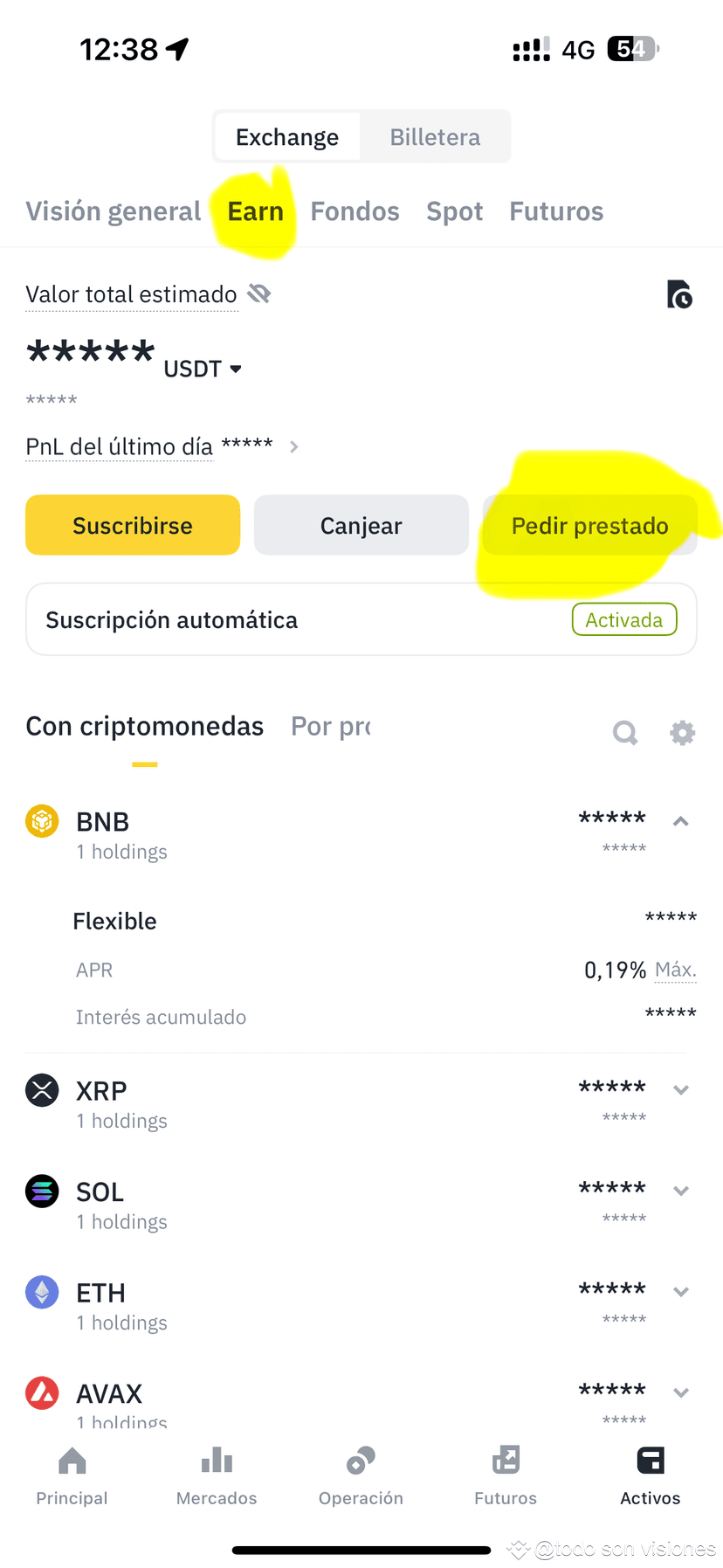
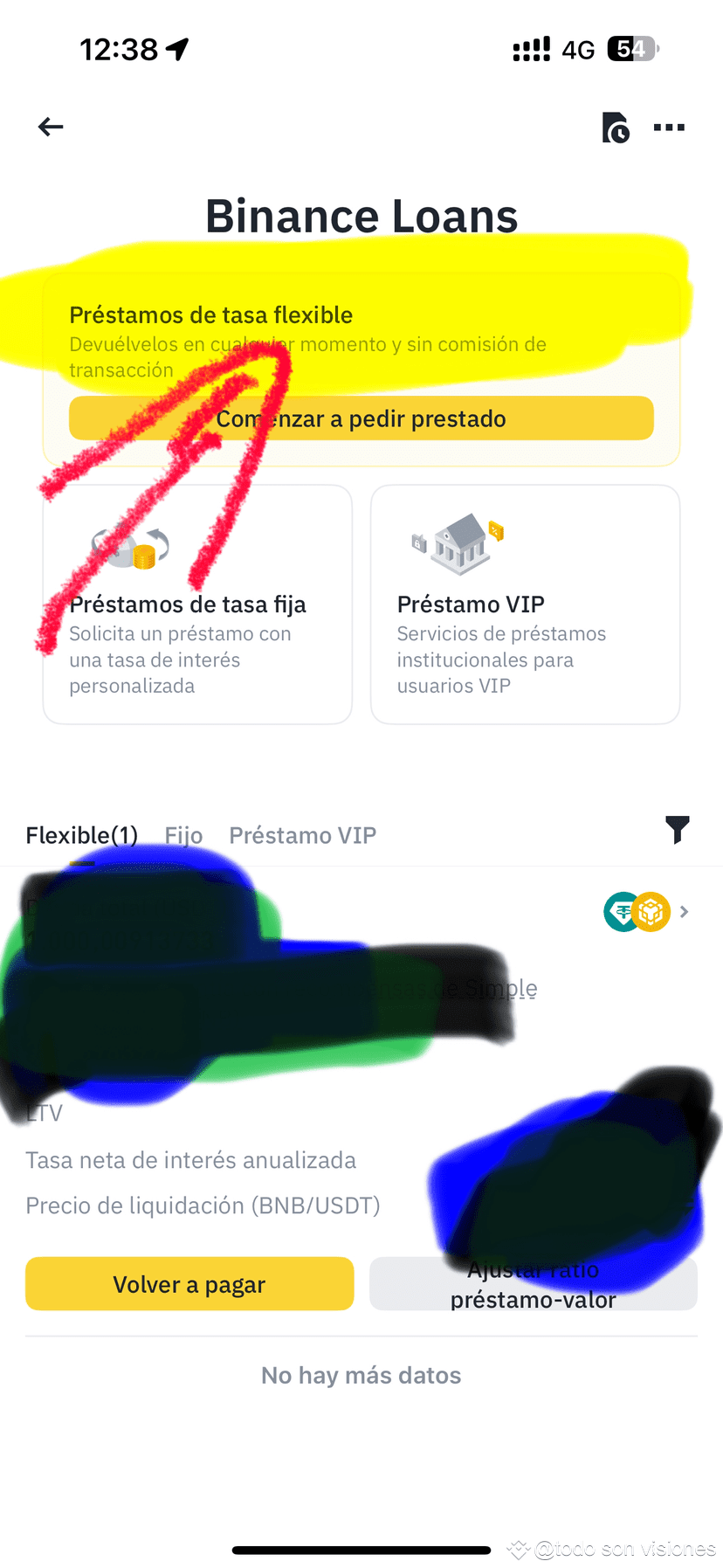
2. Go to the Loans section 📲➡️💳
• In the app: tap “More” > “Loans”.
• On the web: go to “Finance” > “Crypto Loans”.
3. Choose the asset you want to borrow 💸
For example: USDT, BUSD, BTC, etc.
4. Choose the collateral 🏦
That is, the cryptocurrency you will leave as collateral (like BNB, ETH, BTC…).
5. Enter the loan details ✍️
• Loan amount
• Duration (7, 14, 30, 90, 180 days)
• Interest rate will be displayed automatically
6. Confirm the loan ✅
Review the details, accept the terms, and confirm.
7. Receive funds instantly ⚡
The borrowed funds are deposited directly into your Spot account.
8. Manage your loan 📊
You can pay early, add more collateral, or check the status at any time.
⸻
Important ⚠️
• If the value of your collateral drops too much, you could be liquidated.
• Make sure you understand the risks before requesting a loan.$BTC $BNB $XRP #BTCRebound #xrp #Follow_Like_Comment
1. LOG IN TO BINANCE 🔐
Access your account from the app or the web. If you don't have an account, register first.
2. Go to the Loans section 📲➡️💳
• In the app: tap “More” > “Loans”.
• On the web: go to “Finance” > “Crypto Loans”.
3. Choose the asset you want to borrow 💸
For example: USDT, BUSD, BTC, etc.
4. Choose the collateral 🏦
That is, the cryptocurrency you will leave as collateral (like BNB, ETH, BTC…).
5. Enter the loan details ✍️
• Loan amount
• Duration (7, 14, 30, 90, 180 days)
• Interest rate will be displayed automatically
6. Confirm the loan ✅
Review the details, accept the terms, and confirm.
7. Receive funds instantly ⚡
The borrowed funds are deposited directly into your Spot account.
8. Manage your loan 📊
You can pay early, add more collateral, or check the status at any time.
⸻
Important ⚠️
• If the value of your collateral drops too much, you could be liquidated.
• Make sure you understand the risks before requesting a loan.$BTC $BNB $XRP #BTCRebound #xrp #Follow_Like_Comment