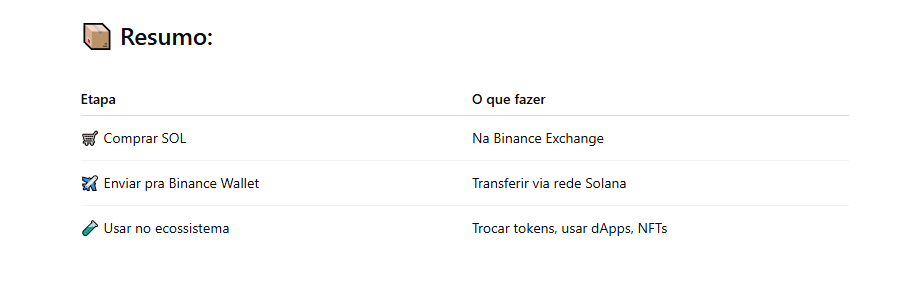
✅ Option 1: Buy on Binance Exchange and transfer to the wallet
This is the safest and easiest way:
Step 1 – Buy SOL on Binance Exchange
Access the Binance app or website
Go to 'Buy Crypto' (via PIX, card, etc.)
Choose SOL (Solana) and complete the purchase
Step 2 – Transfer to your Binance Wallet (Web3)
Go to your Binance Web3 Wallet
Copy the Solana network address (starts with something like 4vG...)
Return to Binance Exchange
Tap on Withdraw and choose the SOL currency
Paste the Solana wallet address
Confirm the network as Solana (SOL)
Complete the withdrawal ✈️
⏱️ Takes seconds! As soon as it arrives, the SOL will appear in your Binance Wallet ✅
✅ Option 2: Buy via partners within the wallet (Ramp, MoonPay, etc.)
Open the Binance Wallet (Web3)
Go to 'Buy crypto'
Choose one of the providers (e.g., MoonPay, Mercuryo)
Choose SOL, set the amount, and complete with card/PIX
The SOL goes directly to your Binance Wallet
⚠️ Beware of fees! This option is convenient, but may have higher fees.
🧠 Bonus tip: Want Solana tokens like USDC-SPL or NFTs?
Have a little SOL in the wallet (it serves as 'gas' for the network)
Connect the Binance Wallet to a Solana dApp (like Jupiter Aggregator or Magic Eden)
Use the SOL to exchange for other tokens or buy NFTs