


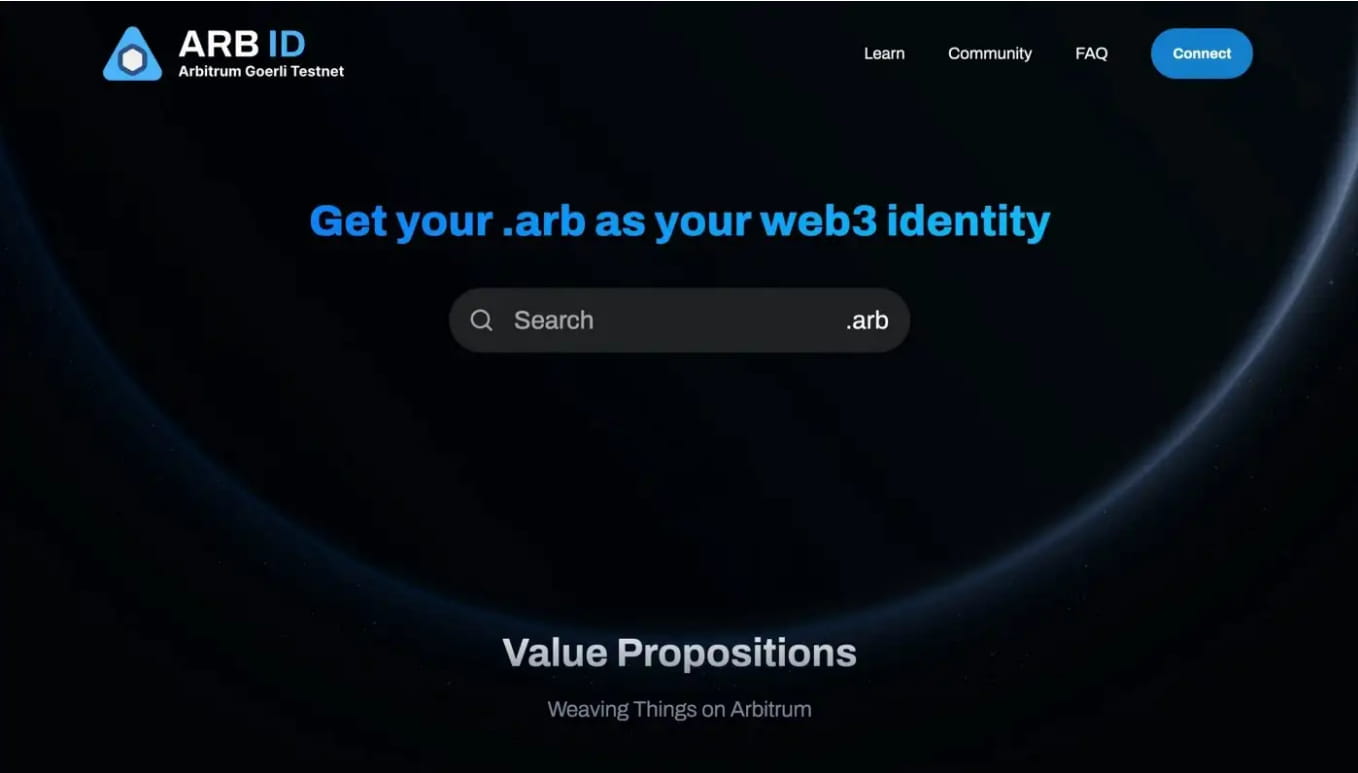
Please prepare in advance: MetaMask wallet
Please know the 3 Arbitrum chains:
Arbitrum One — Home of the widest range of L2 and DeFi.
Arbitrum Nova — Chain for social and gaming.
Arbitrum Goerli — A testnet version of Arbitrum One.
Step 1. Add Goerli Testnet Arbiter to Metamask
(1) Go to https://goerli.arbiscan.io/

In the lower right corner of the page, there is an "Add Arbitrum Network" button, click to add to Metamask wallet. Once added, you should see another network named "Arbitrum Goerli Testnet" in the network drop-down menu.
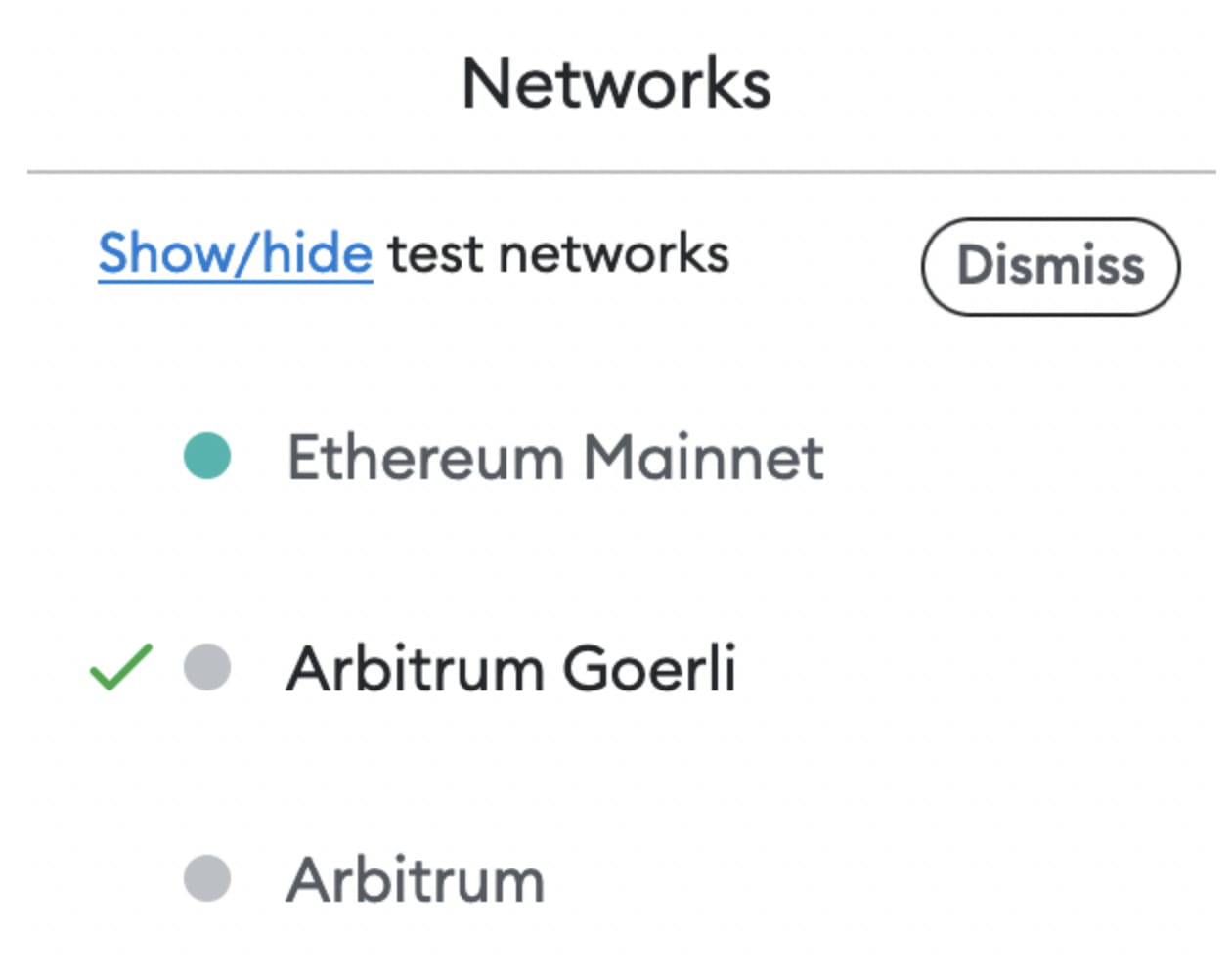
(2) You can also manually add the Abitrum Goerli testnet to the Metamask wallet.
Network name: Arbitrum Goerli Testnet
Network URL: https://goerli-rollup.arbitrum.io/rpc
Chain number: 421613
Currency symbol: ETH
Step 2. Obtain Arbitrum Goerli ETH for ARB ID test network
The ARB ID testnet is on Arbitrum Goerli, which means that users need to have Goerli ETH on Arbitrum Goerli to register an .arb domain name on the testnet. So you have to follow these steps:
(1) Use Goerli Faucet on Ethereum to obtain testnet ETH
1) Go to goerlifaucet.com
Sign up for a free Alchemy account, or log in with Google.

2) Copy and paste your wallet address

3) Click to send me ETH
After clicking on “Send Me ETH” you will see Congratulations on successfully requesting Goerli ETH from the Goerli testnet faucet.
With Goerli ETH funds, you can connect to the Goerli testnet and start testing with ETH.
(2) Bridge the test network ETH to the Arbitrum Goerli test network
Visit https://bridge.arbitrum.io/?l2ChainId=421613
Connect to Metamask wallet
Select the amount of Goerli Eth to bridge to the Arbitrum Goerli testnet
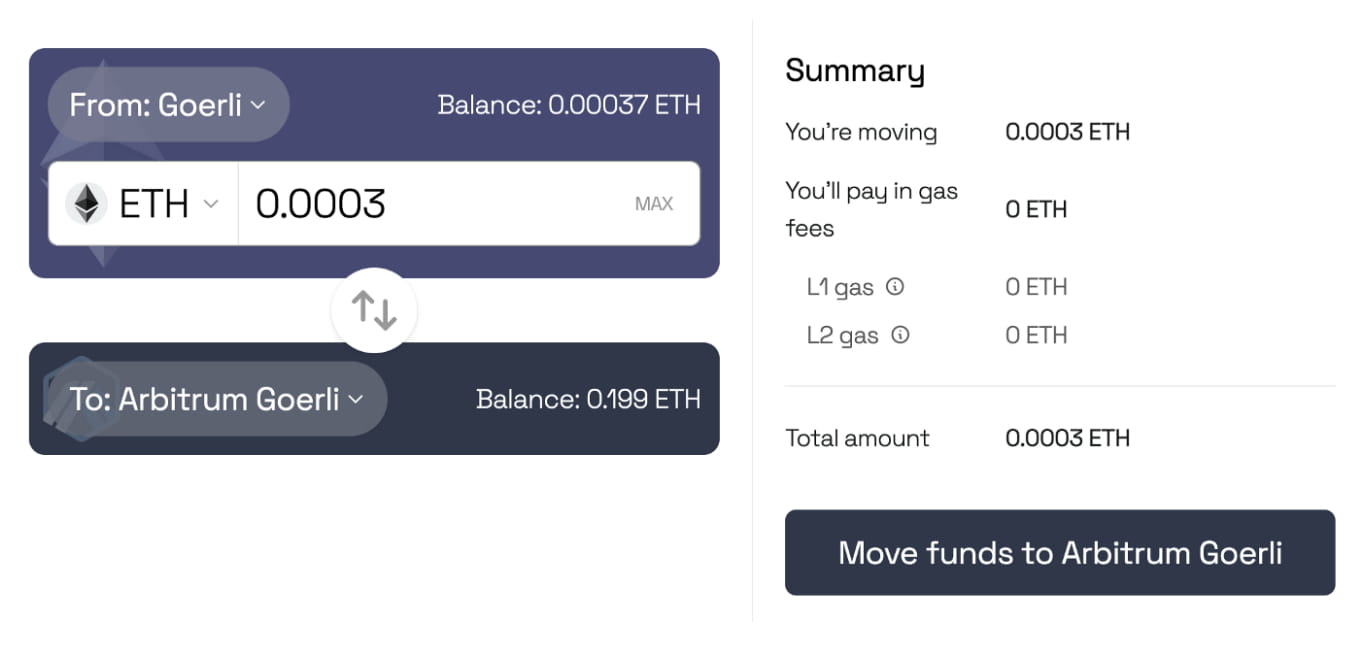
4. Click "Move funds to Arbitrum Goerli" to confirm. In approximately 15 minutes, Goerli ETH will appear in the Metamask wallet on the Arbitrum Goerli testnet.
Step 3. Register an .arb domain name on the ARB ID test network
(1) Connect to wallet
Once you have a Metamask wallet with Goerli ETH on the Arbitrum Goerli Testnet, you can register an .arb domain name!
Enter the website: https://app.stg.arb.id/
Click "Connect" and select Metamask wallet

(2) Switch to Arbitrum Goerli test network
(3) Register .arb domain name
Fill in the domain name you want to register. Only when "Available" is displayed, you can continue to register.

(4) Confirm and pay the fee
Two steps (request and registration) are required to register a domain name.
After entering the "Request" stage, select the number of years you want to register this domain name. The price will change according to the number of years of registration. The total estimated price will also include gas fees. The minimum registration period is 1 year.
Note: You can also select the "Set as primary name" option, which will set your registered domain name as the primary name of your wallet address.
Click the "Request" button
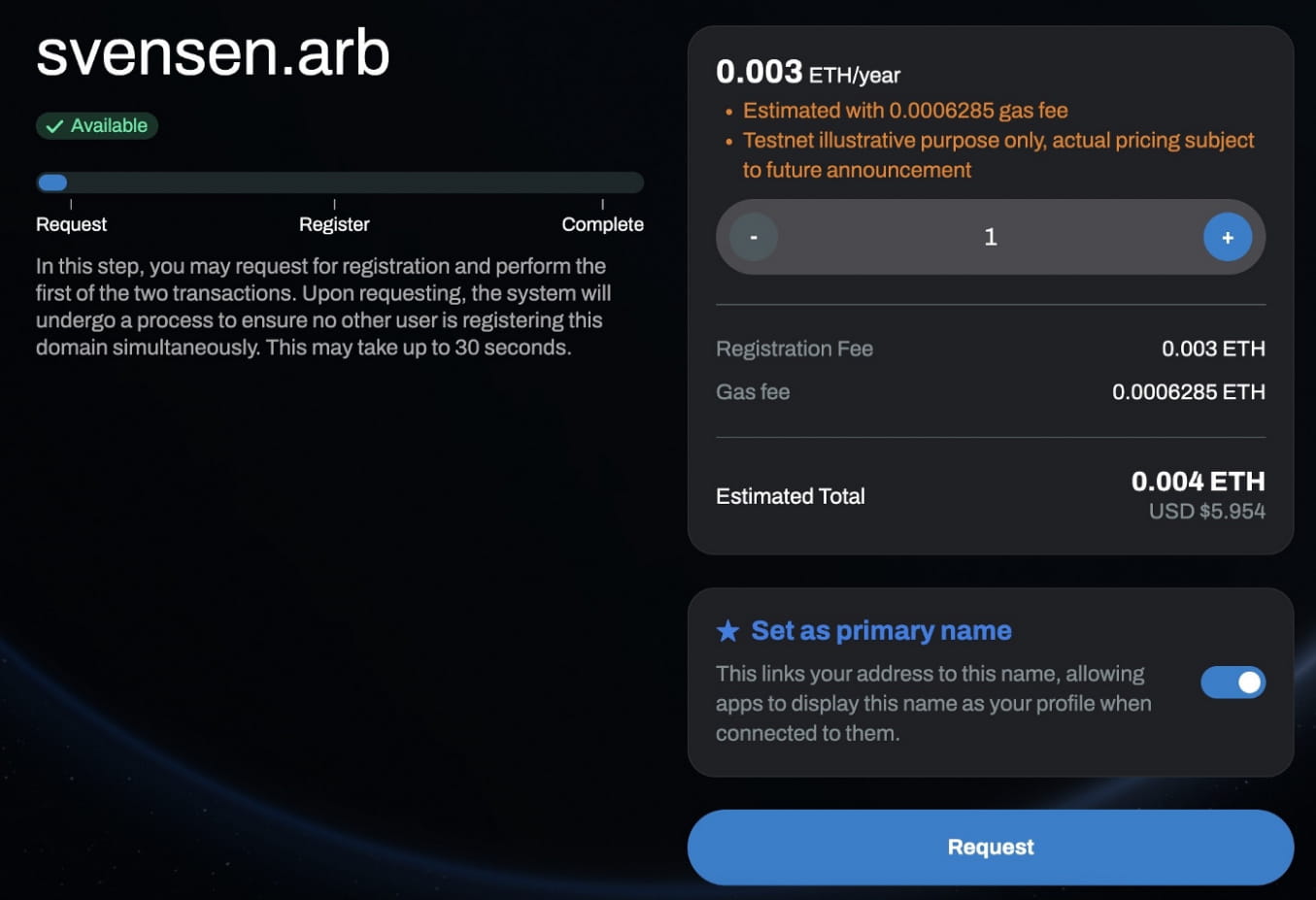
It takes approximately 30 seconds to confirm the request. After confirmation, you can go to the registration page.
Click the "Register" button to continue and you will be prompted to pay the fee to register the domain name.
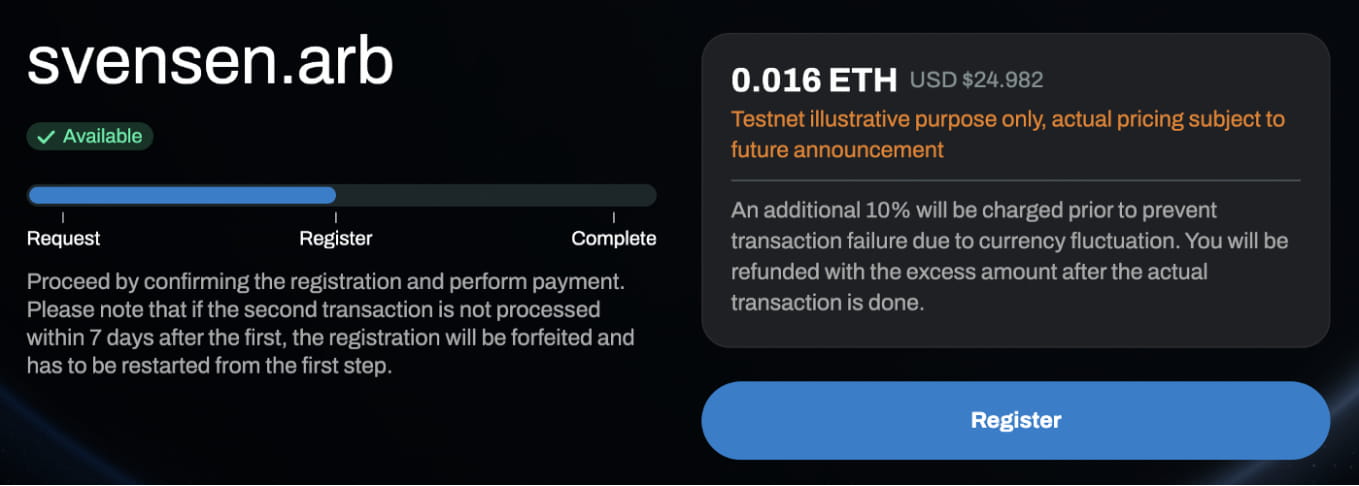
After the "Register" transaction is completed, you will now see the NFT image of the .arb domain name, the registration address, expiration date, and the address of record for Arbitrum One and Arbitrum Nova!

Congratulations, you have registered a Testnet .arb domain!
You can now click the "My Account" option in the upper right corner to view and manage all registered testnet domain names.