

The main point
Binance Web3 Wallet is a self-custodial wallet that gives users full ownership of their assets and private keys. This differs from custodial wallets which are controlled by a third party and require users to trust the centralized service.
Binance Web3 Wallet uses MPC technology, which divides access into three key parts stored in different locations and provides robust security without the need for a traditional seed phrase. The wallet cannot be accessed with just one part of the key. Two key parts are always owned by the user.
To assert user control and commitment to self-custody, Binance Web3 Wallet also offers an “Emergency Export” function that allows users to export their private keys.
Binance Web3 Wallet offers a revolutionary approach to self-custody by combining multi-party computing technology with user empowerment, thereby ensuring true ownership of crypto assets.
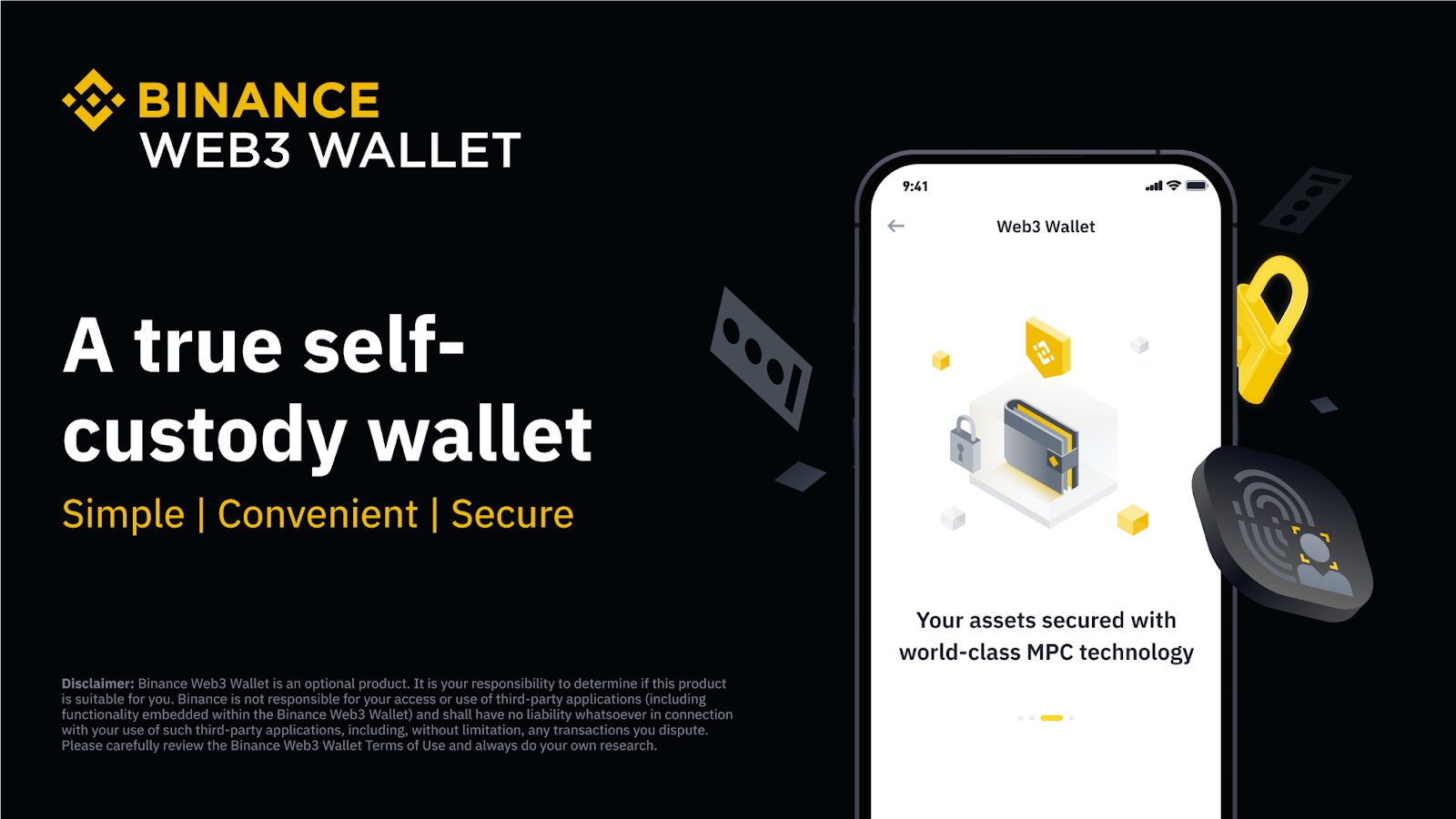
When it comes to managing your crypto assets, the type of wallet you choose plays a very important role in ensuring the security of your funds. Among the various options available, the self-custodial wallet concept stands out as it gives users complete control over their own assets. Still new to this field? Let's break down the differences between independent custody services and custodial services as your starting point.
Understanding Crypto Wallets and Private Keys
Self-Custodial Wallet (Noncustodial): In a self-custodial wallet, users control the private keys and thus have full control over their funds. Users are solely responsible for managing and maintaining the security of their keys. If lost or stolen, the key cannot be recovered by anyone and the funds are lost forever.
Custodial Wallet: In a custodial wallet, a third party (such as a cryptocurrency exchange or managed wallet service) has control over the private keys. This means that a third party controls the funds stored in the wallet. Users rely on service providers to safeguard funds and may be able to recover funds if access data such as passwords is lost. However, the downside is that their funds may be frozen or stolen if the third party is hacked, goes bankrupt, or if they choose to freeze your assets for any reason.
Private Keys: Both explanations above assume that you understand private keys. In the crypto world, a private key is a secret alphanumeric password used to spend or send your digital assets to another address. It is this unique and secret key that grants access to your crypto, just as a physical key allows you to open and access your home.
Having a private key essentially determines your ownership of your digital coins. If someone else has your private key, he can easily transfer your coins without your consent. Therefore, it is very important to keep your private keys safe and confidential.
Private keys are usually long, complex, and difficult to remember. If you lose this key, you will permanently lose access to your digital assets. Generally, wallets do not provide direct access to private keys for security reasons. Instead, the wallet provides a “seed phrase” — a set list of 12-24 words that serves as a recoverable, human-readable backup to restore and protect your private keys for accessing your cryptocurrency.
Binance Web3 Wallet: Welcome Self-Custody
With Binance Web3 Wallet, you are the true owner of your assets. This wallet has a self-custodial model that ensures only you have exclusive access to your funds and complete control of your assets. One of the most important things to realize about the Binance Web3 Wallet is that it utilizes multi-party computing (MPC) technology. Simply put, this means you can enjoy a self-service custodial wallet experience without needing to remember a seed phrase, but still have full, unrestricted control over your own assets.
How does this technology work? Delve into our MPC blog to find out more details. However, when it comes to self-custody, the thing to remember is that the Binance Web3 Wallet is secured with a three-part recovery key and password that only the user knows. This key section is generated when you create a wallet and stored in various locations for added security:
Part 1: Protected by Binance;
Part 2: Saved on your device;
Part 3: Encrypted with the recovery password you entered and backed up to your personal cloud storage (iCloud or Google Drive).
To access Web3 Wallet, you must have at least two parts of the wallet key. Binance only has one key part. Binance cannot access your wallet at all without your consent. However, this means that if you lose your device (and the key part contained within the device), you can recover your Web3 Wallet and its assets thanks to the key part backed up to your personal cloud storage combined with the key part secured by Binance.
However, keep in mind that only you, and only you, have access to two of the three key parts, so you are also solely responsible for safeguarding your assets and wallet access. If you forget your recovery password/lose access to your cloud storage AND lose your device/delete the Binance app, you will not be able to access your Web3 Wallet and Binance will not be able to restore it. There is no centralized service here that can reset your password or recover the part of the key you need. This is a self-custodial wallet!
Exporting Your Keys: Proof of Commitment to Self-Custody
A key characteristic of self-custody is the ability to export a user's private key. With Binance Web3 Wallet, users not only have full control over their assets, but also have the option to export their private keys if they want to migrate anywhere.
Traditional wallets often rely on a seed phrase — a mnemonic phrase designed to restore access to all of a user's keys. In contrast, Binance Web3 Wallet uses Multi-Party Computation (MPC) technology to strengthen security. In this system, parts of the private key are divided and stored in different locations which eliminates the need for a seed phrase.
Enter the "Emergency Export" function. This feature is designed to provide a way for users to immediately export their private keys if they wish and for any reason. This is a testament to Binance's commitment that Web3 Wallet users always have control.
However, please note that once the “Emergency Export” function is activated and the private key is exported, Web3 Wallet becomes inaccessible. This is a bold move — an acknowledgment of the wallet's strong commitment to the principle of self-custody.
Address concerns regarding application access
We are aware that because Web3 Wallet is integrated with the user interface (UI) of the Binance app, some users may be concerned that in an unprecedented scenario where access to the Binance app may be hampered, the inability to interact with the UI as well as their Web3 Wallet may create their independent custody does not apply.
Therefore, we are working to ensure the “Emergency Export” function will always be available — regardless of the status of the Binance app. At the heart of self-custody lies one indisputable truth: control of private keys. That's the commitment we always want to give to Binance Web3 Wallet users.
Closing
The concept of self-custody, as illustrated by the Binance Web3 Wallet, reflects the essence of the idea of blockchain and crypto — absolute control and ownership of your own assets. In recognition of the importance of private keys and their critical role in securing digital assets, Binance Web3 Wallet offers a unique and innovative approach to self-custody through the use of multi-party computing (MPC).
The inclusion of features such as the “Emergency Export” function underscores Binance's commitment to user autonomy and control. While it is important to acknowledge the responsibility inherent in managing your own assets, Binance is taking a number of steps to address potential concerns and streamline the overall user experience.
This combination of innovation, security and user empowerment marks a significant step forward in the evolution of cryptocurrency wallets. Web3 just got easier with Binance.
Further Reading
What is Binance Web3 Wallet and How Does It Work?
How to Manage My Binance Web3 Wallet
Why Should I Recommend My Binance Web3 Wallet and How to Do It?
Disclaimer: Binance Web3 Wallet is an optional product. It is your responsibility to determine whether this product is suitable for you. Binance is not responsible for your access or use of third party applications (including functionality built into the Binance Web3 Wallet) and does not assume any liability in connection with your use of such third party applications, including but not limited to any transactions you dispute. Please review the Binance Web3 Wallet Terms of Use carefully and always do your own research.

