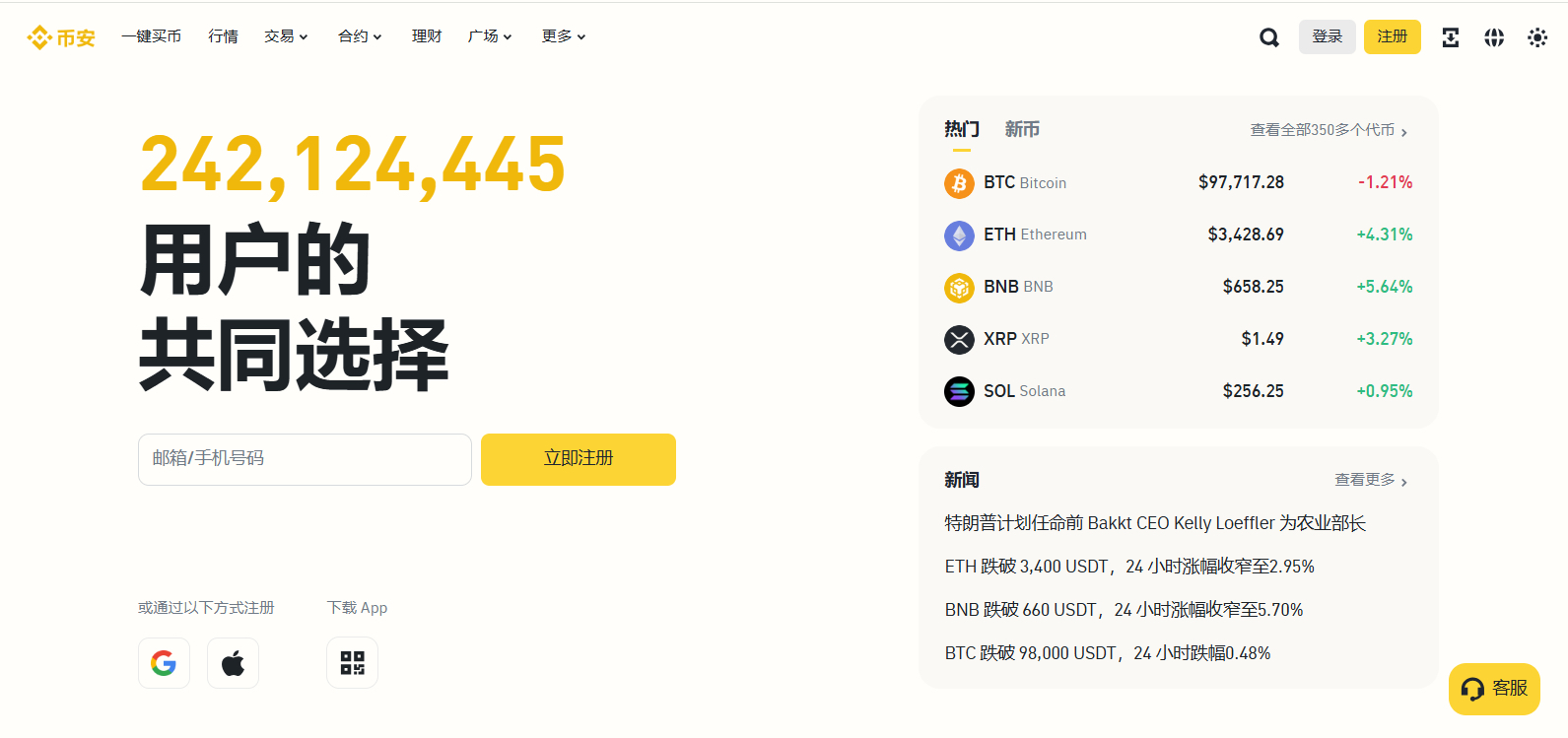
Strictly speaking, Binance does not belong to a single country. Its headquarters was originally located in China, but as its globalization strategy progresses, it has now moved its headquarters to Malta and has operating entities in multiple countries and regions. It is a truly international company.
Binance is one of the world's largest cryptocurrency trading platforms. It was founded in 2017 by Changpeng Zhao (CZ). With low transaction fees, high liquidity and rich trading pairs, Binance has quickly become a leader in the cryptocurrency market. Currently, Binance supports more than 150 cryptocurrencies and provides a variety of services such as spot trading, leveraged trading, savings plans, etc. This article will take you step by step to complete the Binance registration and help you easily embark on the road of cryptocurrency investment. #币安是哪个国家的

──────────────────────────────────────────
How to register a Binance account
Step 1: Visit Binance.com
Select the registration link that applies to your region:
• Binance China registration link 1 (no need to bypass the firewall): https://www.suitechsui.red/join?ref=OFU67AVX
• Binance China registration link 2 (no need to bypass the firewall): https://www.suitechsui.academy/join?ref=OFU67AVX
• Binance China registration link 3 (no need to climb over the wall): https://www.suitechsui.online/join?ref=OFU67AVX
• Binance China registration link 4 (no need to climb over the wall): https://www.suitechsui.blue/join?ref=OFU67AVX
• Binance China registration link 5 (no need to bypass the firewall): https://www.suitechsui.guru/join?ref=OFU67AVX
• International user registration link (need to bypass the firewall): https://www.binance.com/join?ref=OFU67AVX
Step 2: Create an account
1. Fill in email address: Enter a valid email address.
2. Set password: Set a password that contains uppercase and lowercase letters, numbers and special characters.
3. Use referral code: Enter OFU67AVX in the referral code box to enjoy a discount on handling fees.
Step 3: Complete email verification
Check your email and click the verification link to activate your account.
Step 4: Set up account security
1. Enable 2FA: Download Google Authenticator and set up two-factor authentication to increase account security.
2. Enable the anti-phishing code: prevent fake email attacks and ensure safe transactions.
Step 5: Complete KYC (identity verification)
Submit your ID and undergo facial verification to unlock more features and higher transaction limits.
Step 6: Top up funds
Binance supports the following deposit methods:
• Fiat Deposit: Purchase cryptocurrencies directly via bank or credit card.
• Cryptocurrency transfers: Transfer assets from other wallets to your Binance account.
Step 7: Download the Binance official app
Visit Binance.com to download the app for iOS and Android devices and start trading on the go.
──────────────────────────────────────────
Tips for Newbies
• Trading compliance: Before using Binance services, be sure to understand local laws and regulations.
• Control risks: The cryptocurrency market is highly volatile, so please invest rationally based on your own financial situation.
• Protect your account: Update your password regularly and check your security settings regularly to ensure your account security.
──────────────────────────────────────────
Recommended function: C2C peer-to-peer transaction
Binance's C2C platform allows users to directly use fiat currency to purchase cryptocurrencies (such as BTC, ETH, USDT). This is the best choice for novices to get started quickly.
──────────────────────────────────────────
With the above steps, you can complete the Binance registration and start your cryptocurrency investment journey!
──────────────────────────────────────────
Related links
• Binance official website: https://www.binance.com/join?ref=OFU67AVX
• Binance registration link 1: https://www.suitechsui.guru/join?ref=OFU67AVX