

CyberConnect is one of the leading cryptocurrencies in the cryptocurrency market and has a market capitalization and trading volume that is regularly among the top of the market. With such a liquidity index, there must be many people who want to buy and sell CYBER. This article will show you how to buy and own CYBER in the easiest way, completely free on Binance.
Instructions for buying CYBER on Binance
Buying and selling CYBER is extremely easy on Binance
How to buy CYBER with USDT
If you have participated in the cryptocurrency market, getting familiar with USDT is quite important. USDT is a price-stable electronic currency, 1 USDT is equivalent to 1 USD and is often a bridge for you to trade with other coins, in this case CYBER.
First, to buy CYBER with USDT on Binance, you should first have USDT. Currently, buying USDT through Binance P2P channel is the fastest and has the form of payment by quick bank transfer, without transaction fees.
Buying USDT on P2P is extremely easy:
Step 1: Go to https://www.binance.com/vi
Step 2: Click “Buy Crypto" on the toolbar
Step 3: Select "P2P Transaction"
Step 4: Select the "Quick Transaction" tab
Step 5: Select VND and USDT. Enter the amount of USDT you want to buy.
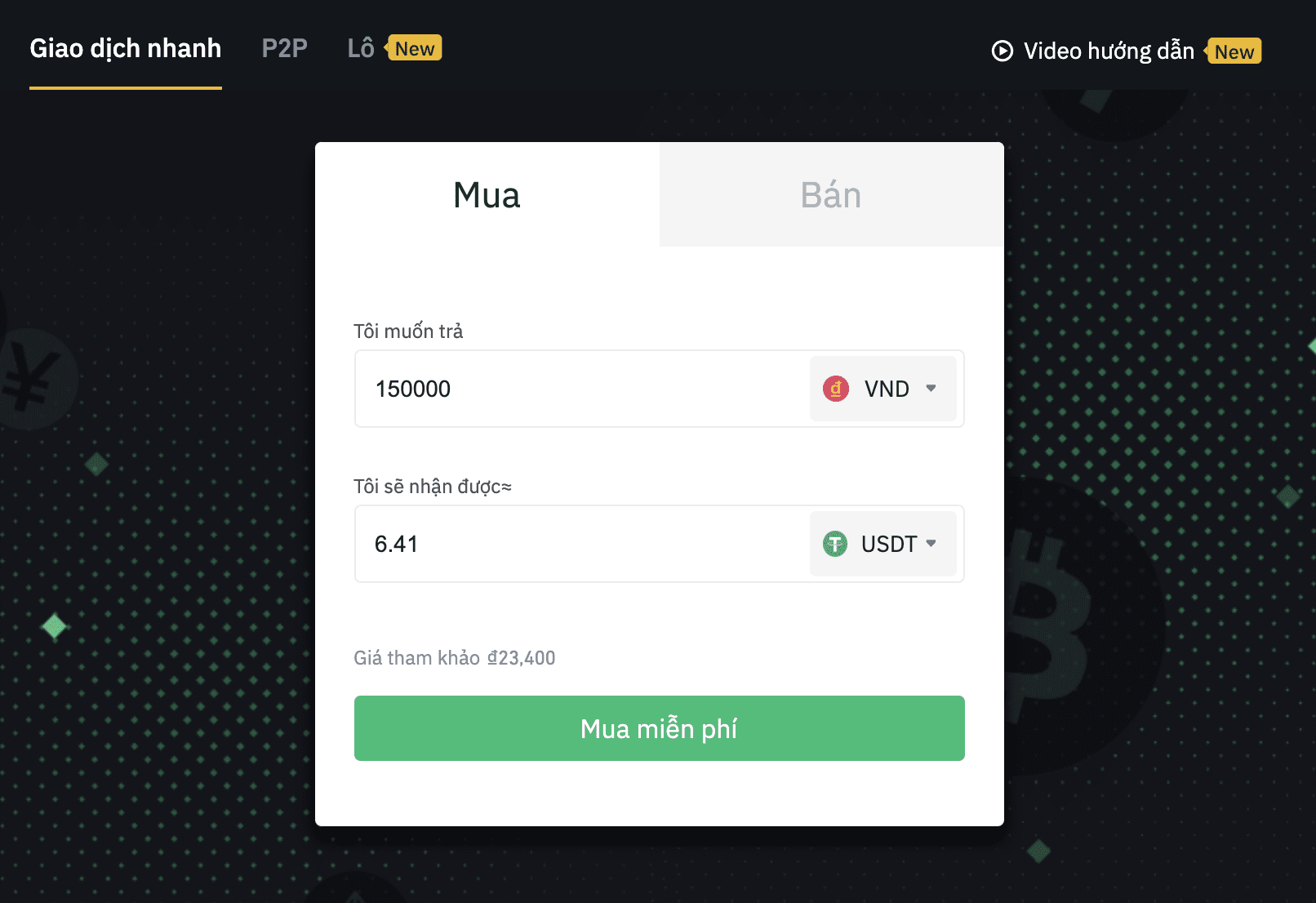
After this step, you will pay by bank transfer the amount of VND you need to pay the seller to buy USDT. After successful payment, the seller will unlock the USDT so that the USDT will be transferred to the "Funding" wallet in your Binance account.
How to use USDT to buy CYBER
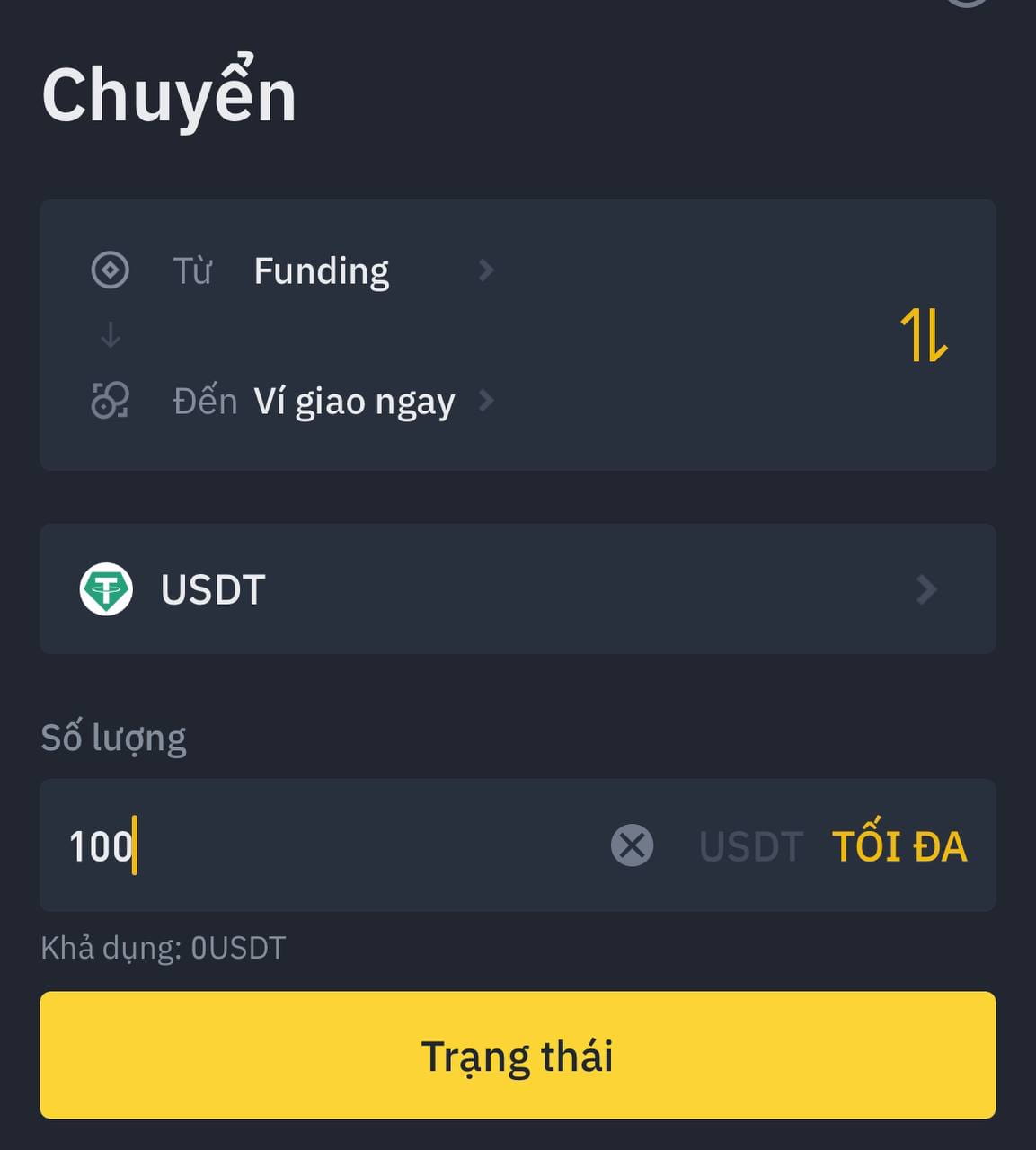
So now you have USDT in the “Funding” wallet. The next thing to do is transfer USDT to the “Spot” wallet. To transfer USDT from the Funding wallet to the Spot wallet, follow these steps:
Step 1: Go to Wallet. Select Funding wallet
Step 2: Press the Transfer button
Step 3: Choose to transfer to Spot wallet
Step 4: Select the coin USDT and enter the amount you want to transfer
Step 5: Click on the Status button
You now have USDT in your Spot wallet. Buying CYBER has become extremely easy. You just need to go to the Conversion portal to exchange USDT to CYBER. So you have finished buying CYBER in your Binance wallet.
If you are familiar with the more complex trading interface, you can go to CYBER/USDT to place a buy order for CYBER at the price you want. The pro interface provides you with candlestick charts and technical analysis indicators to help you make the best trading decisions.
Create a Binance account here
How to Verify Binance Account