

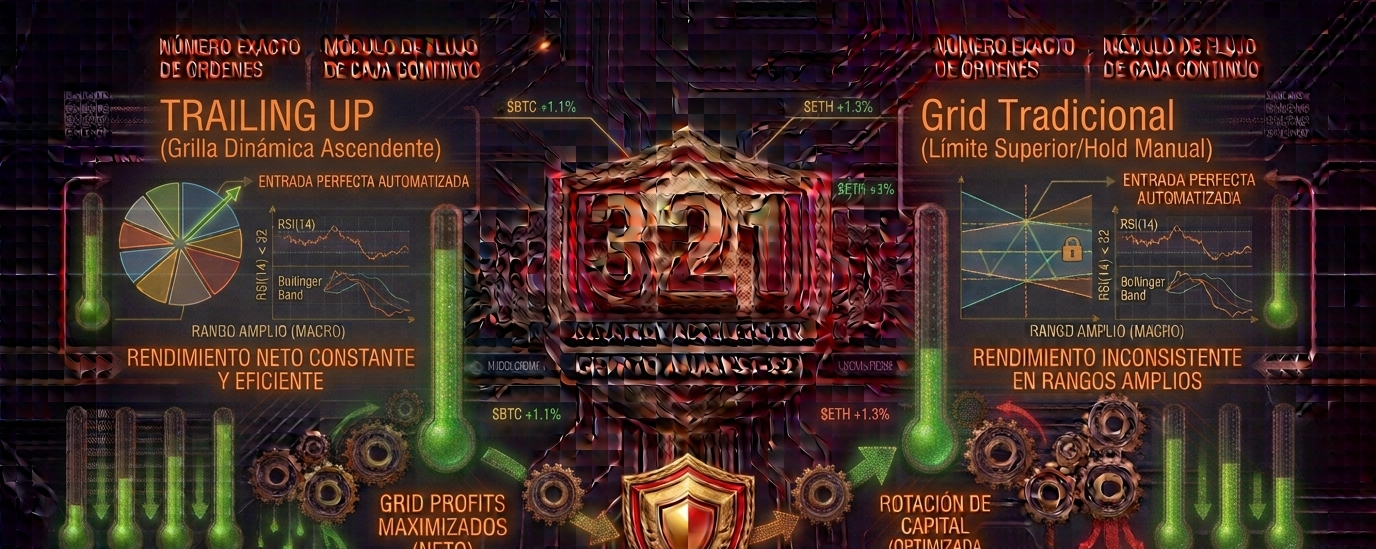

During prolonged uptrends, traditional Grid Bots risk becoming inactive once the price exceeds the range’s upper limit. The bot sells all its inventory as the price rises and becomes stuck in stablecoins while the market continues to reach new highs.
Binance’s Trailing Up feature solves this limitation by allowing the entire grid range (lower and upper limits) to shift dynamically upward in sync with the asset’s trend, keeping the algorithm active in the area of greatest liquidity.
1. The Logic Behind Dynamic Order Shifting
Unlike maintaining a grid with fixed boundaries:
Automatic Range Adjustment: When the price exceeds the set upper limit, the algorithm cancels the lowest buy orders at the bottom of the range and relocates them to higher levels.
Operational Continuity: Maintains the predefined number of levels and spacing (arithmetic or geometric), shifting the entire buy-sell structure to follow the uptrend channel.
2. Static Grid vs. Trailing Up Grid
Static Grid: Liquidates all inventory when the channel ceiling is reached and stops generating profits, requiring manual reconfiguration and risking late entries.
Trailing Up Grid: Automatically follows the trend structure, accumulating continuous grid profits throughout the uptrend.
3. Quick Tactical Tip (Dynamic Stop-Loss Management)
💡 The Trailing Up “Tip”: When activating Trailing Up, always set a Stop Loss or Trailing Stop that adjusts according to the channel’s ascending lows (Higher Lows). This protects accumulated profits as the grid shifts in case of a sudden trend change or a sharp market reversal.
👉 Do you usually use the Trailing Up feature to follow resistance breakouts, or do you prefer to manually readjust your bot’s ranges? Share your experience in the comments!
If this quantitative analysis helps you optimize your automated trading on Binance, follow me to discover more tactical tools.
#BTC #ETH #BNB #TrailingUp #GridTrading #BinanceSquare