
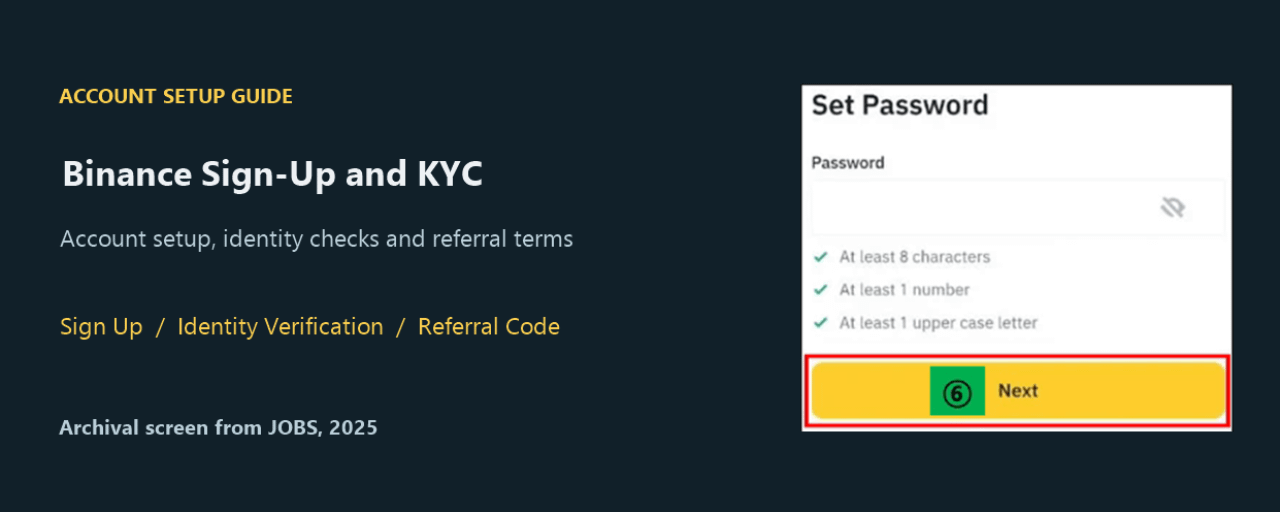

Creating a Binance account and verifying your identity are separate steps. If you are opening your first account, check whether Binance is available where you live and review any referral offer before you submit the sign-up form.
1. Create your personal account
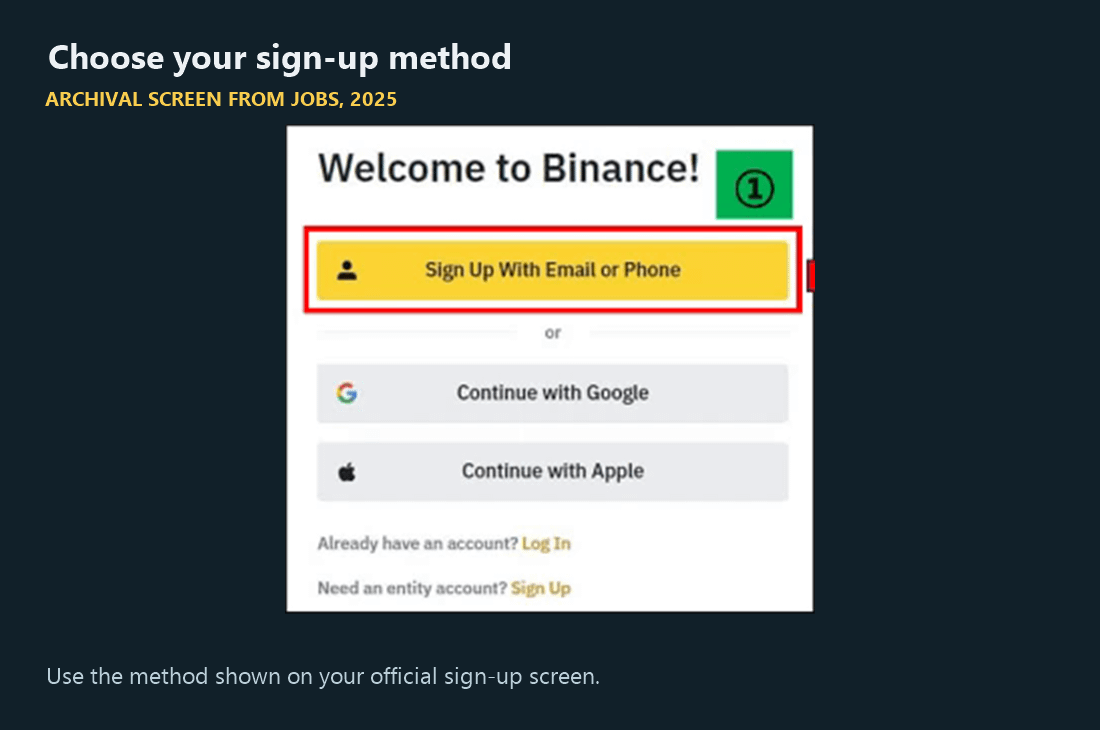
Open Binance through its official website or app and select Sign Up. Choose an offered registration method that you can reliably access. Binance’s app guide lists email, phone, Apple and Google. If asked to verify your contact details, enter the code only in the official form.
If you plan to use a referral, check the offer and confirm the intended code in the sign-up form before submitting. If your email or phone is already registered, use the account recovery route for the existing account.
2. Complete identity verification
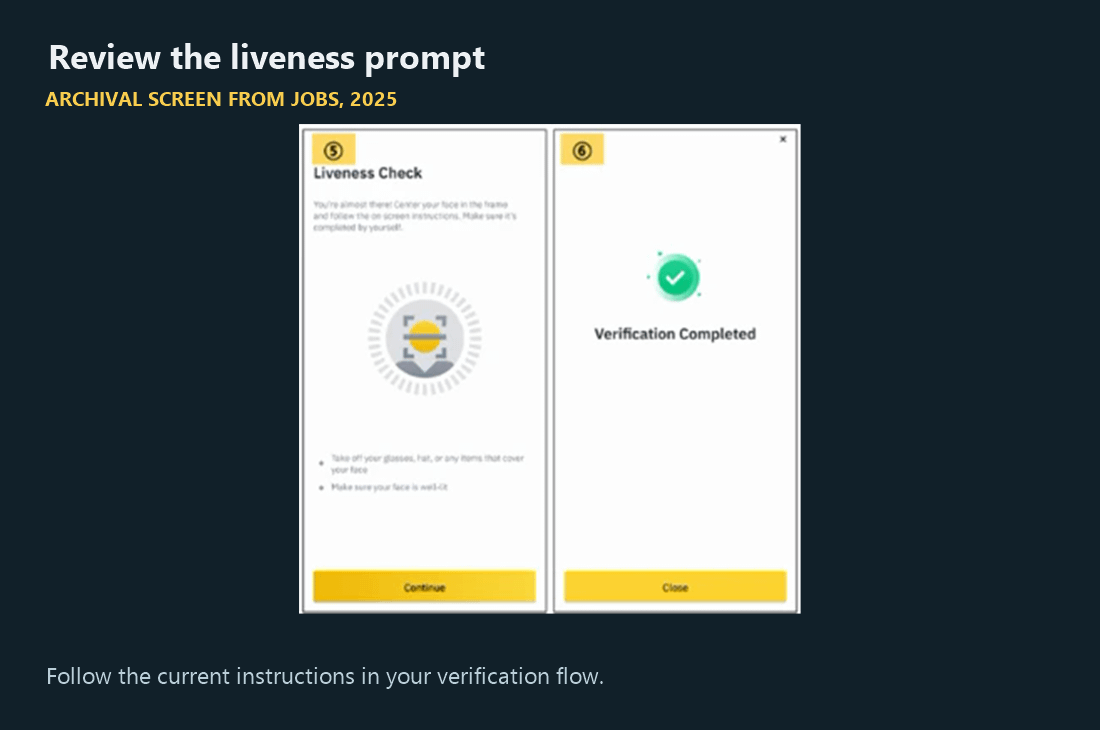
KYC stands for Know Your Customer. On the Binance website, open Account → Identification. In the app, look for Verify Now or the verification entry in Account Center.
Select your actual country of residence and the country or region that issued your document. Choose a document type the verification flow accepts for your account. Enter your details as shown on the document and complete the liveness check if requested.
Check your verification status in your account after submitting. If Binance shows an action you need to take, follow that instruction. Keep identity documents and verification codes out of Square comments and private messages.
3. When is a referral code worth using?
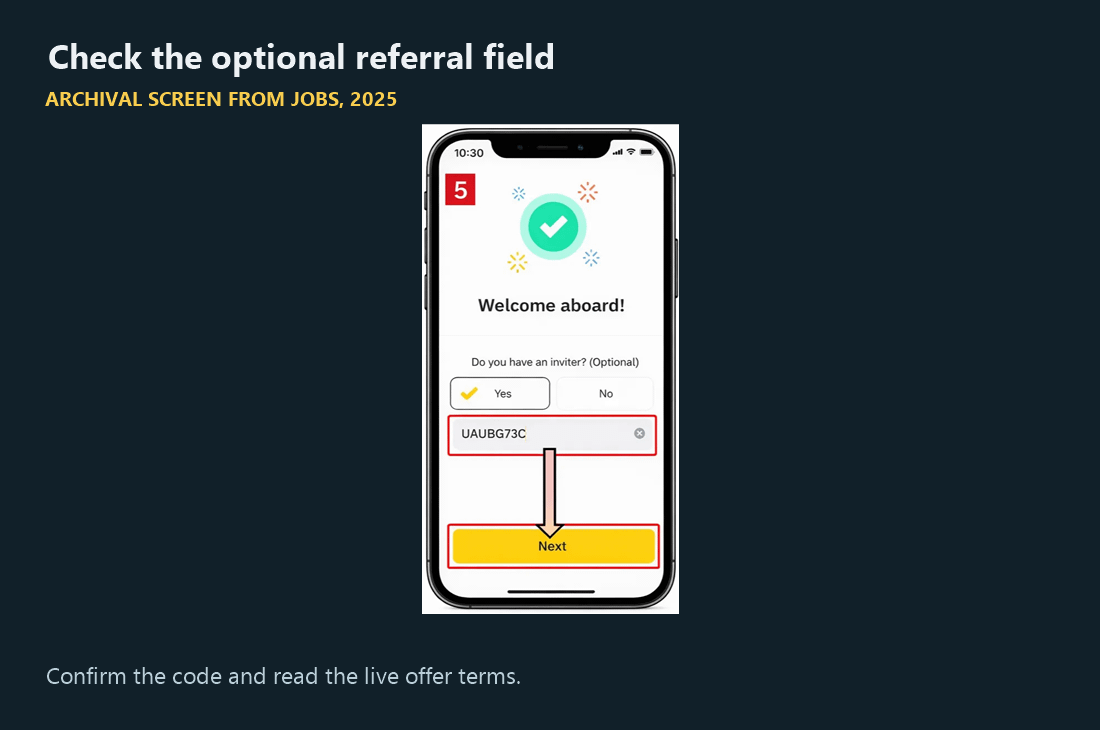
A referral code is worth considering if you already intend to open a new account and the official offer provides a benefit you are eligible for. Depending on the program, a qualifying new user may receive a fee rebate or voucher. Review eligible products, required actions, expiry dates and limits.
Binance distinguishes Referral Lite and Referral Pro. An accepted code can record the referral relationship, while any rebate or voucher depends on the offer terms. Confirm what the official sign-up page shows before submitting. If you cannot verify a benefit, compare costs using the standard fees for your account.
4. Frequently asked questions
Q1. Do I need a referral code to sign up?
A1. A referral code is optional. Consider one if the official offer applies to your new account.
Q2. Does a referral code complete KYC?
A2. Identity verification is a separate step. Complete the checks shown in your account.
Q3. Which ID should I prepare?
A3. Use a valid document from the list shown in your verification flow. Options depend on your country or region.
Q4. Does linking a code guarantee a fee rebate?
A4. Rebate eligibility depends on the offer, qualifying activity and applicable conditions.
Q5. Can I add a code after registering?
A5. Binance documents specific conditions for attaching a missing Referral Pro relationship. Check the current rules and options in your account. The registration guide says a linked code cannot be modified.
5. Official Binance guides
#BinanceSignup #BinanceKYC #ReferralCode #CryptoEducation
Related guides and sign-up terms
Read the referral code and linked-status guide on Binance Square
For first-time applicants with an eligible offer, check the code and current terms before completing registration.
Review official Binance sign-up terms for referral code UAUBG73C