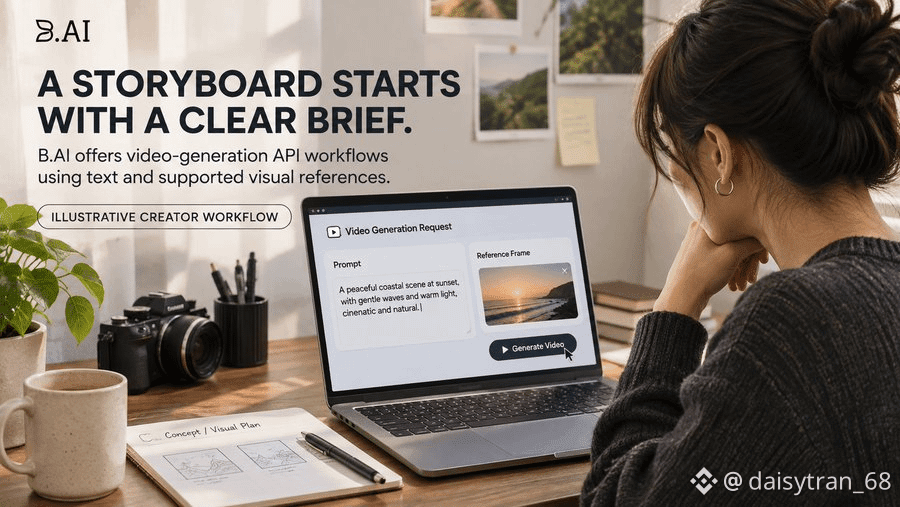
A STORYBOARD STARTS WITH A CLEAR BRIEF.
Before creating a video, there's an important step that often determines the quality of the final result: knowing exactly what you want to show.
A good video idea is more than a sentence describing a topic. It needs a clear visual direction, a sequence of scenes, and enough context for the AI model to understand the intended result.
This is where
B.AI
Video Generation API can support creative workflows.
Here's how I would prepare a video project:
1️⃣
Describe each scene
Start by breaking the story into individual scenes. Define what happens, who or what appears, the setting, camera perspective, and the atmosphere you want to create.
2️⃣
Choose suitable visual references
If the selected model supports image references, provide relevant visuals to help communicate the desired characters, environments, composition, or artistic direction.
3️⃣
Turn the brief into a video prompt
Combine the scene descriptions and supported references into clear instructions for the video-generation workflow.
4️⃣
Review the generated results
Don't assume the first output is the final version. Check whether the scenes match your original idea, identify inconsistencies, and refine the prompts or references where necessary.
What I find interesting about
B.AI
is its video-generation API workflow, which can help developers and creators incorporate AI-generated video into their own creative processes.
However, model capabilities can differ. Supported input formats, reference-image features, generation limits, and output quality depend on the specific model being used.
Personally, I believe the biggest advantage of AI video generation isn't simply producing clips faster. It's making experimentation easier.
@Justin Sun孙宇晨 #TRONEcoStar