


If you search for Adobe on Binance Spot, look for ADBEB/USDT. In this guide, I’ll walk you through what ADBEB represents, how to place your first buy and sell orders, and what to check in the order book before you trade.
TL;DR
ADBEB gives you economic exposure to Adobe shares through a tokenized security.
Eligible users can buy and sell it on Binance Spot using ADBEB/USDT.
Complete identity verification (KYC), enable 2FA, and fund your Spot Wallet with USDT.
Use a market order to trade against available prices or a limit order to set the price you’re willing to accept.
Affiliate disclosure: I may earn a commission from eligible referrals.
New users can register with the Binance referral code BESTCODE20.
What’s the Difference Between ADBE and ADBEB?
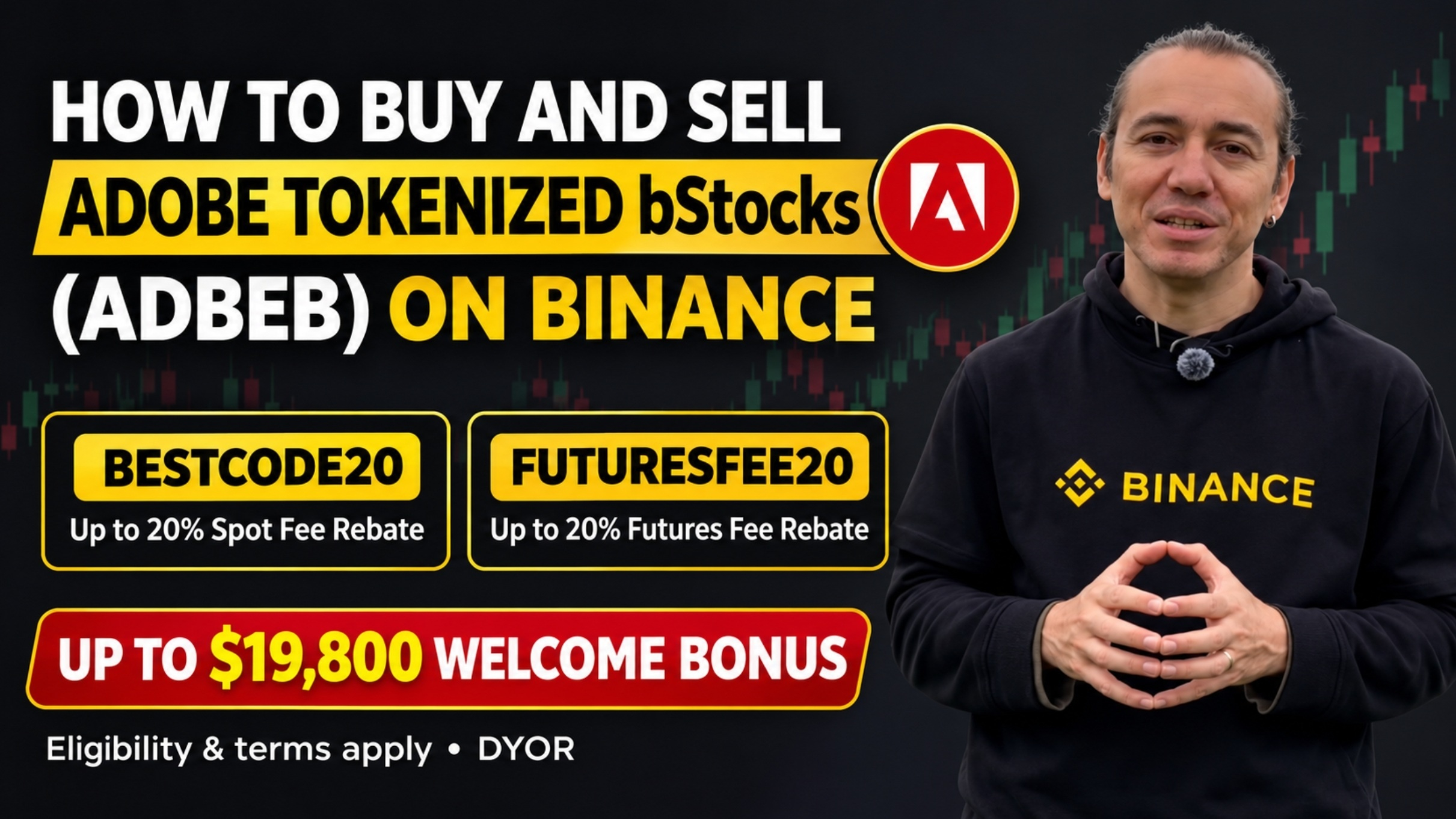
ADBE is Adobe’s stock ticker. ADBEB is the ticker for Adobe’s bStocks product, a tokenized security issued by BTech Holdings Limited. It provides economic exposure to Adobe shares through its offering terms. Holding the token does not give you direct Adobe shareholder rights, such as voting rights or direct dividend rights.
ADBEB also has its own order book. Its price can differ from Adobe’s last quoted stock price, especially outside regular U.S. market hours. Before you trade, check the prices and quantities available on ADBEB/USDT.
How to Buy ADBEB With USDT on Binance Spot
Video: https://www.binance.com/en/square/post/389946512550654
1. Verify Your Account and Fund Your Spot Wallet
Complete KYC, turn on two-factor authentication, and check whether bStocks trading is available for your account and region. If you deposit USDT from another platform, double-check the receiving address and make sure the deposit and withdrawal networks match.
2. Find the ADBEB/USDT Pair
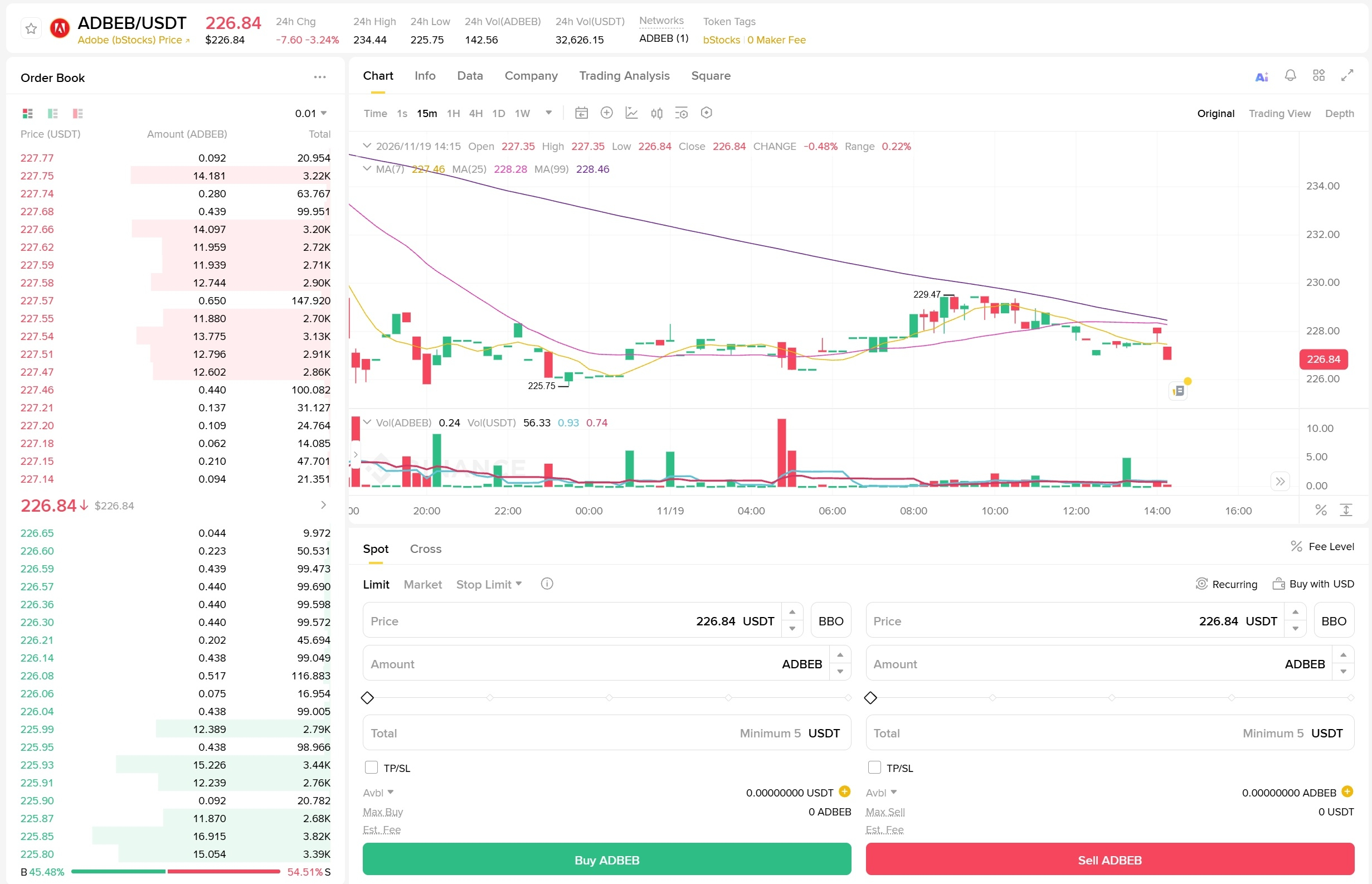
Open Trade → Spot, search for ADBEB, and select ADBEB/USDT. The highest bid is the best available offer from a buyer. The lowest ask is the cheapest available offer from a seller. The difference between them is the spread.
3. Place a Market or Limit Buy Order
A market buy takes available sell orders. If there isn’t enough quantity at the best ask, your order can fill at several prices. A limit buy sets the maximum price you’re willing to pay. It can fill partially or stay open if sellers don’t meet your price.
Review the quantity, estimated total, and applicable fees before confirming. Check Open Orders for any unfilled quantity and Trade History for the actual fill price.
How to Sell Adobe bStocks Back to USDT
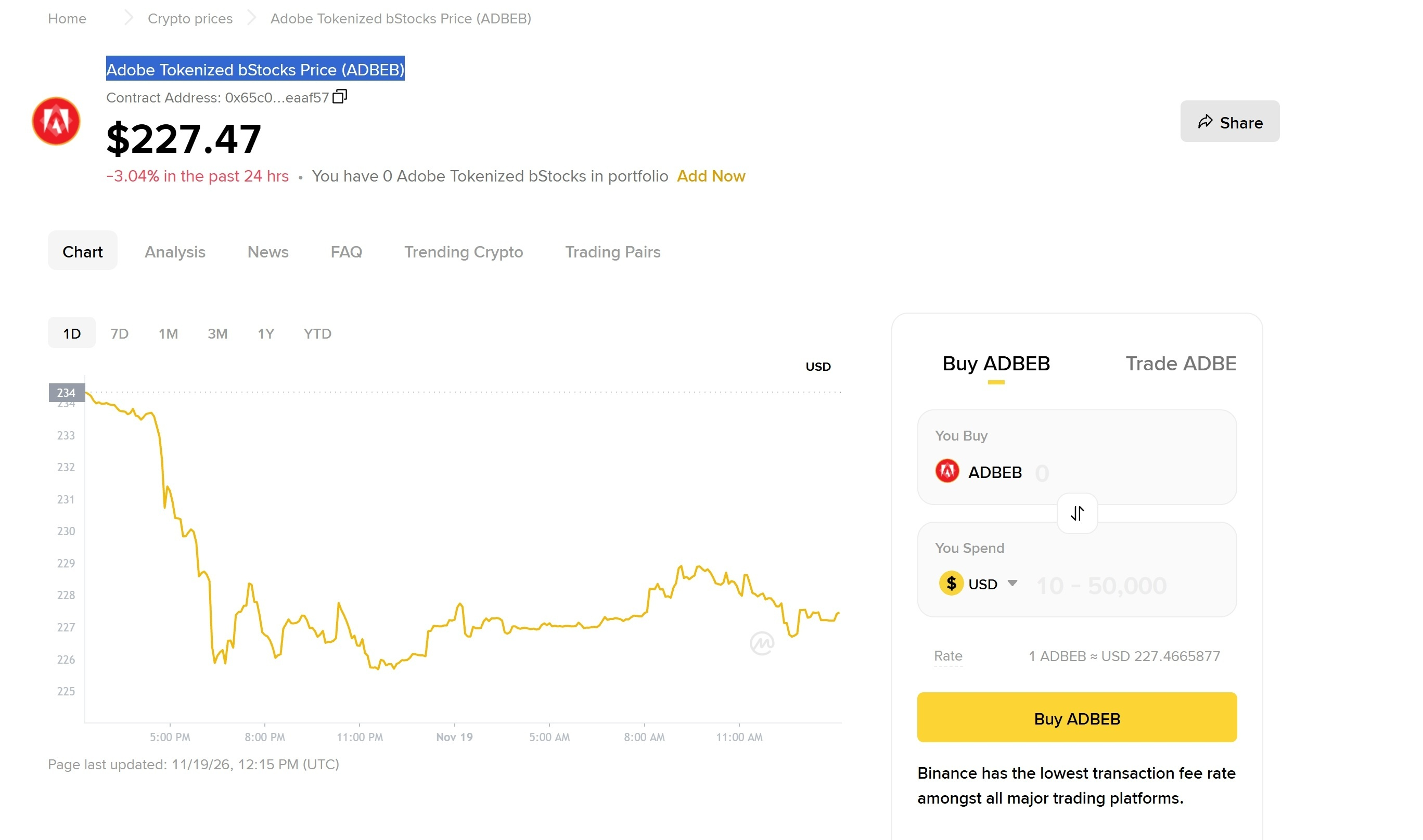
Open ADBEB/USDT, select Sell, and enter the amount of ADBEB you want to sell. A market sell matches against available bids. A limit sell sets the minimum price you’ll accept. Your Spot Wallet receives USDT as the order fills.
If you use a stop-limit order where available, remember that reaching the trigger price submits a limit order. A fast price drop can leave that order partially filled or open.
ADBEB Trade Example With a 1,000 USDT Budget
Suppose you buy 4 ADBEB at 240 USDT each. The position costs 960 USDT before fees.
If you sell all four at 252 USDT, your gross gain is 48 USDT.
If you sell all four at 228 USDT, your gross loss is 48 USDT.
These are hypothetical fills. Your actual result depends on execution prices and the fees on both sides of the trade. Check the current bStocks maker and taker fees, and confirm whether a BNB fee discount applies to your order.
Where to Check Binance Welcome Rewards
If you’re eligible for a welcome campaign, open the Rewards Hub to see the tasks available to your account, their deadlines, and the voucher terms. Eligibility can depend on your region and how you registered.
Author note by Emre Ata
I’ve been a Binance affiliate since 2019. This guide is for educational purposes. Read the bStocks offering terms, check your regional eligibility, and do your own research before trading.
You might be interested in
Binance Futures Trading Fees Page
How to Claim the New Binance 19800 USD Welcome Bonus
How to Buy and Sell Crypto (Altcoins) on Binance Mobile App
How to Buy and Sell bStocks on Binance: A Guide for Beginners