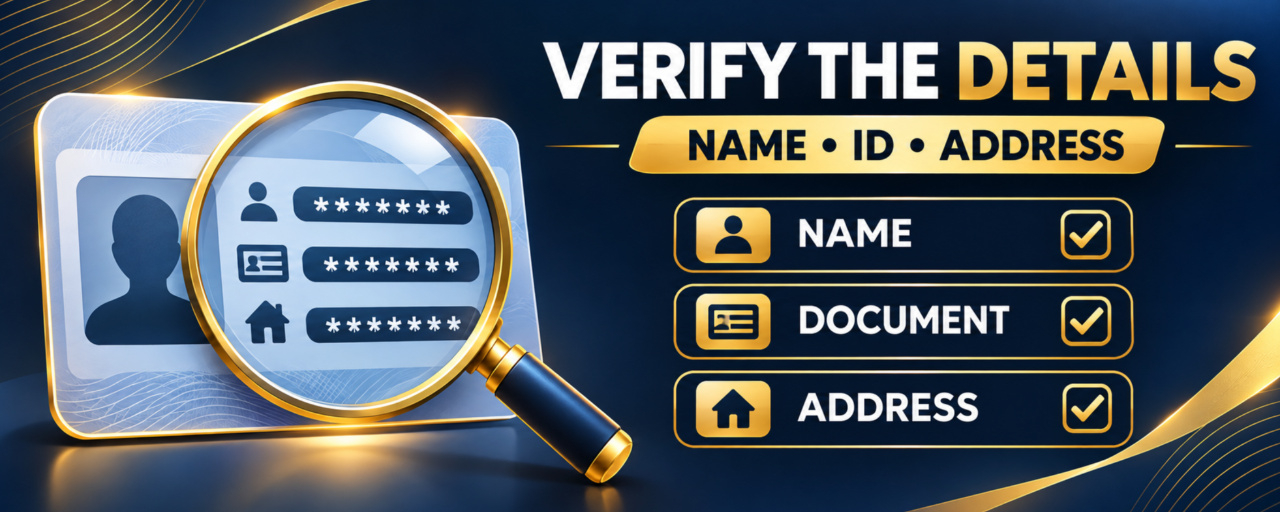

Binance identity verification failed? Check the name, ID document, photo quality, and proof-of-address details before submitting again. This guide focuses on the most common verification mismatches and when to use official Binance support.
Start with the exact failure message
Open the verification page available in your actual country or region and read the current on-screen reason. Requirements can differ by jurisdiction, account, document type, and verification level. Do not assume that a message shown to another user applies to your case.
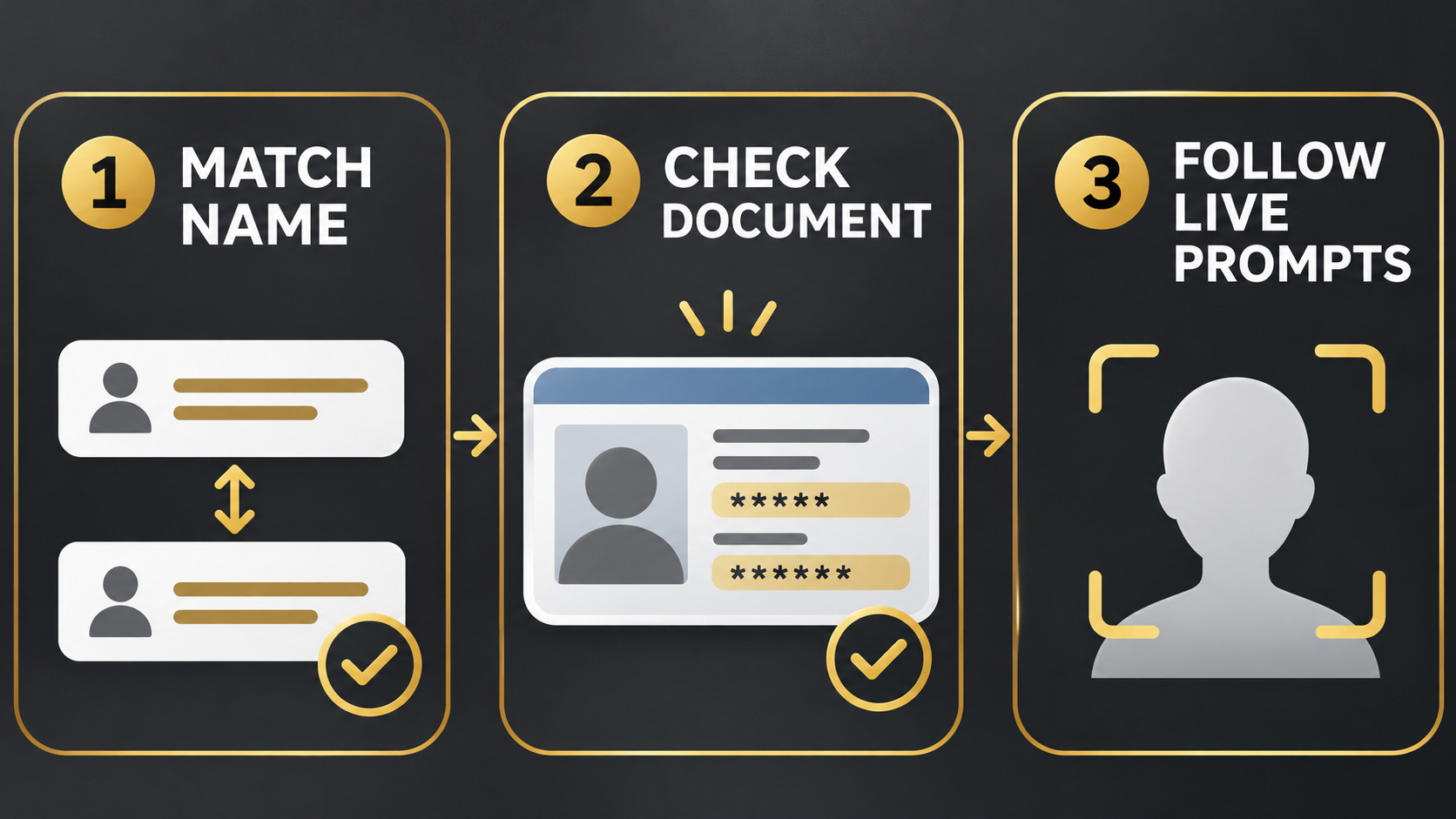
Match your legal name exactly
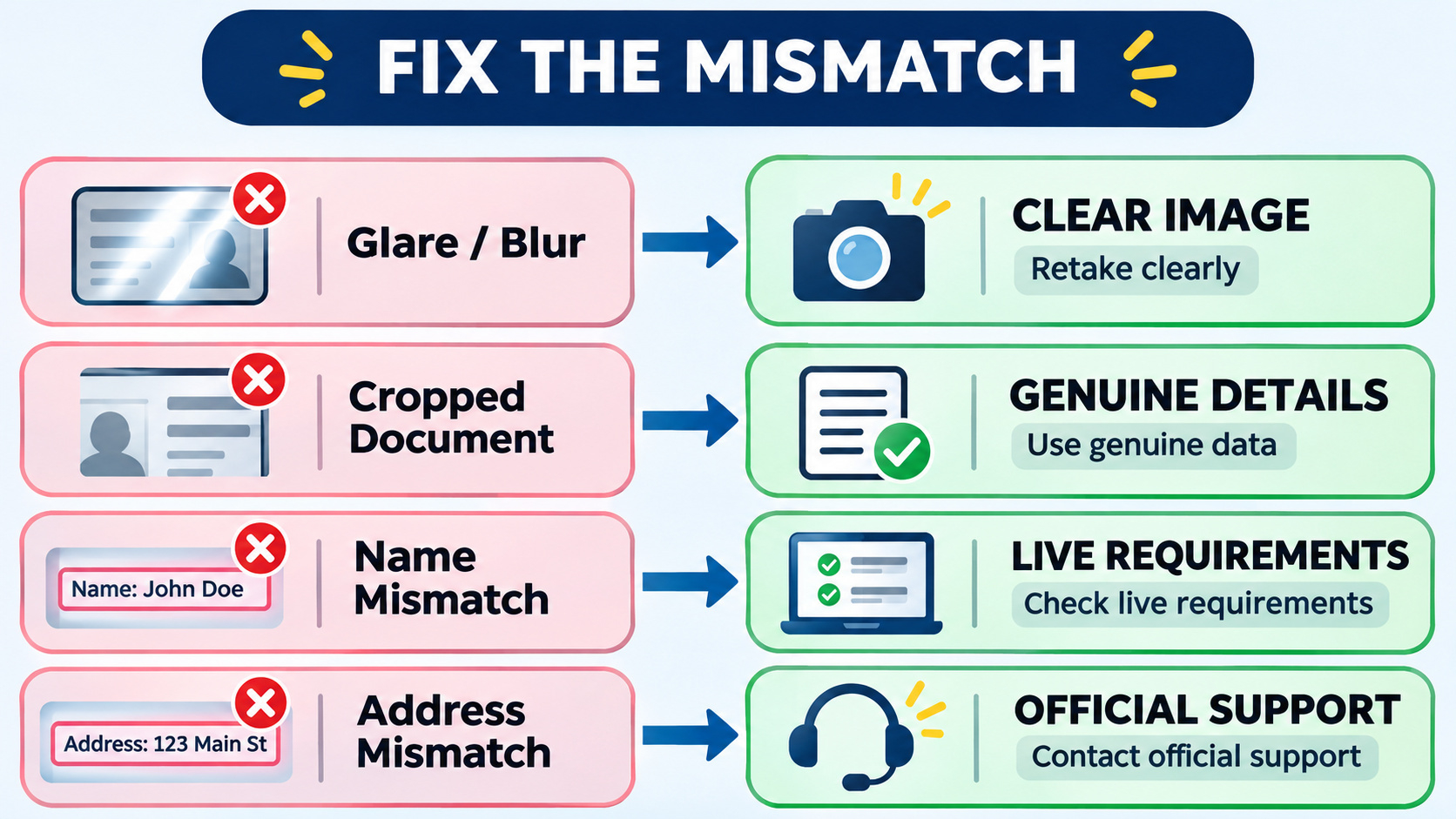
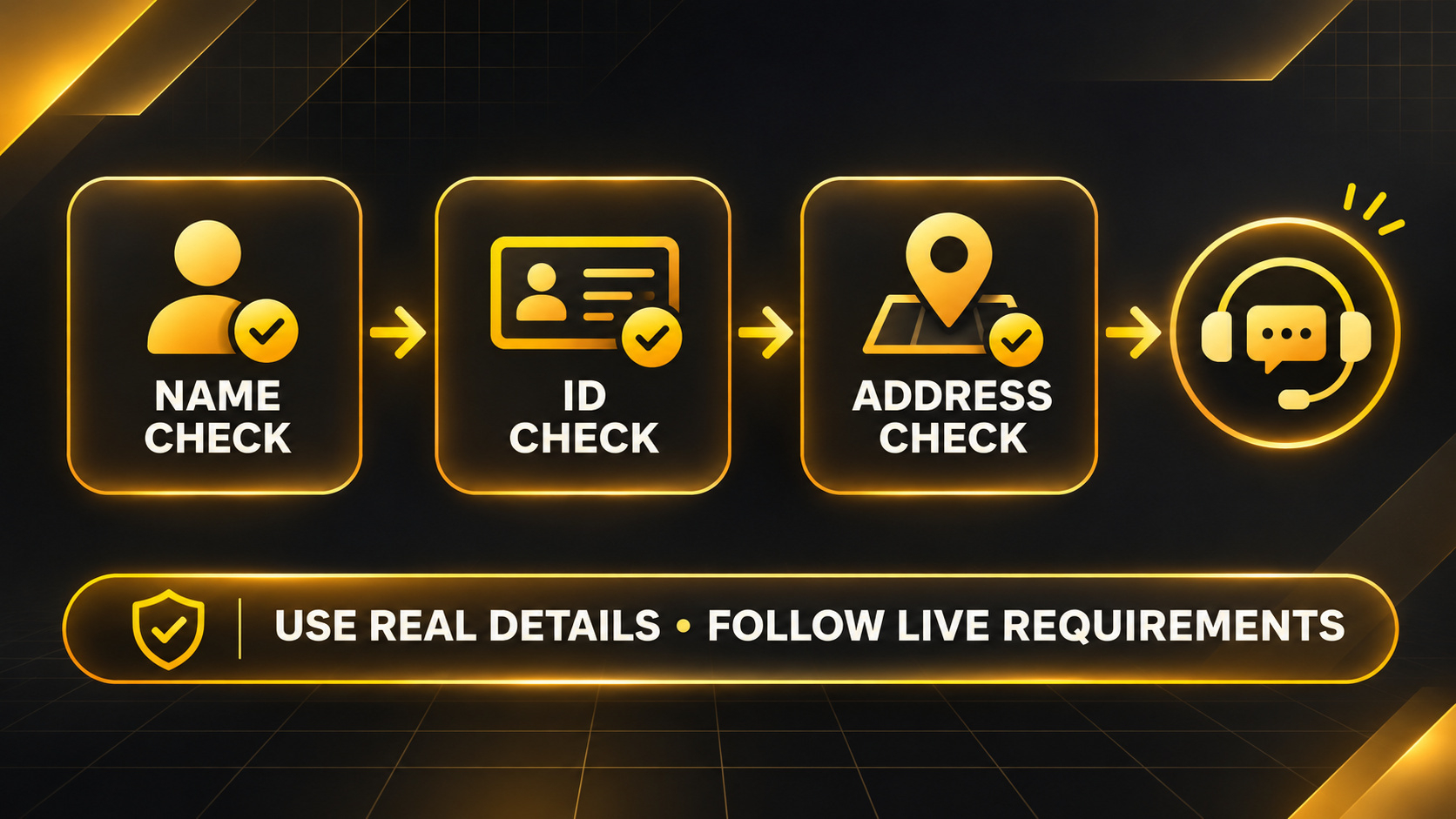
Enter the name exactly as it appears on the accepted identity document, including order, spelling, spacing, and middle names where the form requires them. Do not use a nickname, trading name, edited spelling, or another person’s details. If your legal name recently changed, follow the document and support instructions shown in your live account.
Check the identity document
Use an original, valid, supported document belonging to you. Confirm that it is not expired and that all required corners, text, photo, and security features are visible. Avoid glare, blur, shadows, cropping, filters, screenshots, photocopies, and digitally altered files. The document types offered in the live Binance flow are the relevant options for your jurisdiction.
Review the selfie or face check
Use a clear, well-lit setting and follow the live prompts. Remove items that cover the face when the instructions require it. Do not submit another person’s image, a replay, an edited photo, or a screen capture. Never share identity documents or face images in Square comments or unsolicited messages.
If proof of address is requested
Use a document type accepted by the live verification page. Check that your full name, residential address, issuer, and issue date are readable and consistent with the information entered. Binance’s regional support pages may show examples, but regional examples are not universal rules. Use your genuine residential address and the requirements displayed for your account.
Avoid repeated guesses and regional workarounds
Do not change nationality, country of residence, address, device location, or network settings to bypass availability rules. Do not repeatedly upload random documents or create duplicate accounts. These actions can create more review problems and do not guarantee approval.
When to contact official support
Use official Binance support if the live error does not identify a correctable mismatch, the accepted-document list conflicts with your genuine documents, a legitimate name change cannot be entered, or the verification status remains unclear. Provide only the information requested inside the official support channel. Never disclose a password, OTP, recovery phrase, or full identity document publicly.
Frequently asked questions
Q1. Why was my Binance identity verification rejected? Common causes can include a name mismatch, unsupported or expired documents, unreadable images, missing document details, selfie problems, or address information that does not match the accepted proof. The live error is the first source to check.
2. Can I use a nickname or shortened name?
Use the legal name shown on your accepted identity document and follow the exact fields in the live form. Do not substitute a nickname.
3. Can I upload a screenshot or edited ID image?
Do not alter identity evidence. Use the original document and the capture method requested by Binance.
4. What should a proof-of-address document show?
It generally needs the details requested on the live page, such as your name, genuine residential address, issuer, and acceptable issue date. Verify the exact requirements for your account and region.
5. Can I use another country or a VPN to pass verification?
No. Use your genuine nationality, actual residence, and personal information. Never bypass regional restrictions.
6. Does correcting the documents guarantee approval?
No. Approval, access, processing time, and product availability depend on Binance’s current checks, regional rules, and the account’s circumstances.
7. When should I stop retrying and contact support?
Contact official support when the error is unclear, the live accepted-document list does not fit your legitimate documents, or a correct submission still cannot proceed.
Official Binance sources
How to Complete Identity Verification for a Personal Account? How to Verify My Residential Address on Binance? Regional support content can differ. Always confirm the requirements shown in the Binance service legally available where you genuinely live. If Binance is available in your region and you still need a new account, review the official registration and verification requirements before submitting. No approval, access, reward, discount, recovery, or processing time is guaranteed. Open the official Binance registration page with referral code UAUBG73C
Affiliate disclosure: this Article includes a referral sign-up link.
#BinanceVerification #KYCChecks #ProofOfAddress #CryptoEducation