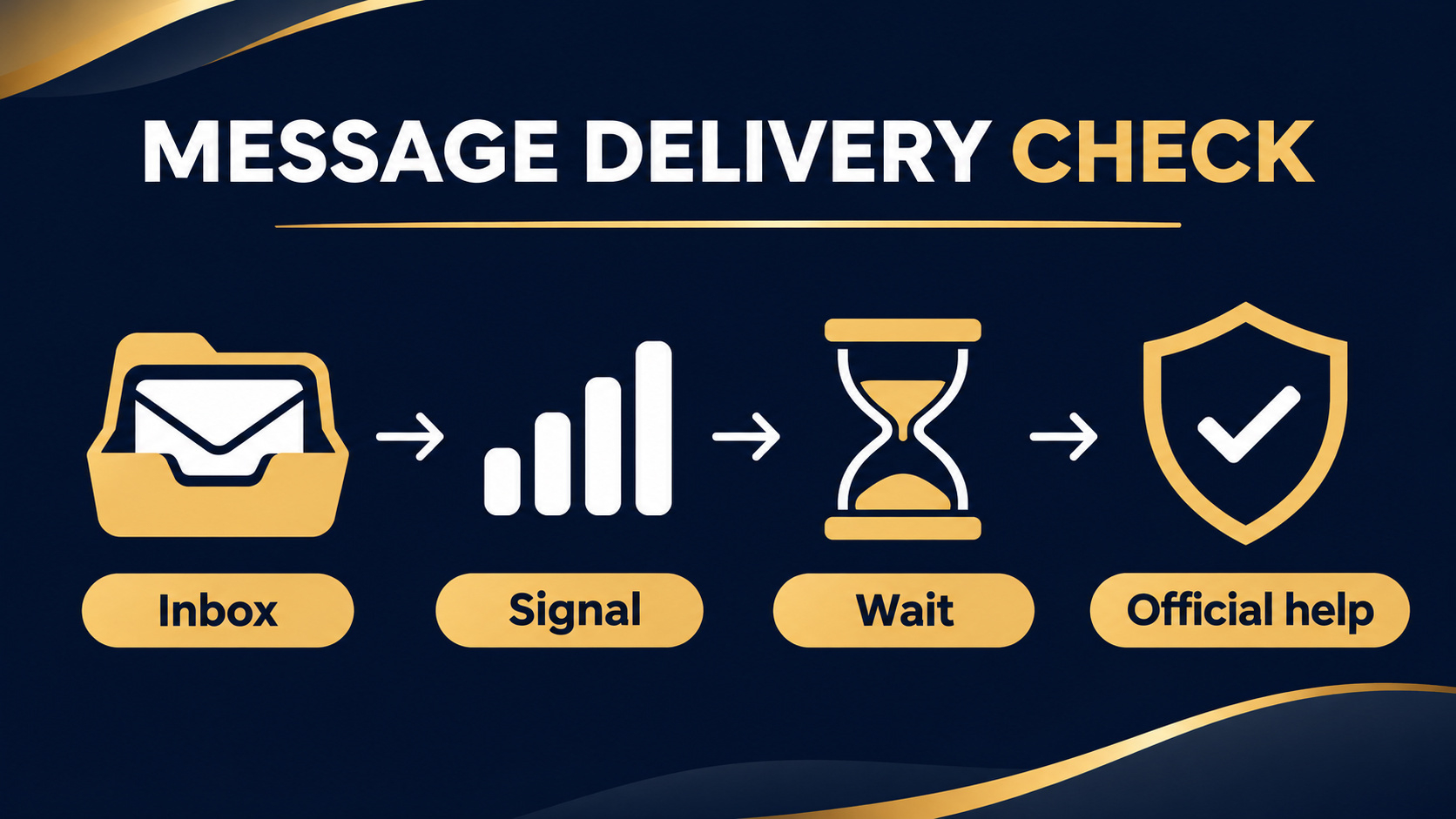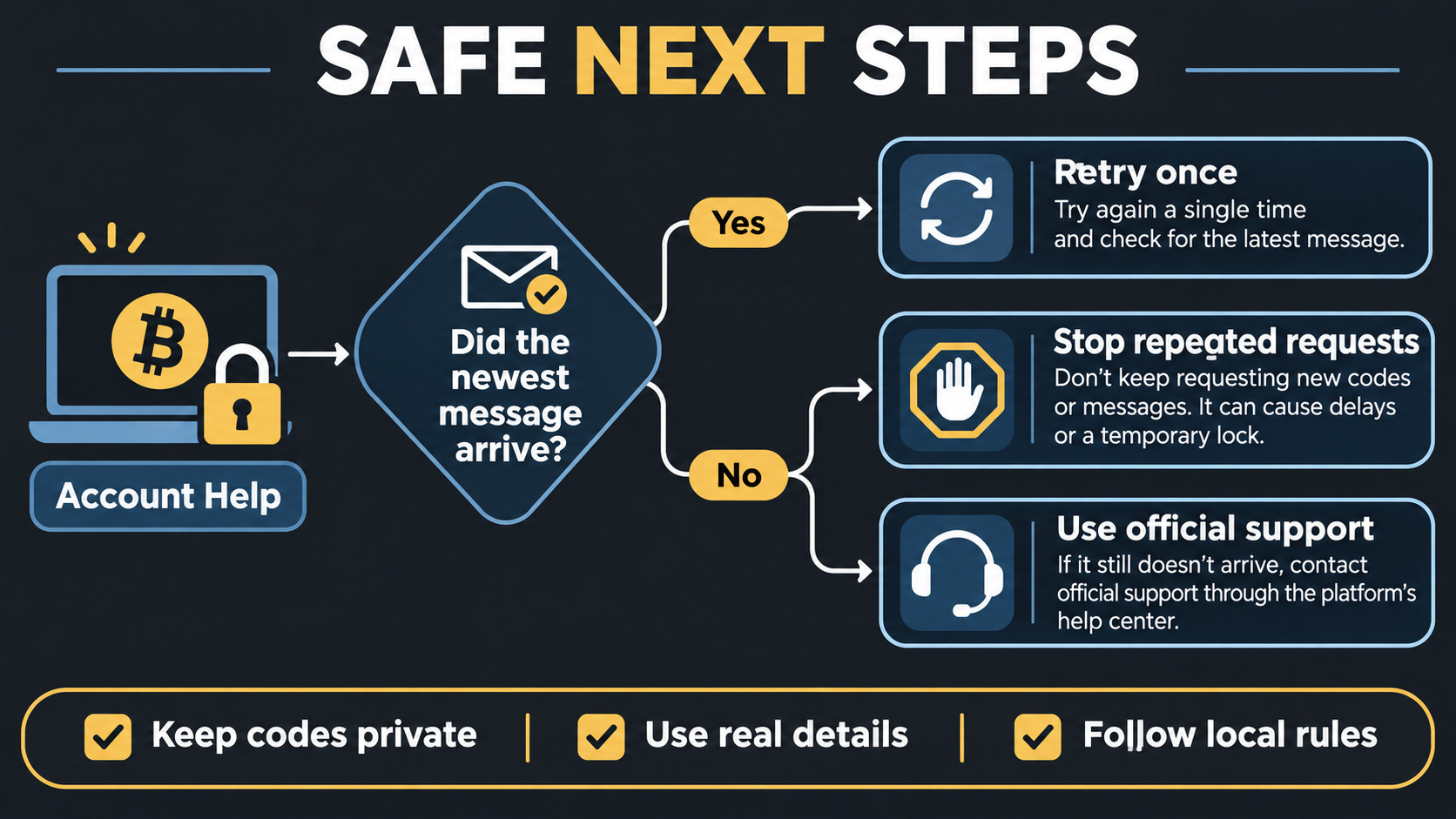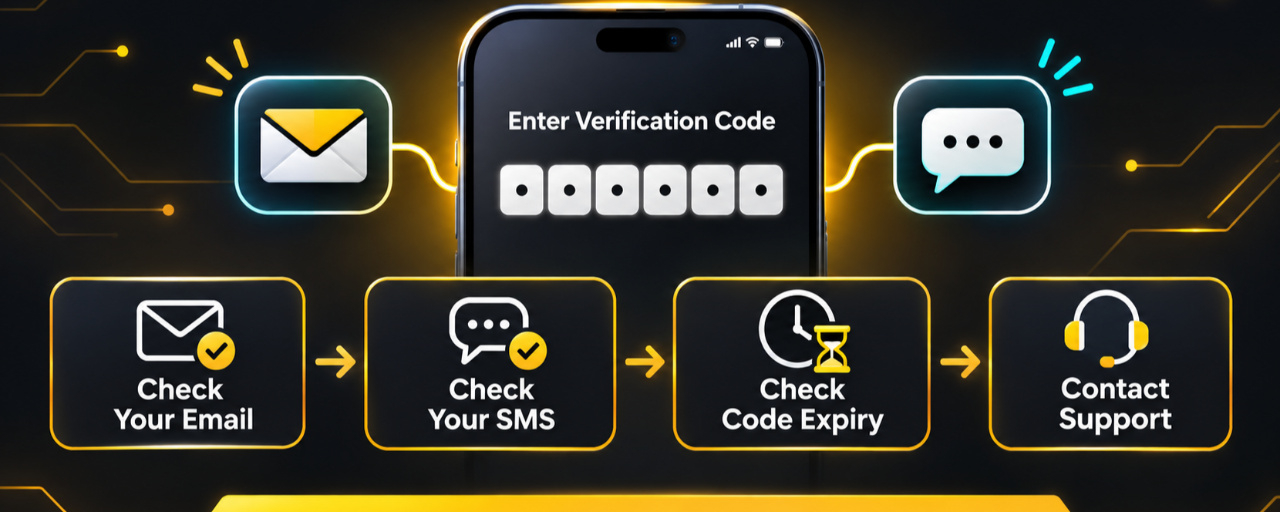

Binance verification code not received? Start by confirming whether the signup code was sent to the email address or phone number you actually entered. Then check filters, wait for delivery, and use only the newest valid code. Do not share a verification code with anyone, including a person claiming to be Binance Support.
Check the signup method first
Binance currently allows personal account registration with an email address, phone number, Apple, Google, and other methods shown in the live app. The exact verification step depends on the method selected. If you used email or phone registration, Binance's official registration guide states that a six-digit code is sent to that destination and should be entered within the period shown in the current flow.
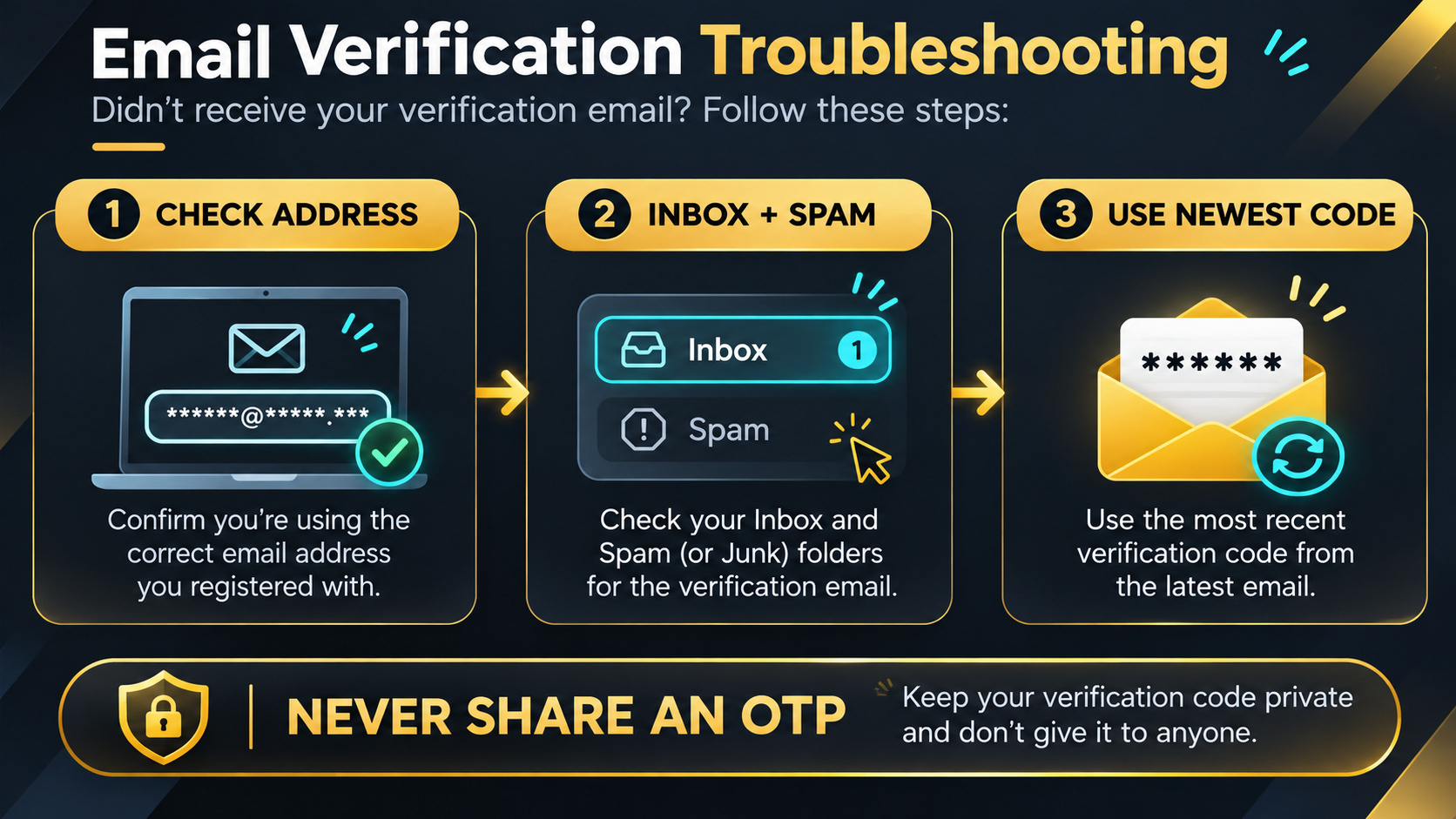
Confirm the complete email address or international phone number before requesting another code. If the address or number is wrong, return to the registration form instead of repeatedly sending codes to the wrong destination.
If the email verification code did not arrive
Check the inbox, spam, junk, trash, and any automatic filtering folders. Search for recent messages from Binance, but do not trust the sender name alone. Open Binance through the official website or app rather than following an unfamiliar message link.
Make sure the mailbox is active and able to receive new messages. If you use an email alias or Apple's Hide My Email feature, confirm which address receives forwarded messages. Binance's current code-error guide notes that Apple-generated relay addresses can affect where verification messages appear.
If the SMS code did not arrive
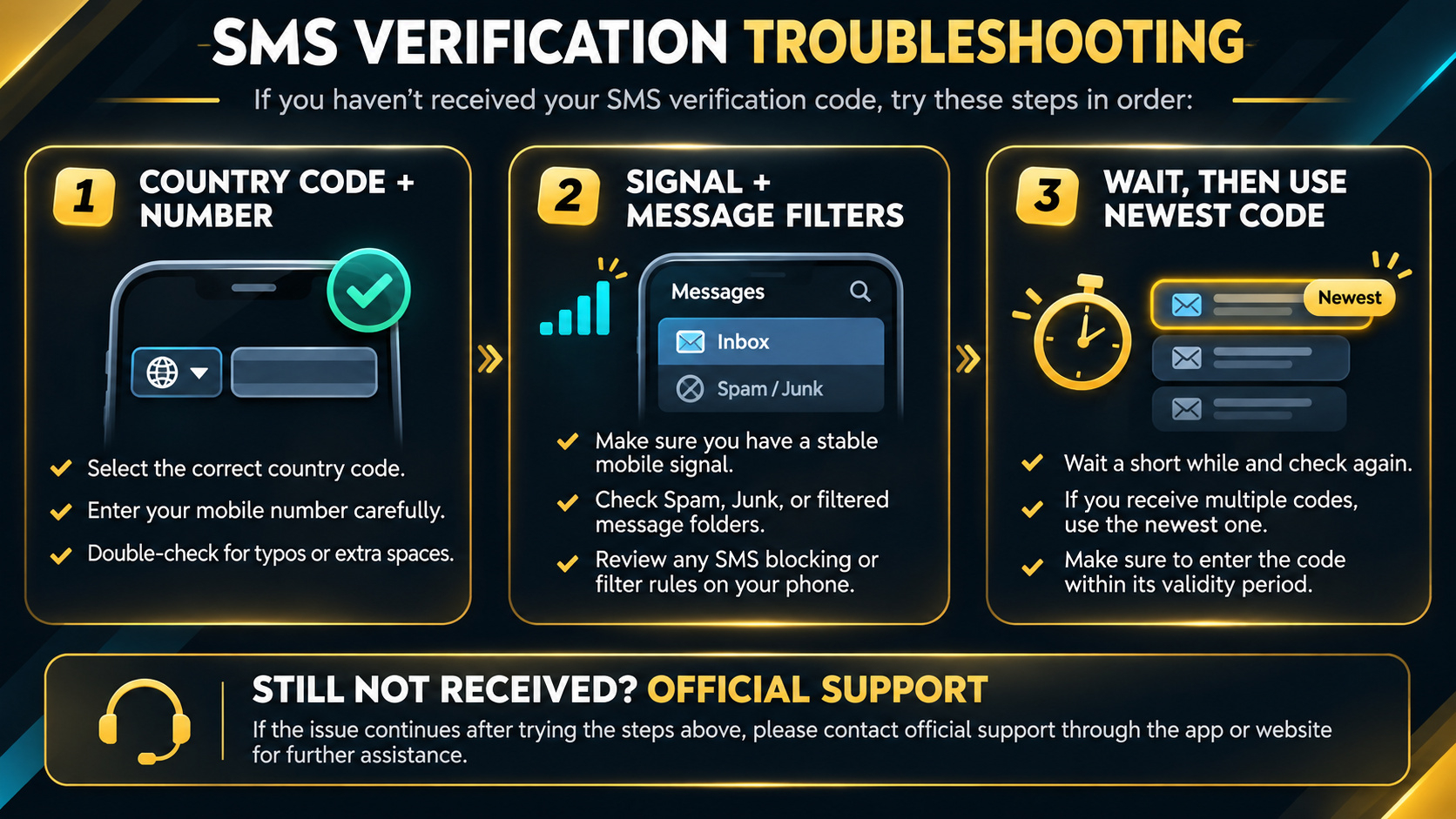
Confirm the country calling code and the full phone number. Check that the device has a working mobile signal and is not blocking service messages. Network congestion or carrier filtering can delay SMS delivery. A displayed delay does not prove that the account was created or that the phone number was accepted.
Use the newest code, not an older message
When a new code is requested, an earlier code may no longer be the correct one to enter. Read the latest message and the live expiry notice. Do not request codes repeatedly in a short period. Binance warns that overly frequent requests can trigger a temporary restriction.
If the page shows Wrong code, request a fresh code once, enter the newest value carefully, and confirm that the code belongs to the same signup attempt. Never paste an OTP received for login, withdrawal, password reset, or another security action into a signup field.
Try a controlled technical check
If the official page reports that it cannot process the request, Binance's troubleshooting guidance suggests trying a different supported device or network and reviewing browser cache or cookies. Change one condition at a time so you can identify what resolved the problem. Do not disable device security, use a VPN to misrepresent your location, or provide false residence information.
When to contact official support
Use Binance's official support channel when no code arrives after reasonable checks, the newest code is repeatedly rejected, the email address or phone number may already belong to an account, or the interface displays a restriction you cannot resolve. Do not post your email, phone number, verification code, identity document, account UID, or screenshots containing personal information in Square comments.
Frequently asked questions
1. How long is a Binance signup code valid?
The official registration guide currently describes a six-digit code and a 30-minute entry window for email or phone signup. Always follow the timer shown in your live registration screen because the process can change.
2. Why does an older code show as invalid?
A newer request may replace an earlier code, or the older code may have expired. Use the newest code issued for the same signup attempt.
3. Should I keep pressing Get Code until a message arrives?
No. Wait for delivery and avoid rapid repeated requests. Binance warns that frequent requests in a short period can lead to a temporary lock or restriction.
4. Can Binance Support ask me to send the verification code?
Do not share a live verification code. Use only the official website or app and enter codes only in the intended Binance verification screen.
5. What if my email address or phone number is already registered?
Use the official login or account-recovery process instead of creating a duplicate account. Contact official support if you do not recognize the existing account association.
6. Can I change my country or use a VPN to make signup work?
Do not bypass a regional restriction. Use your genuine nationality, actual residence, and personal information, and check which Binance service is legally available where you live.
Official sources
Check availability and terms before signing up
Registration methods, code delivery, expiry periods, verification requirements, and product availability can vary by jurisdiction, account, device, and current interface. Use your genuine identity and actual residence and never bypass a restriction. If Binance is available where you live and you need a new account, confirm referral code UAUBG73C in the official form before submitting. No reward, discount, approval, code delivery time, account access, or product availability is guaranteed.
Open the official Binance registration page with referral code UAUBG73C
Affiliate disclosure: this Article includes a referral sign-up link.
#BinanceSignup #VerificationCode #AccountSecurity #CryptoEducation