


To use Binance products, start with an account, verify your identity and secure your login. The exact screens and document options depend on your country. Follow the current instructions shown in your own account rather than relying on an old screen sequence.
1. Start on the official signup page
Open Binance through its official website or app. Choose the available email, phone or supported account method, complete the confirmation step and set a unique password. If a referral field is shown, check the displayed code and terms before you submit registration.
Confirm the website address before entering personal details.
Keep email verification codes, passwords and recovery information private.
Check your residence and product availability in the signup flow.
2. Complete identity verification
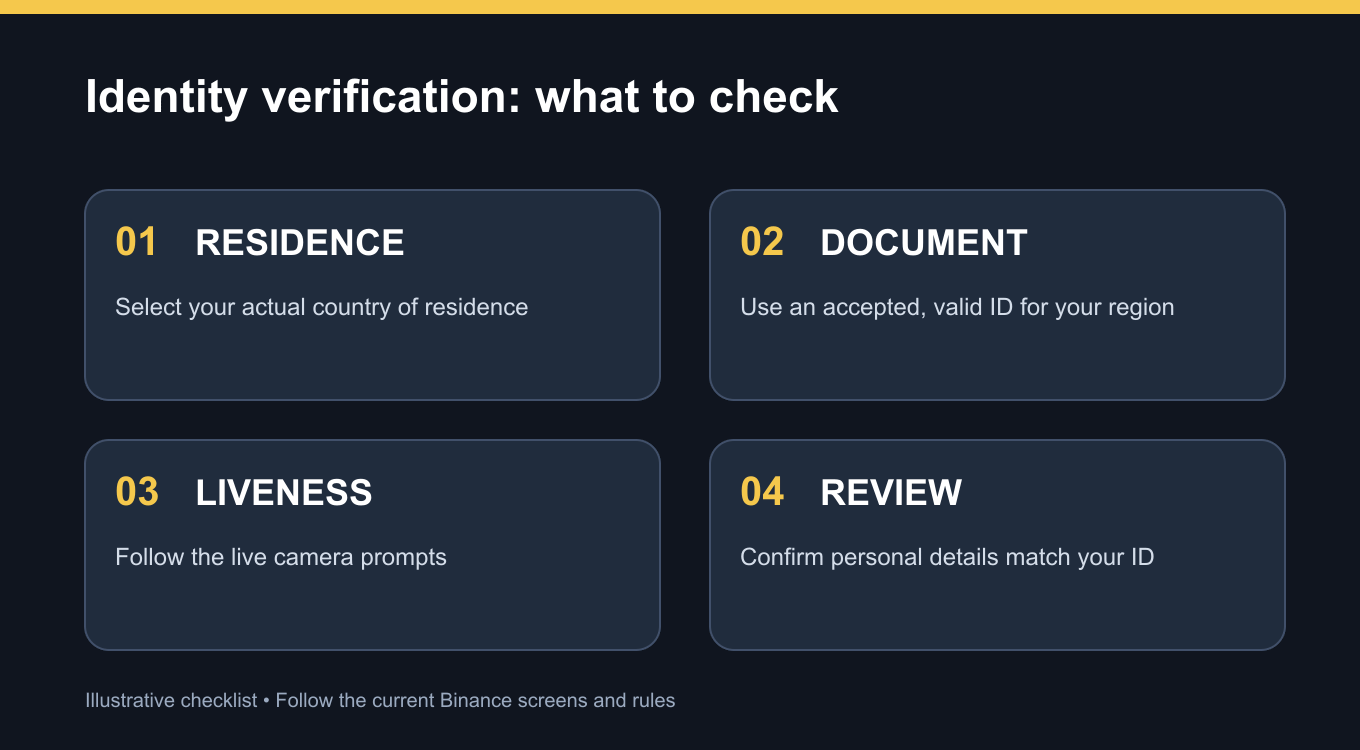
In your account, open Identification or the verification prompt. Binance asks for your residence, document-issuing country or region, and an accepted document type. Options vary by location. Submit clear document photos only through the official flow, then follow the live camera check when requested.
Review your name, date of birth and other details against the document before confirming. Binance reviews the submission and reports the result in your account or by notification. Review time is not guaranteed.
3. Protect the account before using it
A unique password is only the first layer. Binance recommends a passkey or authenticator app and careful checks of login activity and suspicious messages. Do not send identity documents or verification codes to someone claiming to be support in a chat.
4. Referral terms require a separate check
Referral code UAUBG73C is the code for this article. Eligibility, any fee sharing and any rewards depend on the program, account and region displayed at registration. Historic claims of a permanent 20% cashback or a fixed signup bonus should not be treated as a current offer.
5. FAQ
Q1. Is KYC the same as account registration?
A1. No. Registration creates the login; identity verification is a separate process required for access to Binance products and services.
Q2. Which ID can I use?
A2. Choose from the document types offered for your residence and issuing country in the current verification flow.
Q3. Can I skip the live face check?
A3. Follow the steps your account requests. The official guide describes a liveness check during verification.
Q4. Will a referral code guarantee a discount?
A4. No. Verify the exact benefit and eligibility on the signup page and official referral terms.
Q5. How long does verification take?
A5. Binance reviews submissions, but a fixed completion time is not guaranteed. Check the status in your account.
6. Official Sources and References
7. Before You Register
If you choose to sign up, open the Binance signup page and check that referral code UAUBG73C appears with the terms available to your region. A code in a URL alone does not guarantee a rebate, voucher or product access. This article contains a referral link.
#Binance #BinanceReferral #CryptoSecurity