You can register for a Binance account with your email address, phone number, or your Apple/Google, or Telegram account on the Binance app easily with a few taps.
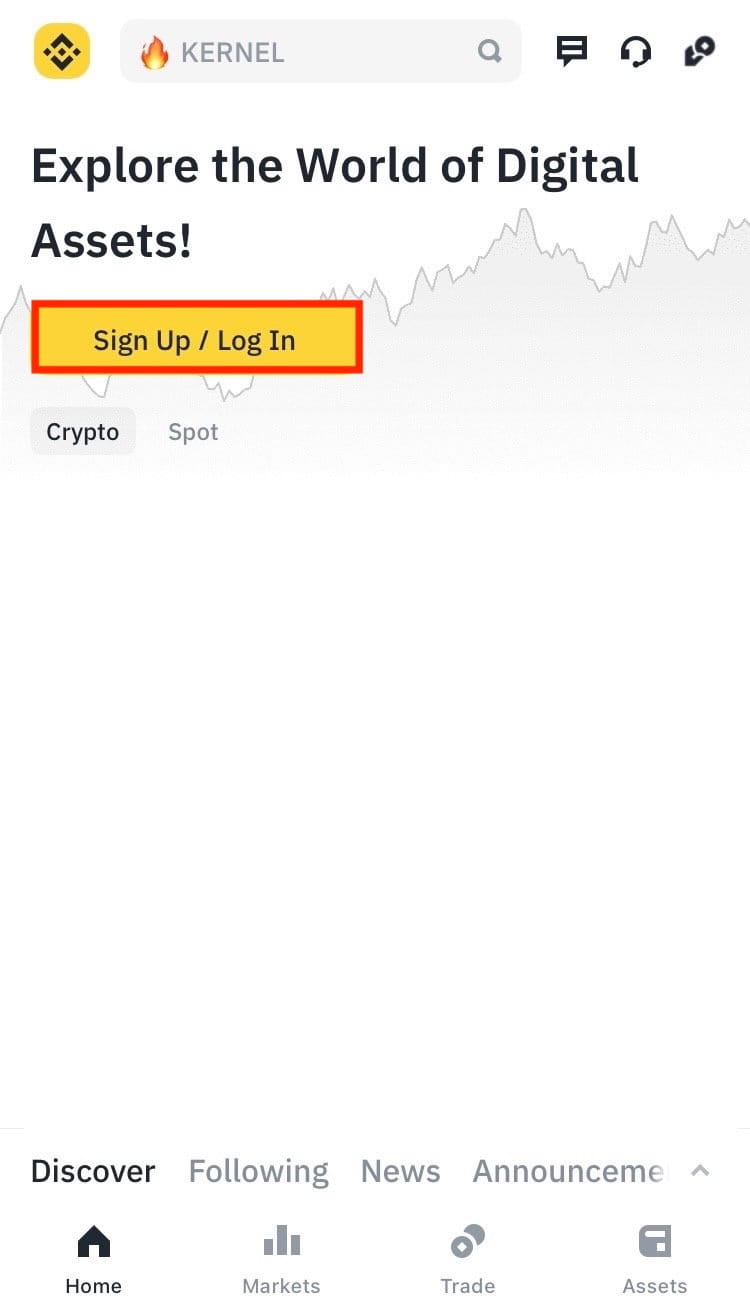
1. Open the Binance app and tap [Sign Up / Login].
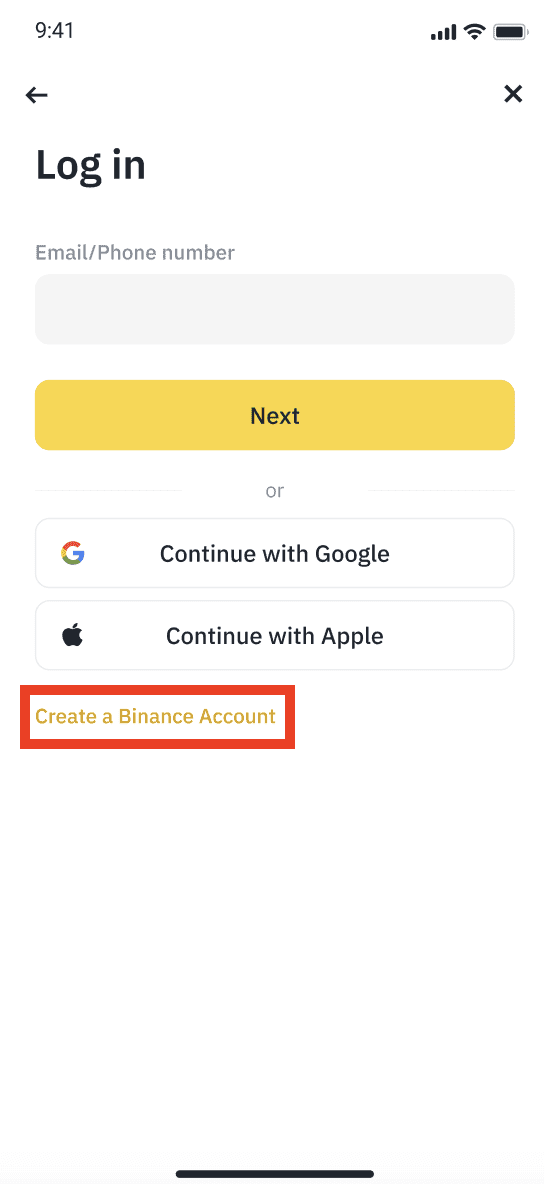
2. Tap [Create a Binance Account].
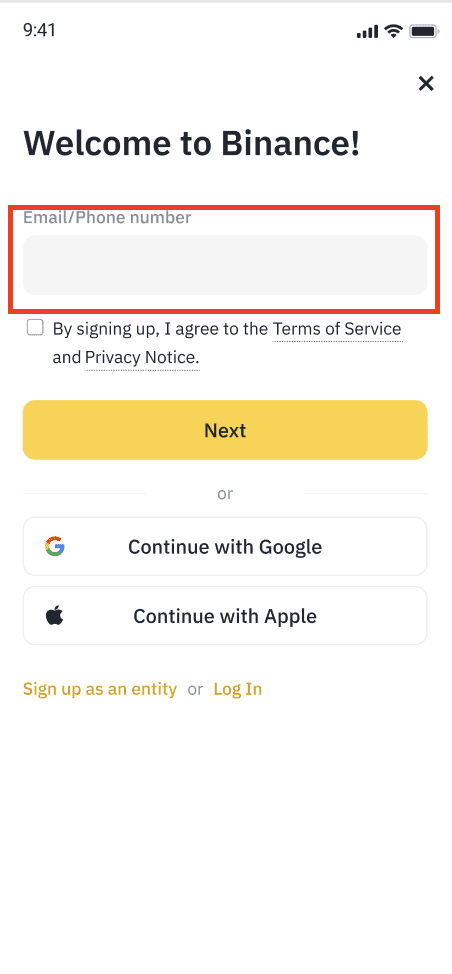
3. Select a registration method. You can sign up with your email address, phone number, and Apple or Google account. Expand each drop-down box below to view the respective step-by-step guide.
Note: Please select the type of account carefully. Once registered, you cannot change the account type. If you want to create an entity account, please refer to How to Complete Entity Verification (KYB) on Binance: Step-by-Step Guide
4. Enter your email address or phone number. Read and agree to the Terms of Service and Privacy Policy. Check the box to confirm and tap [Next].
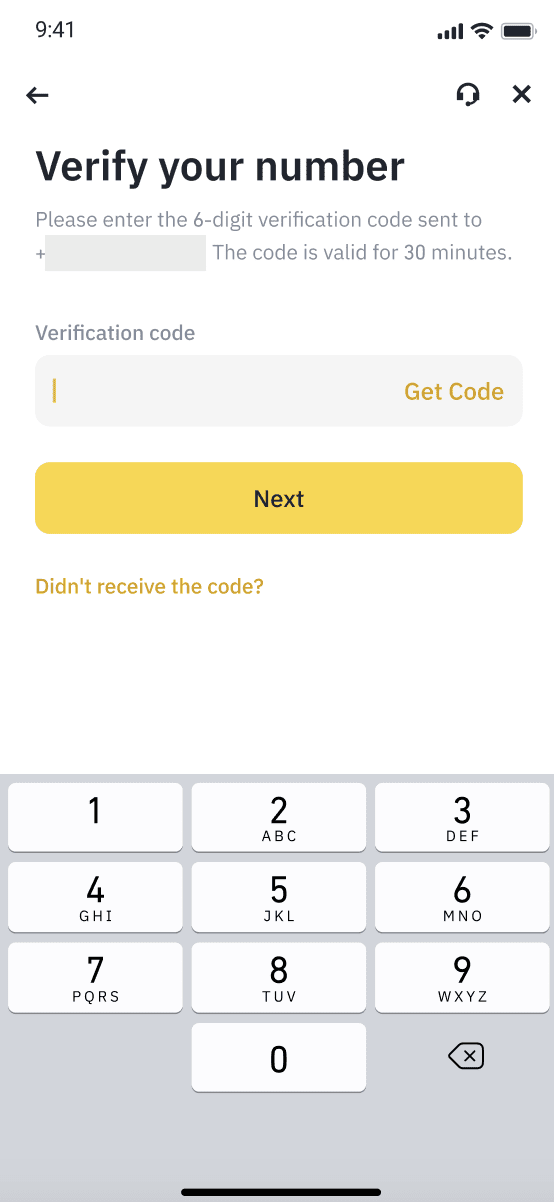
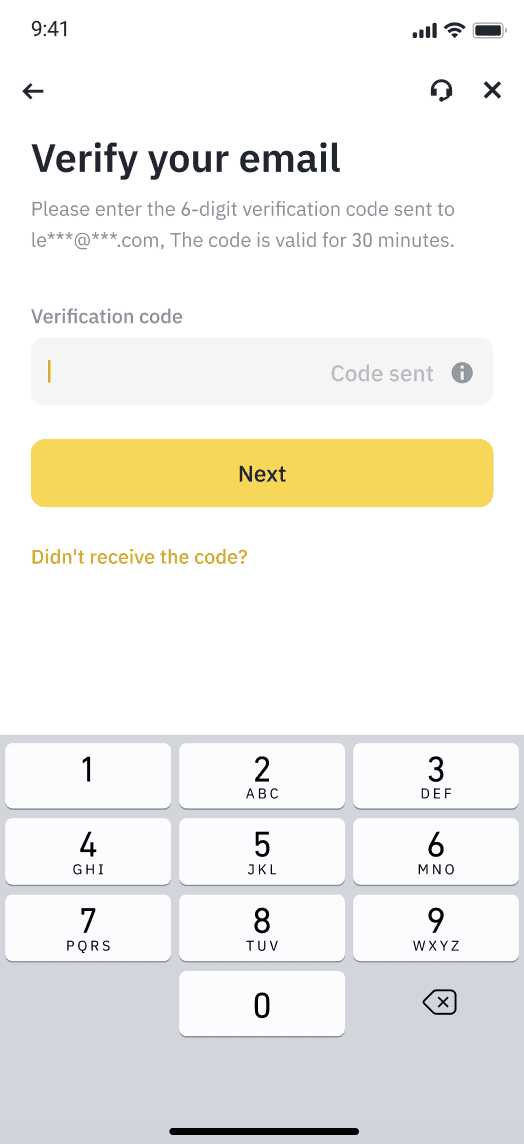
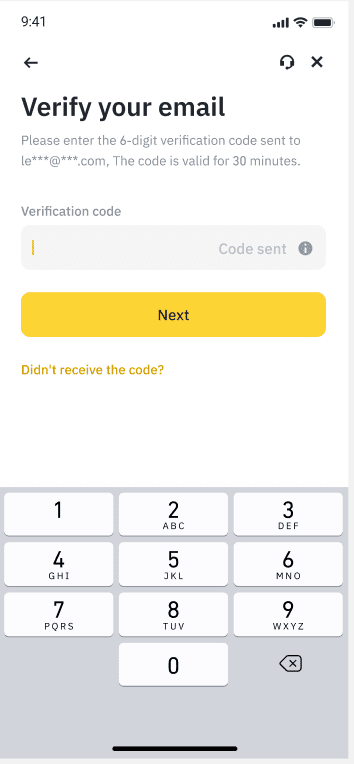
5. You’ll receive a 6-digit verification code in your email or phone. Enter the code within 30 minutes and tap [Submit].
Via verification code sent to your phone:
Via verification code sent to your email:
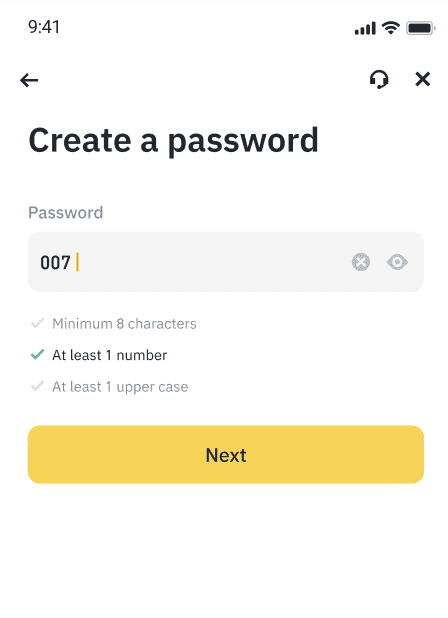
6. Create a secure password for your account. Your password must contain at least 8 characters, with at least one uppercase letter and one number. Tap [Next].
7. Congratulations! You have successfully created a Binance account.
If you were referred to Binance via a referral link, the referral code should be automatically filled and you’ll see a green tick and [Linked] next to it. If the code is invalid, you may edit it or enter another one. If you have no referral code, you can skip this step. Please note that once a referral code is linked to your account, it cannot be modified.
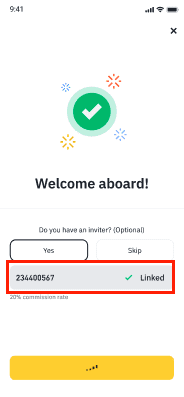
Tap [Next] and you’ll be redirected to complete identity verification. For more details, please visit How to Complete Identity Verification for a Personal Account?.
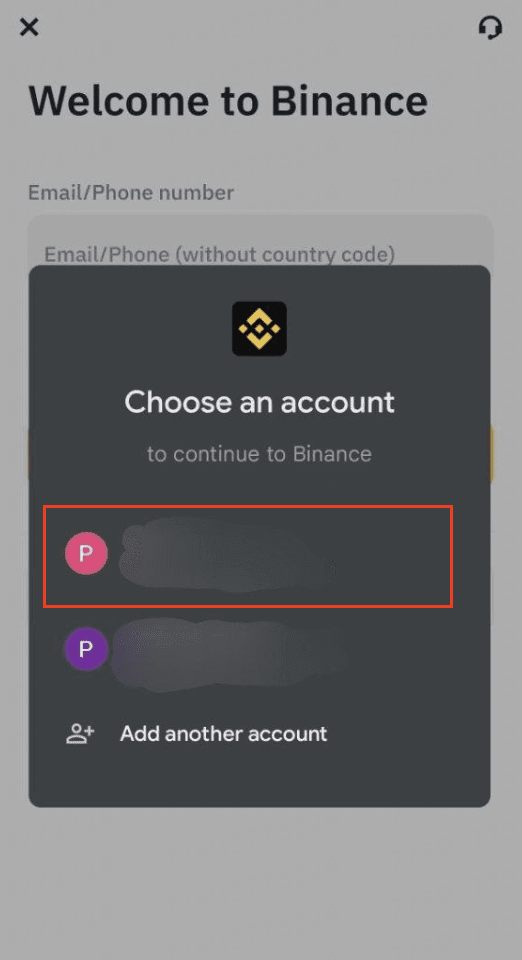
4. Select [Continue with Apple] or [Continue with Google]. You’ll be prompted to sign in to Binance using your Apple or Google account.
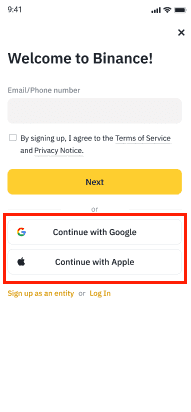
5. Choose the account you want to sign up with.
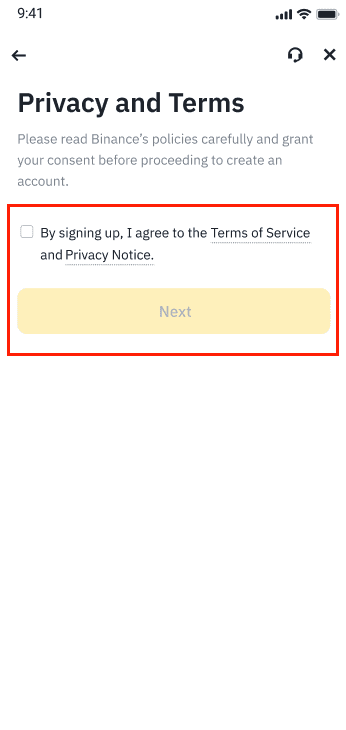
6. Read and agree to the Terms of Service and Privacy Policy. Check the box to confirm and tap [Next].
7. Congratulations! You have successfully created a Binance account.
If you were referred to Binance with a referral ID, you can enter the ID in the field.. If you don't have a referral code, you can click on [Skip] to skip this step. Please note that once a referral code is linked to your account, it cannot be modified.
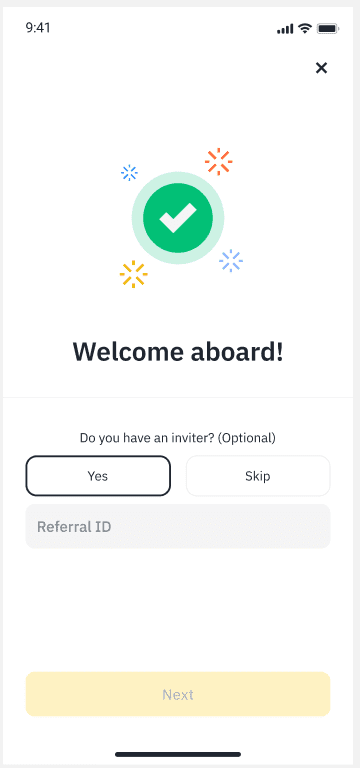
Tap [Next] and you’ll be redirected to complete identity verification. For more details, please visit How to Complete Identity Verification for a Personal Account?.
Note: To protect your account, we highly recommend enabling at least 1 two-factor authentication (2FA).
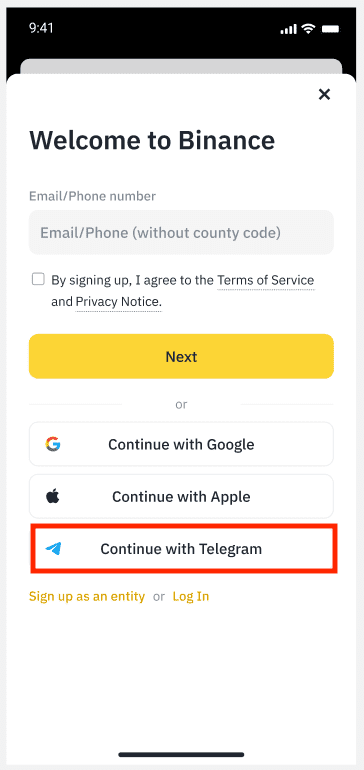
4. At the sign-up page, tap [Continue with Telegram].
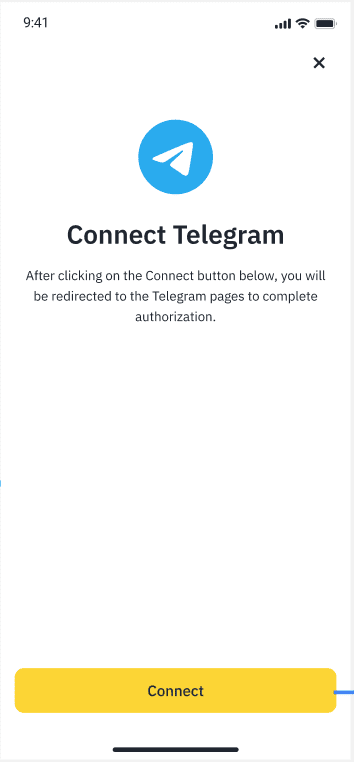
5. You will be directed to connect with Telegram. Tap [Connect].
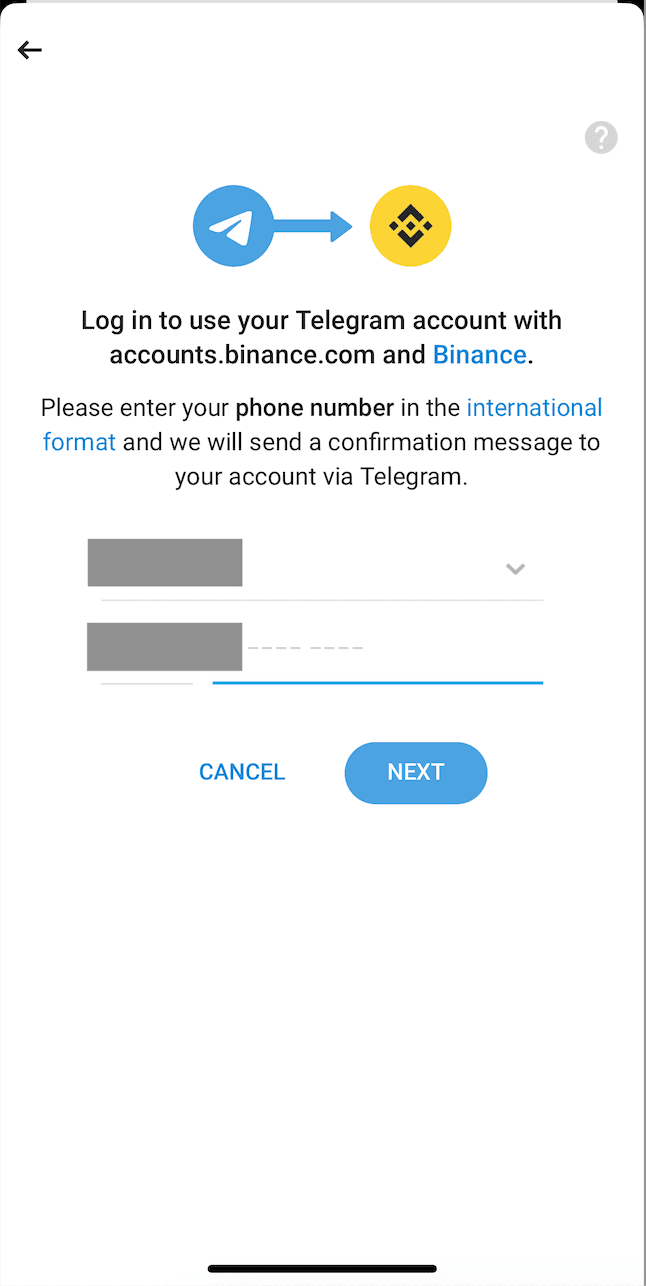
6. Log into your Telegram account as prompted.
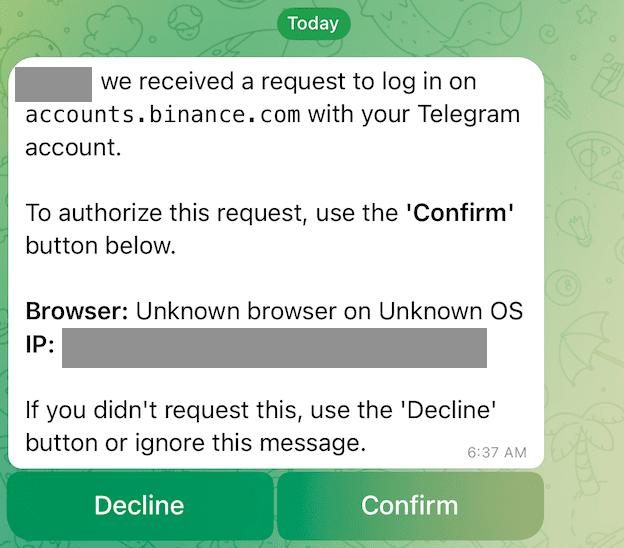
7. A confirmation notification will be sent to your Telegram. Tap [Confirm].
8. Tap [Create a New Binance account] if you do not have one yet, or select [Link an existing Binance Account] and the process will be continued.
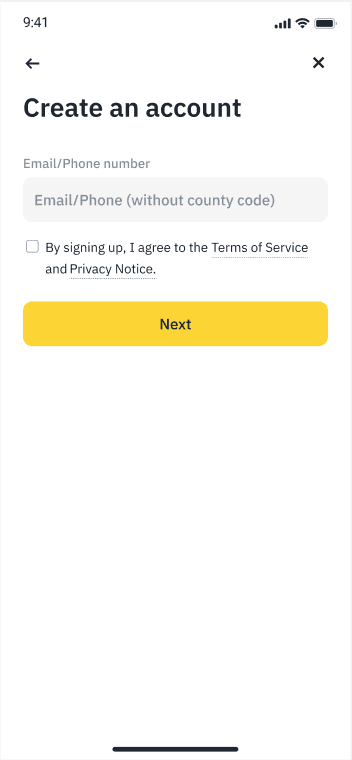
9. Enter your email or phone number, agree to the Terms and Conditions and the tap [Next].
10. Enter the verification OTP sent to your email or phone and tap [Next].
11. Your Binance account has been created. You can input your referral ID at this step if applicable.
