⌞ Apple ID Region Change Guide ⌝
My Apple App Store hasn’t let me change regions ever since I tied it to the US region. It’s been driving me crazy for 2 years.
No matter what VPN node I use, creating a new ID, or switching to other countries, my phone gets locked to the US region. There’s truly no solution.
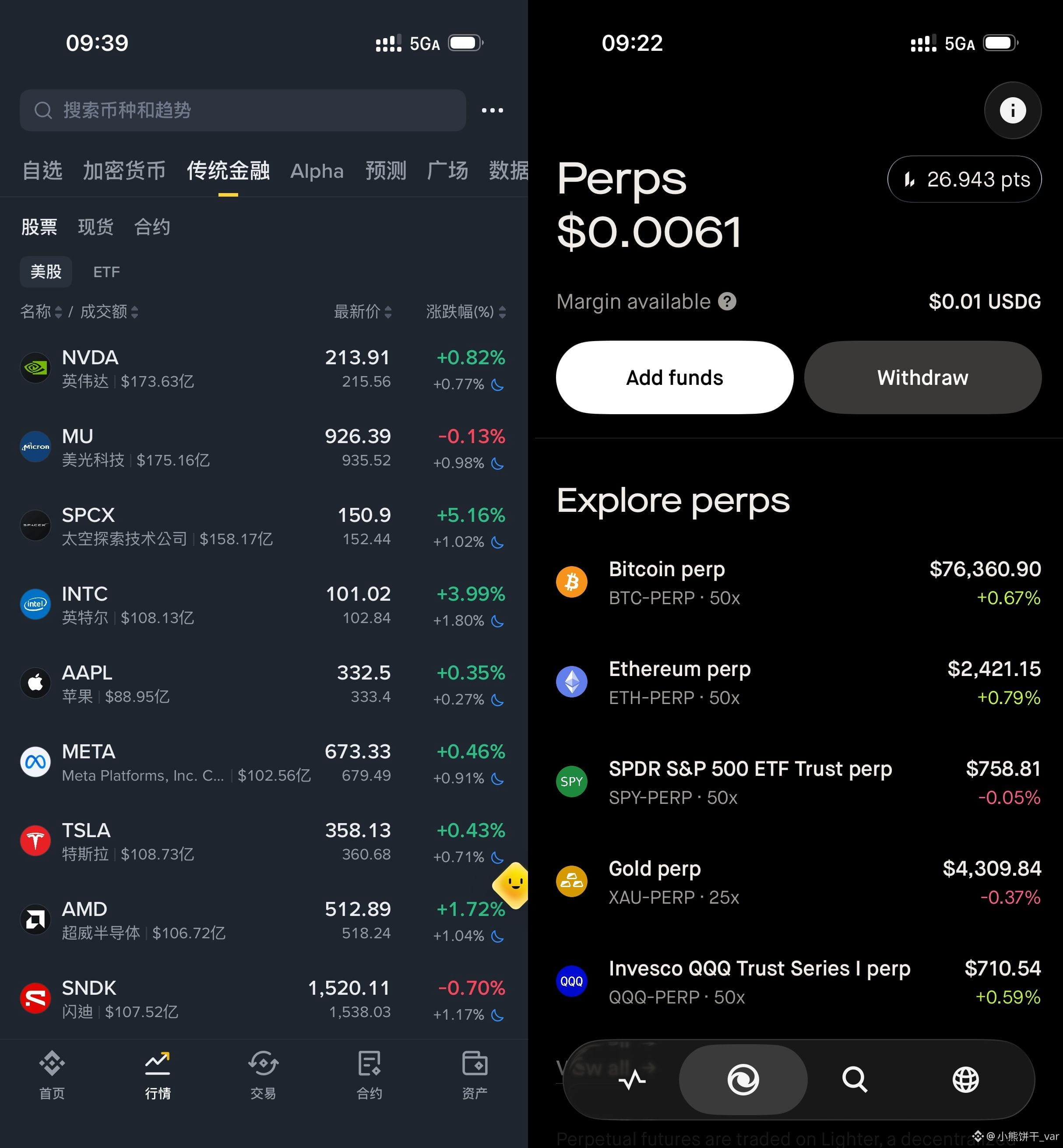
You can’t use Binance stocks, can’t rack up Robinhood wallet points, and any phone-related accounts get locked to the US.
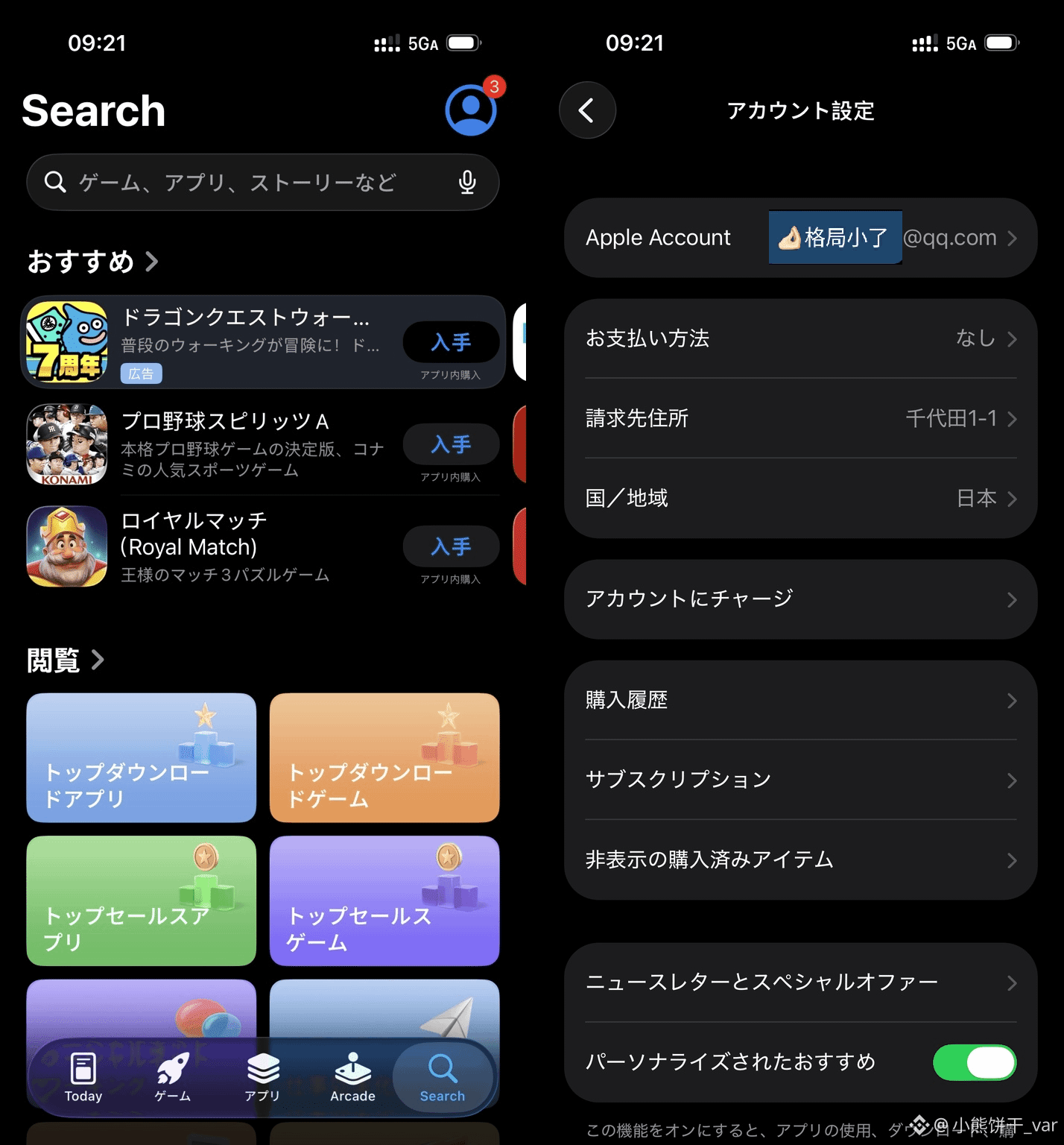
Today, I finally changed it to Japan. I’m sharing how I did it to help anyone who needs it.
Especially for those at UTokyo—no external apps can be downloaded with the usual methods. With this, it’s done in 1 minute.
--
🔹 Steps: Settings → Tap your name at the very top → Media & Purchases
→ View Account → Country/Region → Change Country or Region → Select the new region
(Choose “none” for the payment method—just enter any name and phone number is fine.)
--
🔸 The tricky part: If your App Store has a balance, Apple won’t allow the change officially. That’s where I got stuck.
Method 1: I topped up on Xianyu to make up the difference—added another $100—and bought a GPT Pro subscription.
If your amount is small, handle it directly as follows:
Zero it out: Click “Contact Support” on Apple’s official website. You’ll get a Shanghai (021) phone call from a human support agent.
Tell them you’re on the US region and you want the remaining balance cleared to zero. A sweet Taiwanese girl will help you take care of it.
After three days, you can manually change the region.
--
I finally don’t have to be the one from the US who’s constantly under suspicion by the project partners… tears.
Hope this helps everyone.
完
My Apple App Store hasn’t let me change regions ever since I tied it to the US region. It’s been driving me crazy for 2 years.
No matter what VPN node I use, creating a new ID, or switching to other countries, my phone gets locked to the US region. There’s truly no solution.
You can’t use Binance stocks, can’t rack up Robinhood wallet points, and any phone-related accounts get locked to the US.
Today, I finally changed it to Japan. I’m sharing how I did it to help anyone who needs it.
Especially for those at UTokyo—no external apps can be downloaded with the usual methods. With this, it’s done in 1 minute.
--
🔹 Steps: Settings → Tap your name at the very top → Media & Purchases
→ View Account → Country/Region → Change Country or Region → Select the new region
(Choose “none” for the payment method—just enter any name and phone number is fine.)
--
🔸 The tricky part: If your App Store has a balance, Apple won’t allow the change officially. That’s where I got stuck.
Method 1: I topped up on Xianyu to make up the difference—added another $100—and bought a GPT Pro subscription.
If your amount is small, handle it directly as follows:
Zero it out: Click “Contact Support” on Apple’s official website. You’ll get a Shanghai (021) phone call from a human support agent.
Tell them you’re on the US region and you want the remaining balance cleared to zero. A sweet Taiwanese girl will help you take care of it.
After three days, you can manually change the region.
--
I finally don’t have to be the one from the US who’s constantly under suspicion by the project partners… tears.
Hope this helps everyone.
完