

#bsc
bsc
3.3M views
13,425 Discussing
Hot
Latest

·
--
Several new .ai Agent ID projects launch on BSC every day, and scrolling through them one by one on X takes too much time. Here’s an opportunity radar site I’ve been using these past couple of days, called Lianshao.
It tracks mints, airdrops, and events in the BSC and Agent ecosystems. Each opportunity lists its source, and contracts are verified on-chain before being added. You can see the total supply, how many have already been minted, and whether any free mints are still available—all in the listing. Sold-out and ended projects are promptly archived, so they won’t stay up and mislead anyone. The site currently lists 26 projects, 21 of which are still ongoing. Data is updated hourly, and there’s also a trending tweets leaderboard and a real-time BSC dashboard.
The address is lianshao.ccwu.cc. It’s free to use and doesn’t require registration.
One heads-up: quite a few projects listed there only have leads, with no official website. The site labels their sources and risks, but make sure to verify the contracts yourself before taking action. Don’t skip that step just because it’s a hassle.
Where do you usually go to keep an eye out for new launches?
#BSC #AgentID #NFT #FreeMint
Several new .ai Agent ID projects launch on BSC every day, and scrolling through them one by one on X takes too much time. Here’s an opportunity radar site I’ve been using these past couple of days, called Lianshao.
It tracks mints, airdrops, and events in the BSC and Agent ecosystems. Each opportunity lists its source, and contracts are verified on-chain before being added. You can see the total supply, how many have already been minted, and whether any free mints are still available—all in the listing. Sold-out and ended projects are promptly archived, so they won’t stay up and mislead anyone. The site currently lists 26 projects, 21 of which are still ongoing. Data is updated hourly, and there’s also a trending tweets leaderboard and a real-time BSC dashboard.
The address is lianshao.ccwu.cc. It’s free to use and doesn’t require registration.
One heads-up: quite a few projects listed there only have leads, with no official website. The site labels their sources and risks, but make sure to verify the contracts yourself before taking action. Don’t skip that step just because it’s a hassle.
Where do you usually go to keep an eye out for new launches?
#BSC #AgentID #NFT #FreeMint
It tracks mints, airdrops, and events in the BSC and Agent ecosystems. Each opportunity lists its source, and contracts are verified on-chain before being added. You can see the total supply, how many have already been minted, and whether any free mints are still available—all in the listing. Sold-out and ended projects are promptly archived, so they won’t stay up and mislead anyone. The site currently lists 26 projects, 21 of which are still ongoing. Data is updated hourly, and there’s also a trending tweets leaderboard and a real-time BSC dashboard.
The address is lianshao.ccwu.cc. It’s free to use and doesn’t require registration.
One heads-up: quite a few projects listed there only have leads, with no official website. The site labels their sources and risks, but make sure to verify the contracts yourself before taking action. Don’t skip that step just because it’s a hassle.
Where do you usually go to keep an eye out for new launches?
#BSC #AgentID #NFT #FreeMint
冲起来:
网多少
1
1
665

·
--
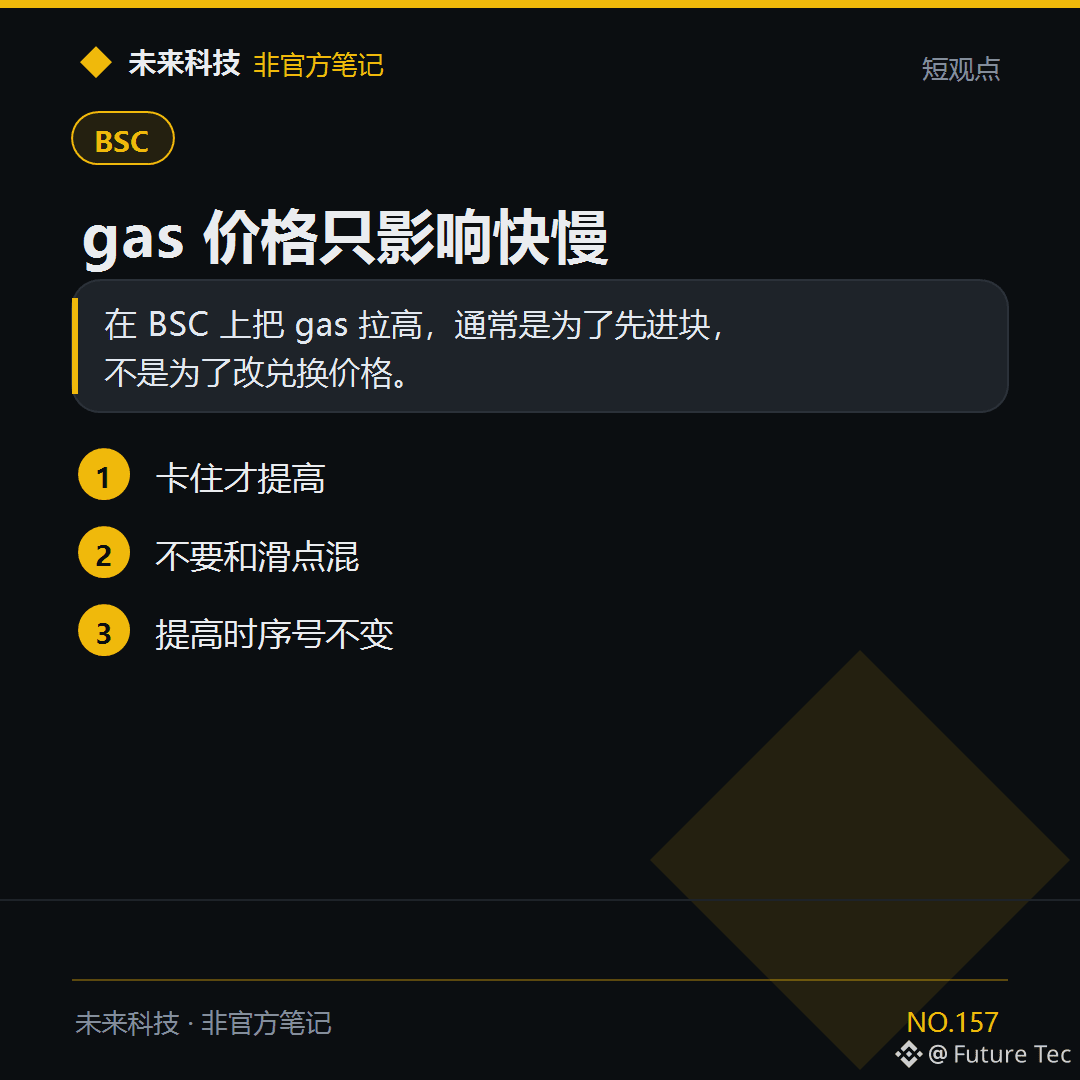
$BNB Want transactions to go through faster? Increase gas, not slippage.
【Conclusion】
On BSC, increasing gas is usually meant to get your transaction included in a block sooner, not to change the swap price.
【Try this】
1. Increase it only if your transaction is stuck
2. Don’t confuse it with slippage
3. The nonce stays the same when you increase it
Have you ever mixed up gas and slippage?
Future Technology: https://x.com/wlkjtec
#BSC $BNB
$BNB Want transactions to go through faster? Increase gas, not slippage.
【Conclusion】
On BSC, increasing gas is usually meant to get your transaction included in a block sooner, not to change the swap price.
【Try this】
1. Increase it only if your transaction is stuck
2. Don’t confuse it with slippage
3. The nonce stays the same when you increase it
Have you ever mixed up gas and slippage?
Future Technology: https://x.com/wlkjtec
#BSC $BNB
【Conclusion】
On BSC, increasing gas is usually meant to get your transaction included in a block sooner, not to change the swap price.
【Try this】
1. Increase it only if your transaction is stuck
2. Don’t confuse it with slippage
3. The nonce stays the same when you increase it
Have you ever mixed up gas and slippage?
Future Technology: https://x.com/wlkjtec
#BSC $BNB
57
·
--
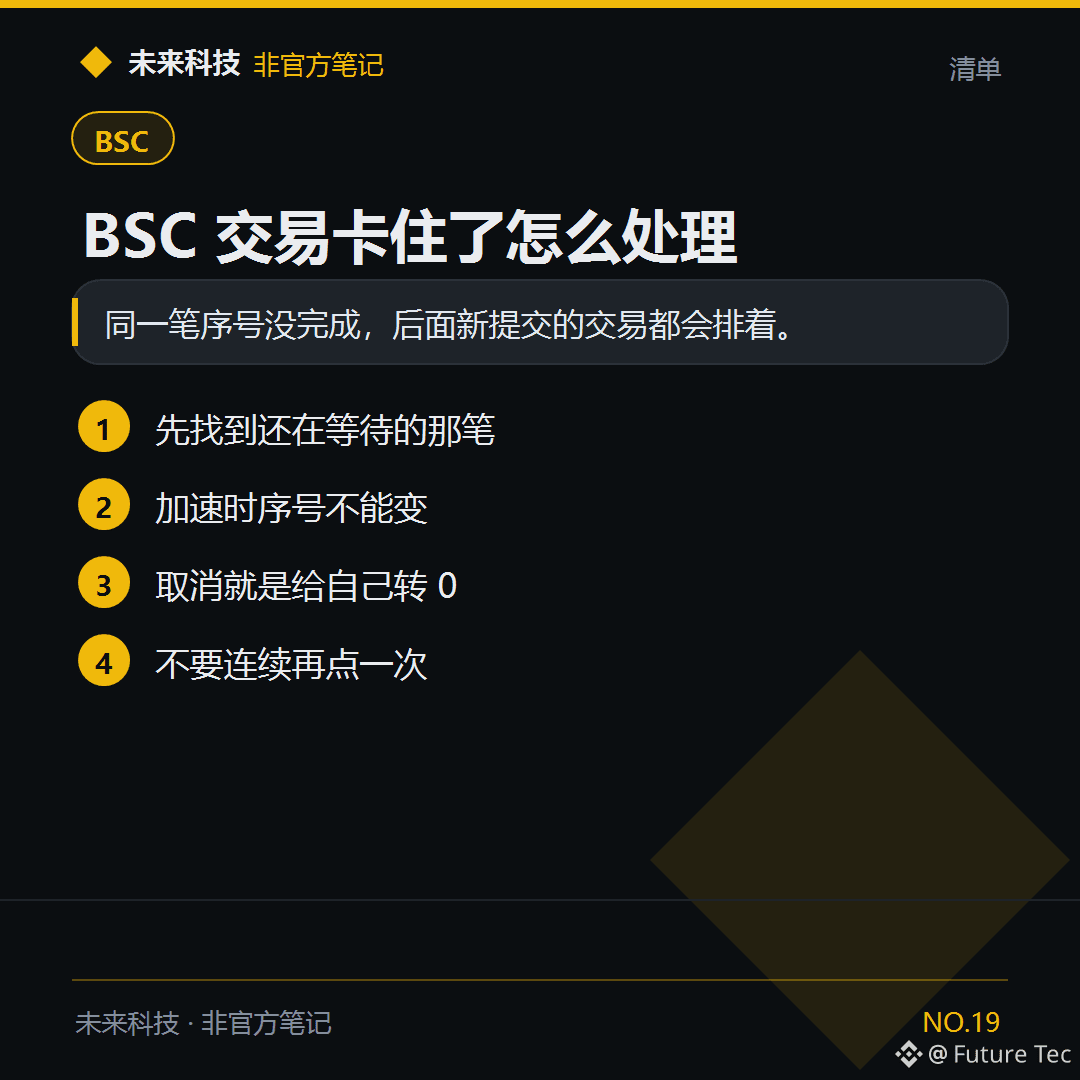
One transaction on BSC has been Pending for a while, and newer swaps will get stuck behind it. Handle the stuck transaction first.
【Conclusion】
Each transaction has a sequence number called a nonce. If a transaction with a lower nonce hasn’t completed, all transactions with higher nonces have to wait. Speeding up and canceling both use the original nonce and only increase the gas fee.
【Analysis】
Clicking Confirm repeatedly sends new transactions with higher nonces, while the old transaction is still blocking the queue. Speeding up replaces it using the same nonce and a higher gas fee. Canceling sends 0 BNB to your own address, using the nonce of the stuck transaction. If your wallet has “Speed Up” and “Cancel” buttons, use those first.
【Steps】
1. Find the Pending transaction in your wallet’s activity history. Don’t start a new swap.
2. If there’s a Speed Up button, increase the gas fee and make sure the nonce hasn’t changed.
3. If you don’t want the transaction to go through, cancel it. Once the cancellation succeeds, the following transactions can proceed.
4. Check BscScan to see whether the transaction hash has been included in a block or is still pending.
【What Went Wrong】
After it got stuck, I clicked three times in a row. I was prepared to pay gas for three transactions, but the first one still hadn’t been included in a block.
Future Technology: https://x.com/wlkjtec
#链上笔记 #BSC #钱包 $BNB
One transaction on BSC has been Pending for a while, and newer swaps will get stuck behind it. Handle the stuck transaction first.
【Conclusion】
Each transaction has a sequence number called a nonce. If a transaction with a lower nonce hasn’t completed, all transactions with higher nonces have to wait. Speeding up and canceling both use the original nonce and only increase the gas fee.
【Analysis】
Clicking Confirm repeatedly sends new transactions with higher nonces, while the old transaction is still blocking the queue. Speeding up replaces it using the same nonce and a higher gas fee. Canceling sends 0 BNB to your own address, using the nonce of the stuck transaction. If your wallet has “Speed Up” and “Cancel” buttons, use those first.
【Steps】
1. Find the Pending transaction in your wallet’s activity history. Don’t start a new swap.
2. If there’s a Speed Up button, increase the gas fee and make sure the nonce hasn’t changed.
3. If you don’t want the transaction to go through, cancel it. Once the cancellation succeeds, the following transactions can proceed.
4. Check BscScan to see whether the transaction hash has been included in a block or is still pending.
【What Went Wrong】
After it got stuck, I clicked three times in a row. I was prepared to pay gas for three transactions, but the first one still hadn’t been included in a block.
Future Technology: https://x.com/wlkjtec
#链上笔记 #BSC #钱包 $BNB
【Conclusion】
Each transaction has a sequence number called a nonce. If a transaction with a lower nonce hasn’t completed, all transactions with higher nonces have to wait. Speeding up and canceling both use the original nonce and only increase the gas fee.
【Analysis】
Clicking Confirm repeatedly sends new transactions with higher nonces, while the old transaction is still blocking the queue. Speeding up replaces it using the same nonce and a higher gas fee. Canceling sends 0 BNB to your own address, using the nonce of the stuck transaction. If your wallet has “Speed Up” and “Cancel” buttons, use those first.
【Steps】
1. Find the Pending transaction in your wallet’s activity history. Don’t start a new swap.
2. If there’s a Speed Up button, increase the gas fee and make sure the nonce hasn’t changed.
3. If you don’t want the transaction to go through, cancel it. Once the cancellation succeeds, the following transactions can proceed.
4. Check BscScan to see whether the transaction hash has been included in a block or is still pending.
【What Went Wrong】
After it got stuck, I clicked three times in a row. I was prepared to pay gas for three transactions, but the first one still hadn’t been included in a block.
Future Technology: https://x.com/wlkjtec
#链上笔记 #BSC #钱包 $BNB
103
·
--
Ever seen a project where you can’t mine solo? Here’s a new project on BSC: DualForge, a two-key mining rig.
The mechanics in a nutshell: It only recognizes Binance .ai Agent IDs. Two people each need a key, and they have to pair up to build a mining rig before they can start mining. You can’t go it alone. Each key costs 0.01 BNB. The whole process is handled on the official website by your own agent, with no wallet connection required.
A few things I find interesting:
1. Compatibility: When the attributes of two IDs match, the weight can reach up to 2x. Finding a partner matters more than simply buying in.
2. The pool opens automatically via the contract: Once 2,000 paired Forge Keys have been issued, the pool opens automatically—no one can manipulate it. The sale ends at 18:00 on November 9.
3. Most of the funds go into the pool to provide liquidity, and all the rules are written into the contract.
Official website: dualforge.fun. Check out the details for yourself. A quick reminder: the project is still very early, and volumes are low, so don’t get carried away. The trial key costs almost nothing, so you can try one first.
If you have a .ai ID, would you team up with someone you know or get randomly matched in the lobby?
#BSC #AgentID #DualForge #BNBChain
Ever seen a project where you can’t mine solo? Here’s a new project on BSC: DualForge, a two-key mining rig.
The mechanics in a nutshell: It only recognizes Binance .ai Agent IDs. Two people each need a key, and they have to pair up to build a mining rig before they can start mining. You can’t go it alone. Each key costs 0.01 BNB. The whole process is handled on the official website by your own agent, with no wallet connection required.
A few things I find interesting:
1. Compatibility: When the attributes of two IDs match, the weight can reach up to 2x. Finding a partner matters more than simply buying in.
2. The pool opens automatically via the contract: Once 2,000 paired Forge Keys have been issued, the pool opens automatically—no one can manipulate it. The sale ends at 18:00 on November 9.
3. Most of the funds go into the pool to provide liquidity, and all the rules are written into the contract.
Official website: dualforge.fun. Check out the details for yourself. A quick reminder: the project is still very early, and volumes are low, so don’t get carried away. The trial key costs almost nothing, so you can try one first.
If you have a .ai ID, would you team up with someone you know or get randomly matched in the lobby?
#BSC #AgentID #DualForge #BNBChain
The mechanics in a nutshell: It only recognizes Binance .ai Agent IDs. Two people each need a key, and they have to pair up to build a mining rig before they can start mining. You can’t go it alone. Each key costs 0.01 BNB. The whole process is handled on the official website by your own agent, with no wallet connection required.
A few things I find interesting:
1. Compatibility: When the attributes of two IDs match, the weight can reach up to 2x. Finding a partner matters more than simply buying in.
2. The pool opens automatically via the contract: Once 2,000 paired Forge Keys have been issued, the pool opens automatically—no one can manipulate it. The sale ends at 18:00 on November 9.
3. Most of the funds go into the pool to provide liquidity, and all the rules are written into the contract.
Official website: dualforge.fun. Check out the details for yourself. A quick reminder: the project is still very early, and volumes are low, so don’t get carried away. The trial key costs almost nothing, so you can try one first.
If you have a .ai ID, would you team up with someone you know or get randomly matched in the lobby?
#BSC #AgentID #DualForge #BNBChain
143
·
--
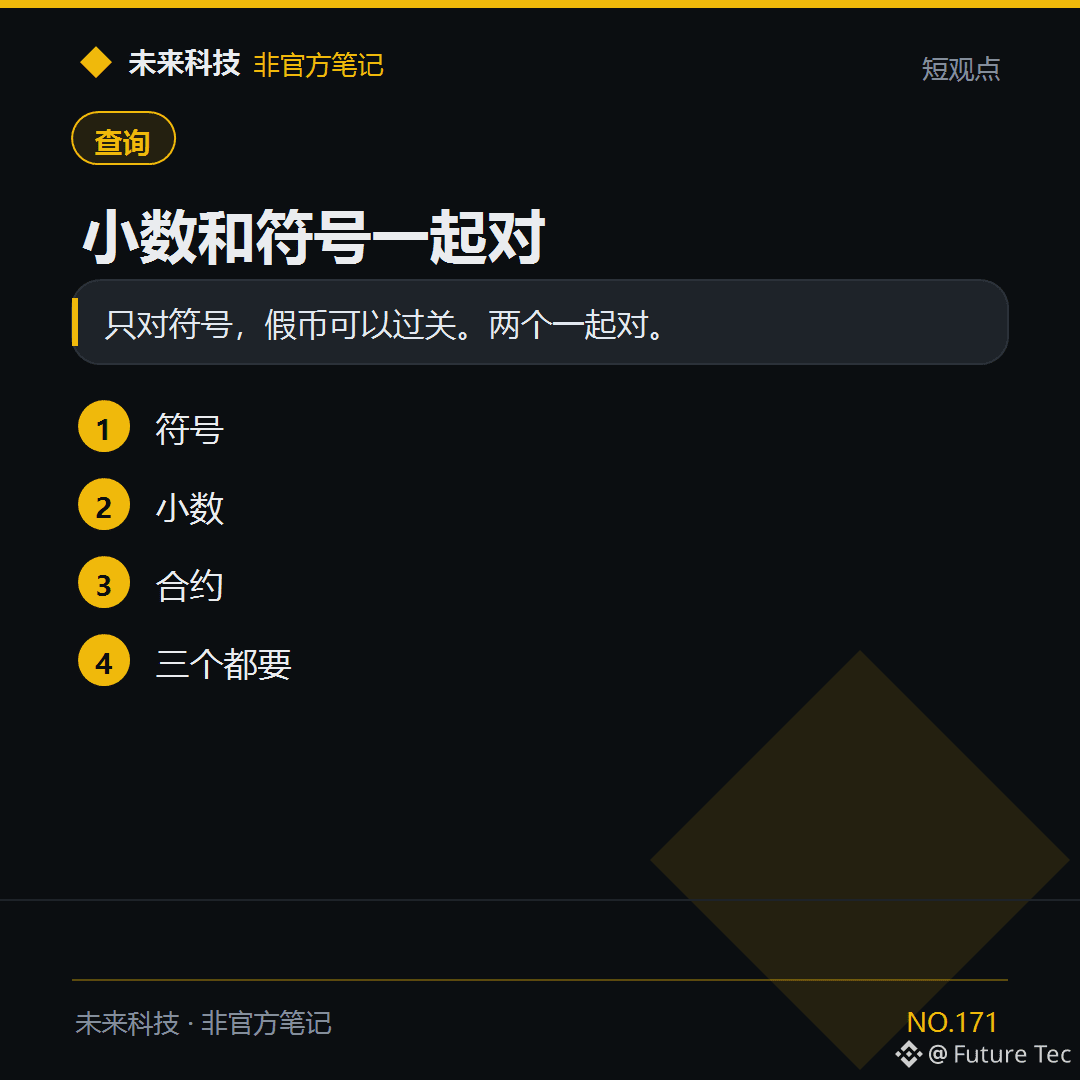
When adding a token, verify its symbol, decimals, and contract on the $BNB chain.
[Conclusion]
If you only check the symbol, fake tokens can slip through. Check all three.
[Checklist]
1. Symbol
2. Decimals
3. Contract
4. All three
Have you checked all three?
Future Technology: https://x.com/wlkjtec
#BSC $BNB
When adding a token, verify its symbol, decimals, and contract on the $BNB chain.
[Conclusion]
If you only check the symbol, fake tokens can slip through. Check all three.
[Checklist]
1. Symbol
2. Decimals
3. Contract
4. All three
Have you checked all three?
Future Technology: https://x.com/wlkjtec
#BSC $BNB
[Conclusion]
If you only check the symbol, fake tokens can slip through. Check all three.
[Checklist]
1. Symbol
2. Decimals
3. Contract
4. All three
Have you checked all three?
Future Technology: https://x.com/wlkjtec
#BSC $BNB
115
·
--
🔥 BSC New Listing Review · 10/31 (1/1)
Covering just one today: the rest are either X posts full of CMC vote-farming templates, have suspicious-looking volume, or were already covered yesterday.
🃏 FAGENT · Flap · Agent ID Tax Card
📖 Narrative: The new-mechanism token getting the most discussion on BSC tonight—not a pure tax token, but a 2% buy/sell tax flowing into the treasury + NFT cards: Binance wallet holders with an .ai Agent ID can mint a card for 0.002 BNB (up to 7 per address), then hold cards to receive BNB batch dividends, or burn them after settlement to claim tokens. @xiaoluoweb3 described it as “a tax token stitched together with cards,” @KeLin_Hunt showed their receipts for minting all 7 cards, @CadewithChan noted that minting cards incurs a 20% operating fee, and @0xDoran_NFT directly compared it with $JAGENT.
📊 Current market cap: $333K | Peak: $978K
⭐⭐⭐⭐ Hype: Mechanism-related posts are coming in fast, and trading volume is huge relative to market cap
———
Data: Binance Web3 + GeckoTerminal + X, as of 23:41 (Beijing time)
For personal observation only; not financial advice
#BSC #Meme #新盘 #FAGENT
🔥 BSC New Listing Review · 10/31 (1/1)
Covering just one today: the rest are either X posts full of CMC vote-farming templates, have suspicious-looking volume, or were already covered yesterday.
🃏 FAGENT · Flap · Agent ID Tax Card
📖 Narrative: The new-mechanism token getting the most discussion on BSC tonight—not a pure tax token, but a 2% buy/sell tax flowing into the treasury + NFT cards: Binance wallet holders with an .ai Agent ID can mint a card for 0.002 BNB (up to 7 per address), then hold cards to receive BNB batch dividends, or burn them after settlement to claim tokens. @xiaoluoweb3 described it as “a tax token stitched together with cards,” @KeLin_Hunt showed their receipts for minting all 7 cards, @CadewithChan noted that minting cards incurs a 20% operating fee, and @0xDoran_NFT directly compared it with $JAGENT.
📊 Current market cap: $333K | Peak: $978K
⭐⭐⭐⭐ Hype: Mechanism-related posts are coming in fast, and trading volume is huge relative to market cap
———
Data: Binance Web3 + GeckoTerminal + X, as of 23:41 (Beijing time)
For personal observation only; not financial advice
#BSC #Meme #新盘 #FAGENT
Covering just one today: the rest are either X posts full of CMC vote-farming templates, have suspicious-looking volume, or were already covered yesterday.
🃏 FAGENT · Flap · Agent ID Tax Card
📖 Narrative: The new-mechanism token getting the most discussion on BSC tonight—not a pure tax token, but a 2% buy/sell tax flowing into the treasury + NFT cards: Binance wallet holders with an .ai Agent ID can mint a card for 0.002 BNB (up to 7 per address), then hold cards to receive BNB batch dividends, or burn them after settlement to claim tokens. @xiaoluoweb3 described it as “a tax token stitched together with cards,” @KeLin_Hunt showed their receipts for minting all 7 cards, @CadewithChan noted that minting cards incurs a 20% operating fee, and @0xDoran_NFT directly compared it with $JAGENT.
📊 Current market cap: $333K | Peak: $978K
⭐⭐⭐⭐ Hype: Mechanism-related posts are coming in fast, and trading volume is huge relative to market cap
———
Data: Binance Web3 + GeckoTerminal + X, as of 23:41 (Beijing time)
For personal observation only; not financial advice
#BSC #Meme #新盘 #FAGENT
139
·
--
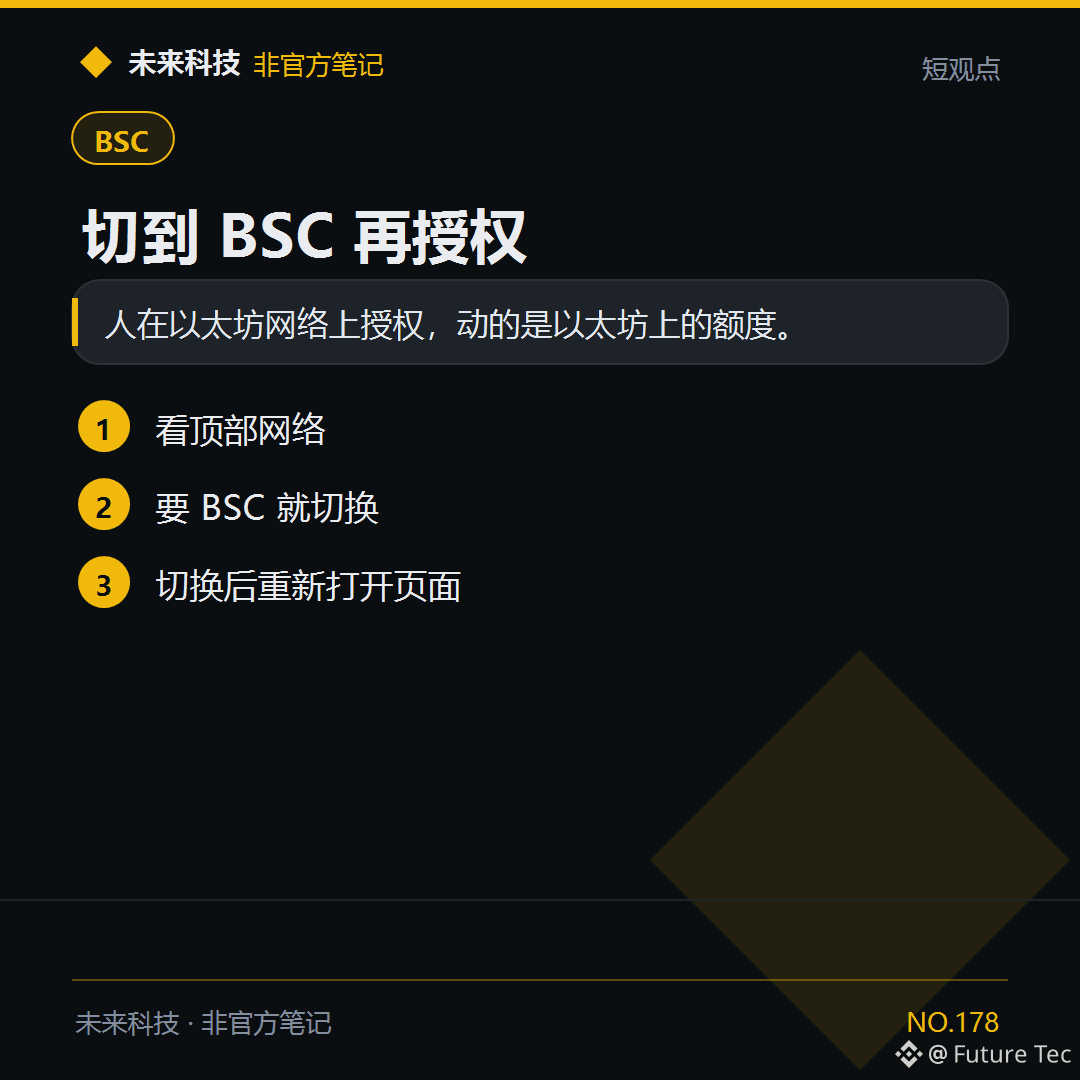
To manage $USDT approvals on BSC, your wallet needs to be on the BSC network first.
【Conclusion】
If you approve while on the Ethereum network, it affects the allowance on Ethereum.
【Follow these steps】
1. Check the network at the top
2. Switch to BSC if needed
3. Reopen the page after switching
Have you ever approved on the wrong network?
Future Technology: https://x.com/wlkjtec
#BSC $USDT
To manage $USDT approvals on BSC, your wallet needs to be on the BSC network first.
【Conclusion】
If you approve while on the Ethereum network, it affects the allowance on Ethereum.
【Follow these steps】
1. Check the network at the top
2. Switch to BSC if needed
3. Reopen the page after switching
Have you ever approved on the wrong network?
Future Technology: https://x.com/wlkjtec
#BSC $USDT
【Conclusion】
If you approve while on the Ethereum network, it affects the allowance on Ethereum.
【Follow these steps】
1. Check the network at the top
2. Switch to BSC if needed
3. Reopen the page after switching
Have you ever approved on the wrong network?
Future Technology: https://x.com/wlkjtec
#BSC $USDT
·
--
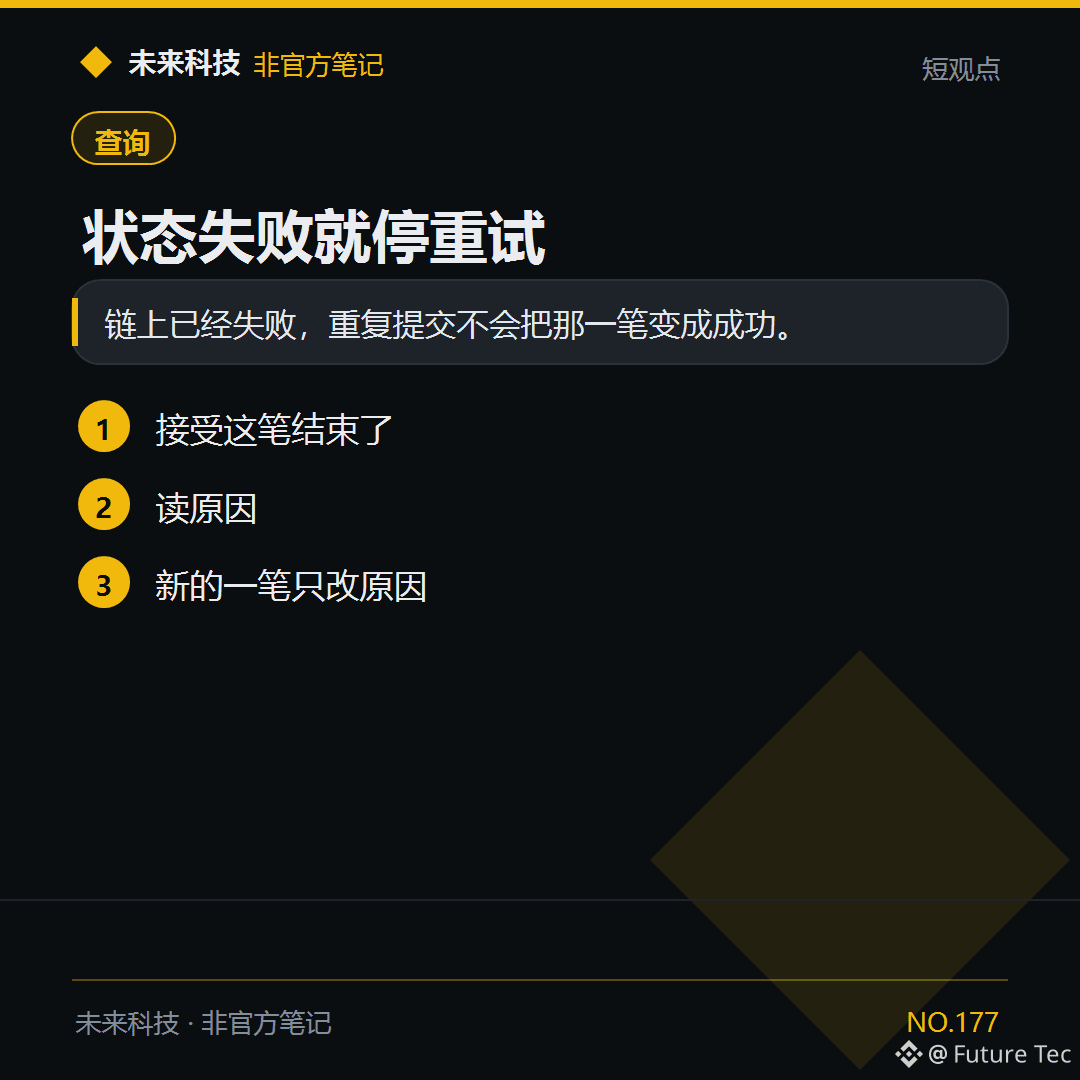
$BNB has already failed. It won't turn successful on its own.
【Conclusion】
The transaction has already failed on-chain. Resubmitting it won't make that transaction successful.
【What to do】
1. Accept that this transaction is over
2. Read the reason
3. Make a new transaction, changing only what caused the failure
Have you ever refreshed a failed transaction, hoping it would turn green?
Future Tech: https://x.com/wlkjtec
#BSC $BNB
$BNB has already failed. It won't turn successful on its own.
【Conclusion】
The transaction has already failed on-chain. Resubmitting it won't make that transaction successful.
【What to do】
1. Accept that this transaction is over
2. Read the reason
3. Make a new transaction, changing only what caused the failure
Have you ever refreshed a failed transaction, hoping it would turn green?
Future Tech: https://x.com/wlkjtec
#BSC $BNB
【Conclusion】
The transaction has already failed on-chain. Resubmitting it won't make that transaction successful.
【What to do】
1. Accept that this transaction is over
2. Read the reason
3. Make a new transaction, changing only what caused the failure
Have you ever refreshed a failed transaction, hoping it would turn green?
Future Tech: https://x.com/wlkjtec
#BSC $BNB
76
·
--
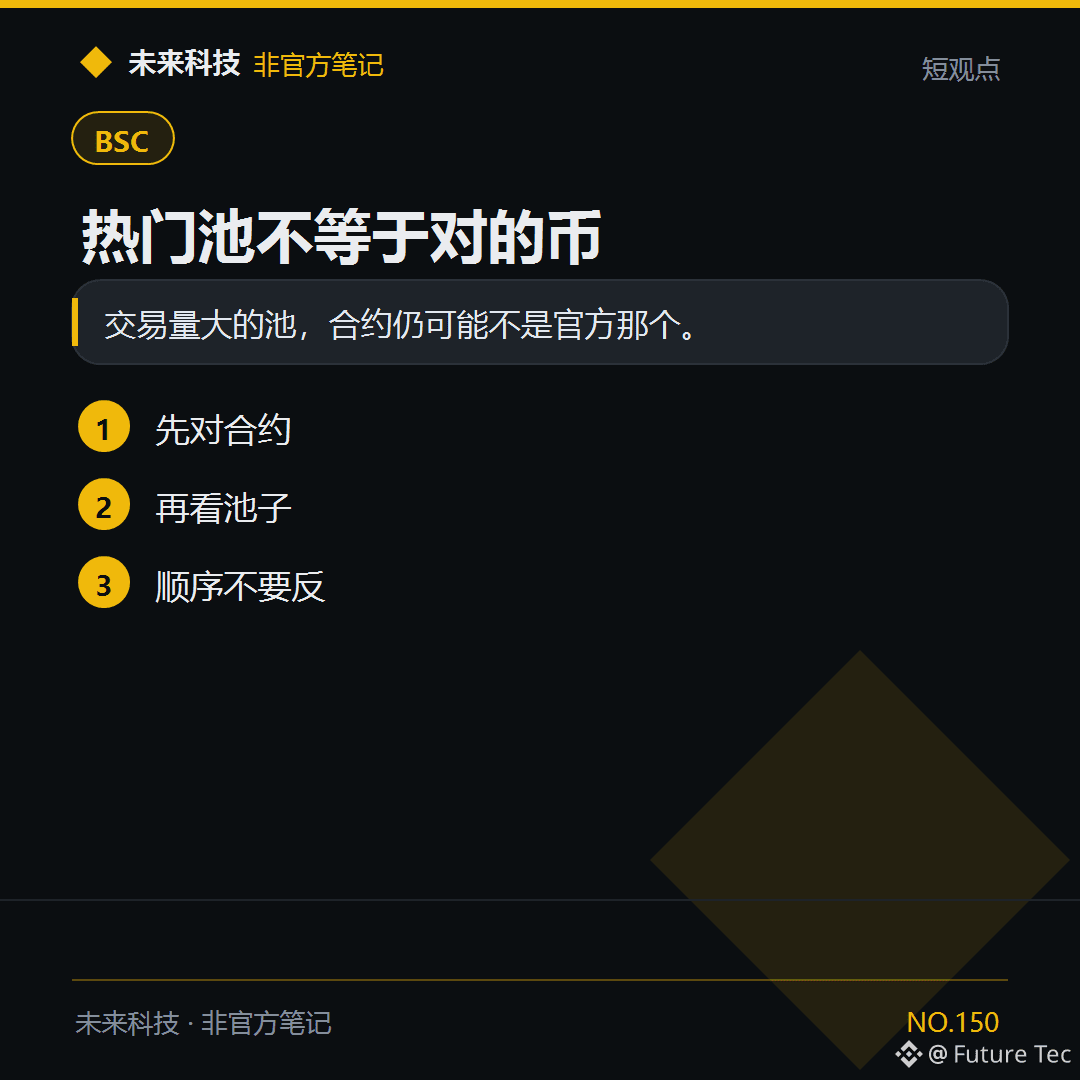
$BNB Even for pools with bustling on-chain trading, first verify whether the contract is official.
【Conclusion】
Even a pool with high trading volume may still not use the official contract.
【Do this】
1. Verify the contract first
2. Then check the pool
3. Don’t reverse the order
Have you ever been swayed by high trading volume?
Future Technology: https://x.com/wlkjtec
#BSC $BNB
$BNB Even for pools with bustling on-chain trading, first verify whether the contract is official.
【Conclusion】
Even a pool with high trading volume may still not use the official contract.
【Do this】
1. Verify the contract first
2. Then check the pool
3. Don’t reverse the order
Have you ever been swayed by high trading volume?
Future Technology: https://x.com/wlkjtec
#BSC $BNB
【Conclusion】
Even a pool with high trading volume may still not use the official contract.
【Do this】
1. Verify the contract first
2. Then check the pool
3. Don’t reverse the order
Have you ever been swayed by high trading volume?
Future Technology: https://x.com/wlkjtec
#BSC $BNB
64
·
--
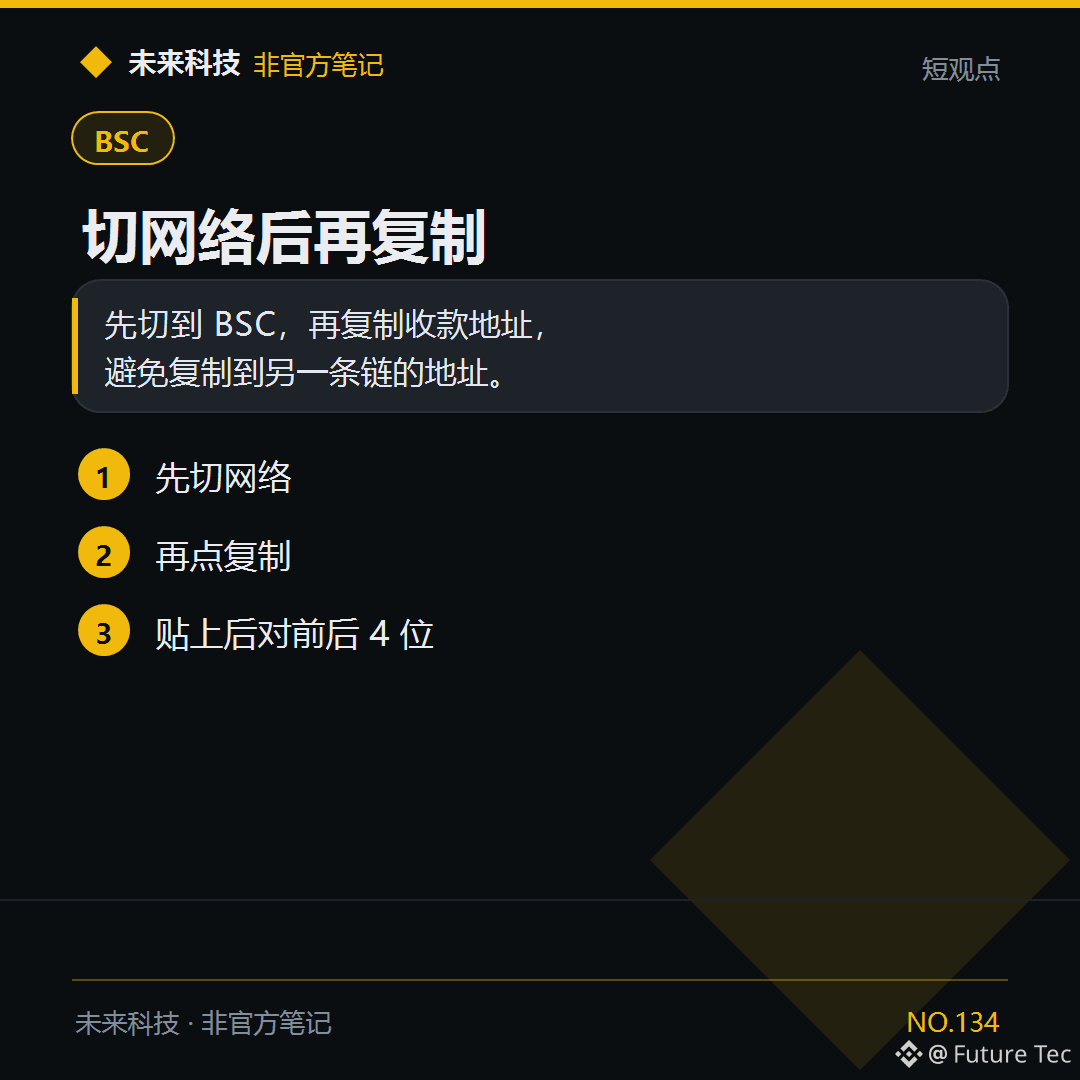
Before giving someone your BSC address for $USDT, switch your wallet to BSC.
【Conclusion】
Switch to BSC first, then copy the receiving address to avoid copying an address from another chain.
【Follow these steps】
1. Switch networks first
2. Then tap Copy
3. After pasting, check the first and last 4 digits
Do you switch networks before copying an address?
Future Technology: https://x.com/wlkjtec
#BSC $USDT
Before giving someone your BSC address for $USDT, switch your wallet to BSC.
【Conclusion】
Switch to BSC first, then copy the receiving address to avoid copying an address from another chain.
【Follow these steps】
1. Switch networks first
2. Then tap Copy
3. After pasting, check the first and last 4 digits
Do you switch networks before copying an address?
Future Technology: https://x.com/wlkjtec
#BSC $USDT
【Conclusion】
Switch to BSC first, then copy the receiving address to avoid copying an address from another chain.
【Follow these steps】
1. Switch networks first
2. Then tap Copy
3. After pasting, check the first and last 4 digits
Do you switch networks before copying an address?
Future Technology: https://x.com/wlkjtec
#BSC $USDT
6
·
--
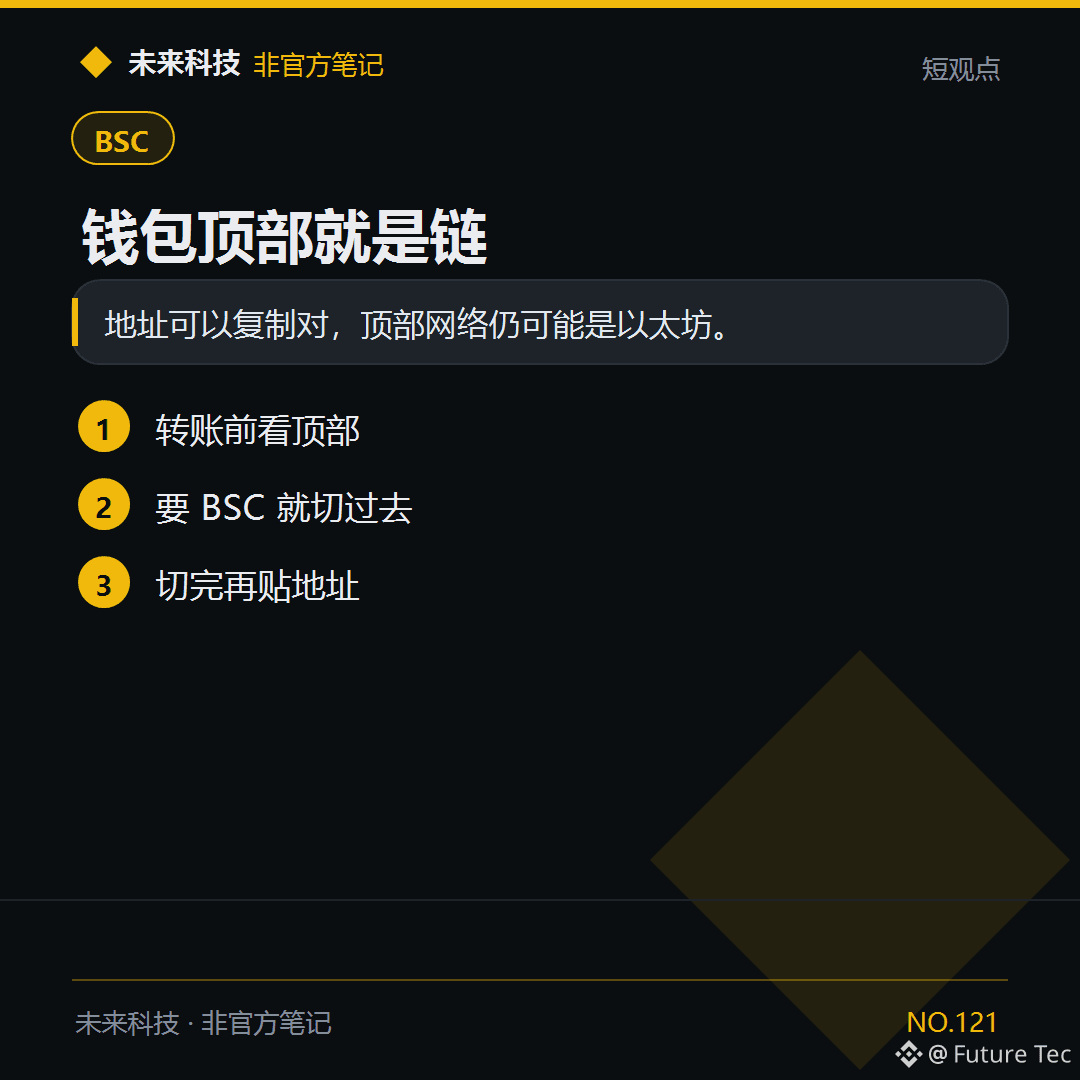
$BNB You pasted the address correctly, but if the wallet is still set to Ethereum at the top, your coins will go to another chain.
【Conclusion】
You can copy the address correctly, but the network at the top may still be Ethereum.
【Follow these steps】
1. Check the network at the top before transferring
2. Switch to BSC if that's what you need
3. Paste the address after switching
Do you check the network at the top before transferring?
Future Technology: https://x.com/wlkjtec
#BSC $BNB
$BNB You pasted the address correctly, but if the wallet is still set to Ethereum at the top, your coins will go to another chain.
【Conclusion】
You can copy the address correctly, but the network at the top may still be Ethereum.
【Follow these steps】
1. Check the network at the top before transferring
2. Switch to BSC if that's what you need
3. Paste the address after switching
Do you check the network at the top before transferring?
Future Technology: https://x.com/wlkjtec
#BSC $BNB
【Conclusion】
You can copy the address correctly, but the network at the top may still be Ethereum.
【Follow these steps】
1. Check the network at the top before transferring
2. Switch to BSC if that's what you need
3. Paste the address after switching
Do you check the network at the top before transferring?
Future Technology: https://x.com/wlkjtec
#BSC $BNB
52
·
--
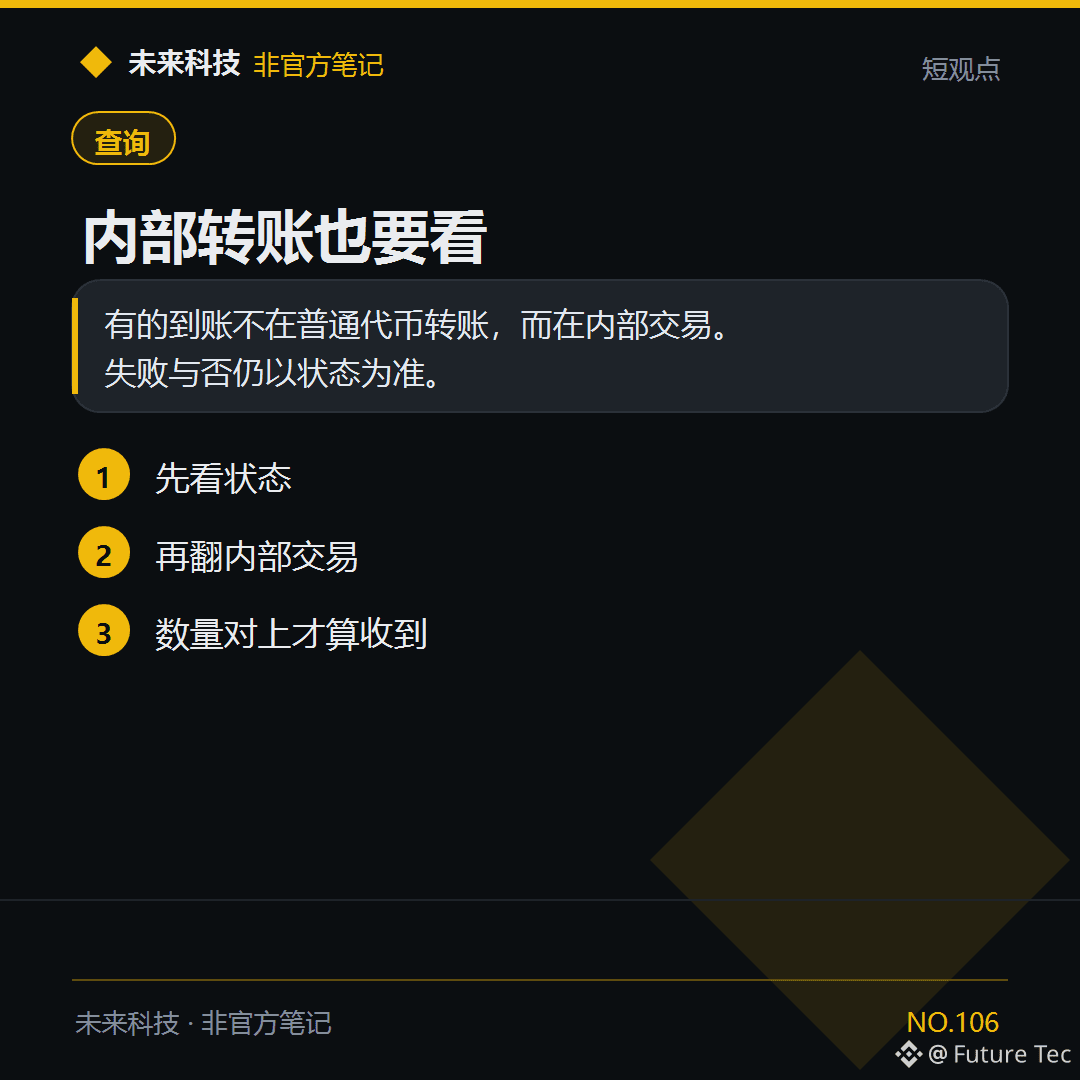
$BNB When the amount on the main page doesn’t match, check the Internal Transactions section.
[Conclusion]
Some deposits don’t appear under regular token transfers, but under Internal Transactions. Whether a transaction failed is still determined by its status.
[Steps]
1. Check the status first
2. Then look through Internal Transactions
3. Count it as received only when the amount matches
Have you checked Internal Transactions?
Future Technology: https://x.com/wlkjtec
#BSC $BNB
$BNB When the amount on the main page doesn’t match, check the Internal Transactions section.
[Conclusion]
Some deposits don’t appear under regular token transfers, but under Internal Transactions. Whether a transaction failed is still determined by its status.
[Steps]
1. Check the status first
2. Then look through Internal Transactions
3. Count it as received only when the amount matches
Have you checked Internal Transactions?
Future Technology: https://x.com/wlkjtec
#BSC $BNB
[Conclusion]
Some deposits don’t appear under regular token transfers, but under Internal Transactions. Whether a transaction failed is still determined by its status.
[Steps]
1. Check the status first
2. Then look through Internal Transactions
3. Count it as received only when the amount matches
Have you checked Internal Transactions?
Future Technology: https://x.com/wlkjtec
#BSC $BNB
1
132
·
--
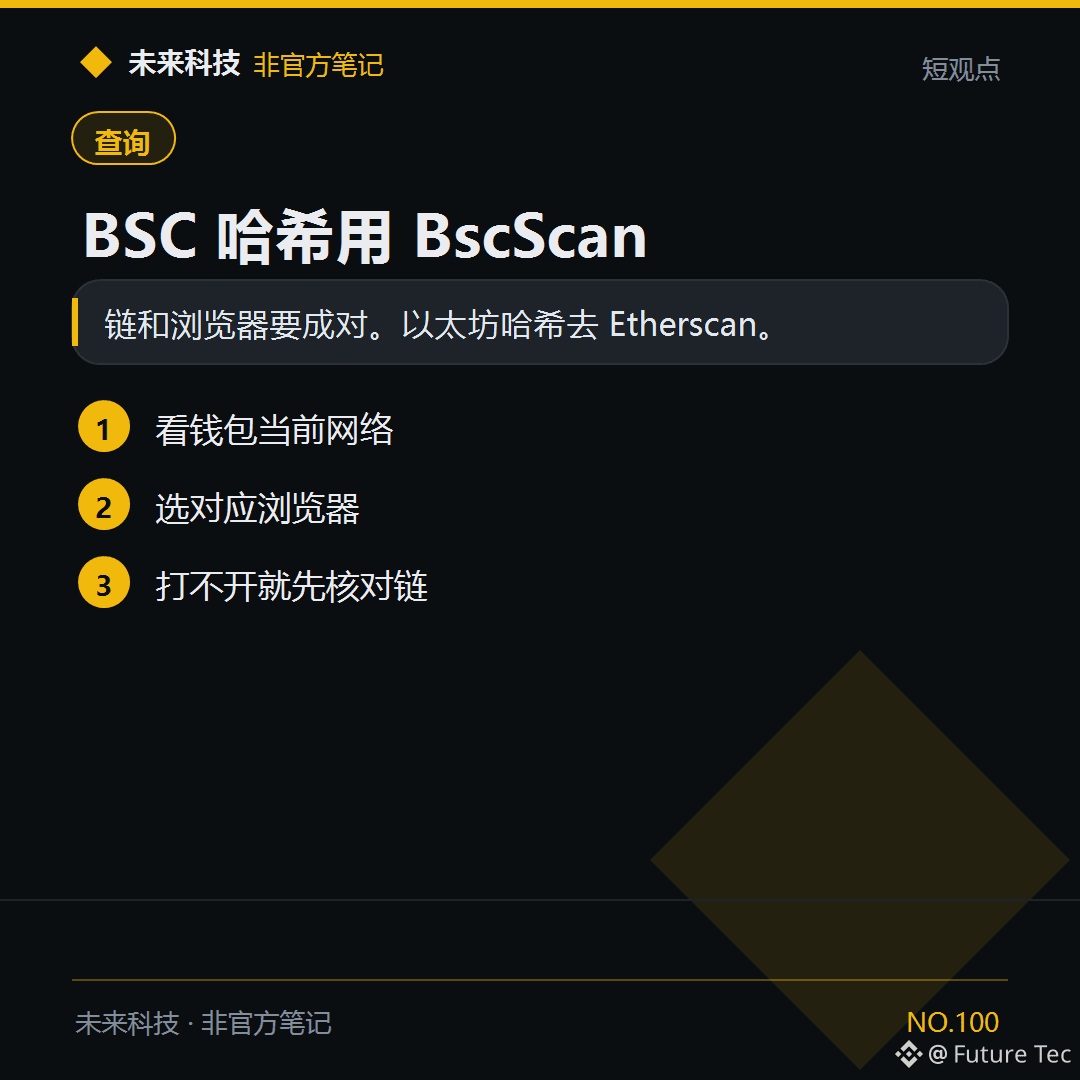
For transactions on the $BNB Smart Chain, open the hash with BscScan.
【Conclusion】
Chains and explorers go together. For Ethereum hashes, use Etherscan.
【Follow these steps】
1. Check your wallet’s current network
2. Choose the corresponding explorer
3. If it won’t open, check the chain first
How many explorers have you bookmarked?
Future Technology: https://x.com/wlkjtec
#BSC $BNB
For transactions on the $BNB Smart Chain, open the hash with BscScan.
【Conclusion】
Chains and explorers go together. For Ethereum hashes, use Etherscan.
【Follow these steps】
1. Check your wallet’s current network
2. Choose the corresponding explorer
3. If it won’t open, check the chain first
How many explorers have you bookmarked?
Future Technology: https://x.com/wlkjtec
#BSC $BNB
【Conclusion】
Chains and explorers go together. For Ethereum hashes, use Etherscan.
【Follow these steps】
1. Check your wallet’s current network
2. Choose the corresponding explorer
3. If it won’t open, check the chain first
How many explorers have you bookmarked?
Future Technology: https://x.com/wlkjtec
#BSC $BNB
112
·
--
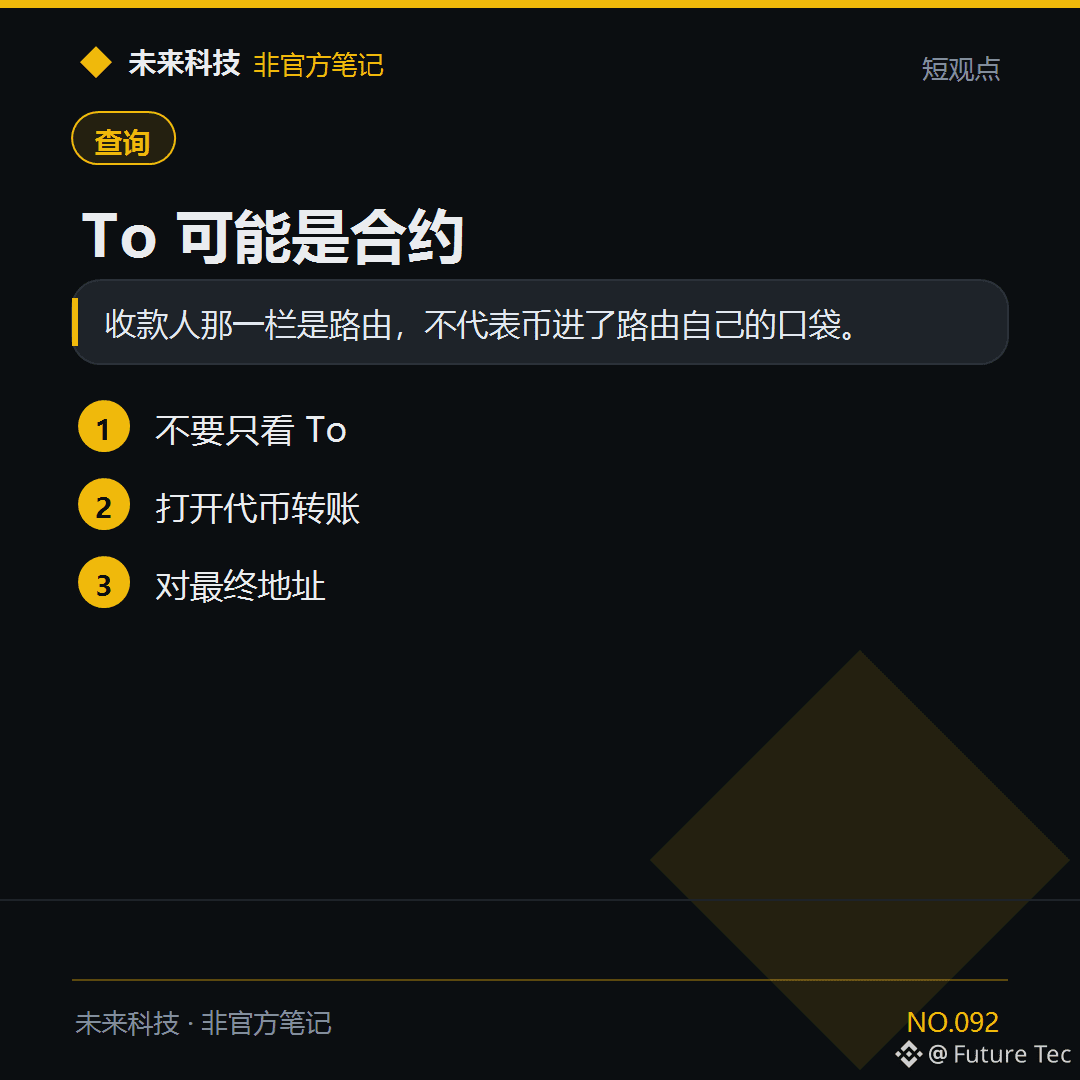
When the To field of transaction $BNB is a contract, the actual token destination is in the transfer list below.
【Conclusion】
The recipient field shows a router; it doesn’t mean the tokens went into the router’s own pocket.
【What to do】
1. Don’t look only at To
2. Open token transfers
3. Check the final address
Have you ever been spooked by a To address?
Future Tech: https://x.com/wlkjtec
#BSC $BNB
When the To field of transaction $BNB is a contract, the actual token destination is in the transfer list below.
【Conclusion】
The recipient field shows a router; it doesn’t mean the tokens went into the router’s own pocket.
【What to do】
1. Don’t look only at To
2. Open token transfers
3. Check the final address
Have you ever been spooked by a To address?
Future Tech: https://x.com/wlkjtec
#BSC $BNB
【Conclusion】
The recipient field shows a router; it doesn’t mean the tokens went into the router’s own pocket.
【What to do】
1. Don’t look only at To
2. Open token transfers
3. Check the final address
Have you ever been spooked by a To address?
Future Tech: https://x.com/wlkjtec
#BSC $BNB
348

·
--
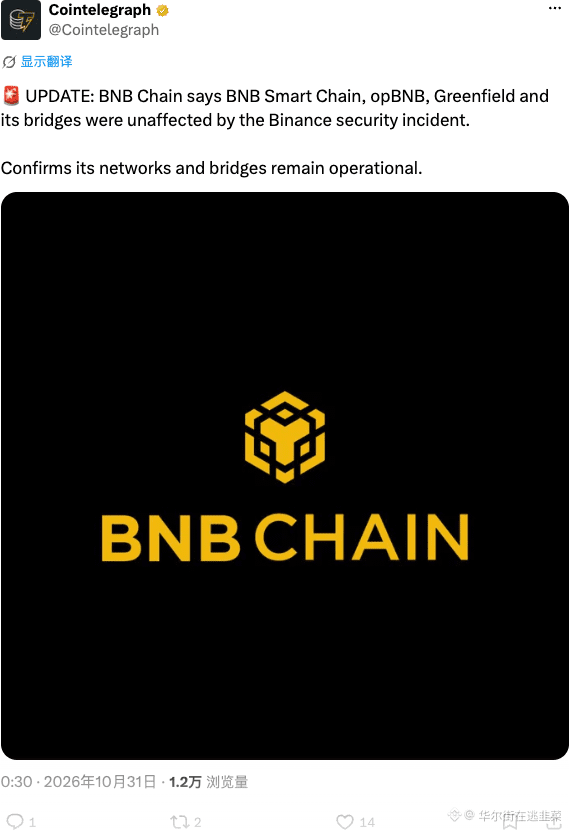
BNB Chain issued an official statement, confirming that its own chain and BSC are rock-solid, and even the Oasis network wasn’t affected. This scare turned out to be a false alarm; instead, it made those other public chains that are still struggling look a little awkward. Hurry up and show your cards.
#BNB #BSC
BNB Chain issued an official statement, confirming that its own chain and BSC are rock-solid, and even the Oasis network wasn’t affected. This scare turned out to be a false alarm; instead, it made those other public chains that are still struggling look a little awkward. Hurry up and show your cards.
#BNB #BSC
#BNB #BSC
13
·
--
🔥 BSC New Launch Recap · 10/30(1/1)
Today, we’re covering just one: the other new launches either crashed to the bottom within an hour of launch or had suspiciously high trading volume and overly concentrated holdings.
🛡️ SAFU
Flap · PancakeSwap SAFU/USDC
📖 The story
After news broke that Binance’s hot wallet had been hacked, the community launched this “Funds are SAFU” meme coin on Flap that same evening. Its transaction tax goes straight to Binance’s official SAFU Fund wallet—essentially a way to donate to Binance by launching a meme coin. @calchng said, “BSC meme players are still the most authoritative,” @PSY_P488 shared that they had donated about 72,000 USDC to the SAFU Fund address, and @XPnftclub called it “the real $SAFU.”
📊 Current market cap $1.17M | Peak $2.52M
⭐⭐⭐⭐ The most-discussed new launch on BSC tonight. It has fallen by more than half from its peak, but thousands of addresses are still buying every hour.
———
Data: Binance Web3 + GeckoTerminal + X, as of 23:40 (Beijing Time)
For personal observation and sharing only; this is not advice
#BSC #Meme #SAFU #Binance
🔥 BSC New Launch Recap · 10/30(1/1)
Today, we’re covering just one: the other new launches either crashed to the bottom within an hour of launch or had suspiciously high trading volume and overly concentrated holdings.
🛡️ SAFU
Flap · PancakeSwap SAFU/USDC
📖 The story
After news broke that Binance’s hot wallet had been hacked, the community launched this “Funds are SAFU” meme coin on Flap that same evening. Its transaction tax goes straight to Binance’s official SAFU Fund wallet—essentially a way to donate to Binance by launching a meme coin. @calchng said, “BSC meme players are still the most authoritative,” @PSY_P488 shared that they had donated about 72,000 USDC to the SAFU Fund address, and @XPnftclub called it “the real $SAFU.”
📊 Current market cap $1.17M | Peak $2.52M
⭐⭐⭐⭐ The most-discussed new launch on BSC tonight. It has fallen by more than half from its peak, but thousands of addresses are still buying every hour.
———
Data: Binance Web3 + GeckoTerminal + X, as of 23:40 (Beijing Time)
For personal observation and sharing only; this is not advice
#BSC #Meme #SAFU #Binance
Today, we’re covering just one: the other new launches either crashed to the bottom within an hour of launch or had suspiciously high trading volume and overly concentrated holdings.
🛡️ SAFU
Flap · PancakeSwap SAFU/USDC
📖 The story
After news broke that Binance’s hot wallet had been hacked, the community launched this “Funds are SAFU” meme coin on Flap that same evening. Its transaction tax goes straight to Binance’s official SAFU Fund wallet—essentially a way to donate to Binance by launching a meme coin. @calchng said, “BSC meme players are still the most authoritative,” @PSY_P488 shared that they had donated about 72,000 USDC to the SAFU Fund address, and @XPnftclub called it “the real $SAFU.”
📊 Current market cap $1.17M | Peak $2.52M
⭐⭐⭐⭐ The most-discussed new launch on BSC tonight. It has fallen by more than half from its peak, but thousands of addresses are still buying every hour.
———
Data: Binance Web3 + GeckoTerminal + X, as of 23:40 (Beijing Time)
For personal observation and sharing only; this is not advice
#BSC #Meme #SAFU #Binance
79
·
--
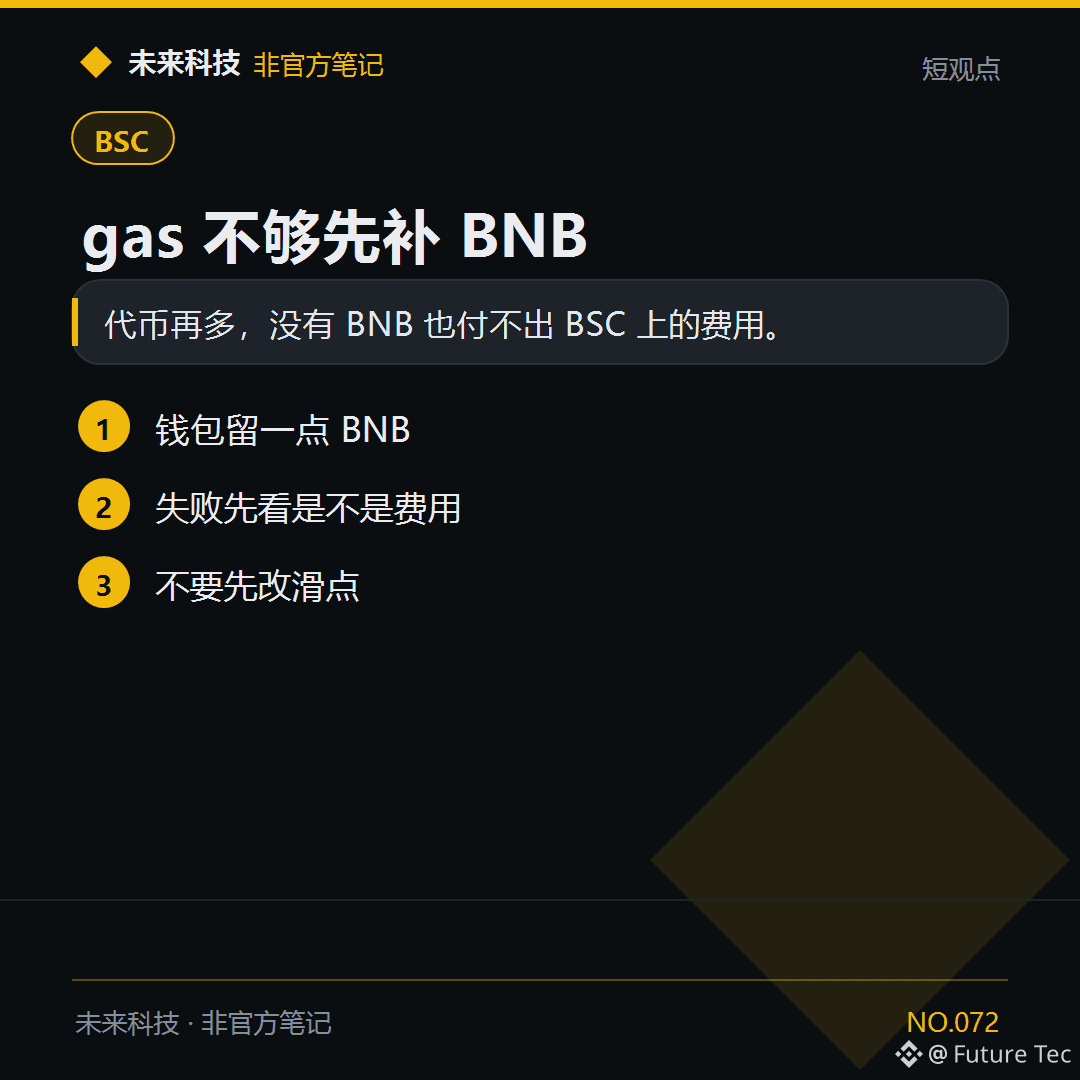
Can't transfer $USDT on BSC? First check whether you have enough BNB to pay gas fees.
【Conclusion】
No matter how many tokens you have, you can't pay BSC fees without BNB.
【What to do】
1. Keep a little BNB in your wallet
2. If a transaction fails, check whether it's due to fees
3. Don't change the slippage first
Do you have BNB in your BSC wallet?
Future Technology: https://x.com/wlkjtec
#BSC $BNB
Can't transfer $USDT on BSC? First check whether you have enough BNB to pay gas fees.
【Conclusion】
No matter how many tokens you have, you can't pay BSC fees without BNB.
【What to do】
1. Keep a little BNB in your wallet
2. If a transaction fails, check whether it's due to fees
3. Don't change the slippage first
Do you have BNB in your BSC wallet?
Future Technology: https://x.com/wlkjtec
#BSC $BNB
【Conclusion】
No matter how many tokens you have, you can't pay BSC fees without BNB.
【What to do】
1. Keep a little BNB in your wallet
2. If a transaction fails, check whether it's due to fees
3. Don't change the slippage first
Do you have BNB in your BSC wallet?
Future Technology: https://x.com/wlkjtec
#BSC $BNB
172
·
--
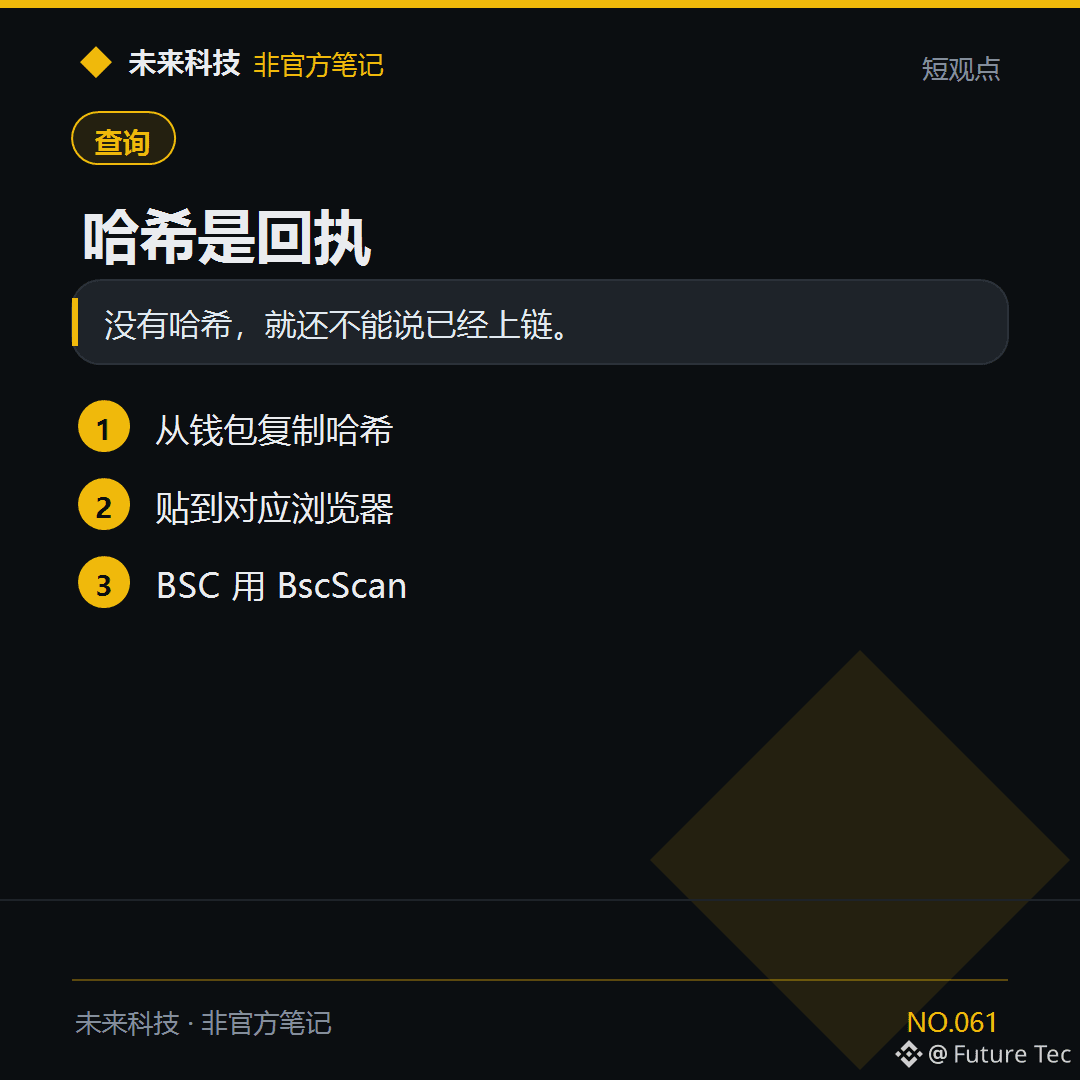
$BNB They say they’ve transferred it, but what you need is the hash, not a screenshot.
[Conclusion]
Without the hash, you can’t say it’s been recorded on-chain yet.
[Steps]
1. Copy the hash from your wallet
2. Paste it into the relevant block explorer
3. Use BscScan for BSC
When reconciling, do you need the hash or a screenshot?
Future Technology: https://x.com/wlkjtec
#BSC $BNB
$BNB They say they’ve transferred it, but what you need is the hash, not a screenshot.
[Conclusion]
Without the hash, you can’t say it’s been recorded on-chain yet.
[Steps]
1. Copy the hash from your wallet
2. Paste it into the relevant block explorer
3. Use BscScan for BSC
When reconciling, do you need the hash or a screenshot?
Future Technology: https://x.com/wlkjtec
#BSC $BNB
[Conclusion]
Without the hash, you can’t say it’s been recorded on-chain yet.
[Steps]
1. Copy the hash from your wallet
2. Paste it into the relevant block explorer
3. Use BscScan for BSC
When reconciling, do you need the hash or a screenshot?
Future Technology: https://x.com/wlkjtec
#BSC $BNB
379

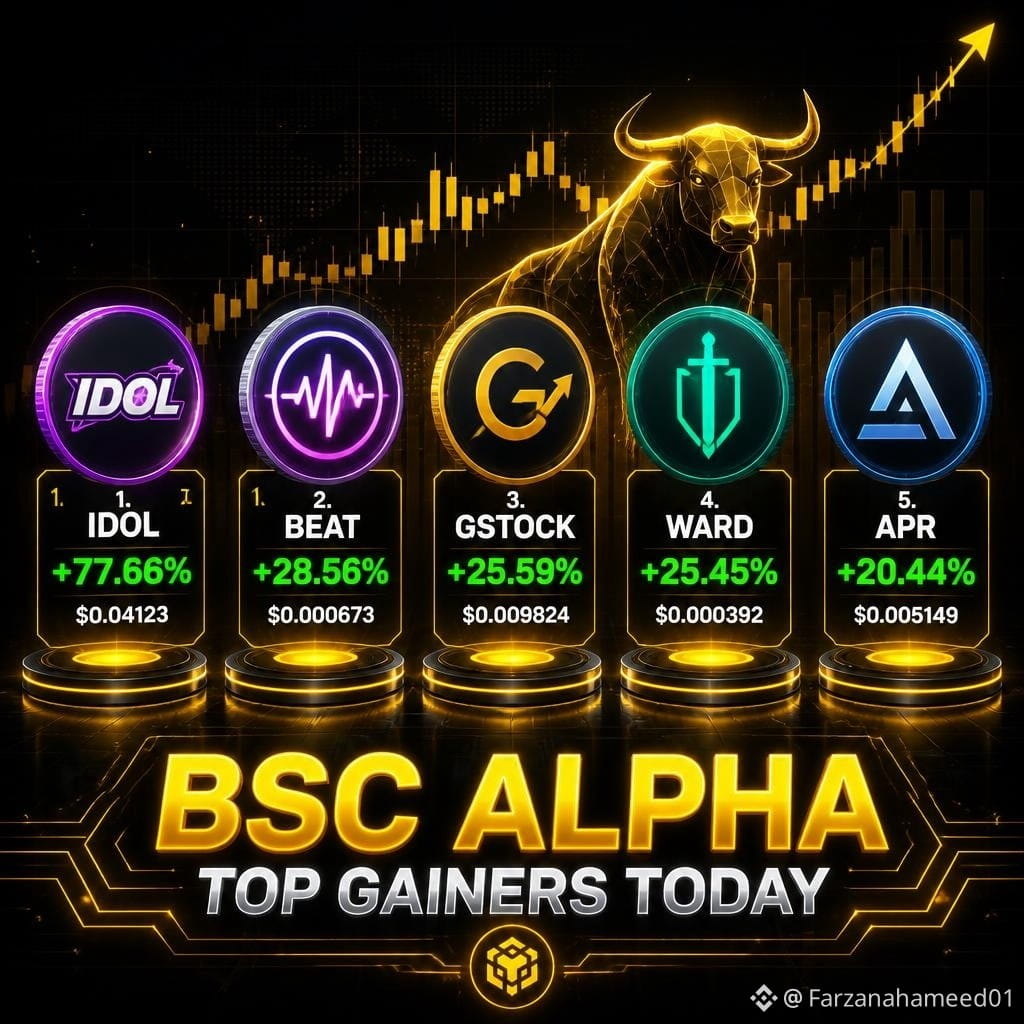
🚨 BSC ALPHA TOP GAINERS TODAY 🚨
🔥 $IDOL — UP +77.66% @ 0.015231 (Rs 4.21)
⚡ $BEAT — UP +28.56% @ 0.10248 (Rs 28.34)
💎 $GSTOCK — UP +25.59% @ 0.0057094
🚀 $WARD — UP +25.45% @ 0.0035647
💰 $APR — UP +20.44% @ 0.055131
MARKET IS FULLY AWAKE! GREEN CANDLES EVERYWHERE!
I BELIEVE — SMART TRADERS DON'T CHASE PUMPS, THEY TRACK VOLUME.
👀 WHICH ONE ARE YOU WATCHING NEXT?
IDOL, BEAT, GSTOCK, WARD OR APR?
#Crypto #BSC #IDOL #BEAT #BinanceAlpha
🚨 BSC ALPHA TOP GAINERS TODAY 🚨
🔥 $IDOL — UP +77.66% @ 0.015231 (Rs 4.21)
⚡ $BEAT — UP +28.56% @ 0.10248 (Rs 28.34)
💎 $GSTOCK — UP +25.59% @ 0.0057094
🚀 $WARD — UP +25.45% @ 0.0035647
💰 $APR — UP +20.44% @ 0.055131
MARKET IS FULLY AWAKE! GREEN CANDLES EVERYWHERE!
I BELIEVE — SMART TRADERS DON'T CHASE PUMPS, THEY TRACK VOLUME.
👀 WHICH ONE ARE YOU WATCHING NEXT?
IDOL, BEAT, GSTOCK, WARD OR APR?
#Crypto #BSC #IDOL #BEAT #BinanceAlpha
🔥 $IDOL — UP +77.66% @ 0.015231 (Rs 4.21)
⚡ $BEAT — UP +28.56% @ 0.10248 (Rs 28.34)
💎 $GSTOCK — UP +25.59% @ 0.0057094
🚀 $WARD — UP +25.45% @ 0.0035647
💰 $APR — UP +20.44% @ 0.055131
MARKET IS FULLY AWAKE! GREEN CANDLES EVERYWHERE!
I BELIEVE — SMART TRADERS DON'T CHASE PUMPS, THEY TRACK VOLUME.
👀 WHICH ONE ARE YOU WATCHING NEXT?
IDOL, BEAT, GSTOCK, WARD OR APR?
#Crypto #BSC #IDOL #BEAT #BinanceAlpha
4
41
·
--
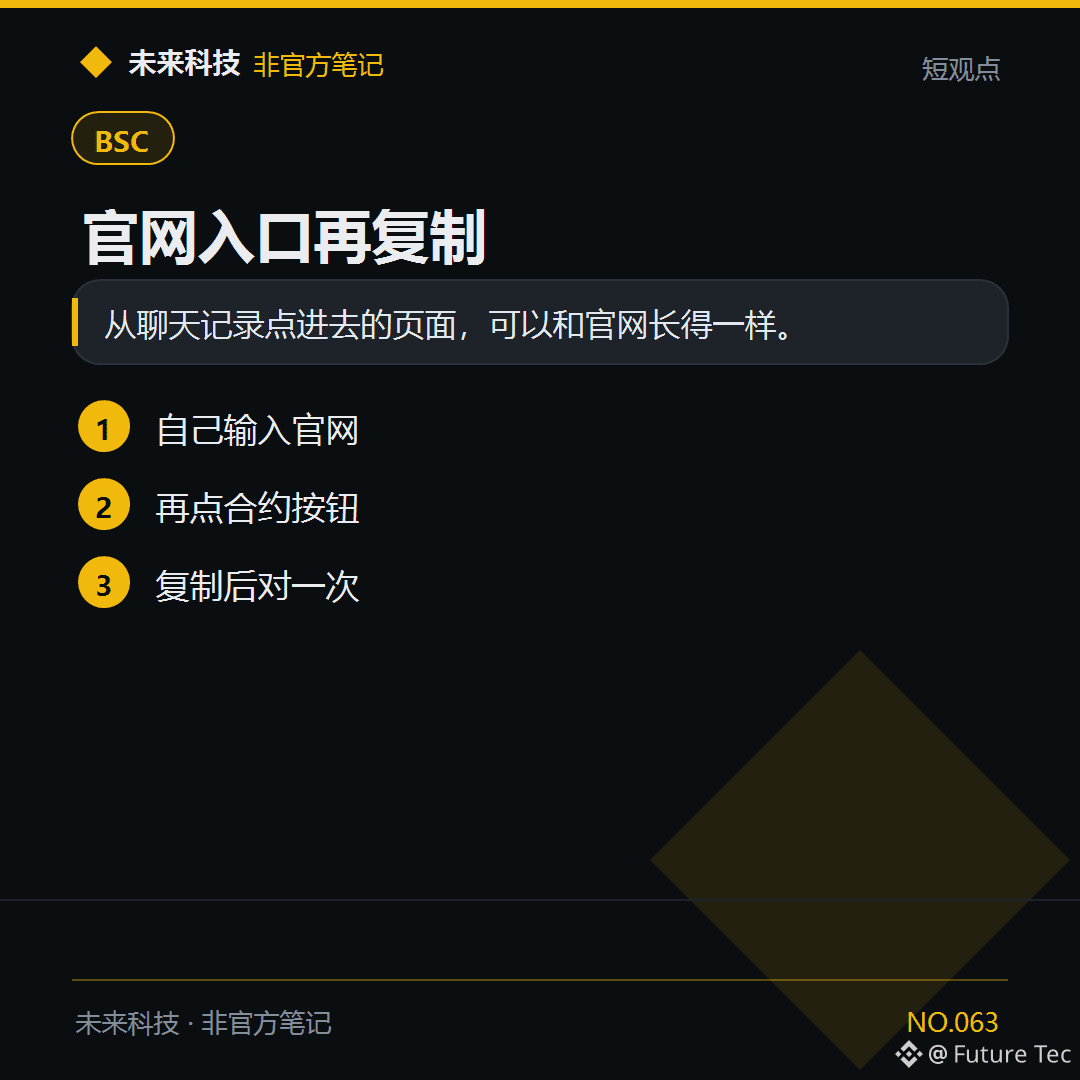
Copy the contract address from the project’s official website at $BNB , not from group files.
【Conclusion】
A page opened from chat history can look just like the official website.
【Do this】
1. Enter the official website address yourself
2. Then tap the contract button
3. After copying, compare it once
Where did your last contract come from?
Future Technology: https://x.com/wlkjtec
#BSC $BNB
Copy the contract address from the project’s official website at $BNB , not from group files.
【Conclusion】
A page opened from chat history can look just like the official website.
【Do this】
1. Enter the official website address yourself
2. Then tap the contract button
3. After copying, compare it once
Where did your last contract come from?
Future Technology: https://x.com/wlkjtec
#BSC $BNB
【Conclusion】
A page opened from chat history can look just like the official website.
【Do this】
1. Enter the official website address yourself
2. Then tap the contract button
3. After copying, compare it once
Where did your last contract come from?
Future Technology: https://x.com/wlkjtec
#BSC $BNB
117
Log in to explore more content
Join global crypto users on Binance Square
⚡️ Get latest and useful information about crypto.
💬 Trusted by the world’s largest crypto exchange.
👍 Discover real insights from verified creators.
Email / Phone number
Trending Topics
1
#BinanceSAFUFundTransferCompleted7499BTC
30,623 views
701 Discussing
2
#BinanceRecovery90% of stolen assets
121,830 views
157 Discussing
3
#YiHe:ProofOfReserves:10TokensAt100%Backing
125,158 views
696 Discussing
4
#BackedNotBroken:RichardTengSaysUsersBearNoLoss
34,769 views
427 Discussing
5
#CZSaysCompensationIsinPlaceUsersAreProtected
118,975 views
1,340 Discussing
6
#IntelHasItsWorstDaySince1974
43,498 views
676 Discussing
7
#TRMCambodianCasinosReceived$1.07BInCrypto
11,545 views
69 Discussing
8
#USDCCirculationFallsAbout800MInSevenDays
66,689 views
706 Discussing
9
#SuspectedNorthKoreaAttacksAccountForNearly89%OfCryptoHackLosses
14,228 views
97 Discussing
10
#OpenAICutsFundraisingTargetBy$10B
3,457 views
73 Discussing