

When it comes to account security, protecting your login details is important.
But have you ever thought about protecting where your crypto can be sent?
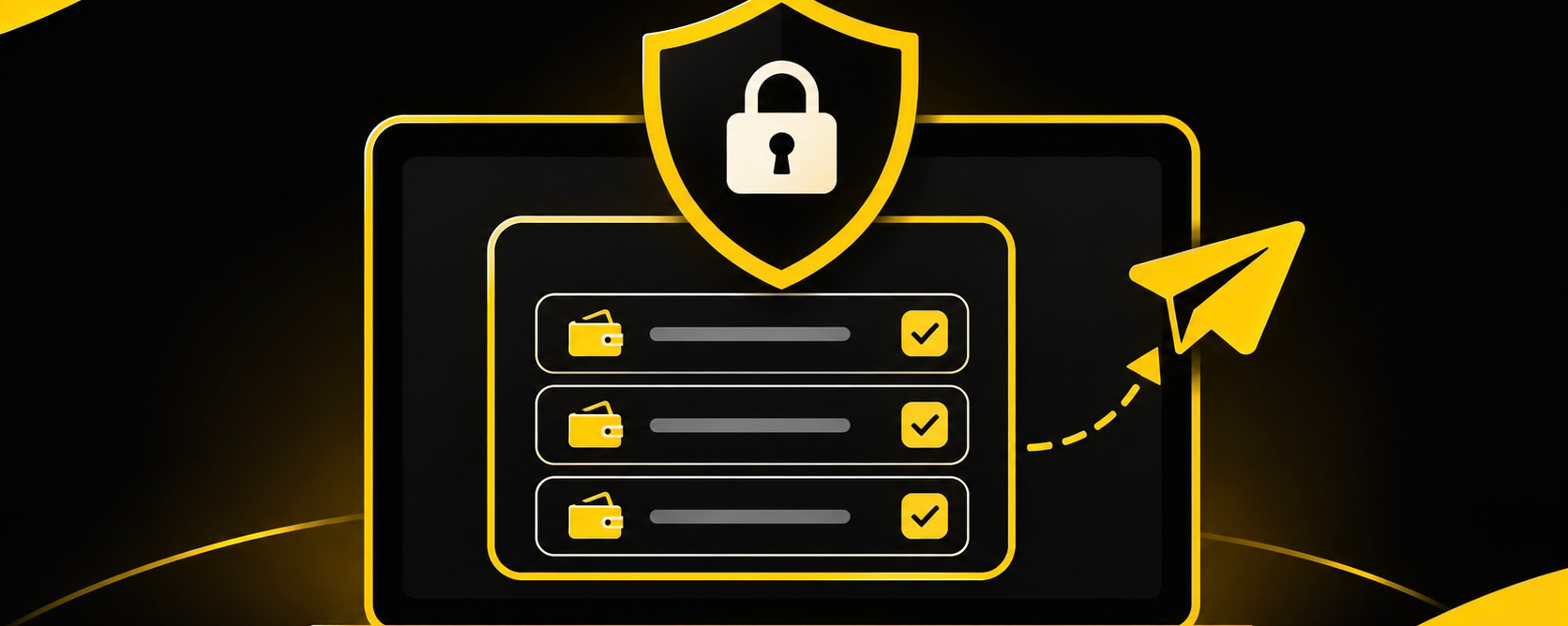
That’s where Binance’s Withdrawal Address Whitelist comes in.
Let’s understand it. 👇
🔸 1. What Is Withdrawal Address Whitelist?
It’s a security feature that allows you to create a list of approved cryptocurrency withdrawal addresses.
Once enabled, your Binance account can only withdraw funds to addresses included in that list.
In simple terms: you decide which destinations are approved for withdrawals.
🔸 2. Why Is This Useful?
Imagine someone gains unauthorized access to your account.
With the withdrawal whitelist enabled, they cannot simply choose any random address to withdraw your assets to.
They would need to use an address already on your approved list.
This adds another security barrier to your account.
🔸 3. How Can You Enable It?
Here’s the general process:
1. Log in to your Binance account.
2. Open Profile → Settings.
3. Navigate to the Withdrawal section.
4. Find Withdrawal Whitelist and select Enable.
5. Complete the required security verification.
🔸 4. Another Feature Worth Knowing
Binance also offers a Whitelist Withdrawal Limit.
This feature allows you to restrict withdrawals to newly added whitelist addresses for a selected period.
Why is that useful?
If an unauthorized person manages to add a new address, the restriction can give you additional time to notice the change and secure your account before withdrawals to that address become available.
⚠️ Before You Add Any Address
Always remember:
• Verify the full wallet address.
• Make sure the cryptocurrency and network match.
• Keep your email and 2FA protected.
• Review your approved addresses regularly.
💡 The Takeaway
Account security isn’t only about who can log in.
It’s also about controlling what can happen after login.
A few minutes reviewing your withdrawal settings could add an important layer of protection.
📚 Explore Binance’s official guide:
https://www.binance.com/en/support/faq/detail/1d08944f103b4fc78d3519913b600086
Stay informed. Protect your assets. Stay SAFU. 💛
#Binance #Binancesecurity #STAYSAFU
Educational content only. Not financial advice.