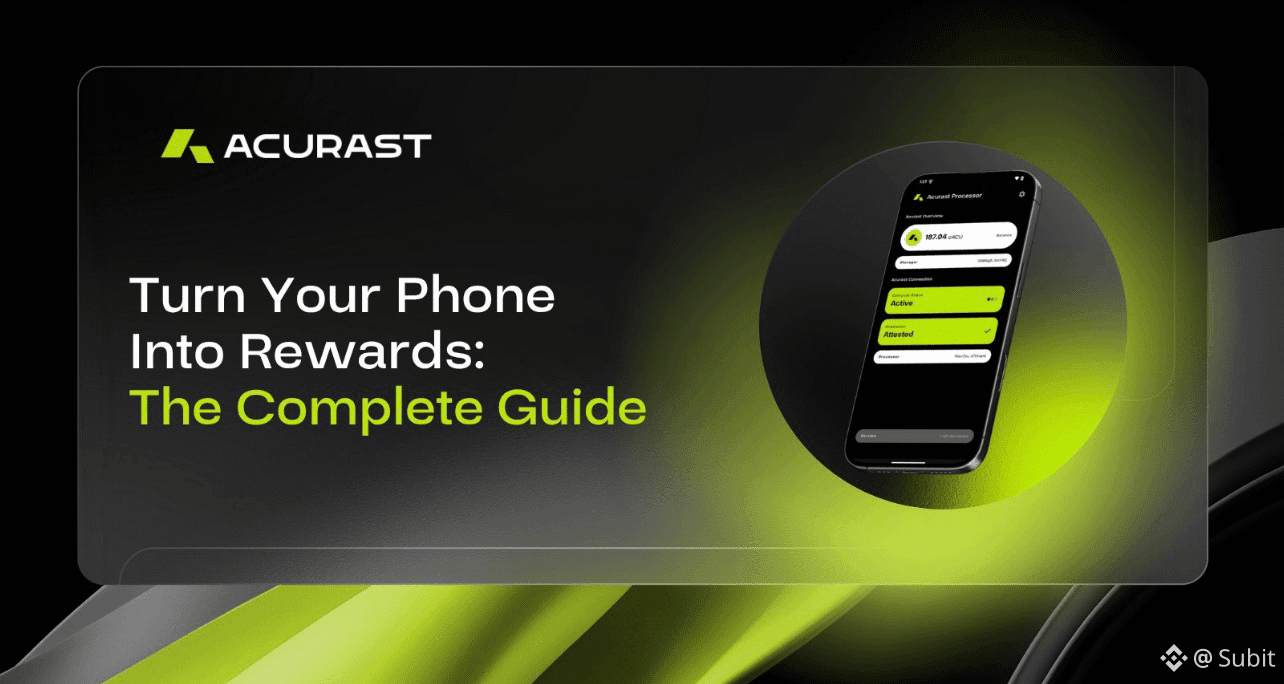
SETTING UP ACURAST STARTS WITH THE RIGHT PAIRING ORDER
Getting your phone connected to Acurast is straightforward, but the order of steps matters.
The Hub and Processor Lite need to be ready before pairing begins.
Here’s how I approach the setup.
First, open the Hub on a second screen and select “Add New Device”.
Next, open Processor Lite on your phone, choose “Connect to Hub” and scan the QR code displayed on the Hub.
Follow the prompts to complete the process.
But there’s one step I wouldn’t skip.
Check the Hub to confirm your phone appears online. Scanning the QR code alone doesn’t confirm successful registration.
Once the Hub recognises your device, you’re ready to move forward.
I prefer verifying each setup step instead of assuming everything worked.
A successful connection is the starting point for contributing to the Acurast network.
$JUP