🪪 𝗔𝗟𝗥𝗘𝗔𝗗𝗬 𝗣𝗔𝗦𝗦𝗘𝗗 𝗞𝗬𝗖? 𝗬𝗢𝗨𝗥 𝗡𝗘𝗫𝗧 𝗣𝗢𝗥𝗧𝗔𝗟 𝗦𝗧𝗘𝗣 𝗠𝗔𝗬 𝗕𝗘 𝗦𝗜𝗠𝗣𝗟𝗘𝗥!
Not every Linker enters the Interlink ITLG Portal from the same starting point. That is why checking the correct KYC route matters.
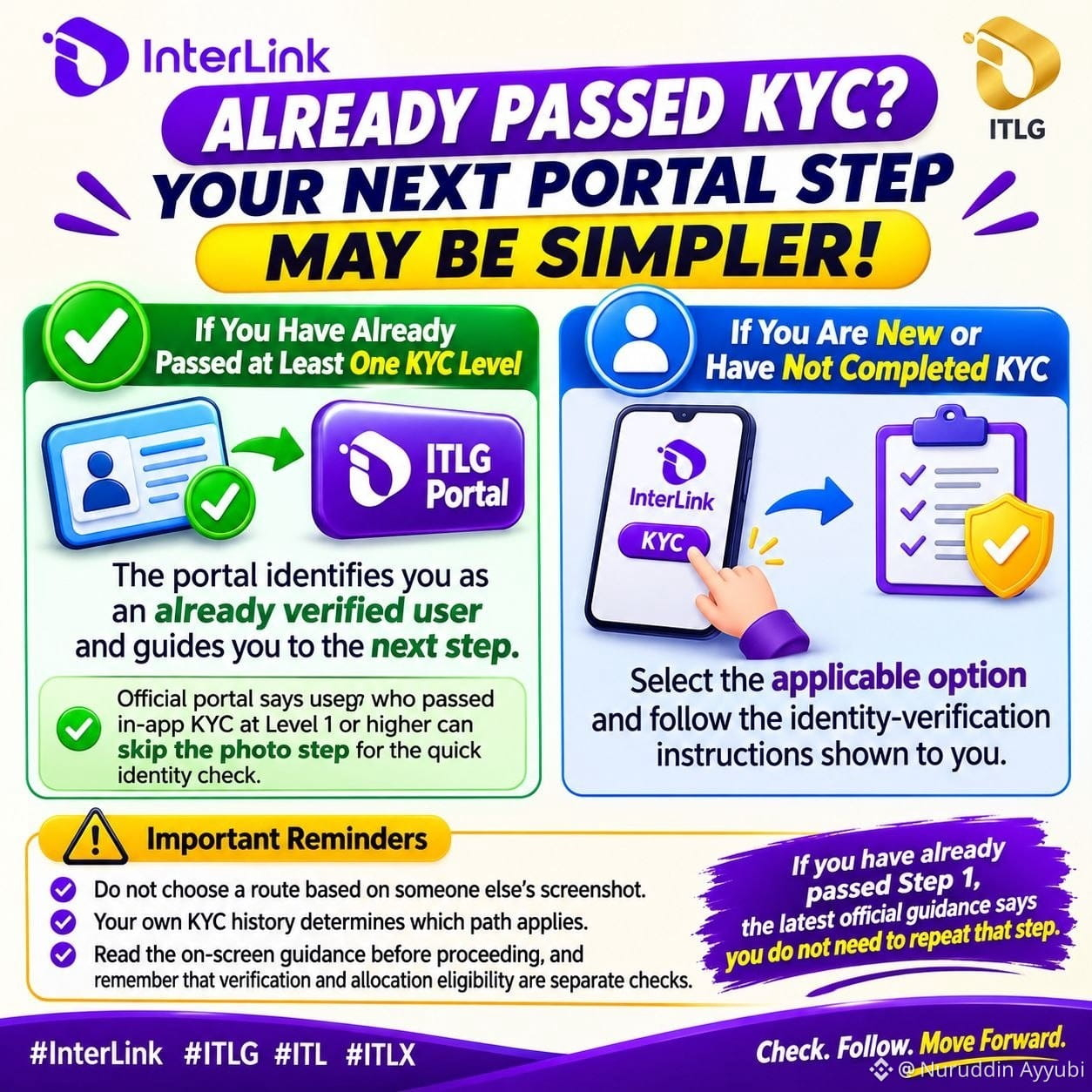
✅ 𝗜𝗳 𝘆𝗼𝘂 𝗵𝗮𝘃𝗲 𝗮𝗹𝗿𝗲𝗮𝗱𝘆 𝗽𝗮𝘀𝘀𝗲𝗱 𝗮𝘁 𝗹𝗲𝗮𝘀𝘁 𝗼𝗻𝗲 𝗞𝗬𝗖 𝗹𝗲𝘃𝗲𝗹: The portal identifies you as an already verified user and guides you to the next step. The official portal says users who passed in-app KYC at Level 1 or higher can skip the photo step for the quick identity check.
🆕 𝗜𝗳 𝘆𝗼𝘂 𝗮𝗿𝗲 𝗻𝗲𝘄 𝗼𝗿 𝗵𝗮𝘃𝗲 𝗻𝗼𝘁 𝗰𝗼𝗺𝗽𝗹𝗲𝘁𝗲𝗱 𝗞𝗬𝗖: Select the applicable option and follow the identity-verification instructions shown to you.
Do not choose a route based on someone else’s screenshot. Your own KYC history determines which path applies. Read the on-screen guidance before proceeding, and remember that verification and allocation eligibility are separate checks. If you have already passed Step 1, the latest official guidance says you do not need to repeat that step.
#InterLink #ITLG #ITL #ITLX
Not every Linker enters the Interlink ITLG Portal from the same starting point. That is why checking the correct KYC route matters.
✅ 𝗜𝗳 𝘆𝗼𝘂 𝗵𝗮𝘃𝗲 𝗮𝗹𝗿𝗲𝗮𝗱𝘆 𝗽𝗮𝘀𝘀𝗲𝗱 𝗮𝘁 𝗹𝗲𝗮𝘀𝘁 𝗼𝗻𝗲 𝗞𝗬𝗖 𝗹𝗲𝘃𝗲𝗹: The portal identifies you as an already verified user and guides you to the next step. The official portal says users who passed in-app KYC at Level 1 or higher can skip the photo step for the quick identity check.
🆕 𝗜𝗳 𝘆𝗼𝘂 𝗮𝗿𝗲 𝗻𝗲𝘄 𝗼𝗿 𝗵𝗮𝘃𝗲 𝗻𝗼𝘁 𝗰𝗼𝗺𝗽𝗹𝗲𝘁𝗲𝗱 𝗞𝗬𝗖: Select the applicable option and follow the identity-verification instructions shown to you.
Do not choose a route based on someone else’s screenshot. Your own KYC history determines which path applies. Read the on-screen guidance before proceeding, and remember that verification and allocation eligibility are separate checks. If you have already passed Step 1, the latest official guidance says you do not need to repeat that step.
#InterLink #ITLG #ITL #ITLX