

Binance just rolled out Agent IDs — permanent, human-readable names for your Agentic Wallet in the format yourname.ai. Think of it as your on-chain identity and payment handle. One wallet, one name, forever. No transfers, no renames, no deletions.
Here’s exactly how to grab yours.
1. Open Agentic Wallet in the Binance App
Make sure your Binance app is updated. From the wallet section you’ll see the Agentic Wallet card.
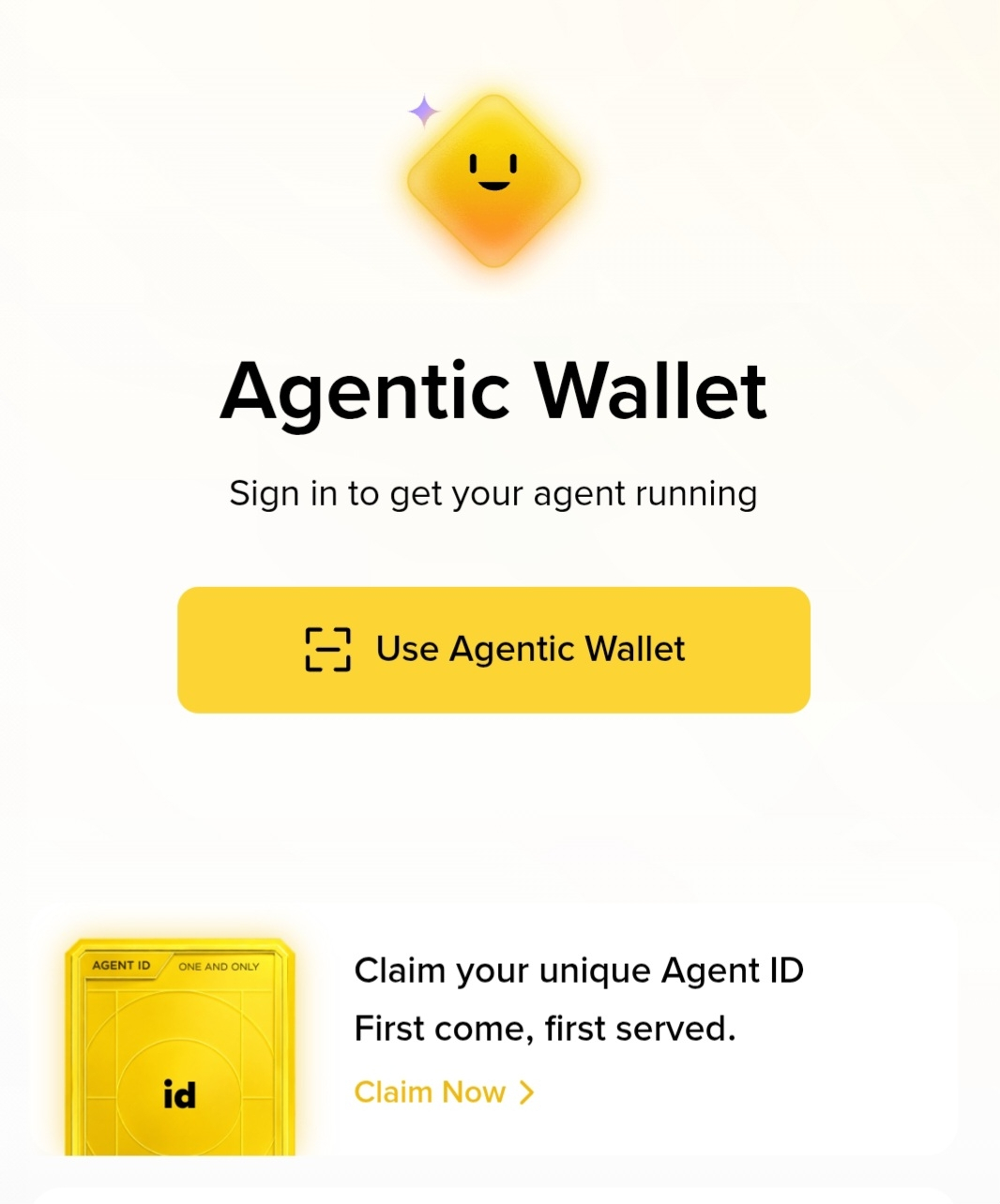
Tap Claim Now.
2. Choose and Reserve Your Name
You’ll land on the reservation screen. Type the name you want (3–15 lowercase letters or numbers). The app checks availability in real time.
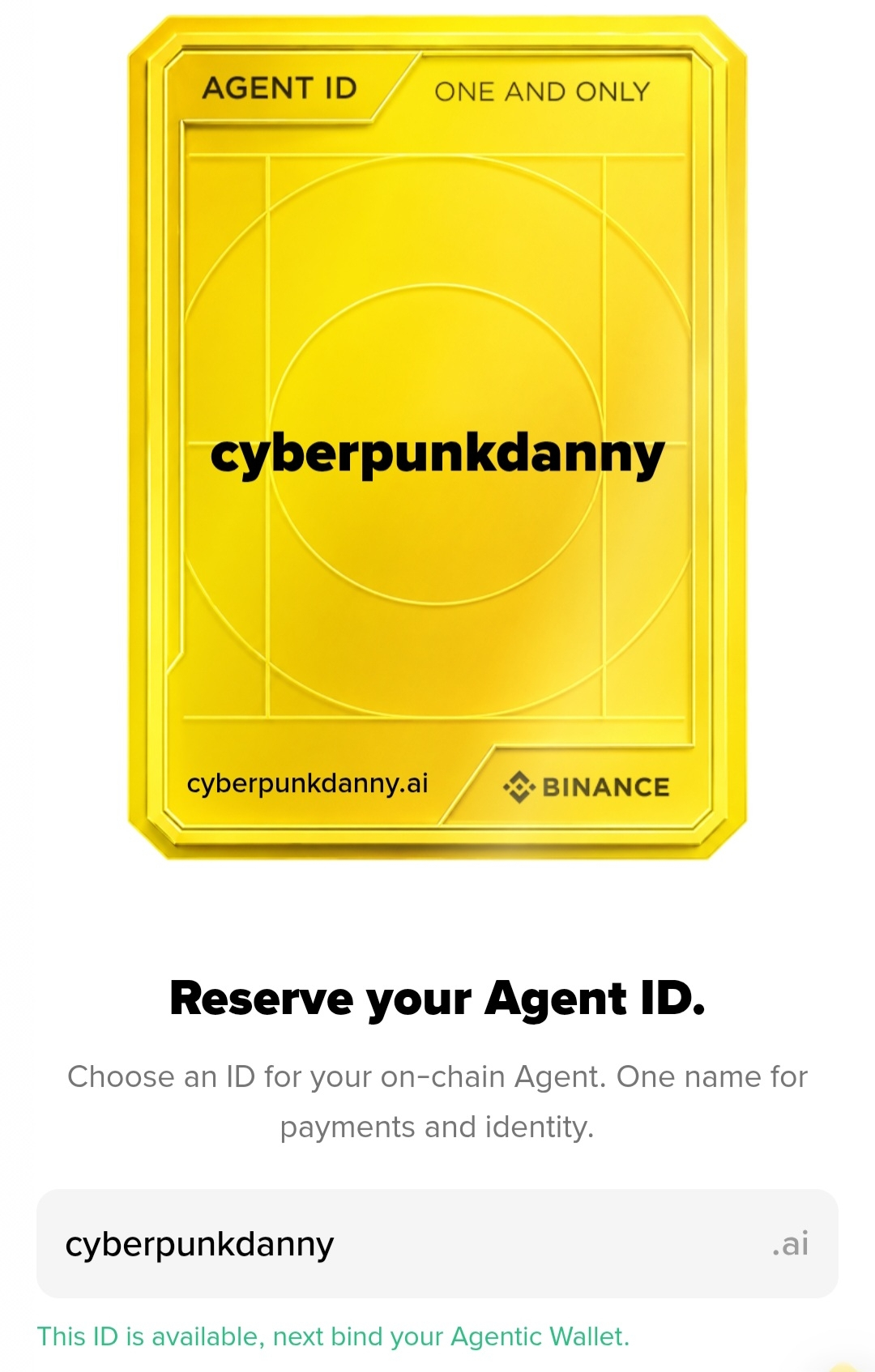
If it’s free, you’ll see the confirmation message. Hit Bind Agentic Wallet (or Claim & Mint). You’ll need a tiny amount of BNB for gas — the name itself is free.
3. Mint Complete
Once the transaction confirms, you get your permanent golden Agent ID card.
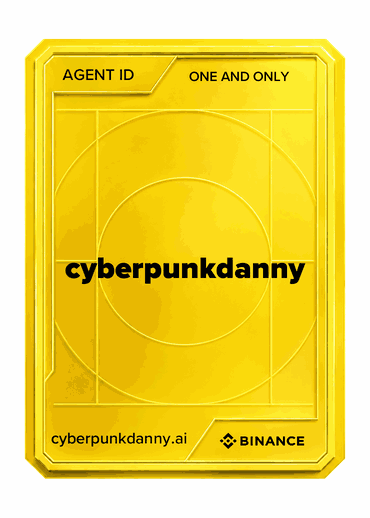
That’s it. Your name is now live on BNB Chain and permanently linked to your Agentic Wallet.
Why Bother?
People can send you crypto using just yourname.ai instead of a long 0x address.
It’s a unique, non-transferable on-chain identity for your AI agent.
Names are first-come, first-served — once someone claims it, it’s gone.
Pro tip: Have a little BNB ready before you start searching. Availability is checked live and nothing is reserved until the mint succeeds.
Go claim yours before the good ones disappear.
Time to activate my Agent ID