


Most beginners click “Buy” without thinking about how the order gets filled. That small choice can change your entry price, your fees, and whether your stop-loss actually protects you.
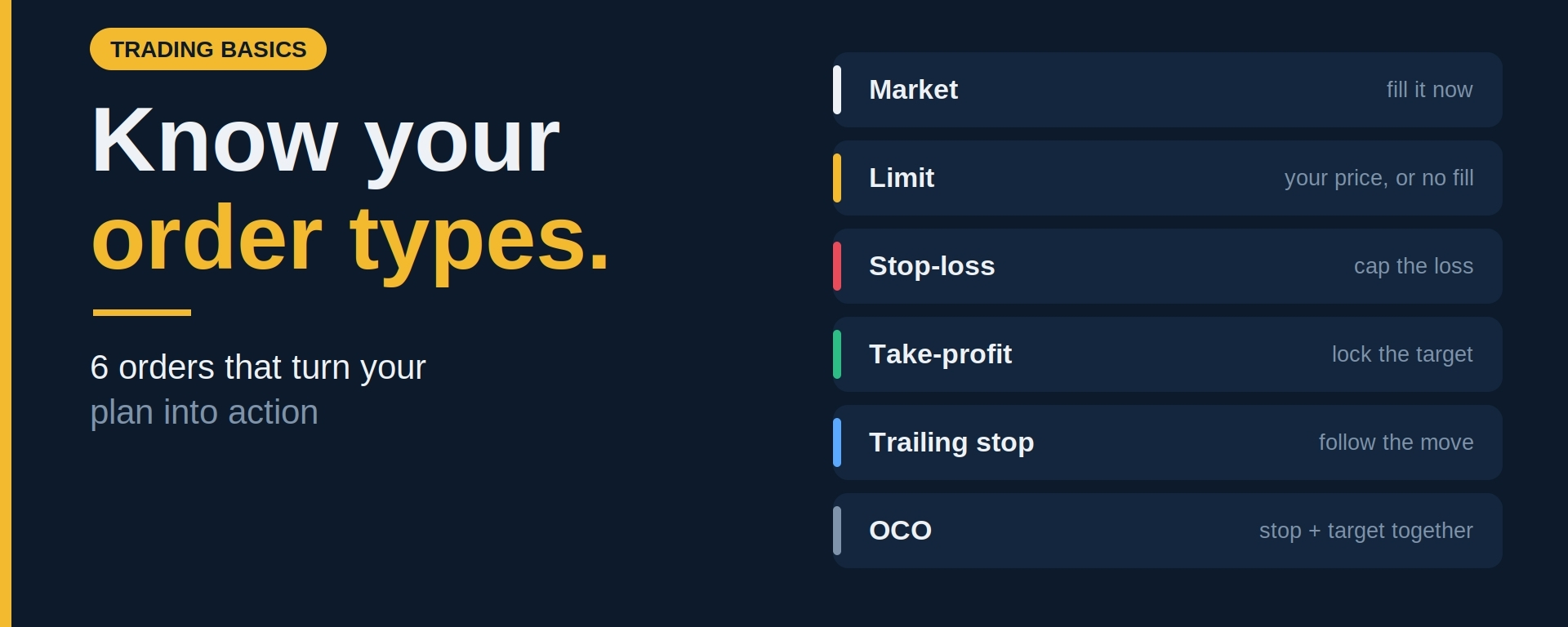
Here are the main order types, what each one does, and when to use it.
1. Market Order
A market order buys or sells immediately at the best available price.
Best for: when speed matters more than price, such as exiting a position quickly.
Watch out for: slippage. In fast or thinly traded markets, you may get filled at a worse price than you saw on screen. Market orders also usually carry higher fees, since you’re taking liquidity from the order book.
2. Limit Order
A limit order lets you set the exact price you’re willing to buy or sell at. It only fills if the market reaches that price.
Best for: entering at a level you’ve planned, and for patient traders who don’t want to chase.
Watch out for: it might never fill. If price turns around before touching your level, you simply miss the trade. That’s not a loss, but it can be frustrating.
Limit orders often come with lower fees too, since you’re adding liquidity to the book.
3. Stop-Loss Order
A stop-loss closes your position when price hits a level you choose, limiting how much you can lose if the trade goes wrong.
There are two common versions:
Stop-market: triggers a market order once your stop price is reached. It’s more likely to fill, but the price may slip.
Stop-limit: triggers a limit order instead. You control the worst price, but in a sharp drop it may not fill at all.
Know which one you’re placing. In a fast crash, a stop-limit can leave you holding a position you meant to exit.
4. Take-Profit Order
The mirror image of a stop-loss. It closes your position automatically when price reaches your profit target.
Setting one in advance removes the temptation to hold “just a bit longer” and helps you stick to the plan you made before emotions kicked in.
5. Trailing Stop
A trailing stop follows the price as it moves in your favor and triggers only if price falls back by a set amount or percentage. It lets winners run while protecting gains.
Set the distance wide enough that normal volatility doesn’t knock you out early.
6. OCO (One-Cancels-the-Other)
Many platforms offer OCO orders, which pair a take-profit and a stop-loss. When one triggers, the other is cancelled automatically. It’s a clean way to define both your risk and your target the moment you enter.
Availability and naming vary by platform, so check what yours supports.
Quick Guide: Which Should You Use?
Need to get in or out right now? Market
Have a specific price in mind? Limit
Want to cap your loss? Stop-loss (and check whether it’s stop-market or stop-limit)
Want to lock in a target? Take-profit
Want to protect gains on a runner? Trailing stop
Want both stop and target at once? OCO
Common Mistakes to Avoid
Using market orders on illiquid coins and getting poor fills
Placing stops at obvious round numbers where everyone else’s stops sit
Setting stops so tight that normal swings trigger them
Forgetting to cancel old orders that are still active
Not checking the fee difference between order types
The Bottom Line
Order types are the tools that turn your trading plan into action. Choosing the right one won’t make a bad trade good, but it can save you money on fees and slippage, and make sure your risk management actually works when it matters.
Practice with small amounts first, and learn how each order behaves on your platform before relying on it.
Which order type do you use most? Tell me in the comments. 👇
Disclaimer: This article is for educational purposes only and is not financial advice. Crypto assets are highly volatile and you can lose your capital. Always do your own research and only invest what you can afford to lose.
#Crypto #CryptoTrading #TradingBasics #OrderTypes #BinanceSquare