If you completed the $TEL token upgrade in your hardware wallet and the new TEL still isn’t displaying:
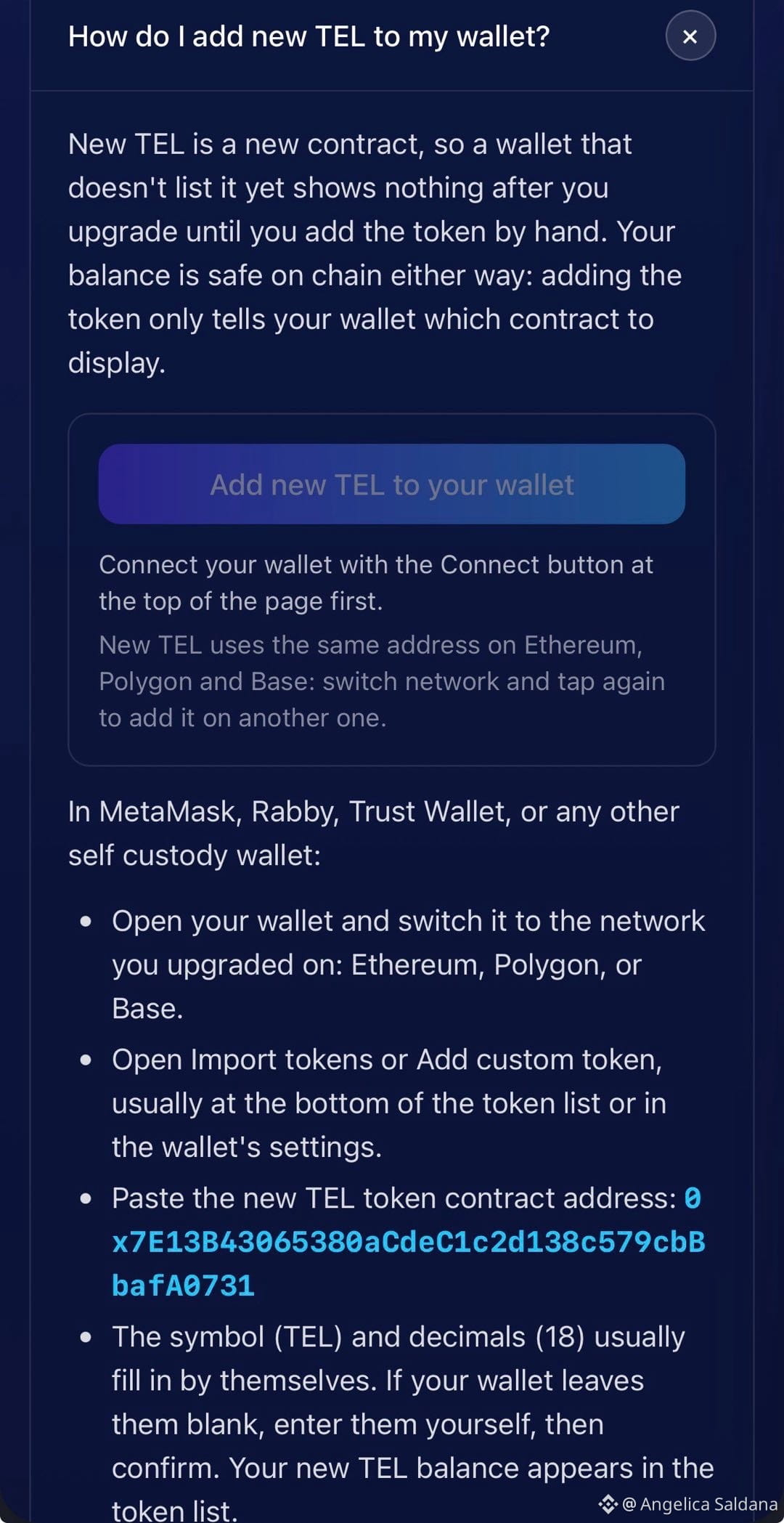
Here’s how to add it.
Go to “How do I add new TEL to my wallet?” https://tel3.telcoin.network/faqs#upgrade-path
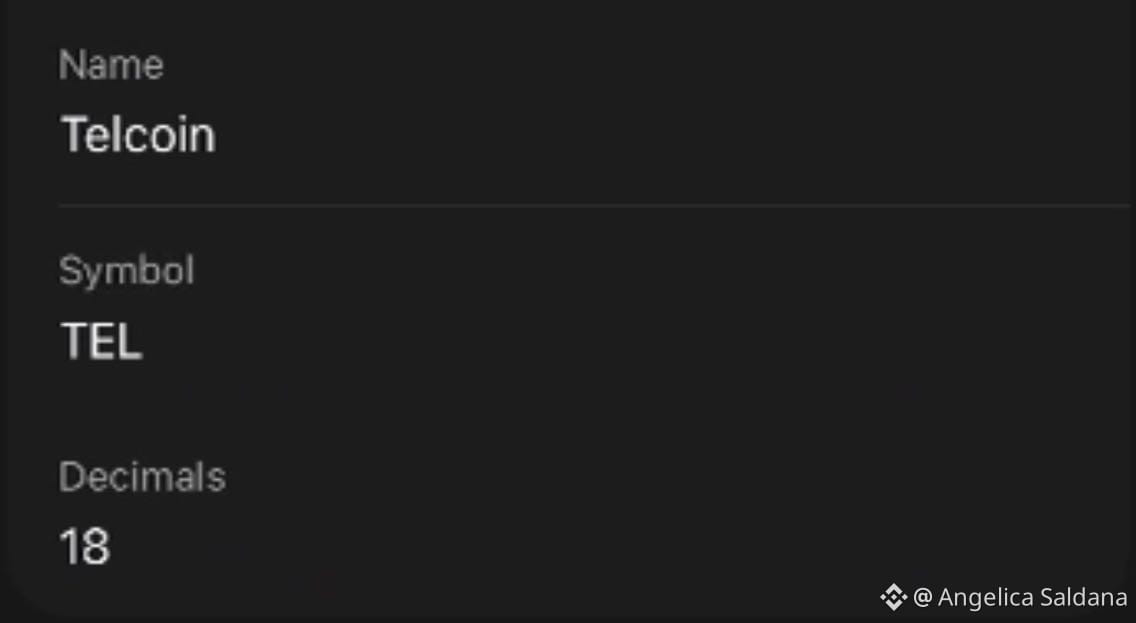
You’ll see 18 decimals.
That’s the new $TEL (second pic)
Here’s how to add it.
Go to “How do I add new TEL to my wallet?” https://tel3.telcoin.network/faqs#upgrade-path
You’ll see 18 decimals.
That’s the new $TEL (second pic)