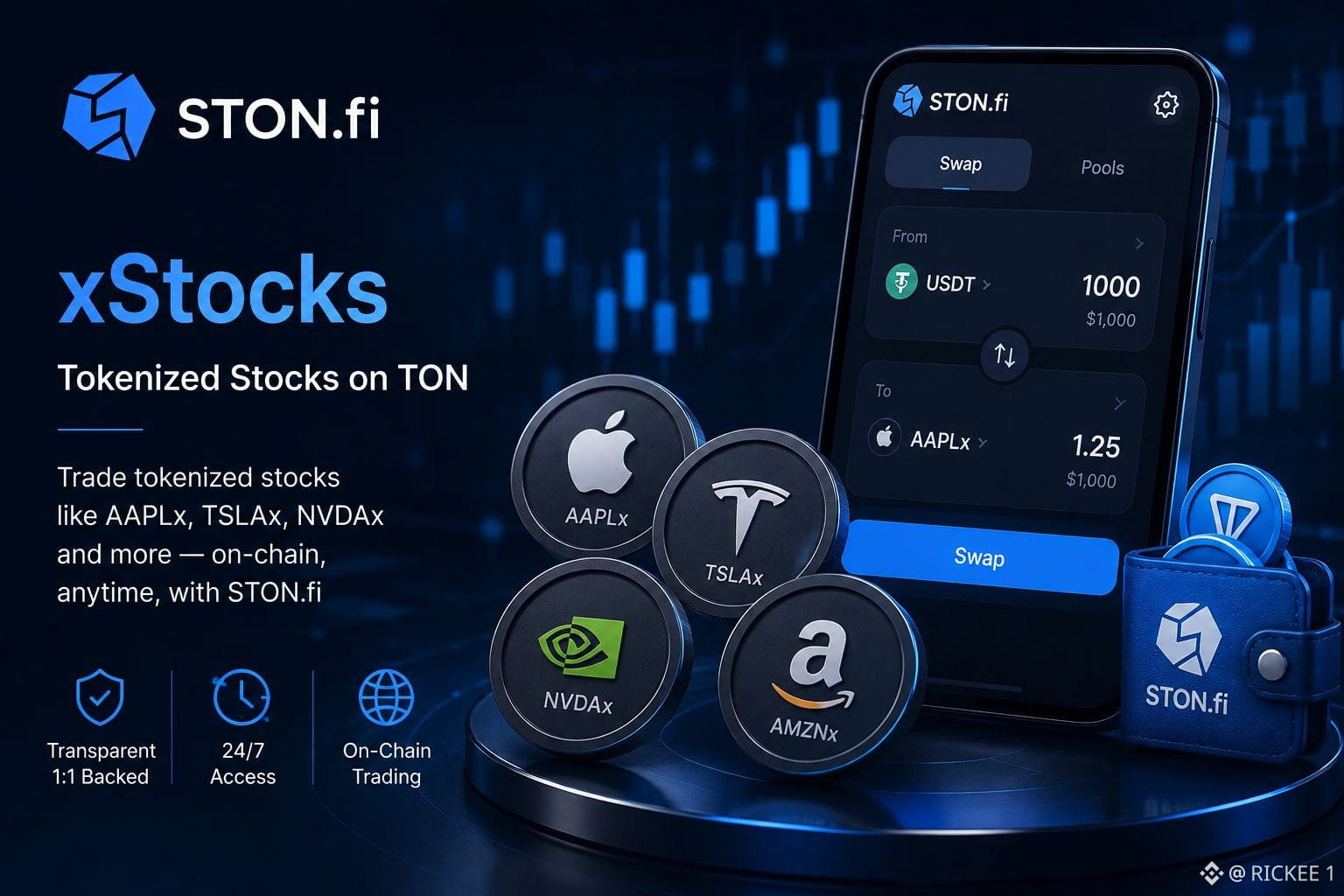
Wie man tokenisierte Aktien auf STON.fi mit xStocks tauscht STON.fi ermöglicht berechtigten Nutzern eine blockchainbasierte wirtschaftliche Exponierung gegenüber ausgewählten Aktien und ETFs über xStocks. Anstatt eines Broker-Workflows wird der Tausch On-Chain mit einer TON-Wallet, einem Angebot (Quote) und einer finalen Bestätigung abgeschlossen. Was xStocks sind xStocks sind Tracker-Zertifikate, die von Backed Assets (JE) Limited ausgegeben werden. Jedes Token ist 1:1 mit der zugrunde liegenden Sicherheit besichert, die separat verwahrt wird. Sie spiegeln die wirtschaftliche Entwicklung des referenzierten Vermögenswerts wider, verleihen jedoch keine Stimmrechte und keine direkte Anteilseigentümerschaft. Auf TON sind xStocks Jettons für den Handel in 24/7 auf Sekundärmärkten. So funktioniert der Tausch Öffnen Sie den Bereich xStocks und wählen Sie eine tokenisierte Aktie wie $AAPLX, $TSLAX oder $NVDAX. Wählen Sie den Vermögenswert, den Sie einsetzen möchten, z. B. TON oder $USDT, und geben Sie den Betrag ein. Überprüfen Sie vor der Bestätigung die Omniston-Quote sorgfältig, da sie die Handelsbedingungen festlegt. Verbinden Sie anschließend Ihre TON-Wallet über TON Connect, bestätigen Sie in Ihrer Wallet und warten Sie dann auf die Abwicklung (Settlement). Sobald alles abgeschlossen ist, kommt der xStock als Jetton in Ihrer Wallet an. Wichtige Punkte, die Sie prüfen sollten Die Berechtigung ist entscheidend. xStocks sind nicht in allen Rechtsräumen verfügbar, darunter die USA, EU/EWR, UK, Kanada und weitere eingeschränkte Regionen. Sie erhalten einen Tracker, nicht eine registrierte Aktie. Die Prüfung der Quote ist wichtig, insbesondere wenn Märkte geschlossen sind und die Preise vom Aktienkurs abweichen können. Außerdem ist ein kleiner TON-Bestand für Netzwerkgebühren erforderlich. Warum die Quote wichtig ist STON.fi verwendet Omniston für die Liquiditätsaggregation, was hilft, Tausche effizient zu routen, und es kann eine Ausführung im Escrow-Stil beinhalten. Aufgrund von Nachfrage, Liquidität und Routing-Bedingungen kann der Sekundärpreis eines xStocks vom aktuellen Marktpreis der Aktie abweichen. Diese Lücke ist außerhalb der Marktzeiten oft stärker ausgeprägt. Die praktische Erkenntnis ist einfach: Das Tauschen von xStocks fühlt sich wie ein normaler Jetton-Handel an, erfordert aber dennoch Aufmerksamkeit für Struktur, Berechtigung, Preis und Ausführung, bevor Sie den Tausch in der DeFi-App ston.fi bestätigen.


Veröffentlichen

--
Haftungsausschluss: Enthält Meinungen von Drittanbietern. Keine Beratung. Binance AI wird ohne Gewähr bereitgestellt. Siehe AGB.