Last updated: 27 June 2025
Binance Square is a social networking content platform, where every user can share their thoughts, discover the latest news and trends, and participate in community discussions about anything and everything related to crypto and Web3.
Binance Square is available to Binance users through the Binance app and website.
App
Simply tap any post to view the complete content. To follow a creator, tap [Follow] next to its account name.
Website
*Please note that Binance Square may not be available in your region.
Binance Square features the [Discover], [Following], [Announcement], [News], [Academy], and [LIVE] sections in the app, and the [Discover], [Trending Articles] and [News] sections on the website.
The [Discover] tab recommends content for you to explore and engage with based on your interests, preferences, and engagement history. You can discover popular and trending posts from the Binance Square community, as well as curated content from verified and influential users.
The [Following] tab displays content exclusively from creators you follow. You can stay connected with your favorite creators without missing any of their latest content.
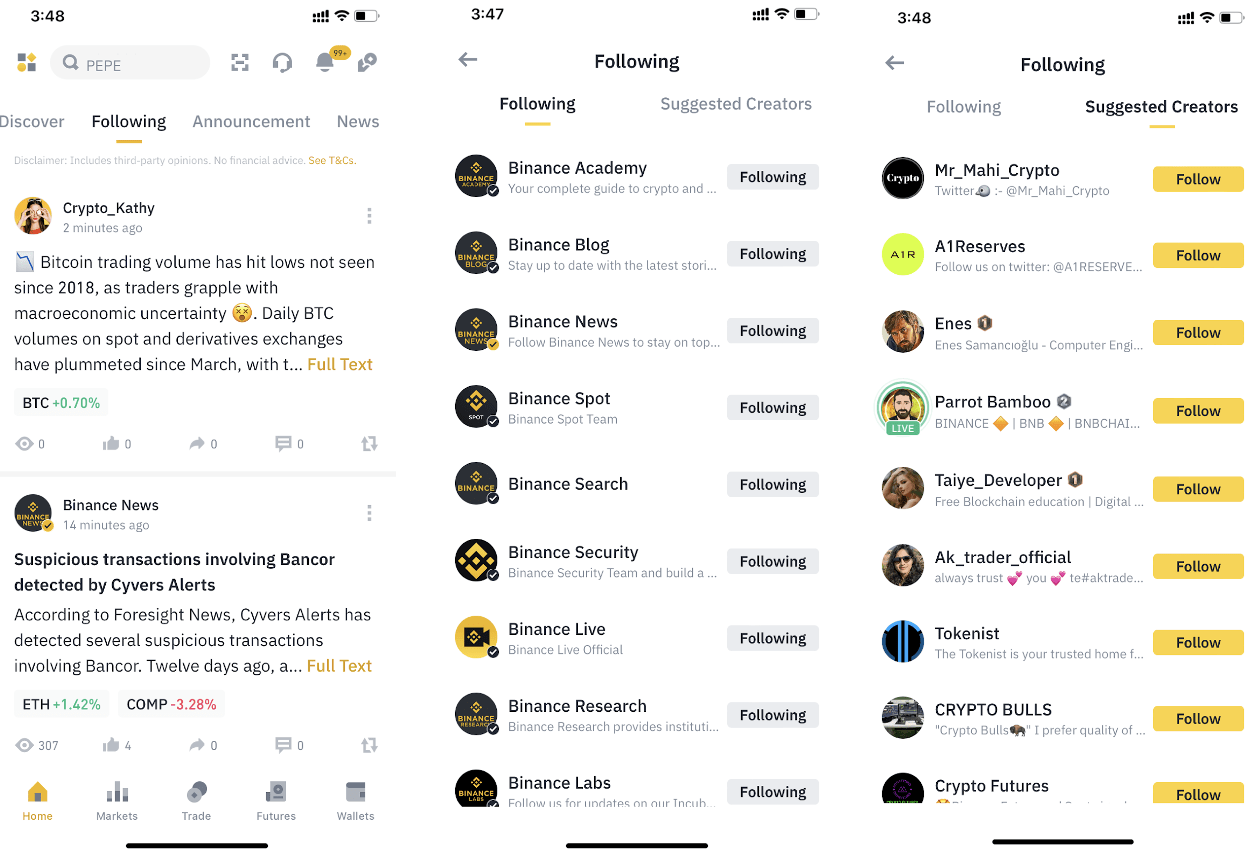
To find specific content or creators, enter keywords or the creator's name in the search bar at the top.

The Announcement, News, Academy, and Live tabs on Binance Square provide users with a centralized location to access and explore various types of content.

If you’re using the app:
1. Log in to your Binance account and scroll down to the Binance Square section. Keep scrolling until a yellow [+] icon appears at the bottom right of your screen. Tap [+].
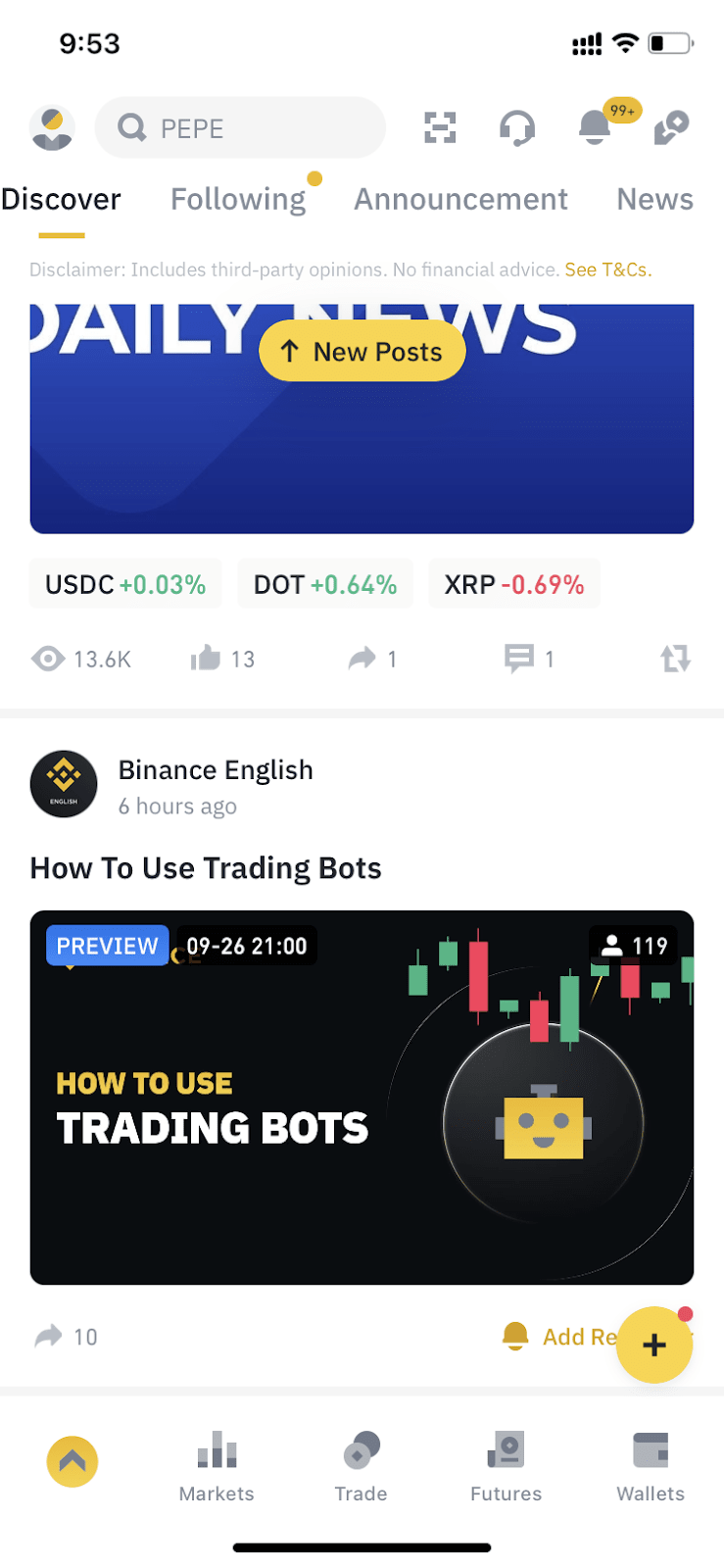
2. Select the profile icon.

3. Tap the [>] icon next to your name, then tap [Edit].

4. Here you can change your nickname, bio, username, and avatar.
Please note that you won’t be able to change your username once it’s set. You can modify your nickname, profile picture, and bio once every 30 days.

If you’re using the website:
1. Click [Profile].

2. Click [Edit].

3. Here you can change your name, bio, username, and avatar. Click [Save] to apply.

Verified Binance users who have agreed to the Binance Square Terms and Conditions can post on Binance Square. Please note that Binance Square might not be available in your region.
You can create a wide range of content, such as market analysis, expert opinions, educational materials, and updates on crypto and Web3 topics.Currently, Binance Square supports the following content types:
Please note that all content must be in line with the Binance Square Terms and Conditions and Community Guidelines.
You can create content either through the Binance app or the website.
If you’re using the app:
1. Log in to your Binance account and scroll down to the Binance Square section. Keep scrolling until a yellow [+] icon appears at the bottom right of your screen. Tap [+].
2. Tap the edit icon.
3. You can switch between [Post] and [Article] at the bottom. Draft your content and tap [Publish].
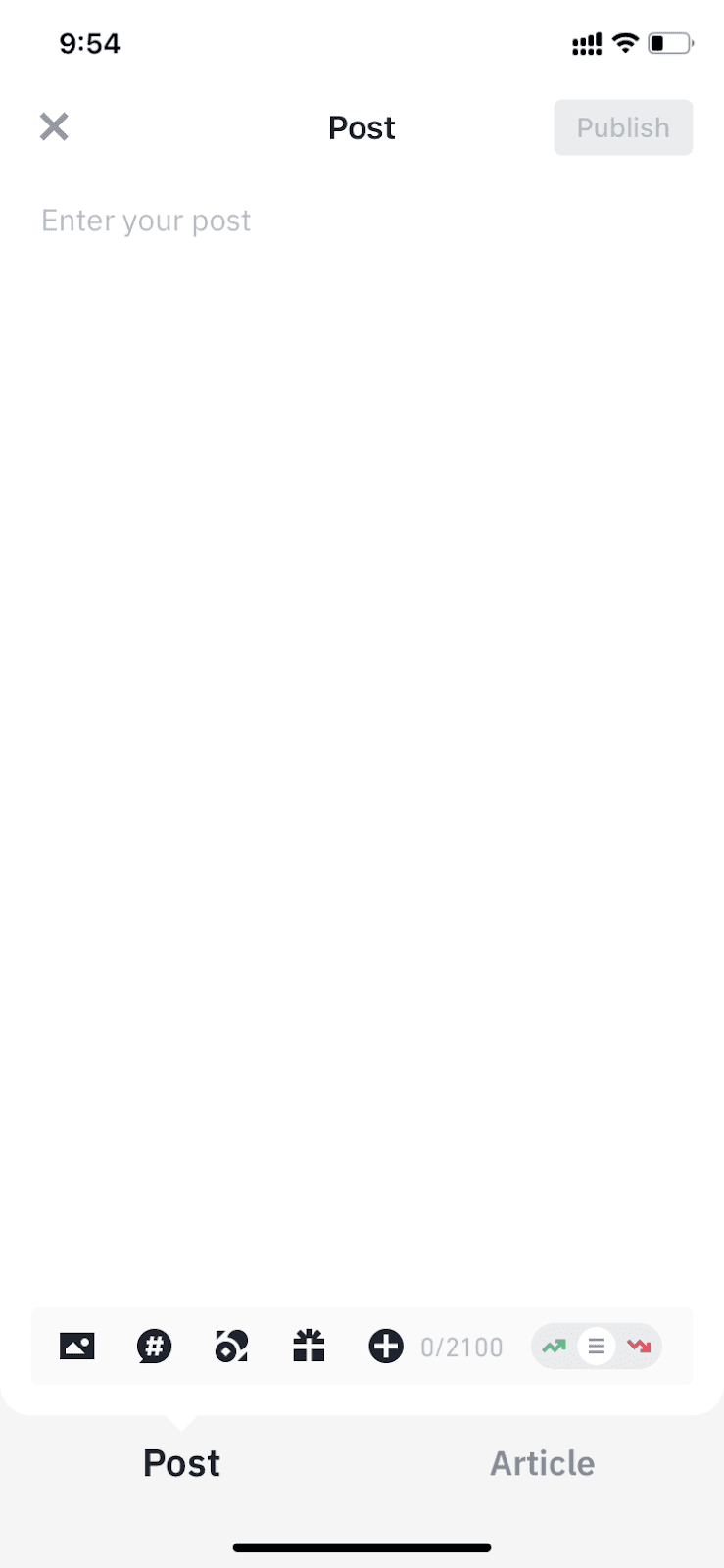
If you’re using the website:
1. Log in to your Binance account and go to the Binance Square homepage. You can draft content here and click [Publish] to post.

2. Alternatively, you can click [Post].

3. Draft your content and click [Publish].
If your content cannot be published, please refer to the error message and edit the content based on the instructions.
Binance Square offers multiple tools to help you level up your content:


*Please note that only Binance-related hyperlinks are allowed, such as references to your previous posts.

Learn more about how to level up your content on Creator Academy.
Yes, you can edit or delist your published content by clicking the [...] icon at the bottom of the post or article.
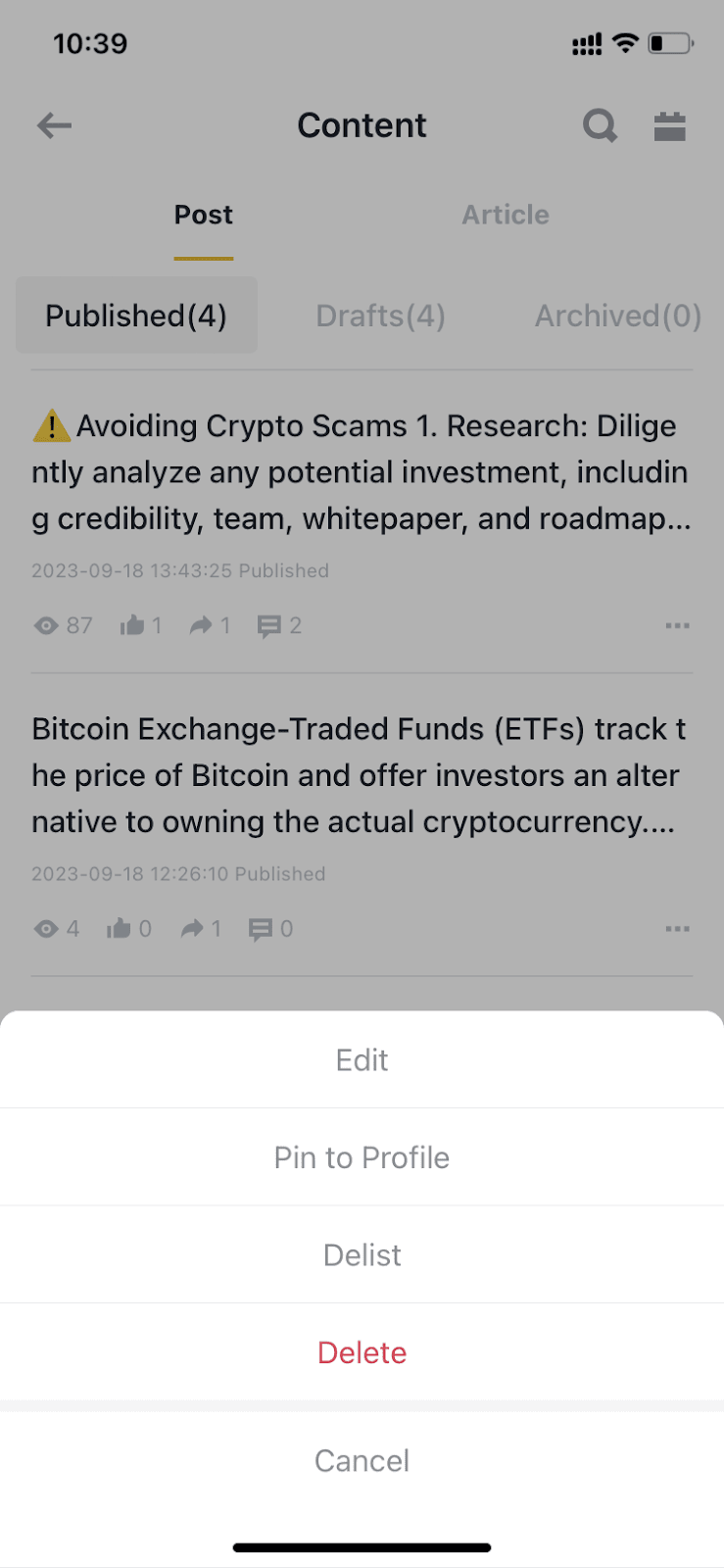
Your content will appear under the [Following] tab of your followers and may also be visible to other Square users under the [Discover] tab of Binance Square or the [Community] tab under each trading page.
Yes, you can. Sharing your content on social media can expand your reach and attract a broader audience to engage with your insights. Just click the sharing button under your post or article to share.

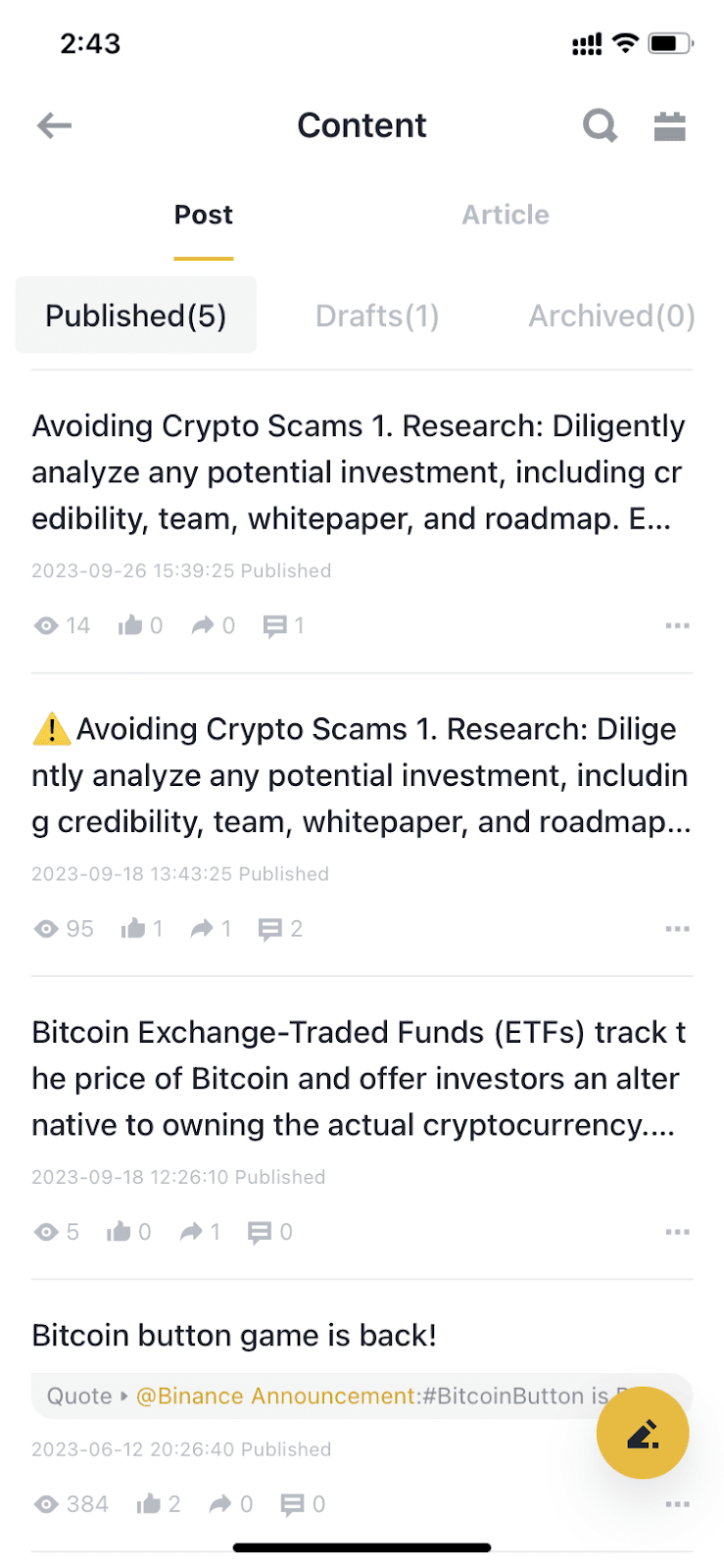
The Creator Center provides content creators access to a wide range of creation tools, content insights, updates, and guidance.
If you’re using the app:
Keep scrolling down on the app homepage until you see the [+] icon at the bottom right of your screen. Tap on it and select the profile icon.




If you’re using the website:
Select [Creator Center]. On the Creator Dashboard, you can manage and edit your content, receive updates on the latest campaigns and events, and access important announcements.
*Please note that data on the Creator Dashboard is not updated in real time.

Badges are awarded to users who have accomplished particular achievements in Square campaigns or tasks. They will be shown next to the user's nickname.
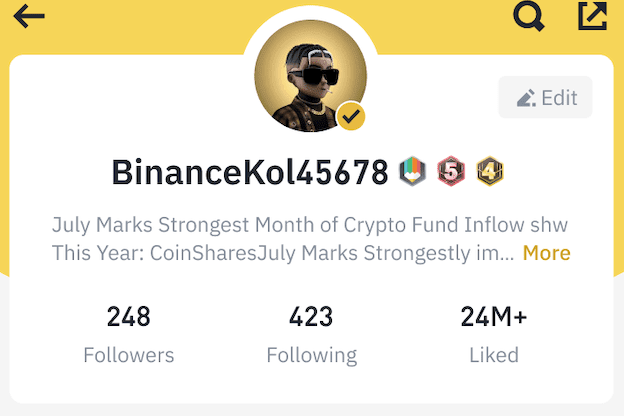
Binance Square uses verified badges for accounts that we’ve determined genuinely belong to the person or brand they claim to represent.
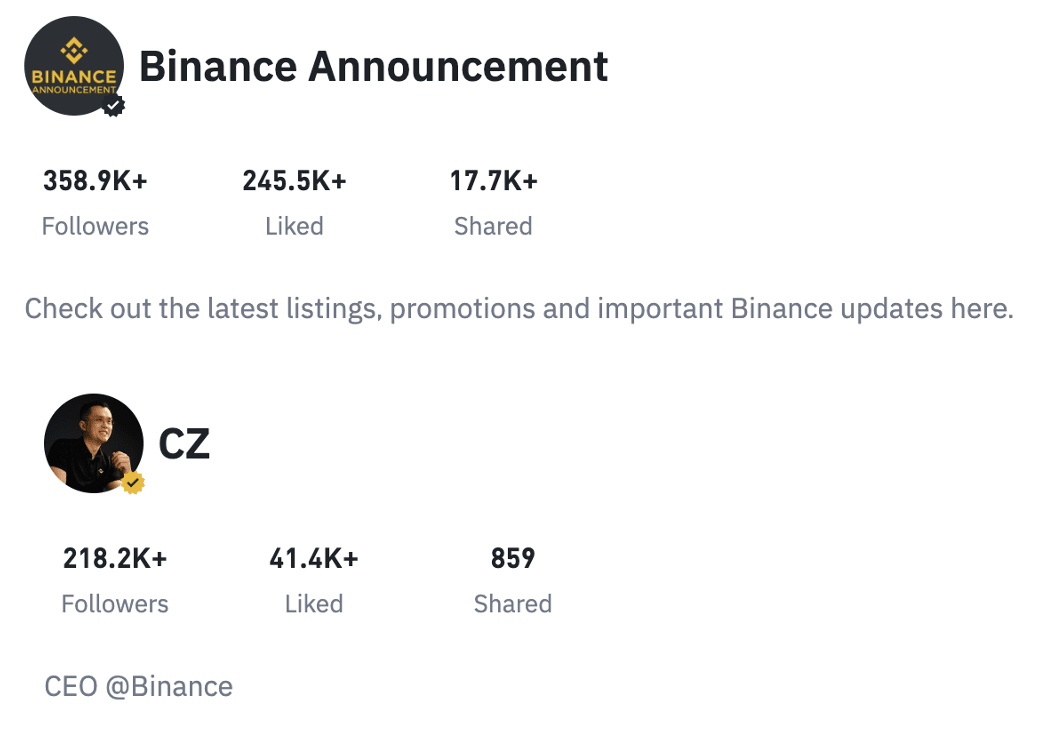
We bestow two sorts of verification badges placed at the bottom right of the avatar. A black checkmark is for official Binance accounts, while a gold one is granted to influencers, media entities, organizations, and notable individuals. Learn more about the requirements to apply for a golden verification checkmark here.
You can access the feature on both the app and website. Creators can incorporate videos to bring your message to life, adding a dynamic element to increase viewer interest. The Video feature is currently available on both the app and web versions, and supports both vertical and horizontal videos. You can learn how to create a video here.
Binance Square users can receive red packet (previously known as Crypto Box) gifts by answering questions you set in the comment area under your Square post or article.
To be eligible for creating a Quiz Red Packet, you must have at least 1,000 followers on Binance Square. Learn more about how to create a Quiz Red Packet here.
Tips enable users to support their favorite Square creators by sending them crypto through each Square post. To be eligible for the tipping feature, you must have at least 1,000 followers on Binance Square. Learn more about how to use it here.
Your personal profile includes different elements, such as nickname, username, profile picture, and bio. A username is necessary and must be established when you create your account. Once it's set, you won’t be able to change your username unless otherwise notified. You can modify your nickname, profile picture, and bio once every 7 days.
A user’s account will be suspended if the user violates the Binance Square Terms and Conditions or Community Guidelines. All Binance Square users are expected to adhere to these rules.
If your account is suspended, you can check the detailed reason via Notifications on the Creator Center. You can also submit an appeal through Binance Support.
Content that violates the Binance Square Terms and Conditions or Community Guidelines will be delisted even after it's been published. Please note that you cannot re-publish it again.
Your comment features will be temporarily suspended for several days if you violate the Binance Square Terms and Conditions or Community Guidelines. You can refer to the reason shown on the pop-up window. To view the suspended dates, please refer to the Square Assistant push in Creator Center.
You can report spam content from the app and the website:

Users can also mark content as not interested, and hide posts from the creator for 7 days. You can curate your not interested list in the Creator Center.

You can manage your reply access via following steps:

If your account is suspended or certain functions are restricted, you can check the suspension reason via Notifications push in the Creator Center. If you have any questions, please contact Binance Support.
Usernames are generally claimed on a first-come, first-served basis.
If you believe a username infringes your trademark rights, you may want to contact the responsible person and try to resolve your issue with them directly. If you're sure that you want to report a username on Binance Square that you believe infringes your trademark, you can do so by reporting it to Binance Customer Support with your trademark information.
Binance Square will proactively investigate the issue, but will only process requests submitted by the trademark owner. Binance Square has the right to reset any username, nickname, profile picture, bio, or suspend an account if a violation is detected. Depending on the type of violation, we may offer you a chance to comply. If you believe your account was suspended by mistake, please contact Customer Support.
