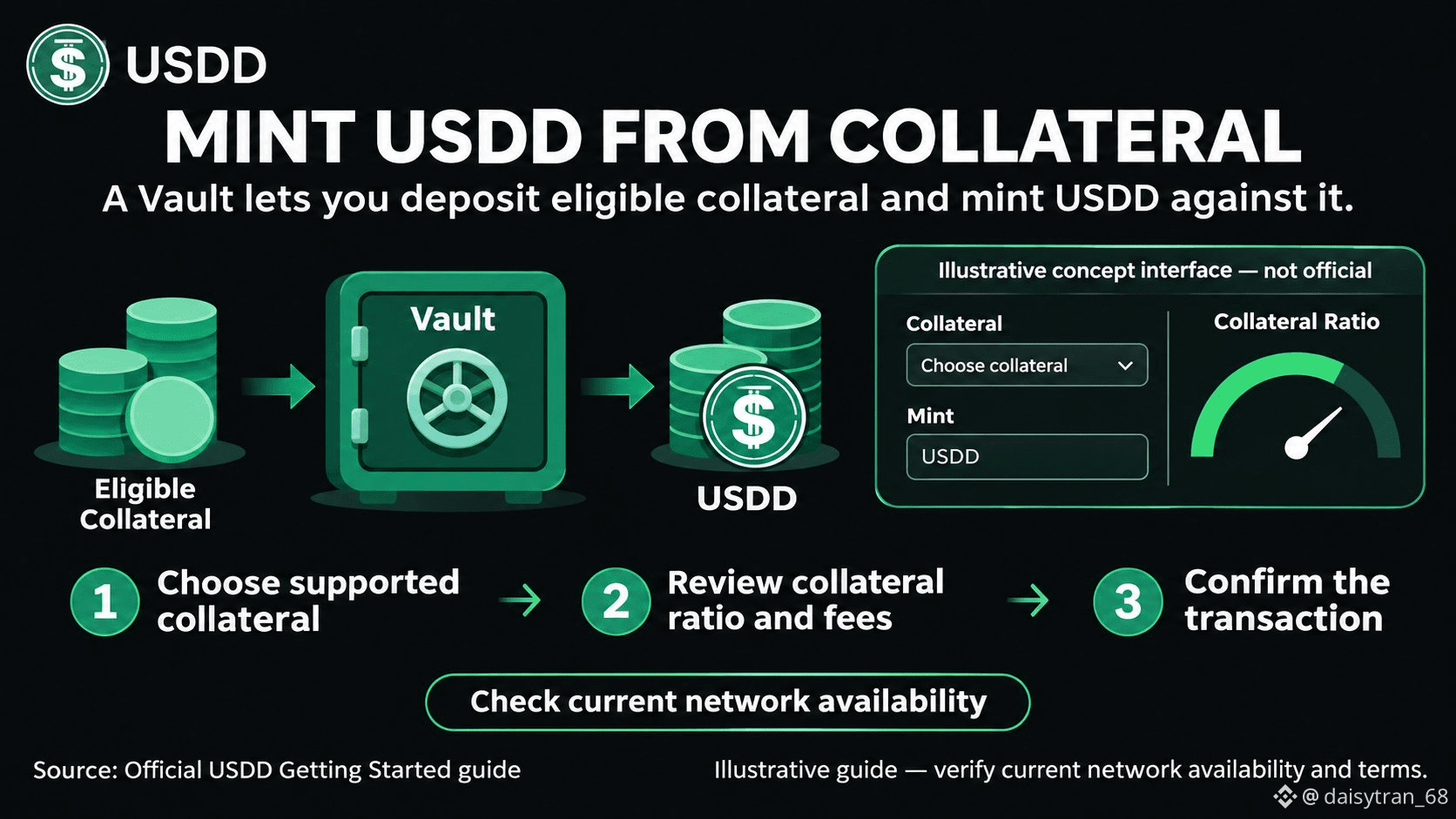
HOW TO MINT USDD FROM VAULT COLLATERAL
Minting USDD through a Vault can provide liquidity while collateral remains committed to the position.
Instead of selling an eligible asset, users can deposit it into a Vault and mint USDD against its value. However, this creates a debt position that needs to be managed carefully.
1️⃣
Check Eligible Collateral
Start by opening the USDD Vault interface and checking which collateral assets are supported.
Also verify the network before connecting your wallet. Supported assets and network requirements should always be confirmed through the official interface.
2️⃣
Deposit Your Collateral
Select the eligible asset and enter the amount you want to deposit.
Your collateral is committed to the Vault as backing for the USDD you intend to mint. It is not simply a regular token deposit that you can freely withdraw while the debt remains unchanged.
3️⃣
Review Your Collateral Ratio
Before minting, check the required collateral ratio and calculate how much USDD your position can support.
A higher collateral ratio generally provides a larger buffer against changes in collateral value.
Don't focus only on the maximum amount you can mint. Leaving room between your current ratio and the liquidation threshold can help your position withstand market fluctuations.
4️⃣
Understand Stability Fees and Debt
A Vault creates a debt position backed by your deposited collateral.
Before confirming, review the applicable stability fees and other displayed terms. These affect the cost of maintaining your position over time.
Once you have checked the amount and conditions, confirm the transaction through your connected wallet.
@Justin Sun孙宇晨 #TRONEcoStar @USDD - Decentralized USD